
Shopping Cart
There are no more items in your cart
 Español
 English
 Português PT
 Français
 Italiano
 Deutsch
 اللغة العربية
In short: Airflow in a PC case is organised by drawing cool air in through the front and bottom and expelling hot air through the top and rear.
Table of contents
- Which way should air circulate inside the chassis?
- Positive or negative pressure: which should you configure?
- What is the difference between airflow (CFM) and static pressure (mmH2O)?
- Is it better to fit 120 mm or 140 mm fans?
- Comparison of cases by their cooling capacity
- What are the most common mistakes when setting up airflow?
- Thermal efficiency and power supplies
- Frequently asked questions about cooling
Which way should air circulate inside the chassis?
The fundamental physical principle inside a computer case is convection: hot air rises naturally. For this reason, the standard and most efficient circuit follows a one-way path from front to back and from bottom to top.
- Intake: Located at the front and on the floor of the case. It draws in air at ambient temperature (around 20 °C or 25 °C) directly onto the graphics card and motherboard.
- Exhaust: Located on the rear panel and at the top. It expels the air heated by components operating between 60 °C and 85 °C before it recirculates internally.
Positive or negative pressure: which should you configure?
The pressure balance depends on the total volume of air drawn in versus the amount expelled, measured in CFM (cubic feet per minute).
- Positive pressure (recommended): The intake airflow exceeds the exhaust airflow (Intake > Exhaust). The surplus air escapes through the gaps in the chassis, preventing dust from being passively drawn in provided the intakes are fitted with filters.
- Negative pressure: The extraction airflow exceeds the intake airflow (Exhaust > Intake). It slightly improves heat evacuation in certain configurations, but it sucks dust in through any unfiltered slot in the case.
- Neutral pressure: An identical balance between intake and exhaust (Intake = Exhaust), difficult to maintain because of the physical resistance of grilles and components.
What is the difference between airflow (CFM) and static pressure (mmH2O)?
Airflow and static pressure are distinct, non-interchangeable quantities when designing the thermal flow.
- Airflow (CFM): The volume of air moved per unit of time. It is the critical parameter for case fans free of direct obstructions.
- Static pressure (mmH2O): The force with which the fan pushes air against a physical resistance. It is essential when fitting fans directly against dense dust filters, hard drives or liquid cooling radiators.
Is it better to fit 120 mm or 140 mm fans?
The size of the fan directly determines the relationship between airflow and acoustic noise measured in dBA.
- 120 mm: The universal market standard. It offers a well-balanced compromise between mounting availability, static pressure and airflow.
- 140 mm: Moves an equivalent or greater airflow at lower revolutions per minute (RPM) than a 120 mm unit, reducing operating noise by a typical range of 2 dBA to 5 dBA for the same thermal flow.
For example, 2 front fans of 140 mm at 60 CFM generate 60 CFM + 60 CFM = 120 CFM of intake, whereas 1 rear 120 mm fan at 45 CFM and 1 top 120 mm fan at 45 CFM add up to 45 CFM + 45 CFM = 90 CFM of exhaust, achieving optimal positive pressure with a difference of 120 CFM - 90 CFM = 30 CFM in favour of the intake.
Comparison of cases by their cooling capacity
To plan the air circuit, the physical structure and the bays of the chassis determine the maximum size and number of fans supported. Models from manufacturers such as Tacens offer different layouts depending on the internal volume:
| Model | Format | Dimensions (mm) | Fan capacity | Storage bays | Weight (kg) |
|---|---|---|---|---|---|
| IMPERATORII | Mid-tower | 378 x 428 x 193 mm | Up to 5x 120 mm | 2x 3.5" HDD + 2x 2.5" SSD | 2,69 kg |
| 2AERO | Mid-tower | 342 x 186 x 414 mm | Front 3x 120 mm / Rear 1x 120 mm | 1x 3.5" HDD + 4x 2.5" SSD | 3,02 kg |
| 2SAGITTA20W | Mid-tower | 450 x 190 x 340 mm | Top 2x 120/140 mm / Bottom 2x 120 mm / Rear 1x 120 mm | 1x 3.5" HDD + 2x 2.5" SSD | 3,91 kg |
| FORTISII | Mini-tower | 384 x 185 x 320 mm | Front 1x 120 mm / Rear 1x 120 mm | No external bays | 2,73 kg |
| NOVAX550BR | Mini-tower | 356 x 166 x 275 mm | Rear 1x 80 mm | 2x 3.5" HDD + 2x 2.5" SSD | 3,44 kg |
What are the most common mistakes when setting up airflow?
- Reversing the fan direction: Mounting the front fans to expel air, or the top fans to draw it in, breaks natural convection and creates stagnant turbulence that raises the internal temperature by between 5 °C and 12 °C.
- Obstruction by cabling: Leaving loose cables in the direct path of 120 mm fans reduces the linear air speed by up to 30%.
- Using high-CFM fans on dense filters: A model without sufficient static pressure (below 1,5 mmH2O) will lose more than 40% of its nominal flow when it hits dense grilles.
- Confusing legal regulations with thermal quality: The CE, RoHS and WEEE marks are declarations of compliance with mandatory European Union legislation on substance restrictions and recycling, not certifications of performance or cooling.
Thermal efficiency and power supplies
The power supply also interacts with the thermal flow of the chassis. A PSU with higher energy efficiency generates less residual internal heat that has to be evacuated by the system's fans.
- Voluntary certifications: The 80 PLUS standard (administered by CLEAResult) or Cybenetics ETA guarantee levels of energy conversion; the Radix range holds Gold certification, ensuring an energy utilisation that minimises residual heat dissipation compared with standard models.
- Fan orientation: In cases with bottom mounting, the PSU fan should face downwards to draw fresh air from outside, independently of the thermal circuit of the GPU and CPU.
Products mentioned
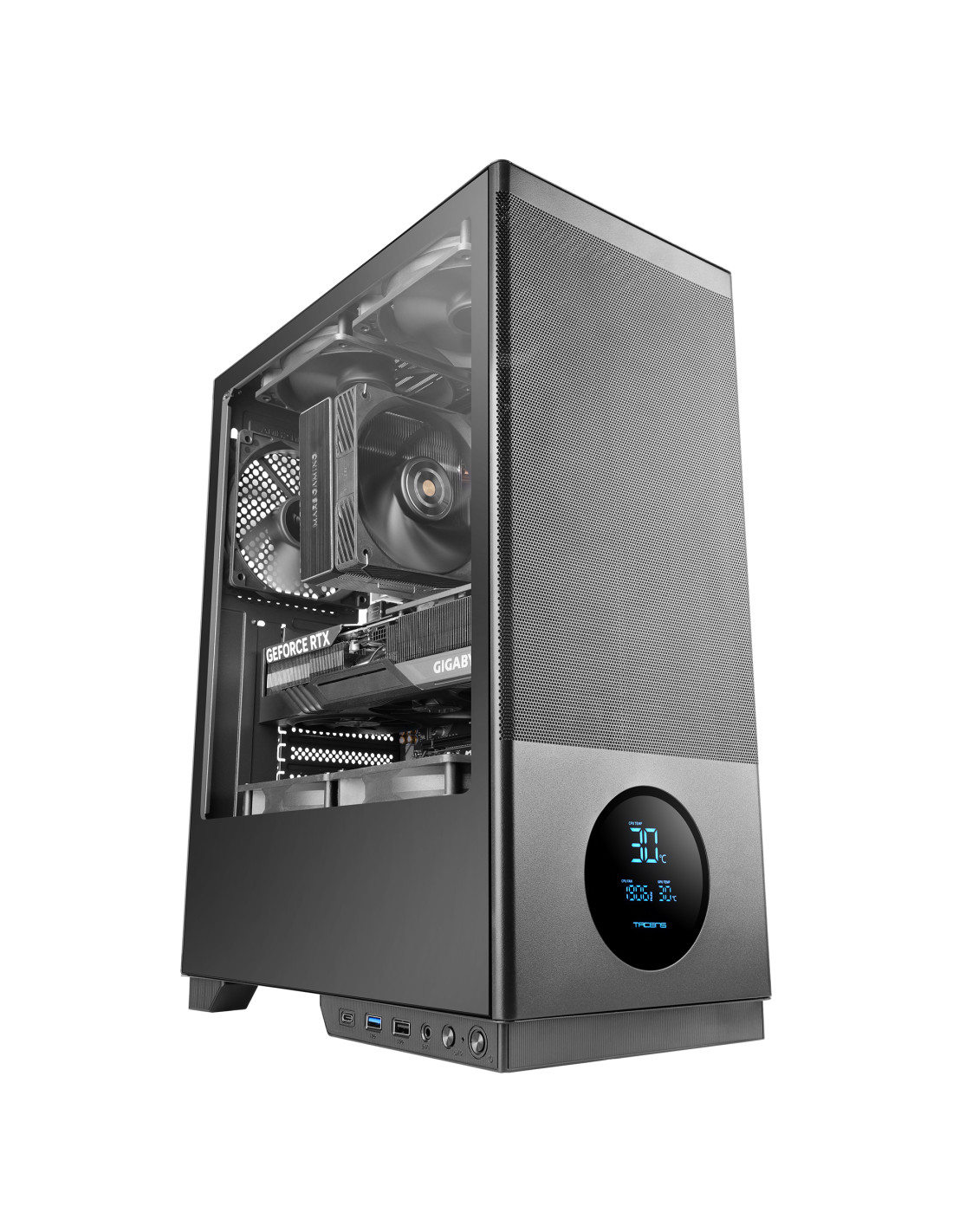
SAGITTA20
| Weight | 3.91Kg |
|---|---|
| Dimensions | 450x190x340mm |
| Size | Mid-tower |
| Fan capacity | Top 2x 120mm or 2x 140mm / Bottom 2x 120mm / Rear 1x 120mm |
| Ports | USB3.0 x1 / USB2.0 x1 / USB-C x1 (USB3.0 data transfer speed) / HD Audio + Mic (combined) |
| Power supply support | ATX |
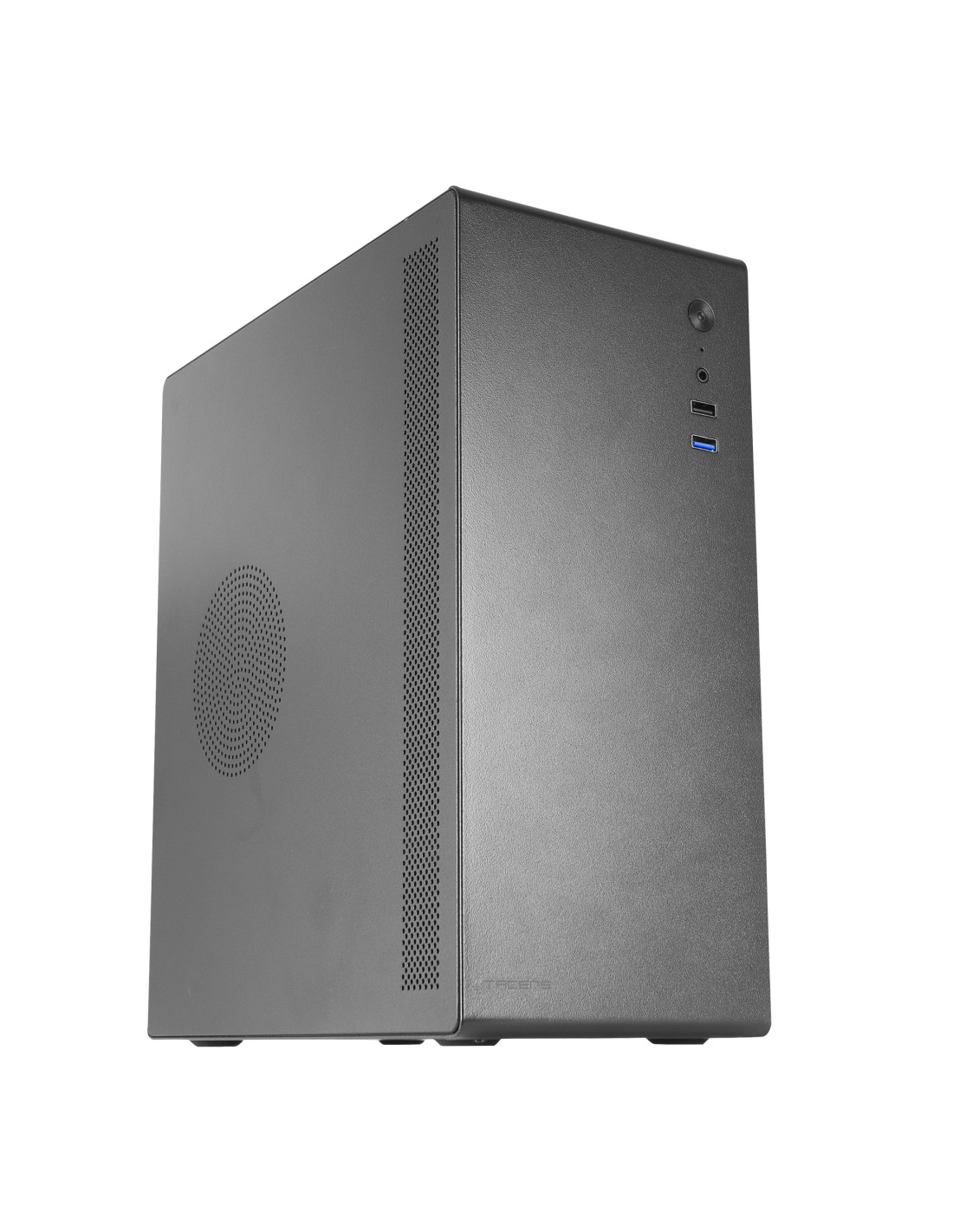
NOVAX550BR
| Weight | 3437g |
|---|---|
| Dimensions | 356x166x275mm |
| Size | Mini-tower |
| Fan capacity | Rear: 1x 80mm |
| Ports | USB3.0 x1 / USB2.0 x1 / HD Audio + Mic (combined) |
| Power supply support | ATX |
Frequently asked questions about cooling
Which way does a PC fan expel air?
The vast majority of fans expel air towards the side containing the plastic support structure of the motor (the arms that hold the central rotor). The clean, unobstructed face of the blades is where the air enters.
How many fans are the recommended minimum for a gaming tower?
A minimum of 2 x 120 mm units is recommended: one at the front drawing air in and one at the rear expelling it. With this basic configuration, heat build-up is reduced by 60% compared with a chassis without active ventilation.
Can 120 mm and 140 mm fans be mixed in the same case?
Yes, it is common practice to fit 2 x 140 mm units at the front to maximise air intake and 1 x 120 mm unit at the rear as exhaust. This combination helps to maintain positive pressure quietly.
The best: Designing a positive pressure scheme with 120 mm or 140 mm fans reduces internal dust and lowers the operating temperatures of the CPU and GPU by between 5 °C and 15 °C.
The worst: Fitting high-airflow (CFM) fans without paying attention to static pressure (mmH2O) means they lose up to 40% of their effectiveness against dense dust filters.
Buy it if: You want to maximise the lifespan and thermal stability of your components by balancing front/bottom intake and rear/top exhaust.
Don't buy it if: You have a basic office machine built in mini-towers such as the NOVAX550BR, where a single rear 80 mm fan is sufficient for the required cooling.