
Shopping Cart
There are no more items in your cart
 Español
 English
 Português PT
 Français
 Italiano
 Deutsch
 اللغة العربية
In a nutshell: The size of the PC case determines motherboard compatibility (ATX at 305x244 mm, Micro-ATX at 244x244 mm or Mini-ITX at 170x170 mm), the maximum graphics card length and the number of fans that can be fitted.
Table of contents
- What is the size difference between ATX, Micro-ATX and Mini-ITX boards?
- How does case size affect internal compatibility?
- Cooling, airflow and static pressure criteria
- Which chassis size should you choose depending on the build type?
- Technical comparison of PC cases
- What are the most common mistakes when buying a case?
- Frequently asked questions about PC cases
What is the size difference between ATX, Micro-ATX and Mini-ITX boards?
The motherboard form factor defines the dimensions of the chassis required and the number of available PCIe expansion slots:
- ATX (Standard-ATX): Measures 305 × 244 mm. It offers up to 7 expansion slots and requires mid-tower or full-tower cases, typically with a volume above 30 L.
- Micro-ATX (mATX): Measures 244 × 244 mm. It supports up to 4 expansion slots and fits both standard mid-towers and compact mini-towers ranging from 16 L to 28 L.
- Mini-ITX (ITX): Measures 170 × 170 mm. It has a single PCIe x16 slot and is intended for ultra-compact (SFF) cases with a volume of under 20 L.
How does case size affect internal compatibility?
The overall volume of the chassis determines storage capacity and the form factor of the power supply. Standard ATX power supplies measure 150 mm wide by 86 mm tall, with lengths ranging from 140 mm to 180 mm.
For example, 378 mm × 428 mm × 193 mm = 31,224,228 mm³, which equates to an external volume of 31.22 L for a mid-tower chassis, whereas a mini-tower measuring 356 mm × 166 mm × 275 mm = 16,251,400 mm³ offers 16.25 L, halving the usable space (47.95% less volume taken up on your desk).
As dimensions shrink, the available internal drive bays change too:
- Mid-tower: Typically accommodates configurations of 1 to 2 3.5" HDDs and 2 to 4 2.5" SSDs.
- Mini-tower: Usually limits storage to 1 or 2 3.5" drives and 2 2.5" drives, optimising the layout so as not to block airflow.
Cooling, airflow and static pressure criteria
Internal ventilation depends on the diameter of the fans and on the resistance posed by grilles or dust filters:
- 120 mm fans: The market standard. They offer a thermal balance well suited to dissipating loads of 200 W to 400 W in mid-range builds.
- 140 mm fans: They move a greater volume of air at lower revolutions per minute than a 120 mm fan, cutting noise by around 2 dBA or 3 dBA at equal airflow.
- 80 mm fans: Used in compact chassis or narrow mini-towers with a width of less than 170 mm.
- Airflow (measured in CFM): The amount of cubic feet per minute moved by the fan.
- Static pressure (measured in mmH2O): The force with which air is pushed through dense filters or perforated panels.
Technical note: Airflow and static pressure are not interchangeable. A fan with a high CFM rating can lose performance if fitted behind a restrictive front panel with low static pressure in mmH2O.
Which chassis size should you choose depending on the build type?
The choice of chassis depends directly on the components to be assembled and the space available on your work surface:
- Office or general-purpose machines (up to 250 W draw): A lightweight mini-tower is sufficient. Models such as the NOVAX550BR (weight of 3437 g) or the FORTISII (weight of 2.73 Kg with a carry handle) let you mount Micro-ATX boards alongside ATX-format power supplies without taking up excessive space.
- Gaming machines or workstations (300 W to 600 W): These require mid-towers with support for multiple fans. Models such as the Tacens IMPERATORII or the 2SAGITTA20W allow you to install up to 5 120 mm fans or higher combinations of 2x 140 mm to exhaust the heat generated by high-performance GPUs and CPUs paired with efficient power supplies such as the Gold-certified Radix range.
Technical comparison of PC cases
Below is a comparison of the technical specifications of cases supporting power supplies ATX and various ventilation configurations:
| Model | Format | Dimensions (mm) | Weight | Fan capacity | Internal bays | Front ports |
|---|---|---|---|---|---|---|
| IMPERATORII | Mid-tower | 378 × 428 × 193 mm | 2690 g | Up to 5x 120 mm | 2x 3.5" HDD + 2x 2.5" SSD | USB 3.0 x1 / USB 2.0 x2 / HD Audio + Mic |
| 2AERO | Mid-tower | 342 × 186 × 414 mm | 3.02 Kg | Front: 3x 120 mm / Rear: 1x 120 mm | 1x 3.5" HDD + 4x 2.5" SSD | USB 3.0 x1 / USB 2.0 x2 / HD Audio + Mic |
| 2SAGITTA20W | Mid-tower | 450 × 190 × 340 mm | 3.91 Kg | Top: 2x 120/140 mm / Bottom: 2x 120 mm / Rear: 1x 120 mm | 1x 3.5" HDD + 2x 2.5" SSD | USB-C x1 / USB 3.0 x1 / USB 2.0 x1 / HD Audio |
| NOVAX550BR | Mini-tower | 356 × 166 × 275 mm | 3437 g | Rear: 1x 80 mm | 2x 3.5" HDD + 2x 2.5" SSD | USB 3.0 x1 / USB 2.0 x1 / HD Audio + Mic |
| FORTISII | Mini-tower | 384 × 185 × 320 mm | 2.73 Kg | Front: 1x 120 mm / Rear: 1x 120 mm | No external bays included | USB 3.0 x1 / USB 2.0 x1 / HD Audio + Mic |
What are the most common mistakes when buying a case?
- Ignoring the width of the chassis: Cases narrower than 180 mm will not take air-cooled CPU coolers taller than 150 mm.
- Confusing motherboard compatibility with power supply compatibility: Compact mini-tower cases such as the FORTISII or NOVAX550BR accept standard ATX power supplies, but not Standard-ATX (305 × 244 mm) boards.
- Overlooking front-panel connectivity: Choosing a chassis without USB 3.0 or USB-C ports when the motherboard has fast internal 5 Gbps headers.
- Forgetting the number of drives: Trying to fit more than two 3.5" drives into modern compact chassis designed primarily for 2.5" SSDs.
Products mentioned
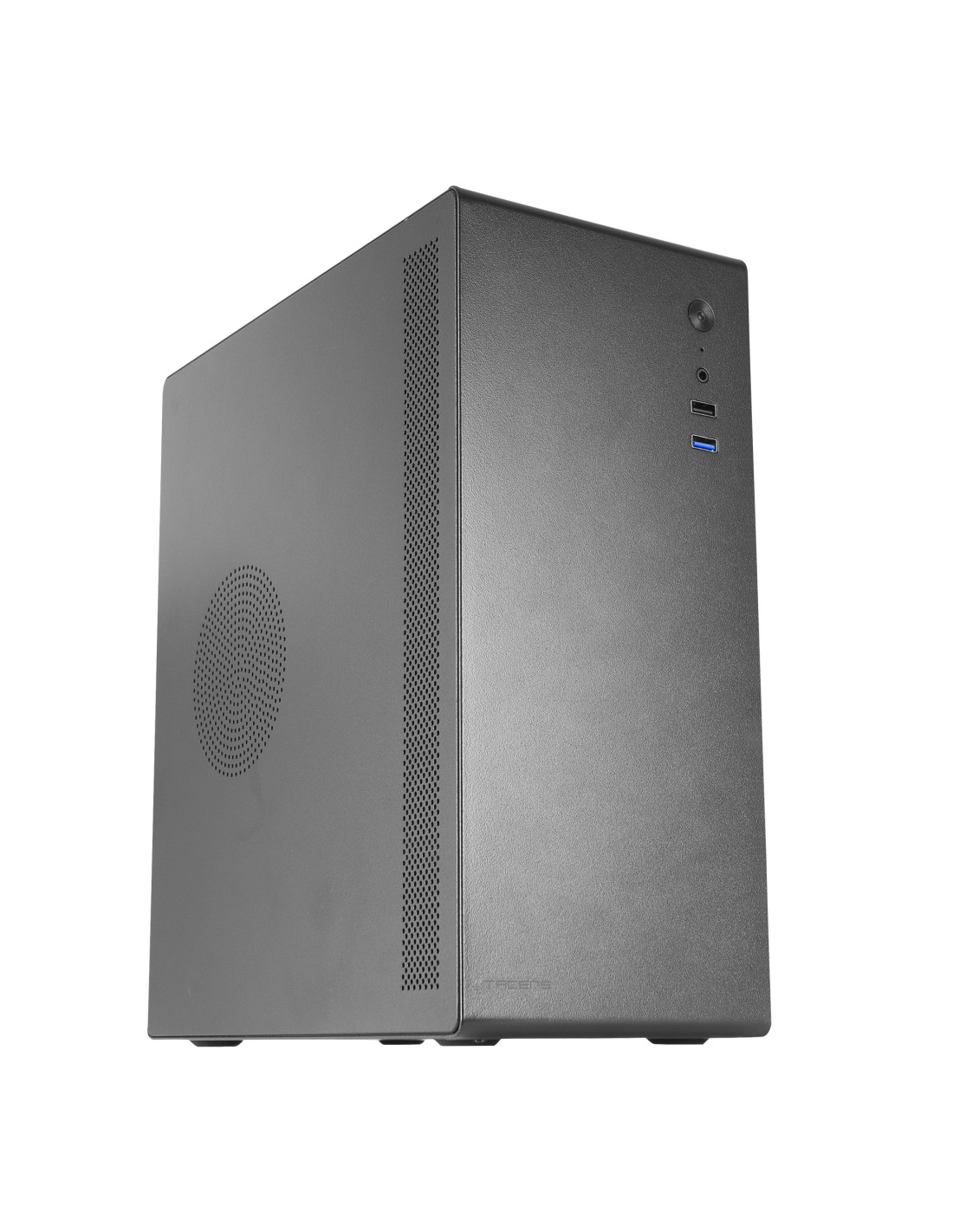
NOVAX550BR
| Weight | 3437g |
|---|---|
| Dimensions | 356x166x275mm |
| Size | Mini-tower |
| Fan capacity | Rear: 1x 80mm |
| Ports | USB3.0 x1 / USB2.0 x1 / HD Audio + Mic (mixed) |
| Power supply support | ATX |
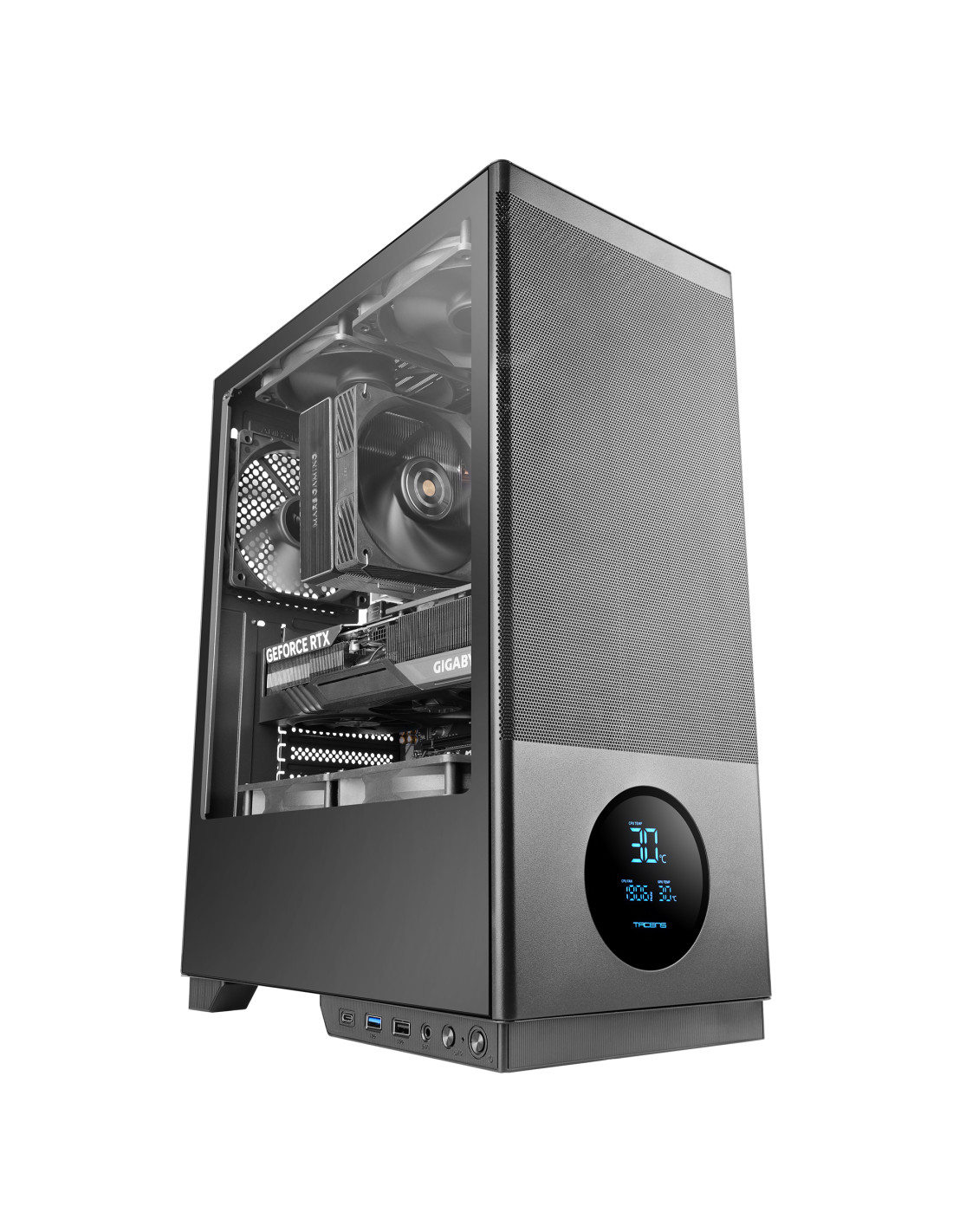
SAGITTA20
| Weight | 3.91Kg |
|---|---|
| Dimensions | 450x190x340mm |
| Size | Mid-tower |
| Fan capacity | Top 2x 120mm or 2x 140mm / Bottom 2x 120mm / Rear 1x 120mm |
| Ports | USB3.0 x1 / USB2.0 x1 / USB-C x1 (USB3.0 data transfer speed) / HD Audio + Mic (mixed) |
| Power supply support | ATX |
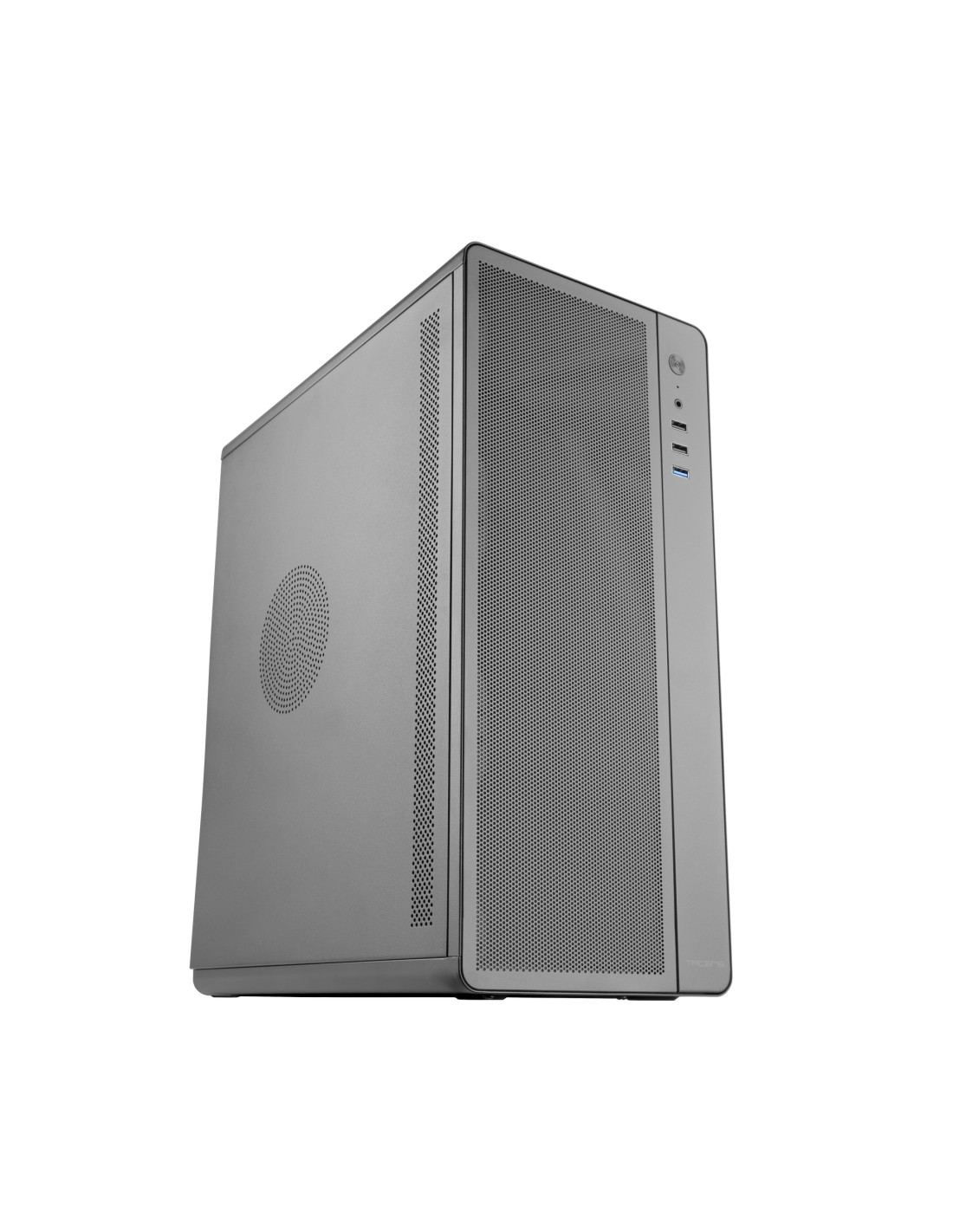
Frequently asked questions about PC case sizes
Can I fit a Micro-ATX motherboard in an ATX case?
Yes. The ATX standard keeps the same screw mounting points as Micro-ATX, leaving additional free space at the bottom of the chassis.
What is the difference between a mid-tower and a mini-tower?
A mid-tower typically measures between 380 mm and 450 mm in height to house full ATX boards. A mini-tower measures less than 380 mm in height and is restricted to Micro-ATX or Mini-ITX boards.
Does case size affect the noise level of the machine?
Yes. Chassis that support 140 mm fans can move the same airflow in CFM at a lower noise level in dBA than small chassis with 80 mm fans running at higher revolutions.
The best: The versatility of mid-towers, which can house up to 5 120 mm fans while guaranteeing optimal airflow for powerful hardware.
The worst: Compact mini-towers restrict rear ventilation to 80 mm fans or low-profile coolers.
Buy it if: You need a clear guide to dimensional compatibility between ATX and Micro-ATX boards, storage and airflow before assembling your PC.
Don't buy it if: You are looking for rack server cases or proprietary formats outside the commercial ATX, mATX and ITX standards.