
Shopping Cart
There are no more items in your cart
 Español
 English
 Português PT
 Français
 Italiano
 Deutsch
 اللغة العربية
In short: To find out whether a gaming PC case allows you to mount the graphics card vertically, you need to check whether it includes native vertical PCIe expansion slots (a minimum of 2 or 3 dedicated slots) or whether its rear panel has at least 7 horizontal slots without fixed intermediate bars, so that a universal adapter kit can be installed.
Table of contents
- What should I look for on the rear panel of the case?
- What is the minimum clearance required to the side panel glass?
- Technical criteria before installing a GPU vertically
- How do airflow and fans affect vertical orientation?
- Comparison of chassis formats and capacities
- Common mistakes when buying or fitting a vertical GPU
- Which chassis models suit compact or standard builds?
- FAQs about vertically mounted graphics cards
- Verdict
What should I look for on the rear panel of the case?
Mechanical compatibility depends directly on the layout of the chassis's rear slots:
- Native vertical PCIe slots: The case comes from the factory with between 2 slots (40 mm wide) and 3 slots (60 mm wide) oriented at 90 degrees relative to the motherboard.
- Horizontal slots with an open modular design: If the chassis has 7 conventional PCIe slots but no welded metal bars between each slot, it accepts universal mounts with a riser cable (a flexible extension cable that connects the motherboard's PCIe x16 port to the graphics card).
- Case depth: At least 300 mm to 350 mm of free internal length is required to accommodate 3-fan cards without them colliding with front radiators.
What is the minimum clearance required to the side panel glass?
To avoid thermal throttling, the GPU's fans need a minimum margin of 25 mm to 30 mm from the closed side window. If the clearance is less than 20 mm, the graphics core temperature can rise by between 5 °C and 12 °C.
For example, if a midi tower offers a chassis width of 190 mm and the graphics card is 58 mm thick, we calculate the remaining space by subtracting the motherboard standoff distance and the mount: 190 mm - 58 mm - 105 mm = 27 mm free to the side panel, guaranteeing the necessary intake airflow.
Technical criteria before installing a GPU vertically
Before purchasing a chassis or a vertical conversion kit, assess these structural factors:
- Card thickness (slots): 2.5- or 3-slot graphics cards measure between 50 mm and 65 mm in profile, requiring kits that shift the anchoring towards the inside of the chassis.
- Quality of the riser cable (PCIe Riser): If the motherboard and graphics card operate on PCIe 4.0, the cable must support a bandwidth of 16 GT/s (around 31.5 GB/s) to avoid losing 3% or 5% of graphics performance.
- Load capacity of the mount: Today's graphics cards exceed 1,500 g in weight; the vertical mount must be fixed solidly to the power supply shroud to prevent buckling.
How do airflow and fans affect vertical orientation?
When the card is placed vertically, its fans push air upwards and sideways, altering the pressure inside the chassis:
- 120 mm fans: The industry standard for front and rear mounting; they move between 35 CFM and 55 CFM with a typical noise level of 18 dBA to 26 dBA.
- 140 mm fans: They move more airflow (CFM) at lower revolutions per minute than a 120 mm fan, achieving lower acoustic pressure at the same air volume.
- Static pressure (mmH2O): If the chassis includes dense dust filters or radiators, fans optimised for static pressure (more than 1.5 mmH2O) are required rather than models focused purely on airflow (CFM).
A chassis with a dedicated bottom intake (2x 120 mm) feeds fresh air directly to the vertical GPU's fans, reducing its operating temperature by around 15%.
Comparison of chassis formats and capacities
The following table summarises the dimensions, weight and ventilation support of different chassis structures so you can assess the space available for graphics components and power supplies from the Tacens catalogue:
| Model | Dimensions (mm) | Weight (g / kg) | Format | Fan capacity | Internal bays |
|---|---|---|---|---|---|
| 2SAGITTA20W | 450 × 190 × 340 mm | 3.91 kg | Midi tower | Top: 2x 120/140 mm<br>Bottom: 2x 120 mm<br>Rear: 1x 120 mm | 1x 3.5" HDD / 2x 2.5" SSD |
| IMPERATORII | 378 × 428 × 193 mm | 2,690 g | Midi tower | Up to 5x 120 mm | 2x 3.5" HDD / 2x 2.5" SSD |
| 2AERO | 342 × 186 × 414 mm | 3.02 kg | Midi tower | Front: 3x 120 mm<br>Rear: 1x 120 mm | 1x 3.5" HDD / 4x 2.5" SSD |
| 2AEROM | 330 × 189 × 380 mm | 2.7 kg | Small tower | Front: 3x 120 mm<br>Rear: 1x 120 mm | 1x 3.5" HDD / 3x 2.5" SSD |
| FORTISII | 384 × 185 × 320 mm | 2.73 kg | Mini tower | Front: 1x 120 mm<br>Rear: 1x 120 mm | Standard ATX support |
| NOVAX550BR | 356 × 166 × 275 mm | 3,437 g | Mini tower | Rear: 1x 80 mm | 2x 3.5" HDD / 2x 2.5" SSD |
Common mistakes when buying or fitting a vertical GPU
- Buying a chassis narrower than 180 mm: Narrow cases such as 166 mm models do not leave enough room to turn the GPU and maintain airflow towards the glass.
- Ignoring power draw and electrical dissipation: A high-performance vertical GPU demands efficient power supplies such as the Radix series (80 PLUS Gold certification with over 90% energy efficiency) to keep residual heat low inside the midi tower.
- Cutting the chassis's rear bars by hand: If a case does not include open PCIe slots, cutting the metal voids the manufacturer's 3-year warranty and weakens the structural rigidity of the rear panel.
- Not checking clearance with the CPU cooler: Air cooling blocks measuring 155 mm to 165 mm in height can clash with the rear of a vertically mounted graphics card if the mount is raised.
Which chassis models suit compact or standard builds?
For standard builds with support for ATX power supplies and multiple cooling systems, the 2SAGITTA20W midi tower stands out for accepting 2 top fans of 140 mm or 120 mm and 2 bottom 120 mm fans in a chassis of 450 × 190 × 340 mm and 3.91 kg.
Meanwhile, models such as the IMPERATORII (378 × 428 × 193 mm and 2,690 g) accept up to 5 120 mm fans, offering a well-balanced internal volume. If you are after more compact formats, the 2AEROM (330 × 189 × 380 mm) and the FORTISII (384 × 185 × 320 mm with an integrated carry handle) are options designed to optimise desk space whilst remaining compatible with ATX power supplies.
Products mentioned
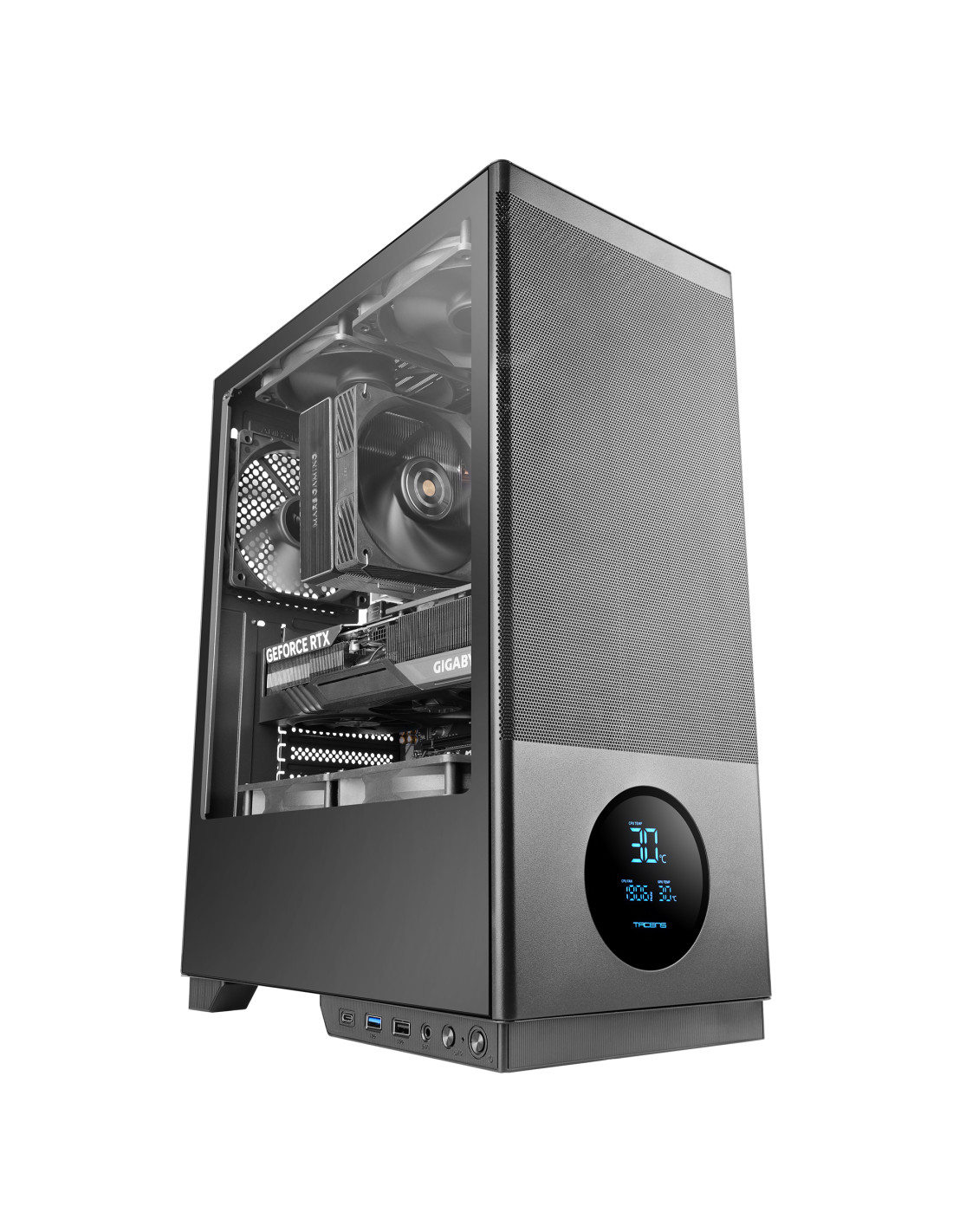
SAGITTA20
| Weight | 3.91Kg |
|---|---|
| Dimensions | 450x190x340mm |
| Size | Midi tower |
| Fan capacity | Top 2x 120mm or 2x 140mm / Bottom 2x 120mm / Rear 1x 120mm |
| Ports | USB3.0 x1 / USB2.0 x1 / USB-C x1 (USB3.0 data transfer speed) / HD Audio + Mic (combined) |
| Power supply support | ATX |
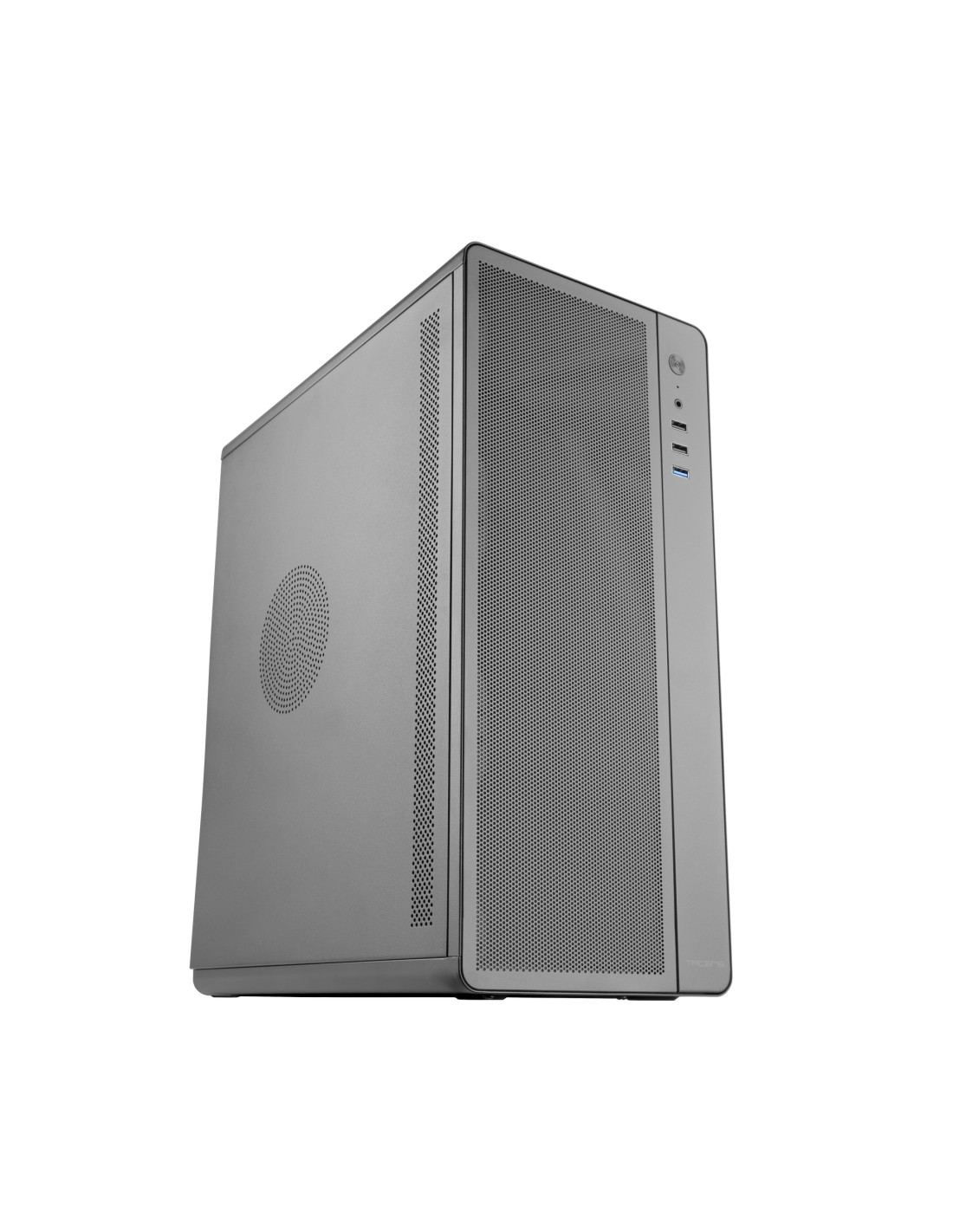
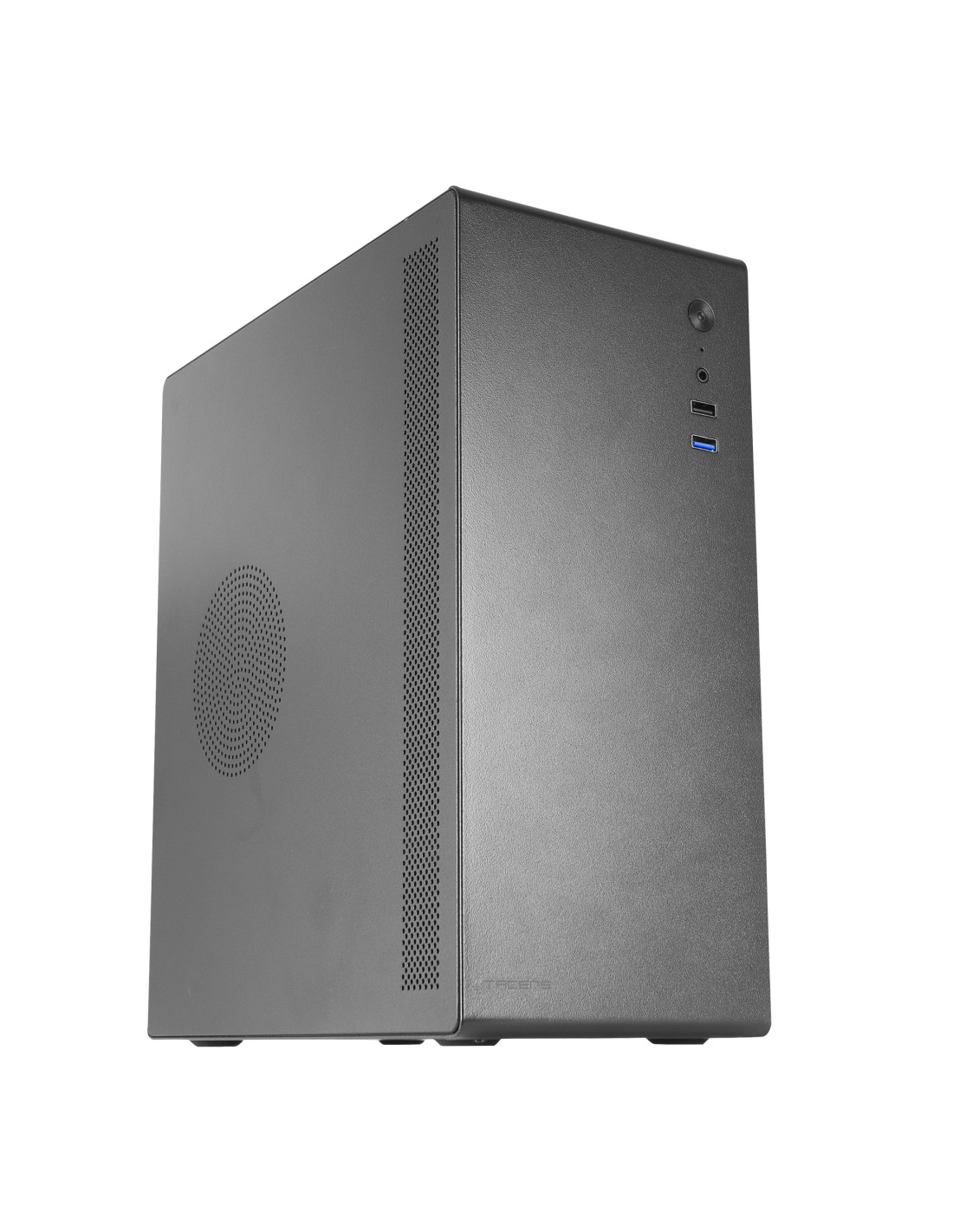
NOVAX550BR
| Weight | 3437g |
|---|---|
| Dimensions | 356x166x275mm |
| Size | Mini tower |
| Fan capacity | Rear: 1x 80mm |
| Ports | USB3.0 x1 / USB2.0 x1 / HD Audio + Mic (combined) |
| Power supply support | ATX |
FAQs about vertically mounted graphics cards
Do you lose performance when using a PCIe riser cable?
With a certified PCIe 4.0 x16 cable of up to 200 mm in length, the performance loss is imperceptible, usually sitting below 1%. If a PCIe 3.0 cable is connected to a slot configured as PCIe 4.0 without changing the BIOS setting, signal faults or drops in frame rate can occur.
Does a GPU run hotter vertically than horizontally?
If the gap between the card's fans and the side panel is greater than 30 mm, the temperatures are equivalent (a difference of 1 °C to 2 °C). In chassis where the card sits less than 15 mm from the glass, the temperature can rise by between 8 °C and 12 °C due to a lack of static pressure to draw in air.
Can other PCIe cards be installed if I mount the graphics card vertically?
As a rule, no, since the vertical mount and the riser cable block physical access to the remaining PCIe slots located in the lower 120 mm of the motherboard.
The best: It lets you show off the graphics card's cooler design and lighting whilst completely eliminating the risk of the motherboard's PCIe slot bending under the weight of the component.
The worst: It blocks all of the motherboard's additional PCIe expansion slots and requires a separate PCIe 4.0 riser cable to be purchased if the chassis does not include one as standard.
Buy it if: You have a chassis at least 190 mm wide with 7 modular PCIe slots and no fixed dividers, and you are after a custom look with good airflow.
Don't buy it if: You have a mini tower narrower than 180 mm or you use sound and capture cards in your motherboard's secondary PCIe slots.