
Shopping Cart
There are no more items in your cart
 Español
 English
 Português PT
 Français
 Italiano
 Deutsch
 اللغة العربية
In short: A processor's thermal paste lasts between 2 and 5 years under normal use before degrading and losing its heat transfer capability.
Table of contents
- When does thermal paste expire or dry out?
- What factors reduce the lifespan of thermal compound?
- How do you know if the thermal paste needs replacing?
- What types of thermal paste are there and how long does each one last?
- How does case airflow affect durability?
- Common mistakes when replacing or buying thermal paste
- Frequently asked questions about thermal paste
- Final verdict
When does thermal paste expire or dry out?
Standard ceramic- or metal-based thermal paste typically retains its properties intact for 2 to 3 years in systems under medium and heavy loads. In low-demand office machines, this period can extend up to 5 years without any drastic drop in performance. If the compound remains inside its original sealed syringe at room temperature (between 18 °C and 22 °C), its shelf life reaches up to 3 years.
Thermal paste is a compound designed to fill the microscopic air imperfections between the processor's heat spreader (IHS) and the base of the heatsink. Since air has a very low thermal conductivity (approximately 0.026 W/mK), replacing it with a compound with typical values of 4 W/mK to 12 W/mK optimises the transfer of heat towards the heatsink.
What factors reduce the lifespan of thermal compound?
The degradation of the thermal interface depends directly on the thermal and environmental stress of the system:
- Continuous operating temperature: Regularly keeping the CPU above 80 °C accelerates the evaporation of the silicone solvents, drying out the compound in less than 2 years.
- Expansion and contraction cycles (the "pump-out" effect): Frequent thermal rises and falls cause the paste to be mechanically pushed out towards the edges of the processor over the months.
- Quality of the base: Low-density pastes degrade more than high-viscosity pastes.
- Inadequate mounting pressure: Pressure below the standards recommended by heatsink manufacturers produces excessively thick layers that are prone to drying out sooner.
How do you know if the thermal paste needs replacing?
The unmistakable sign that thermal paste has lost its effectiveness is a gradual rise in CPU temperatures both at idle and under load. If, after dusting the fans, the idle temperature exceeds 50 °C or reaches peaks of 90 °C under load when it previously ran at 72 °C, the compound has hardened.
For example, if a processor drew 125 W and reached 65 °C, but after 3 years it reaches 83 °C at the same 125 W, the thermal increase is 83 °C - 65 °C = 18 °C of degradation in heat transfer.
COMPARISON TABLE: TYPES OF THERMAL PASTE AND ESTIMATED DURABILITY
| Type of compound | Average durability | Typical conductivity (W/mK) |
|---|
| Ceramic / silicone base | 2 to 3 years | 3 to 6 W/mK |
|---|---|---|
| Metal oxide base | 3 to 5 years | 8 to 13 W/mK |
| Liquid metal (Gallium) | 1 to 2 years | 40 to 73 W/mK |
| Graphene pads | Indefinite (>5 years) | 35 W/mK |
What types of thermal paste are there and how long does each one last?
Silicone and ceramic-based pastes
These are the most common and safest, as they do not conduct electricity. They have an estimated lifespan of 2 to 3 years and do not damage aluminium or copper.
Pastes with metallic particles
They incorporate microparticles of aluminium oxide or silver. They offer a lifespan of up to 4 to 5 years thanks to their greater density and thermal resistance, although care is required if they exhibit residual electrical capacitance.
Liquid metal
A compound of gallium, indium and tin alloys. It offers the highest thermal transfer but requires maintenance and reapplication every 1 or 2 years due to absorption reactions with copper bases and its absolute incompatibility with aluminium heatsinks.
How does case airflow affect durability?
The internal ventilation of the chassis determines the interior ambient temperature. If the case traps residual heat, the CPU heatsink has to work with hot air, forcing the thermal paste to withstand higher sustained temperatures.
To maintain balanced ventilation, it is common to use fans with different airflow rates depending on the area of the case:
- 120 mm fans for balanced airflow: A fan such as the Tacens AF12 delivers an airflow of 48.12 CFM with a static pressure of 1.47 mm-H2O, spinning at 1200 RPM with a power draw of 0.15 A and a contained noise level of 14 dBA. Another chassis option is the AURAII12, which provides 50 CFM at 1200 RPM with 7 blades and dimensions of 120x120x25 mm.
- Compact 80 mm and 90 mm fans for small cases: The AF8 model delivers 30.5 CFM at 1800 RPM, generating 1.25 mm-H2O of static pressure, 0.12 A of current and 14 dBA of noise. Likewise, the AURAII8 provides 25 CFM at 1500 RPM (dimensions 80x80x25 mm), while the AURAII9 or the R3AURAII9 move 33 CFM at 1350 RPM in a 90x90x25 mm format.
- Efficient power supplies: Choosing highly efficient components reduces the heat released into the chassis. For example, the Tacens Radix range carries Gold certification to optimise power consumption and minimise the residual heat resulting from current conversion.
Common mistakes when replacing or buying thermal paste
- Confusing airflow with static pressure: In CPU heatsinks with dense fins, static pressure (measured in mmH2O) is required to push air through the block, not just raw airflow (measured in CFM).
- Applying too much: A layer more than 0.5 mm thick acts as a thermal insulator rather than a conductive bridge.
- Not cleaning off old residue: Reapplying paste over a 3-year-old dried compound creates air pockets that raise the CPU temperature by more than 10 °C.
- Mistaking mandatory certifications for merit: CE marking and RoHS are legally mandatory declarations of conformity in the EU to restrict hazardous substances, not seals of thermal quality or independent performance certifications such as 80 PLUS or Cybenetics.
Products mentioned
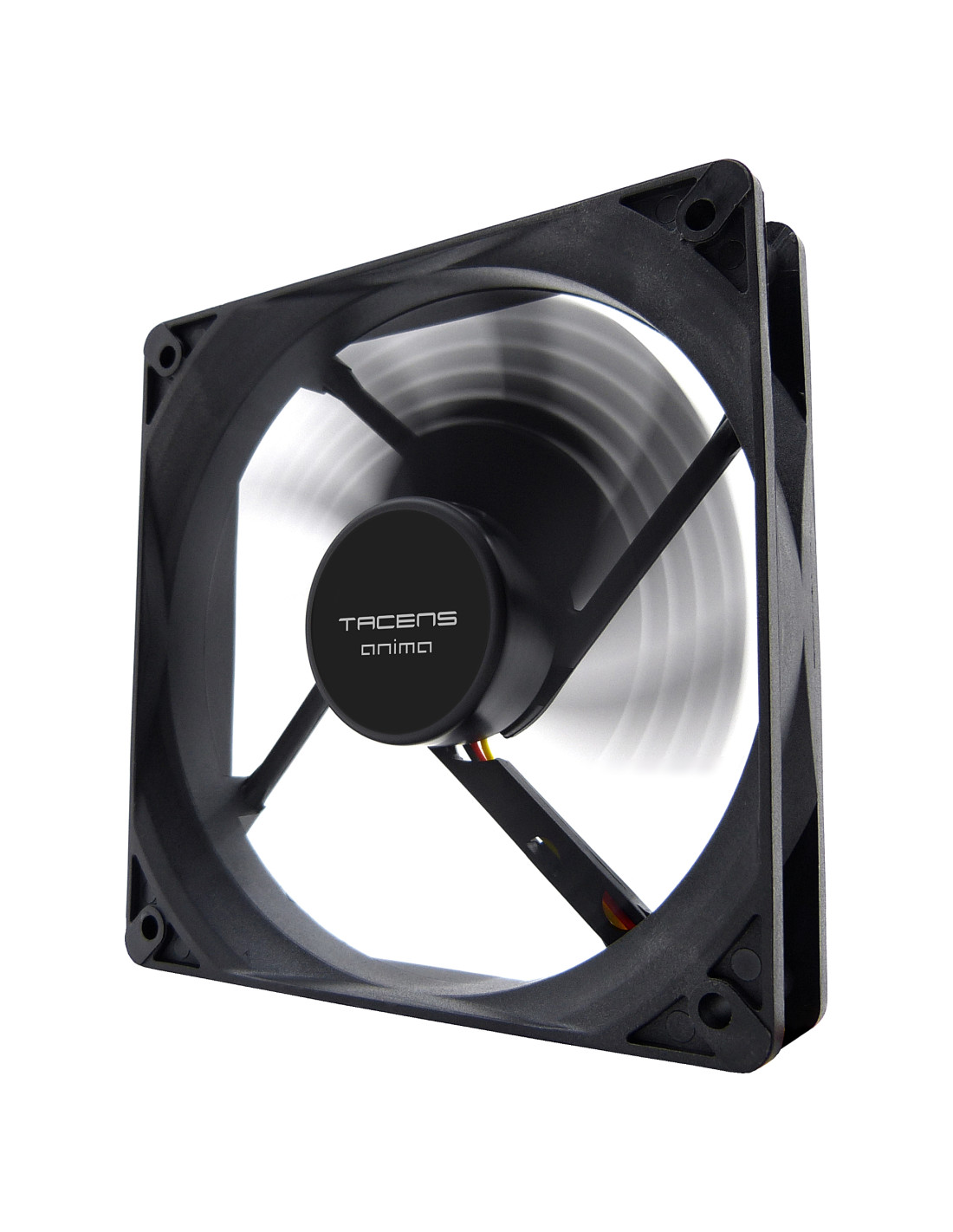
AF12
| Weight | 120g |
|---|---|
| Dimensions | 120x120x25mm |
| Speed | 1200 RPM +10% |
| Airflow | 48.12CFM |
| No. of blades | 9 |
| Noise | 14dBA |
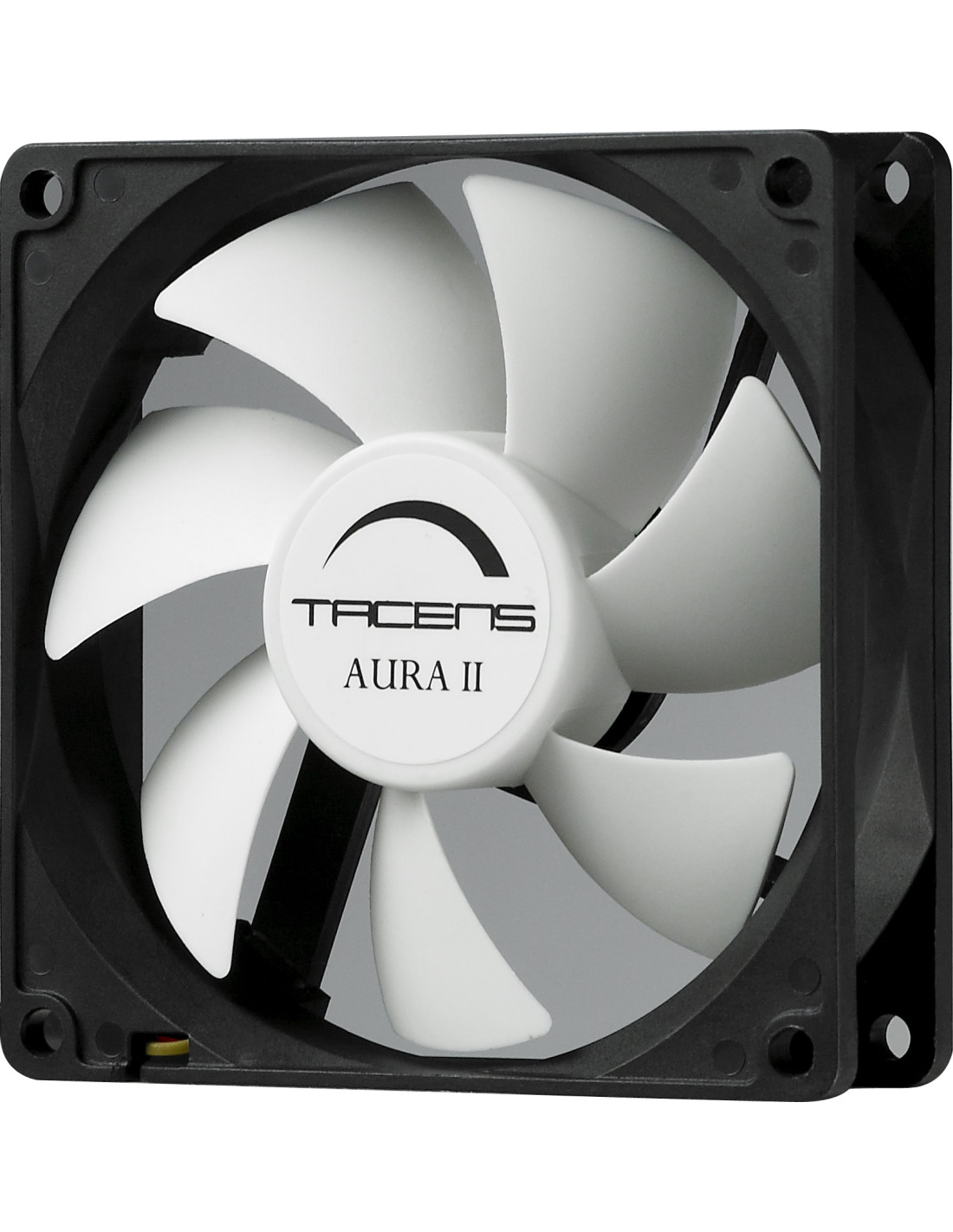
AURAII12
| Weight | 5g 98 |
|---|---|
| Dimensions | 120x120x25mm |
| Speed | 1200 RPM |
| Airflow | 50CFM |
| No. of blades | 7 |
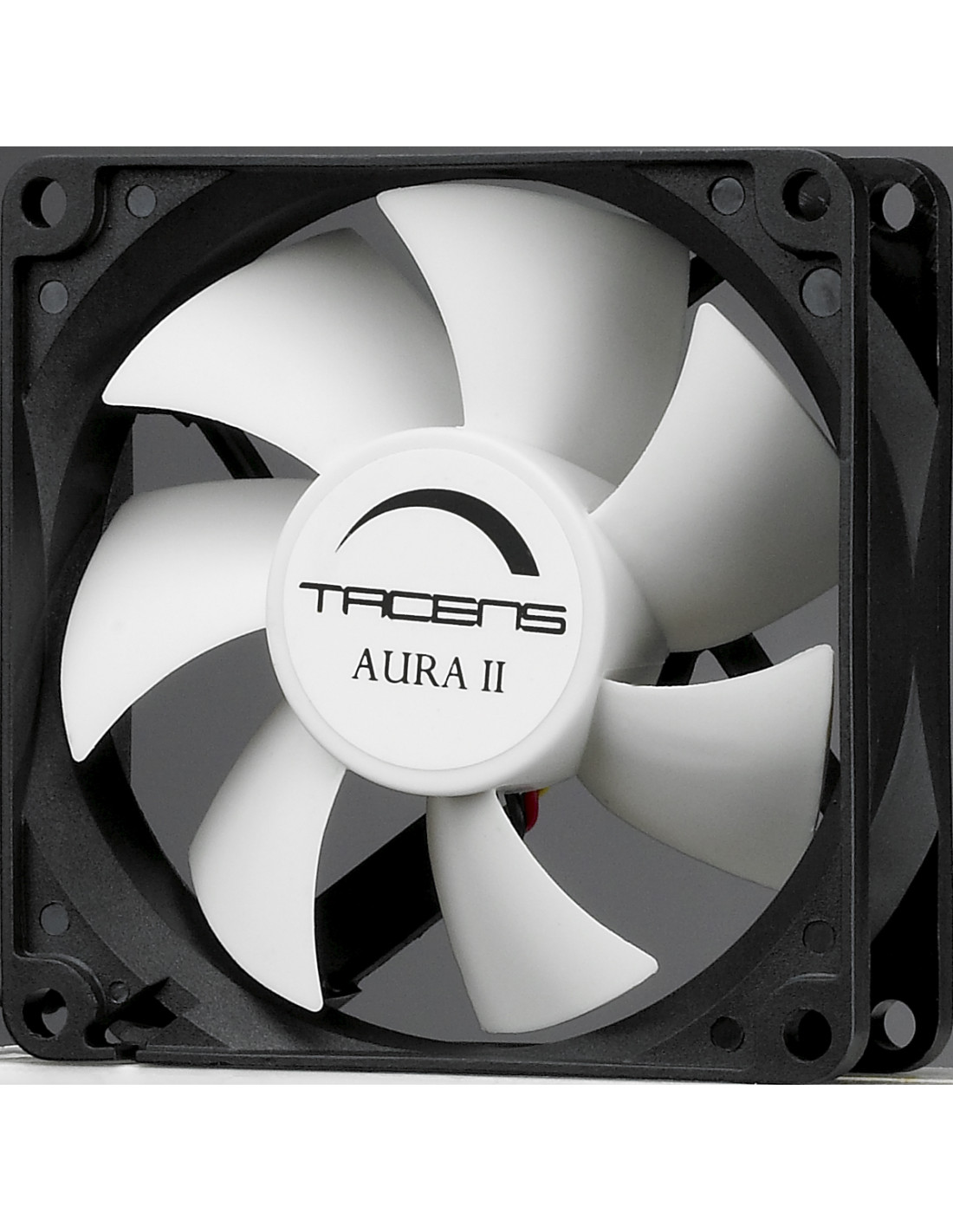
AURAII8
| Weight | 2g 64 |
|---|---|
| Dimensions | 80x80x25mm |
| Speed | 1500 RPM |
| Airflow | 25CFM |
| No. of blades | 7 |
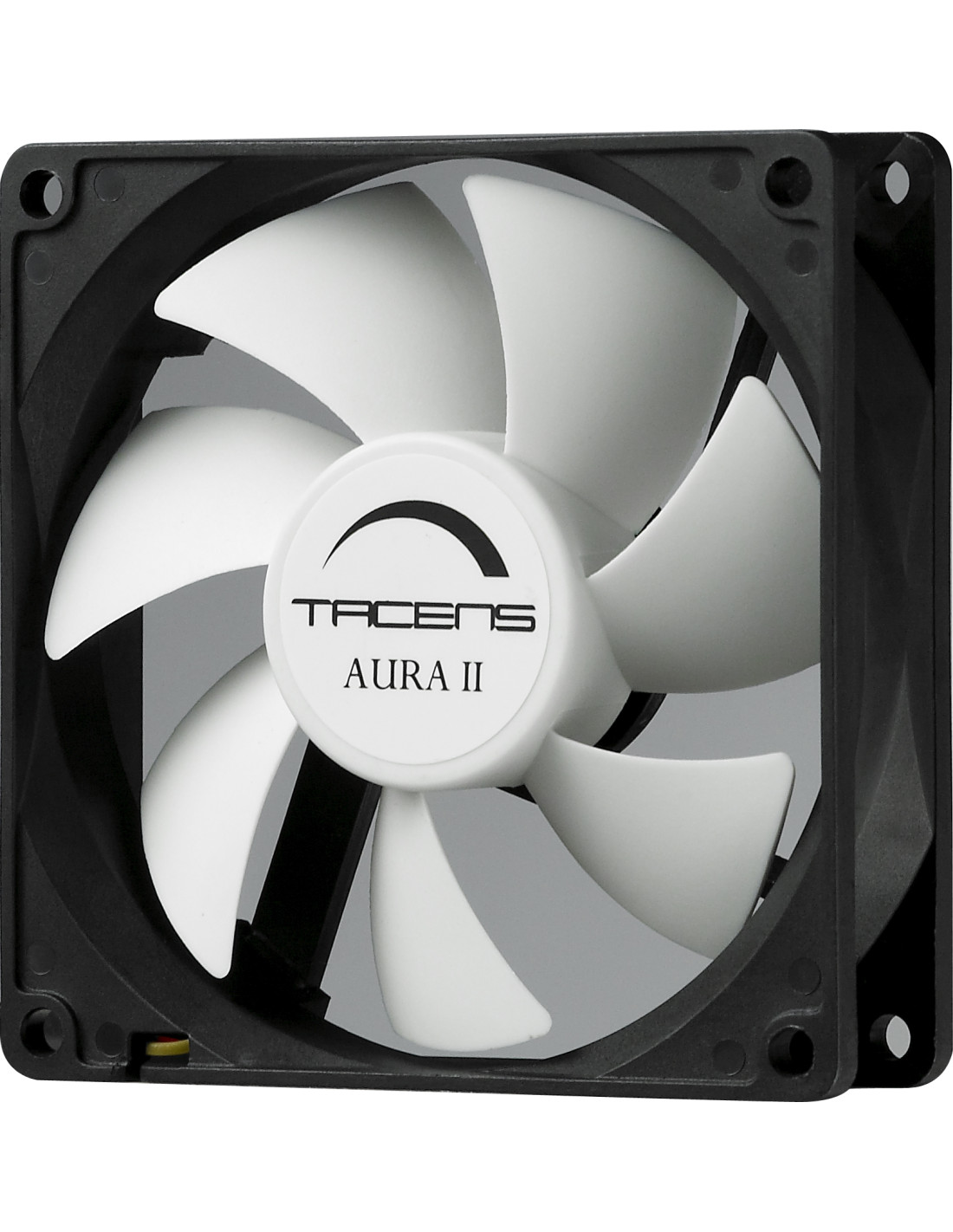
AURAII9
| Weight | 9g 89 |
|---|---|
| Dimensions | 90x90x25mm |
| Speed | 1350 RPM |
| Airflow | 33CFM |
| No. of blades | 7 |
Frequently asked questions about thermal paste
What happens if I don't change the thermal paste for 5 years?
The processor will reach higher temperatures and the motherboard will trigger thermal throttling, reducing the clock speed to protect the silicon from excessive heat.
Should you replace the factory-applied thermal paste on a new heatsink?
It is not necessary during the first 2 or 3 years. The pastes pre-applied by heatsink manufacturers meet the appropriate thermal standards for immediate use.
How do you clean dried thermal paste off a processor?
You should use isopropyl alcohol with a purity of 90% or higher and a microfibre cloth that leaves no textile residue on the processor or the heatsink.
The best: Replacing the thermal paste every 2 or 3 years restores the original heat dissipation, reducing CPU temperatures at little cost.
The worst: It requires completely removing the heatsink, with the risk of bending pins or applying too much compound if you lack prior experience.
Buy it if: Your processor exceeds 80 °C under sustained load more than 2 years after its last thermal maintenance.
Don't buy it if: Your processor's temperatures remain stable below 70 °C at full load with less than 2 years of use.