
Shopping Cart
There are no more items in your cart
 Español
 English
 Português PT
 Français
 Italiano
 Deutsch
 اللغة العربية
In summary: To install several expansion cards you need a PC case with between 4 and 7 rear slots in desktop or full tower format, depending on the thickness of the main graphics card (which usually takes up between 2 and 3.5 slots) and the number of 1-slot auxiliary cards you plan to add.
Table of contents
- What is a PCIe expansion slot and how is it measured?
- How many slots does each type of expansion card take up?
- How do you calculate the total slots your setup needs?
- Airflow and space criteria before choosing a chassis
- What chassis size supports multi-card configurations?
- What mistakes should you avoid when fitting several expansion cards?
- Frequently asked questions
- Final verdict
What is a PCIe expansion slot and how is it measured?
An expansion slot is a standardised metal opening at the rear of the chassis that allows ports to exit and provides mechanical support for cards connected to the motherboard via the PCIe bus (Peripheral Component Interconnect Express).
Each rear opening is approximately 19 mm to 20 mm wide. Although the electrical connector on the motherboard occupies a single track, the heatsink system of modern cards usually physically occupies the space of 2 to 4 consecutive openings.
- Single physical slot (1 slot): Takes up 19 mm of rear profile. Typical of Wi-Fi network cards, video capture cards or dedicated sound cards.
- Double slot (2 slots): Takes up between 38 mm and 40 mm of width. It is the standard for entry-level or mid-range graphics cards with power draw of up to 150 W.
- Triple slot or above (2.5 to 3.5 slots): Takes up between 50 mm and 75 mm of thickness owing to heatsinks with 90 mm or 100 mm fans, common on graphics cards over 250 W.
How many slots does each type of secondary card take up?
Secondary expansion cards vary according to the size of their passive or active heatsink and the orientation of the rear metal bracket:
- Wi-Fi / 10 Gbps Ethernet network cards: Take up 1 slot (19 mm) and draw only 5 W to 15 W.
- HDMI / SDI video capture cards: Take up 1 physical slot (19 mm) with power draw of 10 W to 25 W.
- M.2 NVMe RAID adapter cards: Take up 1 slot with basic passive cooling (20 mm) or 2 slots if they include their own 40 mm or 50 mm fan.
- Dedicated sound cards: Take up 1 slot (20 mm), usually with electromagnetic shielding.
- Second graphics card (rendering / AI / compute): Requires 2 to 3 additional slots (40 mm to 65 mm), with individual power draw of 180 W to 350 W.
How do you calculate the total slots your setup needs?
To calculate the number of slots in the chassis, you must add up the actual thickness of the primary graphics card, the recommended thermal clearance (at least 1 free slot of 20 mm for air intake) and the thickness of each additional card.
For example, 3 GPU slots + 1 thermal clearance slot + 1 capture card slot = 5 slots in total, so a compact 4-slot case is insufficient and an ATX chassis with at least 7 slots is required.
Step-by-step calculation criteria:
- Identify the thickness of the main GPU: Check whether the spec sheet states 2.0 slots (40 mm), 2.5 slots (50 mm) or 3.0 slots (60 mm).
- Add the cooling margin: Leave an empty space of 1 slot (20 mm) between the GPU and the next card to prevent the fans from being starved at less than 5 mm from the adjacent PCB.
- Add up the additional cards: Allow 1 slot (19 mm) for each controller, capture card or network card.
- Check motherboard compatibility: The chassis must match the motherboard form factor: Micro-ATX (4 rear slots maximum) or standard ATX (7 rear slots).
Airflow and space criteria before choosing a chassis
Installing several cards in the same chassis concentrates heat sources that can raise the internal temperature between 8 °C and 15 °C if the airflow is poor.
- Airflow (CFM): Measured in cubic feet per minute. For configurations with two or more cards, a combined airflow of over 100 CFM at the front is recommended to renew the volume of air.
- Static pressure (mmH2O): Indicates the force with which the fan pushes air against obstacles and dust filters. A value above 1.5 mmH2O at the front prevents dead heat zones between adjacent cards.
- Noise level (dBA): Measures acoustic pressure with A-weighting. Fans running at 1200 RPM typically emit between 18 dBA and 24 dBA; exceeding 30 dBA is audible in quiet working environments.
- Fan diameter: A 140 mm fan moves more air at fewer revolutions per minute than a 120 mm one, maintaining a noise level of 19 dBA versus the typical 26 dBA of smaller units at the same airflow.
- Efficient power delivery: For multi-card configurations drawing 450 W to 650 W under continuous load, a Radix Series PSU with Gold certification ensures efficiency above 90 % at half load, reducing residual heat.
What chassis size supports multi-card configurations?
Desktop and tower format chassis offer 7 expansion slots compatible with ATX boards, whereas mini towers are limited to 4 slots for Micro-ATX or Mini-ITX boards.
| Case model | Size / Format | Dimensions (mm) | Fan capacity | Internal bays | PSU compatibility |
|---|---|---|---|---|---|
| IMPERATORII | Desktop (2690 g) | 378 x 428 x 193 mm | Up to 5x 120 mm | 2x 3.5" HDD + 2x 2.5" SSD | ATX PS/3 / ATX PS/2 |
| 2SAGITTA20W | Desktop (3.91 kg) | 450 x 190 x 340 mm | Top 2x 120/140 mm / Bottom 2x 120 mm / Rear 1x 120 mm | 1x 3.5" HDD / 2x 2.5" SSD | ATX |
| 2AERO | Desktop (3.02 kg) | 342 x 186 x 414 mm | Front 3x 120 mm / Rear 1x 120 mm | 1x 3.5" HDD / 4x 2.5" SSD | ATX |
| 2AEROM | Small tower (2.7 kg) | 330 x 189 x 380 mm | Front 3x 120 mm / Rear 1x 120 mm | 1x 3.5" HDD / 3x 2.5" SSD | ATX |
| FORTISII | Mini tower (2.73 kg) | 384 x 185 x 320 mm | Front 1x 120 mm / Rear 1x 120 mm | Not specified | ATX |
| NOVAX550BR | Mini tower (3437 g) | 356 x 166 x 275 mm | Rear 1x 80 mm | 2x 3.5" HDD + 2x 2.5" SSD | ATX |
For 2-card configurations where one of them is a 2.5-slot GPU (50 mm thick) plus a capture card, Tacens desktop cases such as the IMPERATORII, the 2AERO or the 2SAGITTA20W provide the 7-slot space of the ATX standard. Compact chassis such as the 2AEROM or the FORTISII are limited to the Micro-ATX format (4 slots), accommodating only 1 dual-slot graphics card alongside 1 single-slot card if the motherboard places the secondary PCIe in the final position.
What mistakes should you avoid when fitting several expansion cards?
- Not measuring the free length in millimetres: Fitting a 300 mm long card into a case with a maximum clearance of 280 mm blocks the path or collides with the 120 mm front fans.
- Blocking the air intakes of the main graphics card: Placing a 1-slot PCIe card right against the GPU's fans raises the temperature between 10 °C and 15 °C due to hot air recirculation.
- Forgetting the width of the case's blanking plates: Some budget cases use punched, non-reusable plates; removing the wrong opening leaves 19 mm gaps exposed to dust if screw-fitted covers are not used.
- Ignoring the PCIe lane allocation: Fitting two physical x16 cards on conventional motherboards usually splits the bandwidth as x8 / x8, which reduces graphics performance by 2 % to 4 % in certain tasks.
Products mentioned
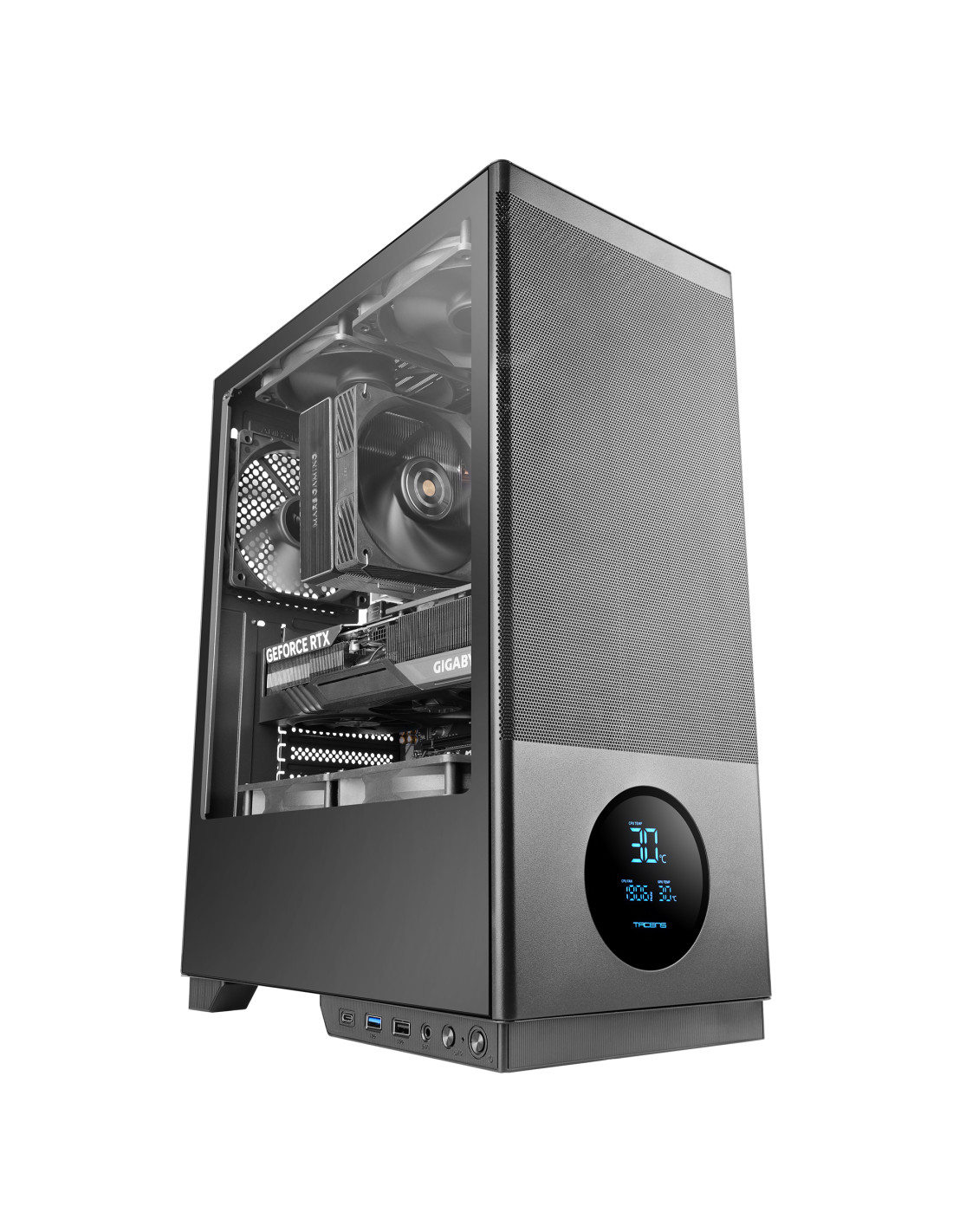
SAGITTA20
| Weight | 3.91Kg |
|---|---|
| Dimensions | 450x190x340mm |
| Size | Desktop |
| Fan capacity | Top 2x 120mm or 2x 140mm / Bottom 2x 120mm / Rear 1x 120mm |
| Ports | USB3.0 x1 / USB2.0 x1 / USB-C x1 (USB3.0 data transfer speed) / HD Audio + Mic (mixed) |
| Power supply support | ATX |
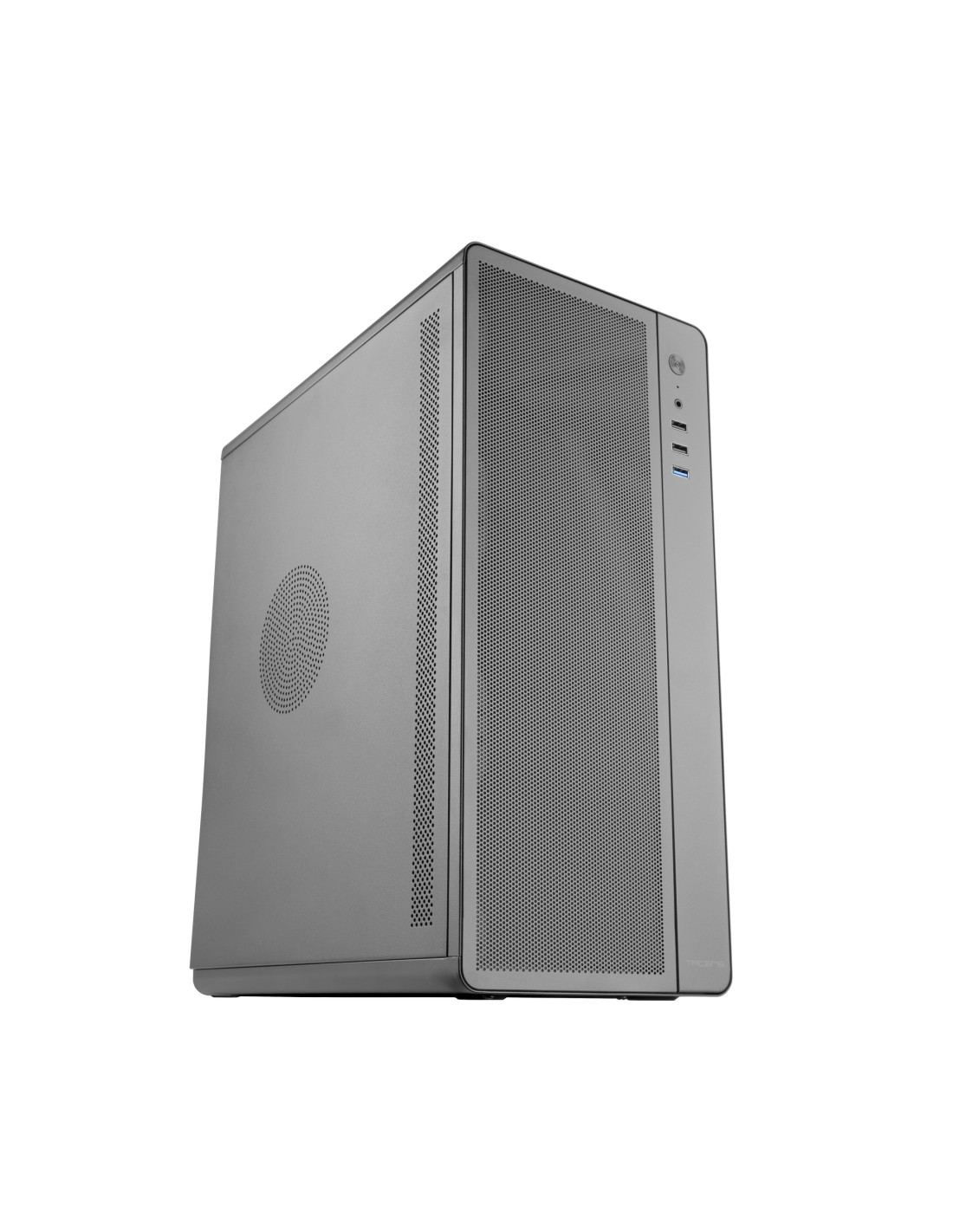
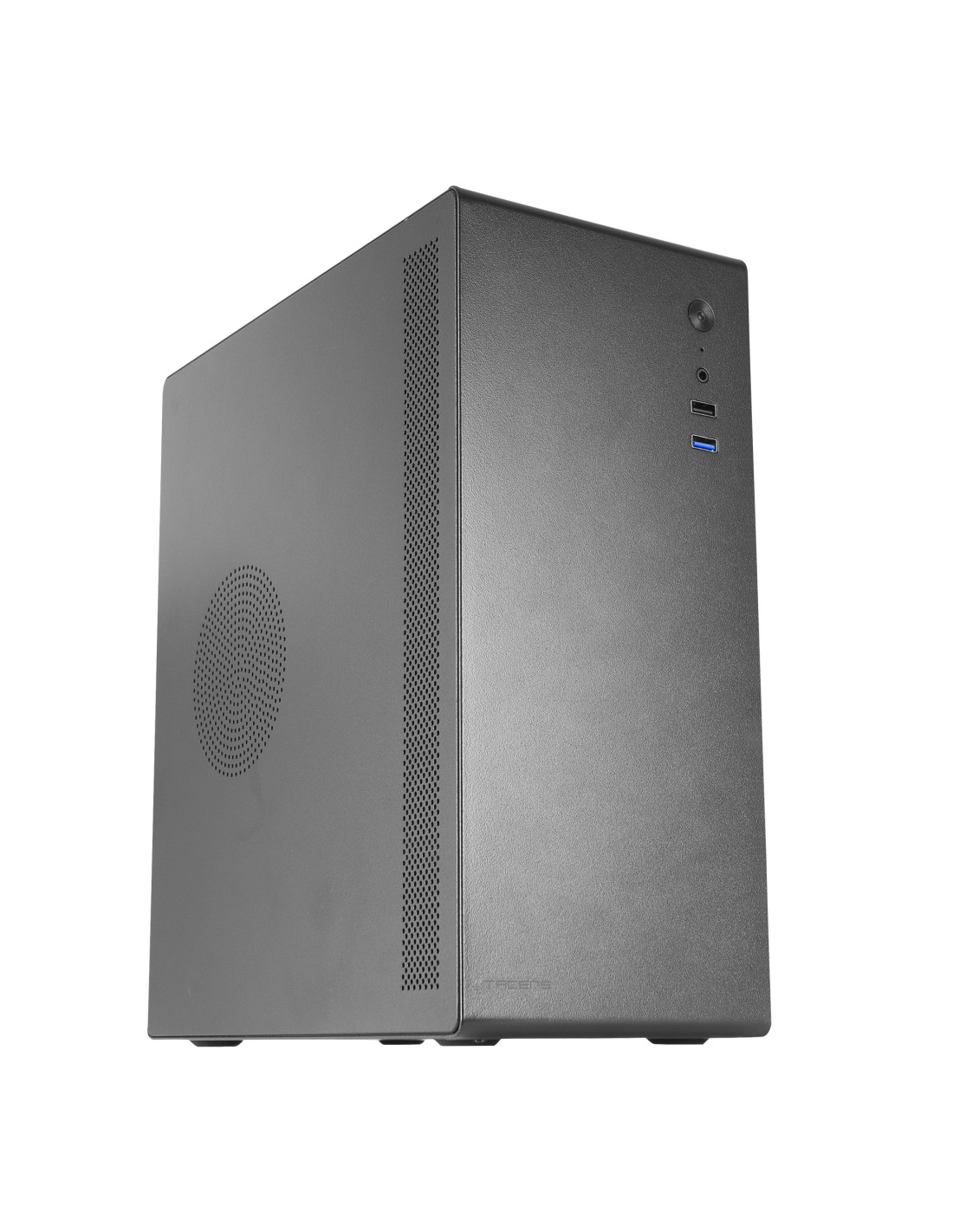
NOVAX550BR
| Weight | 3437g |
|---|---|
| Dimensions | 356x166x275mm |
| Size | Mini tower |
| Fan capacity | Rear: 1x 80mm |
| Ports | USB3.0 x1 / USB2.0 x1 / HD Audio + Mic (mixed) |
| Power supply support | ATX |
Frequently asked questions
Can I fit two expansion cards in a Micro-ATX case?
Yes, provided the main graphics card does not exceed 2 slots (40 mm) in thickness and the second card is a 1-slot card fitted in the fourth slot from the bottom. If the graphics card takes up 2.5 or 3 slots, it will cover the lower slots and prevent any other card from being connected in a 4-slot case.
How many expansion slots does a standard desktop case usually have?
A standard ATX desktop case has 7 rear expansion slots of 19 mm each. This design allows a triple-slot graphics card to be combined with up to two additional single-profile cards whilst maintaining ventilation gaps.
Does fan size affect the temperature of several cards?
Yes, using fans of 140 mm or triple 120 mm configurations at the front ensures a continuous flow of fresh air that dissipates the hot spots accumulated between the circuitry of both cards.
The best: Desktop cases with 7 ATX slots guarantee space for graphics cards of more than 2.5 slots alongside auxiliary cards without stifling the thermal flow.
The worst: 4-slot mini towers become completely saturated as soon as a modern GPU of more than 45 mm in thickness is installed.
Buy it if: You are going to combine a gaming or rendering GPU with PCIe capture cards, sound cards or dedicated network adapters.
Don't buy it if: You only use a basic graphics card and components integrated into the motherboard, where a 4-slot Micro-ATX mini tower is more compact.