
Shopping Cart
There are no more items in your cart
 Español
 English
 Português PT
 Français
 Italiano
 Deutsch
 اللغة العربية
In summary: A standard PC case needs between 2 and 3 fans (one or two at the front drawing air in and one at the rear expelling it) to keep temperatures stable and noise levels below 25 dBA in most mid-range configurations.
Table of contents
- How many fans does a PC case need depending on its use?
- Which technical metrics determine airflow?
- Positive pressure or negative pressure: which should you configure?
- Technical comparison of fans and configurations
- How does the size of 120 mm compare with 80 mm or 90 mm?
- What are the most common mistakes when installing fans?
- Frequently asked questions about case fans
- Final verdict
How many fans does a PC case need depending on its use?
The optimal number of fans depends on the total thermal output of the system, measured in watts (W), and on the form factor of the chassis.
Is a single fan enough for office use?
For computers used for office work or browsing with a 65 W processor and no dedicated graphics card, 1 rear fan of 120 mm spinning at 1.200 RPM is usually enough to expel the residual hot air from the case.
Why is a combination of 2 to 3 fans the optimal choice?
In gaming or content creation systems with combined CPU and GPU consumption of 250 W to 450 W, at least 2 units of 120 mm are required: 1 at the front drawing in fresh air and 1 at the rear expelling it. Adding a second front fan of 120 mm increases the total airflow by around 48 CFM or 50 CFM, lowering the graphics card temperature by between 3 °C and 6 °C without significantly raising noise.
Which technical metrics determine airflow?
To choose case fans it is essential to understand three fundamental metrics:
- CFM (Cubic Feet per Minute): Airflow expressed in cubic feet per minute. A value of 48,12 CFM or 50 CFM is suitable for general chassis ventilation.
- mmH2O (Millimetres of water column): Static pressure exerted by the fan against physical restrictions. A figure of 1,47 mmH2O allows air to be pushed effectively through dust filters or dense grilles.
- dBA (A-weighted decibels): A measure of sound pressure perceived by the human ear. A quiet fan operates at around 14 dBA at 1.200 RPM.
- A (Amperes): Electrical current draw. Most 120 mm fans consume between 0,12 A and 0,15 A at 12 V.
Positive pressure or negative pressure: which should you configure?
The relationship between intake and exhaust airflow determines the internal pressure of the case:
- Positive pressure: Intake airflow exceeds exhaust. It prevents dust from entering through the unfiltered gaps of the chassis.
- Negative pressure: Exhaust airflow exceeds intake. It favours rapid thermal expulsion, but draws dust in through any unfiltered gap.
- Balanced pressure: Identical intake and exhaust airflow, optimal for direct airflow.
For example, 2 × 50 CFM = 100 CFM of front intake against 1 × 48,12 CFM = 48,12 CFM of rear exhaust generates positive pressure with a difference of 100 CFM - 48,12 CFM = 51,88 CFM of surplus air escaping through the passive openings.
Technical comparison of fans and configurations
The following table summarises the specifications of fans of different sizes in terms of airflow, pressure, noise and power consumption:
| Model / Format | Dimensions (mm) | Speed (RPM) | Airflow (CFM) | Static pressure (mmH2O) | Noise level (dBA) | Power draw (A) |
|---|---|---|---|---|---|---|
| AF12 | 120 × 120 × 25 | 1.200 ±10% | 48,12 | 1,47 | 14 | 0,15 |
| AURAII12 | 120 × 120 × 25 | 1.200 | 50,00 | — | — | — |
| AF8 | 80 × 80 × 25 | 1.800 ±10% | 30,50 | 1,25 | 14 | 0,12 |
| AURAII8 | 80 × 80 × 25 | 1.500 | 25,00 | — | — | — |
| AURAII9 | 90 × 90 × 25 | 1.350 | 33,00 | — | — | — |
| R3AURAII9 | 90 × 90 × 25 | 1.350 | 33,00 | — | — | — |
How does the size of 120 mm compare with 80 mm or 90 mm?
The fan diameter determines the relationship between revolutions per minute and the volume of air moved:
- 120 mm format: The industry standard. Tacens models such as the AF12 move 48,12 CFM at just 1.200 RPM, emitting 14 dBA with a weight of 120 g and 9 blades.
- 140 mm format: Moves more airflow at lower revolutions than a 120 mm unit, reducing noise for the same volume of air.
- 80 mm and 90 mm formats: Designed for compact cases or older form factors. An 80 mm unit such as the AF8 needs to spin at 1.800 RPM to deliver 30,5 CFM and 1,25 mmH2O with a weight of 60 g.
What are the most common mistakes when installing fans?
- Confusing airflow with static pressure: A fan with 50 CFM but low static pressure loses performance when placed behind a dense filter; for filters, at least 1,25 mmH2O or 1,47 mmH2O is recommended.
- Orienting all the fans in the same direction: Fitting all units as intake (or all as exhaust) creates turbulence and heat pockets where the case temperature can rise by more than 8 °C.
- Installing more than 5 fans without thermal justification: Going from 3 to 6 fans usually lowers the overall temperature by less than 2 °C, but increases power consumption by between 0,30 A and 0,45 A and raises overall noise by more than 6 dBA.
- Taking mandatory marks as quality certifications: The CE, RoHS and WEEE markings are mandatory legal regulations in the European Union for selling products and do not measure efficiency or thermal performance. Independent certifications such as Cybenetics LAMBDA (acoustics) or TÜV Rheinland do assess performance and electrical safety parameters.
Products mentioned
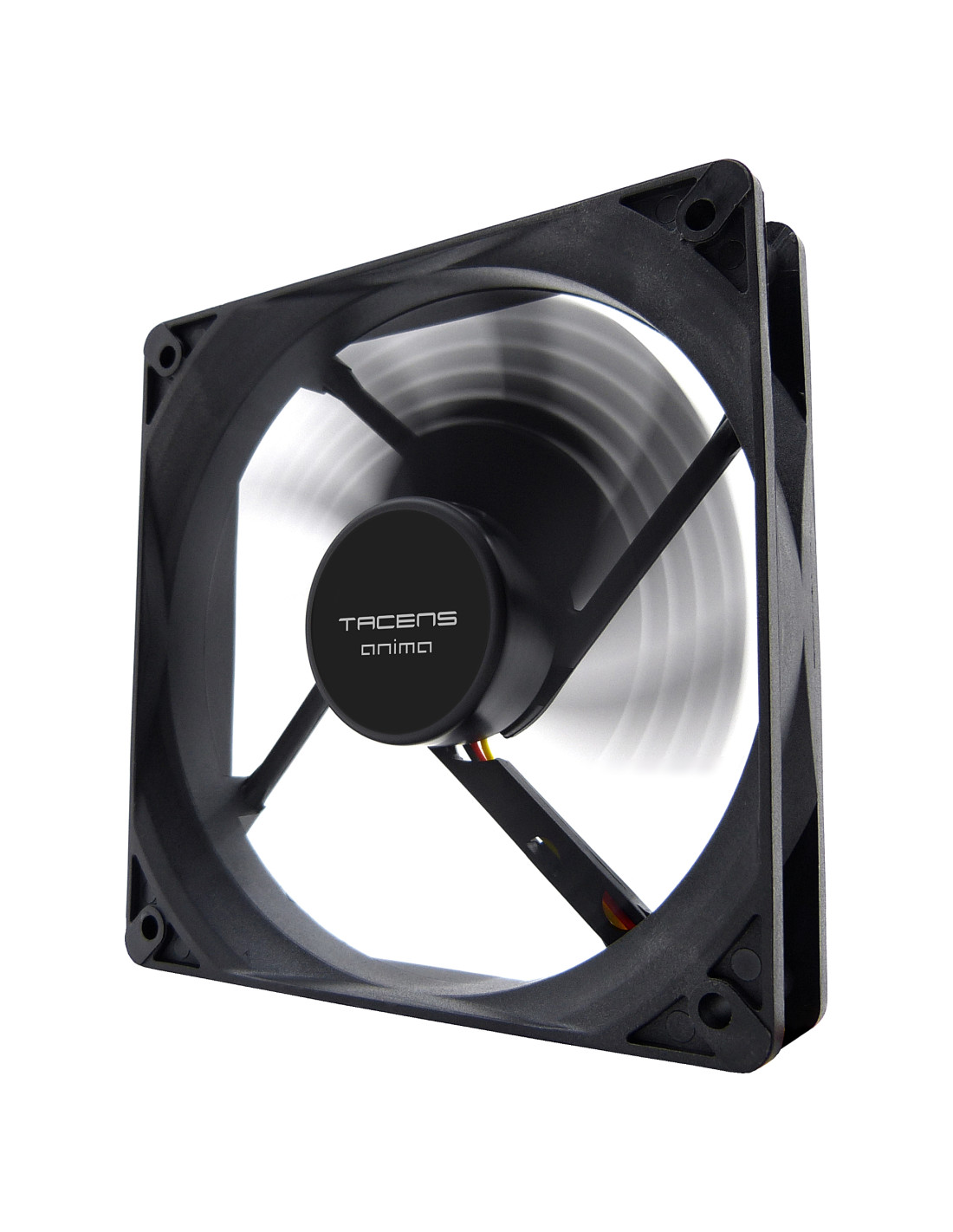
AF12
| Weight | 120g |
|---|---|
| Dimensions | 120x120x25mm |
| Speed | 1200 RPM +10% |
| Airflow | 48.12CFM |
| No. of blades | 9 |
| Noise | 14dBA |
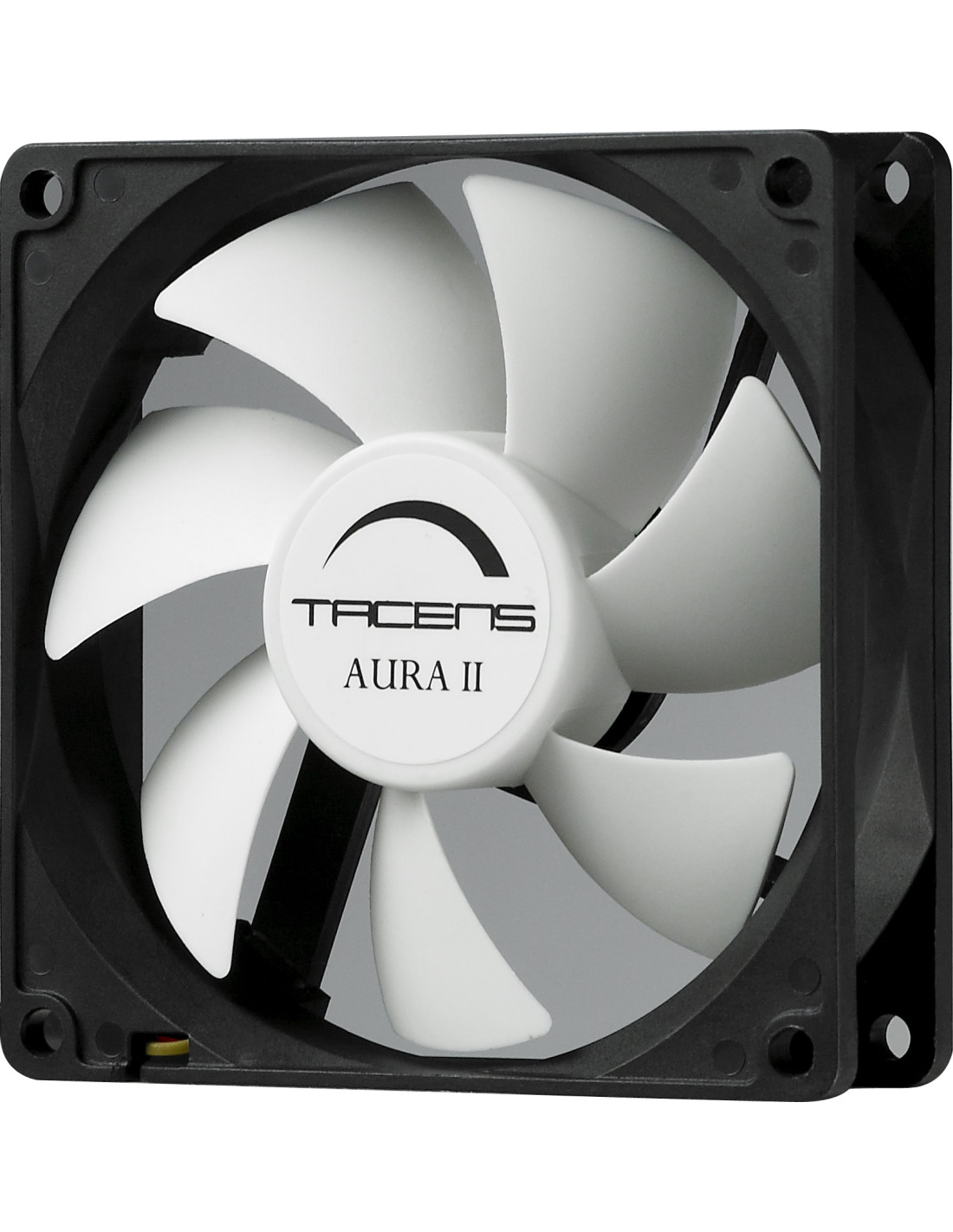
AURAII12
| Weight | 5g 98 |
|---|---|
| Dimensions | 120x120x25mm |
| Speed | 1200 RPM |
| Airflow | 50CFM |
| No. of blades | 7 |
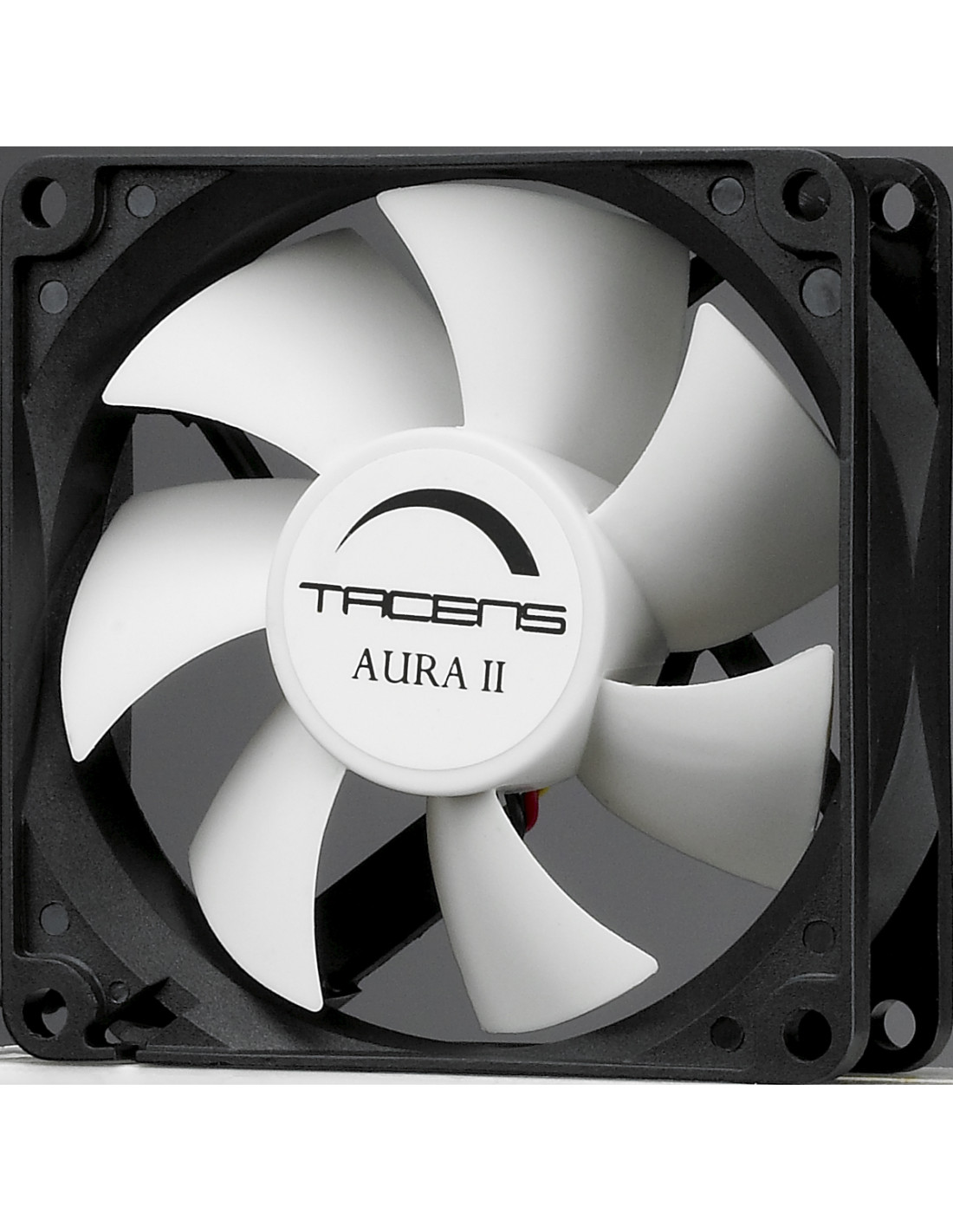
AURAII8
| Weight | 2g 64 |
|---|---|
| Dimensions | 80x80x25mm |
| Speed | 1500 RPM |
| Airflow | 25CFM |
| No. of blades | 7 |
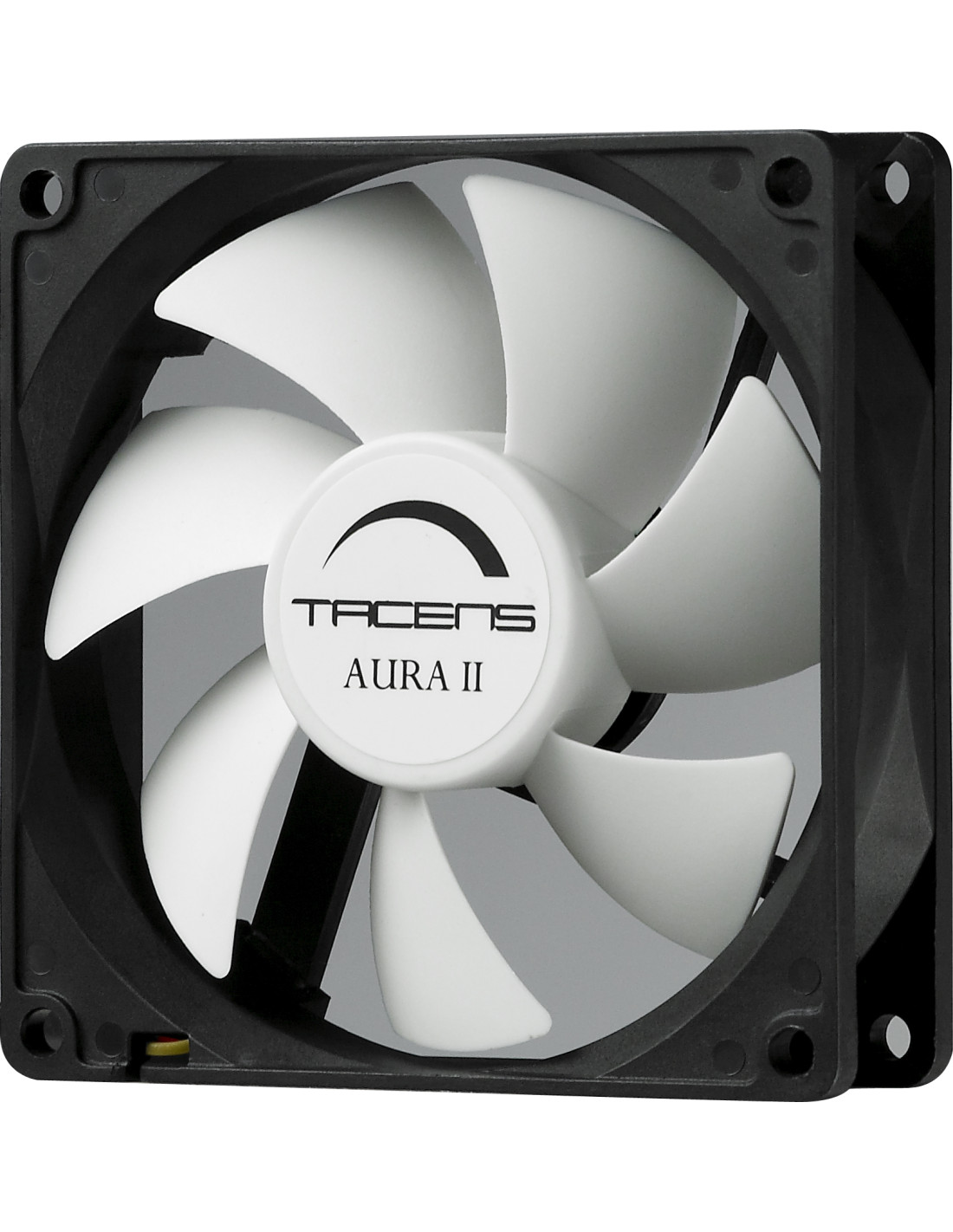
AURAII9
| Weight | 9g 89 |
|---|---|
| Dimensions | 90x90x25mm |
| Speed | 1350 RPM |
| Airflow | 33CFM |
| No. of blades | 7 |
Frequently asked questions about case fans
How many fans does a PC case usually include when you buy it?
Most standard ATX chassis include 1 to 2 pre-installed 120 mm fans as standard. If the case includes only 1 rear 120 mm fan, it is advisable to add at least 1 front unit of 48,12 CFM or 50 CFM to create an efficient wind tunnel.
Can several fans be connected to a single motherboard header?
Yes, using Y-splitters, provided the combined current does not exceed the 1,0 A limit of the motherboard header. For example, connecting 3 AF12 fans of 0,15 A requires 3 × 0,15 A = 0,45 A, a value within the safe margin of 1,0 A.
What is the difference between a 7-blade fan and a 9-blade one?
9-blade designs, such as the 120 mm AF12, tend to optimise static pressure, reaching 1,47 mmH2O at 1.200 RPM. 7-blade models, such as the AURAII12, prioritise direct airflow with 50 CFM at the same speed.
The best: Installing 2 to 3 fans of 120 mm offers the ideal balance between thermal dissipation and quiet operation at 14 dBA.
The worst: Adding more than 4 fans barely lowers internal temperatures and increases overall noise.
Buy it if: You want to keep a system of 200 W to 450 W cool with positive pressure and a low noise level.
Don't buy it if: Your chassis is a compact small form factor and only accepts fans of 80 mm or 90 mm such as the AF8 or AURAII9.