
Shopping Cart
There are no more items in your cart
 Español
 English
 Português PT
 Français
 Italiano
 Deutsch
 اللغة العربية
In summary: A standard ATX case typically fits between 1 and 2 3.5-inch HDD hard drives and between 2 and 4 2.5-inch SSD drives, adding up to a typical internal capacity of 3 to 5 storage drives, not counting NVMe modules installed directly on the motherboard.
Table of contents
- How many storage drives does a standard ATX case support?
- What physical and technical difference is there between 3.5" and 2.5" bays?
- Selection criteria before buying a chassis and storage
- How does cooling affect the lifespan of drives?
- Capacity comparison across Tacens chassis
- How to calculate the space and total power draw of your drives?
- Common mistakes when fitting hard drives and SSDs
- Which chassis to choose according to your storage volume?
- Frequently asked questions about bays and drives in ATX cases
- Final verdict
How many storage drives does a standard ATX case support?
A modern ATX mid-tower or mini-tower offers space to house 2 to 5 dedicated storage drives distributed between the main chassis and the power supply compartment. HDD drives (Hard Disk Drive, mechanical units with magnetic platters) use 3.5-inch bays (with a standard width of 101.6 mm), whilst SSD drives (Solid State Drive, solid-state drives based on flash memory) use 2.5-inch bays (with a width of 69.85 mm).
To this internal space are added the M.2 slots integrated into the motherboard for NVMe drives, which occupy no chassis bays and require no SATA cabling from the power supply.
What physical and technical difference is there between 3.5" and 2.5" bays?
The physical size and thermal requirements determine the compatibility of each bay within the chassis:
- 3.5-inch bays (HDD): Designed for 3.5" mechanical hard drives, which usually measure between 19.9 mm and 26.1 mm in thickness and weigh up to 650 g per unit. They require direct airflow to stay below 45 °C.
- 2.5-inch bays (SSD): Designed for 2.5" SATA SSD drives with a thickness of 7 mm. As they have no moving parts, they generate less heat and can be mounted vertically behind the motherboard or on the side panel of the chassis.
- Combined or modular bays: Several case models include multi-purpose trays where a single 3.5" bay can alternatively be configured to hold a 2.5" drive.
Selection criteria before buying a chassis and storage
Before purchasing an ATX chassis, assess these technical factors to avoid physical incompatibilities:
- Layout of the internal bays: Check whether the 3.5" bays are located in a fixed lower cage next to the ATX power supply, since power supplies deeper than 160 mm can reduce the space available for drive cabling.
- Space behind the motherboard: A minimum clearance of 15 mm to 20 mm behind the main tray is required to route the straight 15-pin SATA power cables and 7-pin SATA data cables.
- Number of ports on the motherboard: A standard ATX board usually offers between 4 and 6 SATA III ports at 6 Gbps; adding more 2.5" or 3.5" drives than available ports will require PCIe expansion cards.
- Front connectivity and accessibility: Modern chassis integrate USB 3.0 ports (at 5 Gbps) and USB 2.0 ports (at 480 Mbps) for external drives without saturating the internal bays.
How does cooling affect the lifespan of drives?
The airflow and static pressure of the chassis determine the operating temperature of mechanical and solid-state drives:
- 120 mm fans: This is the most common size at the front of the chassis; it offers a standard balance between airflow measured in CFM (cubic feet per minute) and noise level measured in dBA.
- 140 mm fans: They move more air at fewer revolutions per minute than a 120 mm fan, making them quieter at equal airflow.
- Static pressure (measured in mmH2O): This is critical for cases where the 3.5" HDD cages block the front intake; a fan with high pressure in mmH2O pushes through anti-dust filters and bays better than one optimised purely for airflow in CFM.
Keeping mechanical hard drives below 40 °C reduces the rate of mechanical failures by up to 50% over a 5-year period.
Capacity comparison across Tacens chassis
The following table summarises the dimensions, weight, ventilation support and total internal storage capacity of various chassis:
| Model | Format | Dimensions (mm) | Weight | 3.5" HDD bays | 2.5" SSD bays | Total fan capacity |
|---|---|---|---|---|---|---|
| IMPERATORII | Mid-tower | 378 x 428 x 193 mm | 2690 g | 2x 3.5" | 2x 2.5" | Up to 5x 120 mm |
| 2AERO | Mid-tower | 342 x 186 x 414 mm | 3.02 Kg | 1x 3.5" | 4x 2.5" | Front 3x 120 mm / Rear 1x 120 mm |
| 2SAGITTA20W | Mid-tower | 450 x 190 x 340 mm | 3.91 Kg | 1x 3.5" | 2x 2.5" | Top 2x 120/140 mm / Bottom 2x 120 mm / Rear 1x 120 mm |
| NOVAX550BR | Mini-tower | 356 x 166 x 275 mm | 3437 g | 2x 3.5" | 2x 2.5" | Rear 1x 80 mm |
| FORTISII | Mini-tower | 384 x 185 x 320 mm | 2.73 Kg | - | - | Front 1x 120 mm / Rear 1x 120 mm |
How to calculate the space and total power draw of your drives?
The power draw of drives influences the wattage required from the power supply. A 3.5" mechanical drive consumes on average between 6 W and 9 W under read/write load and around 2 W at idle, whilst a 2.5" SSD draws between 2 W and 4 W under heavy load.
For example, 2 HDD drives at 8 W + 2 SSD drives at 3 W = 22 W of storage consumption, and 22 W + 300 W for the rest of the system = 322 W of total consumption.
If you use an efficient power supply such as the Radix Range units with 80 PLUS Gold certification (which offer energy efficiency above 90% at half load), you guarantee stable voltage delivery on the +12 V and +5 V rails to power up to 4 SATA drives simultaneously without voltage drops or excessive noise.
Common mistakes when fitting hard drives and SSDs
When configuring storage in an ATX case, the most common mistakes are:
- Confusing airflow with static pressure at the front: Fitting front fans optimised only for CFM airflow instead of pressure in mmH2O when there are drive bays in front reduces thermal flow by up to 35%.
- Forcing SATA power connectors: Trying to connect several 2.5" SSDs on flat mounts with 90-degree angled SATA cables can snap the plastic port of the drive.
- Not calculating the space for the ATX power supply: Installing 180 mm modular power supplies in compact mid-towers can render the lower bay unusable for 3.5" drives.
- Ignoring HDD vibrations: Failing to tighten the screws with rubber washers in the 3.5" bays generates resonance noise above 30 dBA in the metal chassis.
Which chassis to choose according to your storage volume?
- For configurations with multiple SSDs (up to 4 drives): The 2AERO model offers 4 dedicated bays for 2.5" SSDs and 1 for 3.5" HDDs, combined with support for 4 120 mm fans to keep temperatures low.
- For a balance between HDD and SSD in a compact size: The IMPERATORII (mid-tower with capacity for up to 5 120 mm fans) and NOVAX550BR (mini-tower weighing 3437 g with an 80 mm rear fan) models provide 2 3.5" bays and 2 2.5" bays.
- For chassis with modern connectivity and top ventilation: The 2SAGITTA20W model, weighing 3.91 Kg, supports 1 3.5" HDD and 2 2.5" SSDs, accepting 2 top fans of 120 mm or 140 mm alongside a front USB-C port.
Products mentioned
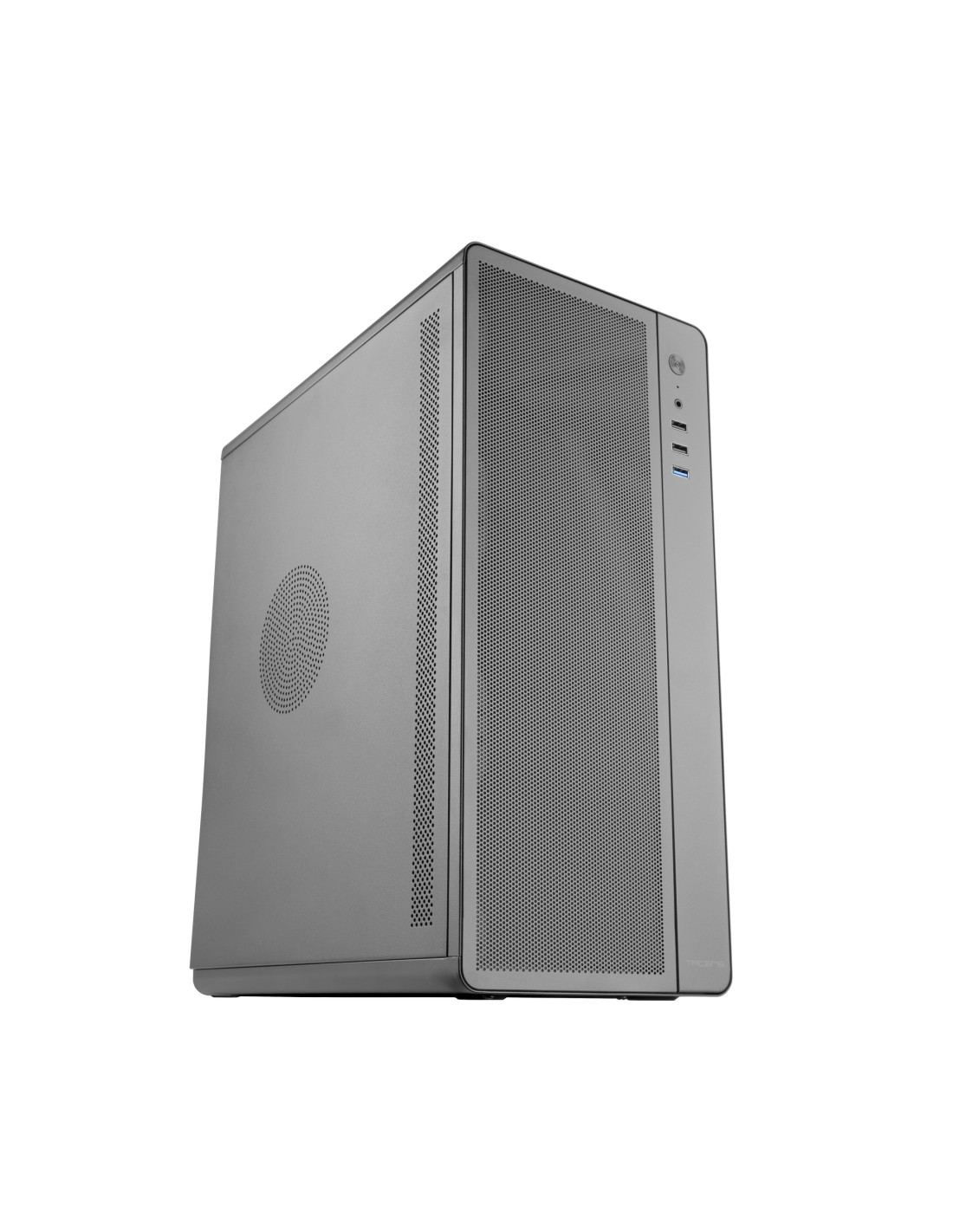
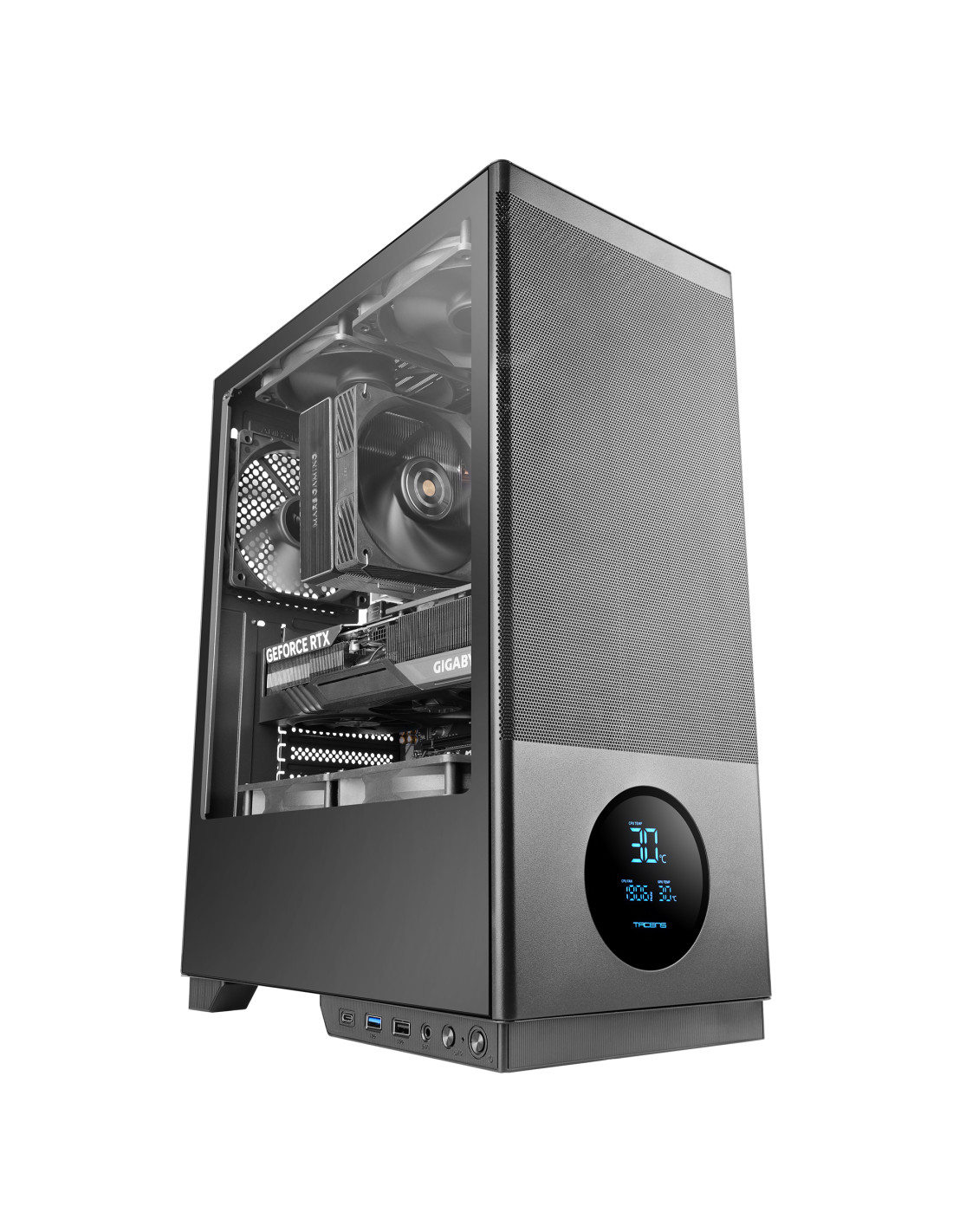
SAGITTA20
| Weight | 3.91Kg |
|---|---|
| Dimensions | 450x190x340mm |
| Size | Mid-tower |
| Fan capacity | Top 2x 120mm or 2x 140mm / Bottom 2x 120mm / Rear 1x 120mm |
| Ports | USB3.0 x1 / USB2.0 x1 / USB-C x1 (USB3.0 data transfer speed) / HD Audio + Mic (combined) |
| Power supply support | ATX |
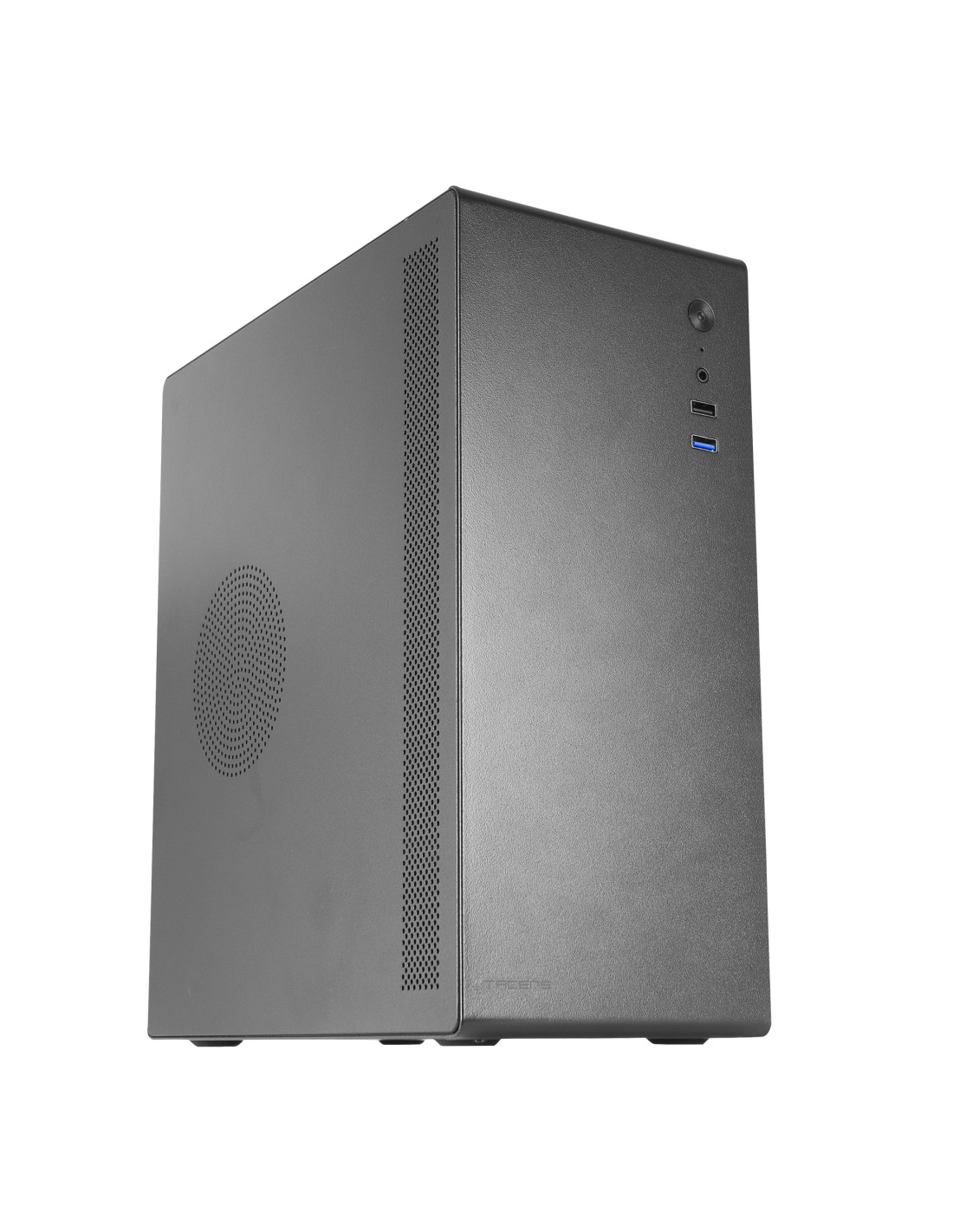
NOVAX550BR
| Weight | 3437g |
|---|---|
| Dimensions | 356x166x275mm |
| Size | Mini-tower |
| Fan capacity | Rear: 1x 80mm |
| Ports | USB3.0 x1 / USB2.0 x1 / HD Audio + Mic (combined) |
| Power supply support | ATX |
Frequently asked questions about bays and drives in ATX cases
Can I fit a 2.5" SSD in a 3.5" bay?
Yes, using a metal 3.5" to 2.5" adapter or by using the lower mounting holes included in some bays of modern chassis. The adapter allows you to screw the smaller drive in place whilst keeping the standard alignment.
Does vertical orientation affect the performance of a mechanical drive?
No, 3.5" hard drives can operate in both horizontal and vertical positions without losing performance or damaging their bearings. However, they must not be installed at diagonal angles to avoid uneven wear on the spindle motor.
How many SATA power cables does a standard power supply include?
A standard ATX power supply usually offers between 4 and 6 SATA power connectors distributed across 2 cable runs. To connect more drives than one run supports, you must check the power specifications on the +5 V and +12 V rails.
The best: ATX cases offer the flexibility to combine high-capacity 3.5" mechanical drives with fast 2.5" SSD drives in a single chassis.
The worst: Fixed lower 3.5" cages limit the space available for long power supplies and their cabling.
Buy it if: You need to store large volumes of data, combining system SSD drives with low cost-per-terabyte mechanical HDD drives.
Don't buy it if: You rely exclusively on motherboard-based storage through NVMe M.2 drives and prefer ultra-compact chassis with no space reserved for SATA bays.