
Shopping Cart
There are no more items in your cart
 Español
 English
 Português PT
 Français
 Italiano
 Deutsch
 اللغة العربية
In short: A PC case should include at least two 120 mm fans (one at the front drawing air in and one at the rear expelling it) to prevent components from reaching critical temperatures under continuous load.
Table of contents
- How many included fans does a PC case really need?
- Which technical concepts define thermal performance?
- How do size and static pressure affect airflow?
- Which fan configuration do you need for your hardware?
- Technical comparison of case fans
- What are the most common mistakes when buying a case?
- Which certifications and regulations should you check?
- Frequently asked questions about case cooling
How many included fans does a PC case really need?
The minimum number of included fans required to guarantee stable cooling depends on the total thermal output of the system, but the baseline standard sits between 2 and 3 units:
- Minimum functional configuration (2 x 120 mm fans): One front fan drawing air in (intake) and one rear fan expelling it (exhaust). This lowers internal temperatures by between 8 °C and 12 °C compared with a case without active ventilation.
- Recommended configuration for gaming (3 x 120 mm or 140 mm fans): Two at the front and one at the rear. This maintains positive pressure inside the case, preventing dust from entering through unfiltered openings and reducing graphics card temperatures by up to a further 5 °C.
- High-performance configuration (4 or more fans): Three at the front, one at the rear and one or two at the top. Suitable when total system draw exceeds 400 W.
Which technical concepts define thermal performance?
To assess whether the fans supplied with a case are sufficient, three standardised parameters must be measured:
Airflow (CFM)
Airflow represents the volume of air the fan moves per minute, measured in cubic feet per minute (CFM). A standard case fan typically delivers between 30 CFM and 55 CFM.
Static pressure (mmH2O)
Static pressure measures the force with which the fan pushes air against a resistance (dense grilles, dust filters or radiators), expressed in millimetres of water column (mmH2O). Fans designed for open chassis require fewer mmH2O than those intended for liquid cooling radiators.
Acoustic noise level (dBA)
Noise output is measured in A-weighted decibels (dBA). A quiet fan operates below 18 dBA at 1200 RPM, whereas high-airflow models exceed 25 dBA when reaching 1800 RPM.
How do size and static pressure affect airflow?
Fan diameter determines the relationship between airflow and noise output:
- 120 mm fans: The most widespread format. They typically operate between 1000 RPM and 1500 RPM, offering a standard balance between physical compatibility and airflow.
- 140 mm fans: They move a greater volume of air at lower speeds (between 800 RPM and 1200 RPM), which reduces noise by around 20 % while maintaining the same CFM as a 120 mm model.
- 80 mm and 90 mm fans: Reserved for compact cases or servers. They must spin at speeds of 1500 RPM to 1800 RPM to compensate for their smaller diameter, which increases acoustic wear.
Technical note: Airflow and static pressure are not interchangeable; a fan delivering 50 CFM but low static pressure (below 1.0 mmH2O) will lose up to 40 % of its flow if the case has a closed front panel or a dense dust filter.
Which fan configuration do you need for your hardware?
To calculate the airflow required, you must plan the balance between intake and exhaust fans.
For example, if we install two front AF12 fans delivering 48.12 CFM each and one rear fan of the same model, the total intake airflow is 48.12 CFM + 48.12 CFM = 96.24 CFM, against an exhaust of 48.12 CFM, which produces positive pressure with a net difference of 96.24 CFM - 48.12 CFM = 48.12 CFM.
Configuration criteria by power draw:
- Office systems (draw < 150 W):
- 1 rear 80 mm or 120 mm fan extracting air at 1200 RPM.
- Mid-range systems / light gaming (draw between 150 W and 350 W):
- 2 x 120 mm fans (1 front at 1200 RPM, 1 rear at 1200 RPM).
- Advanced gaming and content creation systems (draw between 350 W and 600 W):
- 3 x 120 mm fans (2 front delivering 48 CFM or higher, 1 rear delivering 48 CFM).
- Use of highly efficient PSUs such as the Radix range with Gold certification to reduce heat dissipated inside the case by 10 % compared with basic PSUs.
Technical comparison of case fans
Below is a comparison of the technical specifications of individual Tacens fans used to renew or extend the airflow of a PC case:
| Model | Dimensions (mm) | Speed (RPM) | Airflow (CFM) | Noise (dBA) | Static pressure (mmH2O) | Current (A) | Blades | Weight (g) |
|---|---|---|---|---|---|---|---|---|
| AF12 | 120x120x25 mm | 1200 RPM (+10%) | 48.12 CFM | 14 dBA | 1.47 mmH2O | 0.15 A | 9 | 120 g |
| AURAII12 | 120x120x25 mm | 1200 RPM | 50.00 CFM | — | — | — | 7 | 5.98 g |
| AF8 | 80x80x25 mm | 1800 RPM (+10%) | 30.50 CFM | 14 dBA | 1.25 mmH2O | 0.12 A | 7 | 60 g |
| AURAII9 / R3AURAII9 | 90x90x25 mm | 1350 RPM | 33.00 CFM | — | — | — | 7 | 9.89 g |
| AURAII8 | 80x80x25 mm | 1500 RPM | 25.00 CFM | — | — | — | 7 | 2.64 g |
What are the most common mistakes when buying a case?
- Choosing closed glass or plastic front panels without side intakes: These reduce the airflow of fans such as the AURAII12 (50 CFM) to below 20 CFM due to physical restriction.
- Ignoring internal pressure (negative pressure): Fitting more exhaust fans than intake fans creates a vacuum that draws dust in through every unfiltered opening.
- Confusing the number of fans with cooling capacity: Four low-quality fans at 800 RPM underperform two optimised 120 mm units running at 1200 RPM with 1.47 mmH2O of pressure.
- Not calculating the fans' power draw: Connecting multiple units to a single 1.0 A motherboard header can overload the connector if each unit requires between 0.12 A and 0.15 A alongside lighting systems.
Which certifications and regulations should you check?
It is essential not to confuse legal sales obligations with performance or thermal safety certifications:
Mandatory legal marks in the European Union
- CE: A self-declaration by the manufacturer of compliance with electromagnetic compatibility and low-voltage directives. It does not certify thermal quality or performance.
- RoHS: Restriction of hazardous substances in electronic components. It is a mandatory directive, not a competitive advantage.
- WEEE: Regulations governing the management and recycling of waste electrical equipment.
Independent voluntary certifications
- 80 PLUS (CLEAResult): Certifies the energy efficiency of the power supply unit (Bronze, Silver, Gold, Platinum). An efficient PSU generates less waste heat inside the case.
- Cybenetics ETA / LAMBDA: Certifications that measure real-world efficiency and acoustic noise level across the entire power range.
- TÜV Rheinland: Electrical safety and durability testing carried out by independent laboratories.
Products mentioned
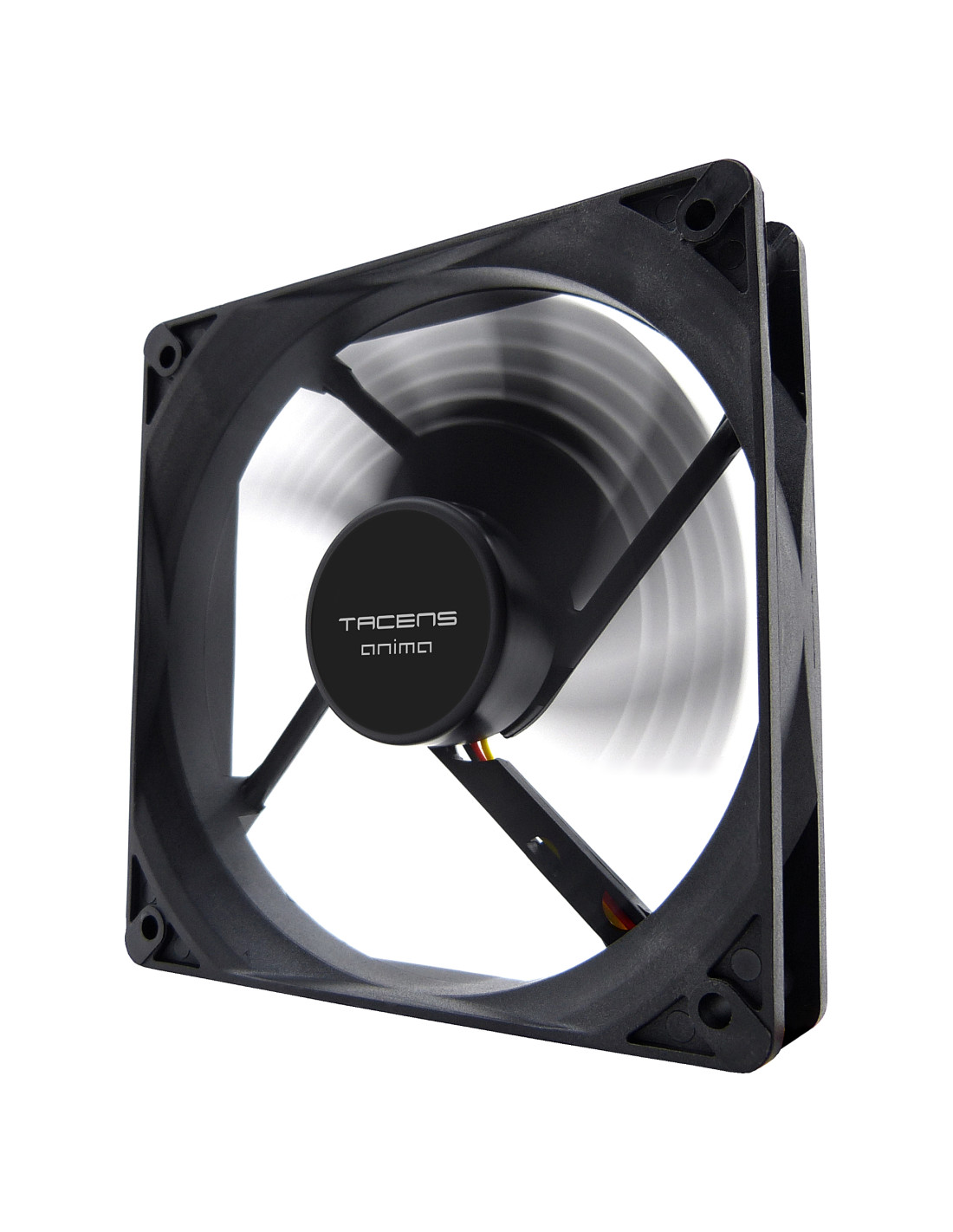
AF12
| Weight | 120g |
|---|---|
| Dimensions | 120x120x25mm |
| Speed | 1200 RPM +10% |
| Airflow | 48.12CFM |
| No. of blades | 9 |
| Noise | 14dBA |
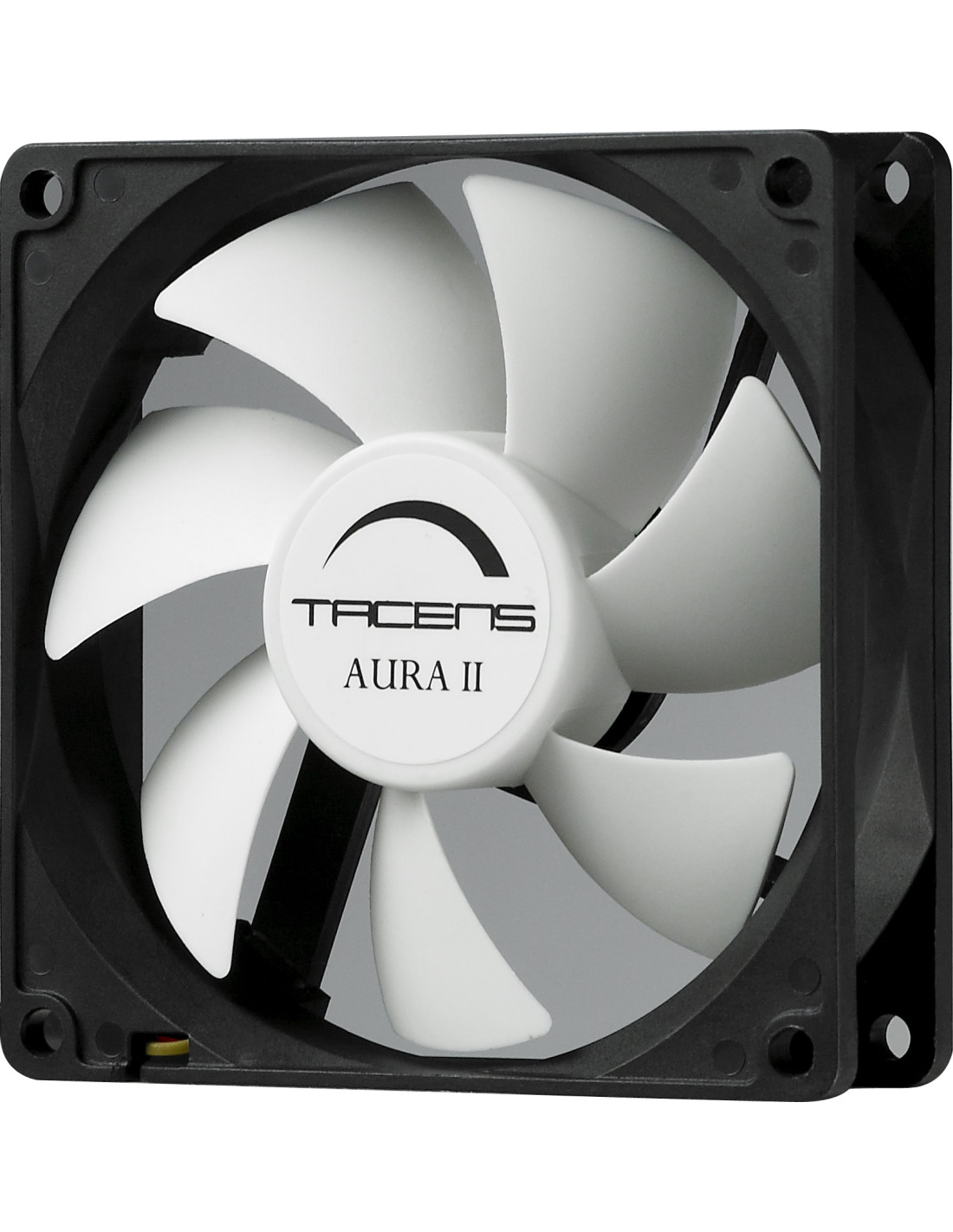
AURAII12
| Weight | 5g 98 |
|---|---|
| Dimensions | 120x120x25mm |
| Speed | 1200 RPM |
| Airflow | 50CFM |
| No. of blades | 7 |
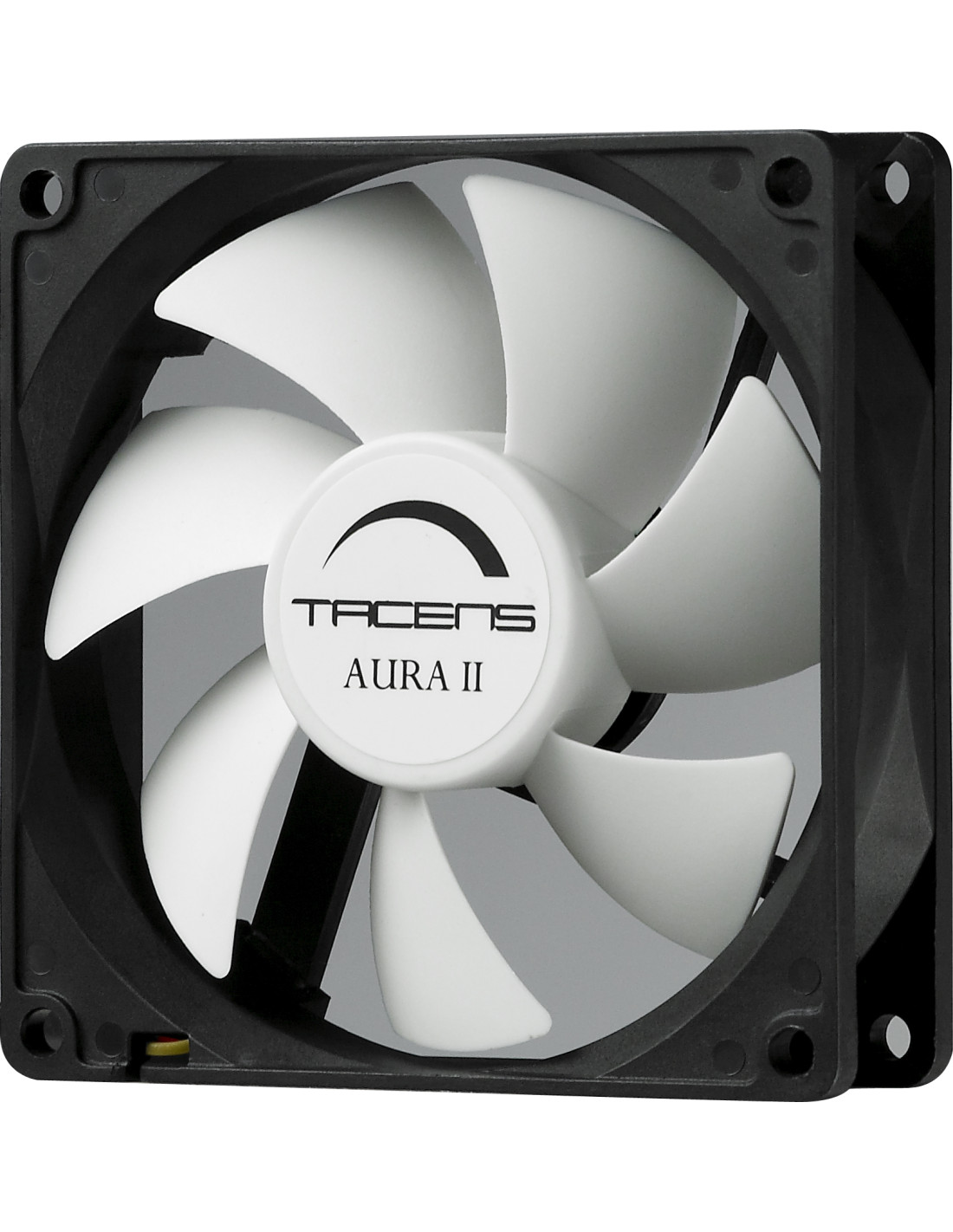
AURAII9
| Weight | 9g 89 |
|---|---|
| Dimensions | 90x90x25mm |
| Speed | 1350 RPM |
| Airflow | 33CFM |
| No. of blades | 7 |
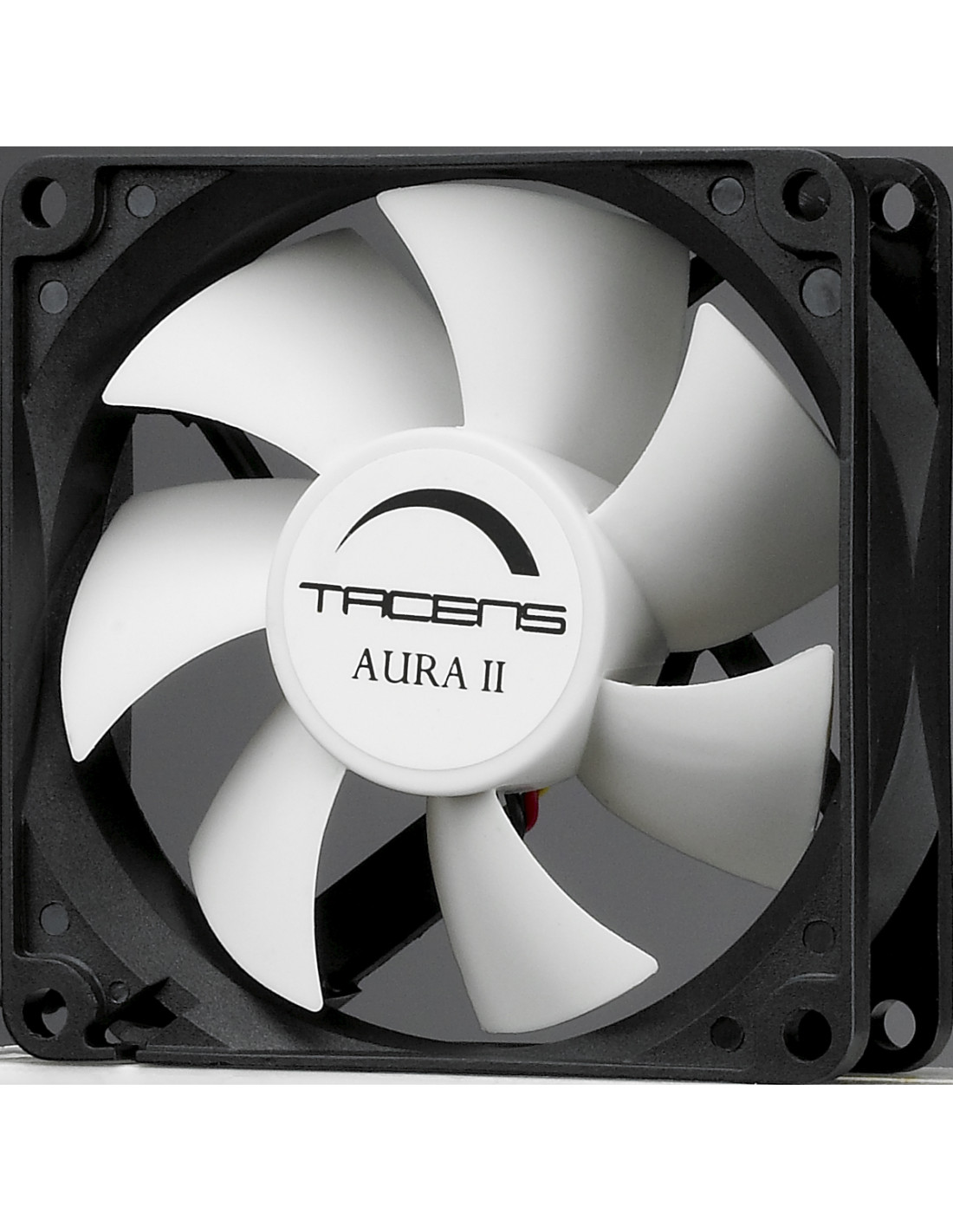
AURAII8
| Weight | 2g 64 |
|---|---|
| Dimensions | 80x80x25mm |
| Speed | 1500 RPM |
| Airflow | 25CFM |
| No. of blades | 7 |
Frequently asked questions about case cooling
Is a case that comes with only one rear fan sufficient?
It is only sufficient for basic office systems with draws below 100 W. For any processor or dedicated graphics card, the lack of front air intake raises internal temperatures by between 10 °C and 15 °C.
What is the difference between 3-pin and 4-pin PWM fans?
3-pin fans regulate their speed by varying the voltage (DC), whereas 4-pin fans use pulse-width modulation (PWM). PWM control allows speeds to be lowered to as little as 20 % or 30 % of maximum capacity with greater precision.
Should the power supply unit face inwards or outwards in the case?
In cases with an isolated bottom compartment, the PSU fan should face downwards to draw fresh air from outside and expel it directly out of the rear, operating as an independent thermal circuit.
The best: Installing 2 or 3 120 mm fans guarantees a constant airflow that lowers component temperatures by up to 12 °C.
The worst: Adding more than 3 fans increases noise by more than 3 dBA per additional unit without delivering proportional thermal improvements.
Buy it if: You want to keep mid-range or gaming components below their thermal limits at minimal cost and noise.
Don't buy it if: You are building low-draw passive systems (< 65 W) or custom liquid cooling with dedicated radiators that already come with their own high-pressure fans.