
Shopping Cart
There are no more items in your cart
 Español
 English
 Português PT
 Français
 Italiano
 Deutsch
 اللغة العربية
In short: To check whether the graphics card will clash with the front radiator, you must subtract the total thickness of the radiator and the front fans from the maximum GPU length stated by the PC case manufacturer.
Table of contents
- How do you calculate the actual space by subtracting the radiator and fans?
- Which measurements do you need to check before assembly?
- How do static pressure and fan thickness matter?
- Technical comparison of fans for cases and radiators
- What are the most common mistakes when measuring internal space?
- Which standards and certifications should you verify on the components?
- Frequently asked questions about GPU and radiator compatibility
- Technical verdict
How do you calculate the actual space by subtracting the radiator and fans?
The maximum graphics card (GPU) length listed in a case's specification sheet assumes a clear front panel with no liquid cooling components installed. A standard radiator adds between 27 mm and 30 mm of thickness, whilst a conventional 120 mm or 140 mm fan adds a further 25 mm. In push-pull configurations (fans on both sides), the front assembly occupies a total thickness of roughly 77 mm to 80 mm.
To work out whether a GPU fits inside the case without colliding with the cooling circuit, a straightforward subtraction in millimetres is applied to the usable internal space:
- Net GPU space = Maximum GPU length in case (mm) − Radiator thickness (mm) − Fan thickness (mm).
For example, 380 mm − 27 mm − 25 mm = 328 mm of net space, which allows a 320 mm graphics card to be installed with 8 mm of clearance free from obstructions.
Which measurements do you need to check before assembly?
Before purchasing or assembling the components, you should cross-check four exact physical dimensions in each manufacturer's specifications:
- Total graphics card length: Measured in mm from the rear mounting bracket to the end of the front heatsink.
- Maximum GPU clearance of the case: A figure in mm indicating the free distance from the PCIe expansion slots to the internal front structure.
- Radiator block thickness: A standard 240 mm or 360 mm AIO radiator usually measures 27 mm in depth, but thick models of 38 mm or 45 mm do exist.
- Fan depth: The industry standard is 25 mm thick, although low-profile 15 mm fans are available.
How do the orientation of the tubes and the total thickness matter?
If the radiator tubes are oriented towards the bottom of the front panel, the inlet and outlet block adds between 10 mm and 15 mm of localised volume that can interfere with cards longer than 300 mm. In compact cases with less than 340 mm of internal space, orienting the tubes upwards or mounting the radiator on the top panel avoids physical interference with the GPU.
How do static pressure and fan thickness matter?
Cooling on front radiators depends directly on two airflow parameters:
- Airflow (CFM): Volume of air moved, measured in cubic feet per minute (Cubic Feet per Minute).
- Static pressure (mmH2O): The force with which air pushes through a resistance, measured in millimetres of water column.
- Noise level (dBA): A-weighted sound pressure level to simulate the response of the human ear.
A fan designed purely for high airflow may perform poorly on a dense radiator with aluminium fins spaced less than 1 mm apart. To push air through the radiator core whilst cooling the interior towards the graphics card, a minimum static pressure of 1.20 mmH2O is required.
Technical comparison of fans for cases and radiators
120 mm fans offer a proven balance of performance and compatibility, whilst 80 mm and 90 mm models suit compact cases. Tacens includes in its catalogue fans optimised for case ventilation and constant airflow:
| Model | Dimensions (mm) | Speed (RPM) | Airflow (CFM) | Static pressure (mmH2O) | Noise (dBA) | Power draw / Current | Weight (g) |
|---|---|---|---|---|---|---|---|
| AF12 | 120 × 120 × 25 mm | 1200 RPM (±10%) | 48.12 CFM | 1.47 mmH2O | 14 dBA | 0.15 A | 120 g |
| AF8 | 80 × 80 × 25 mm | 1800 RPM (±10%) | 30.50 CFM | 1.25 mmH2O | 14 dBA | 0.12 A | 60 g |
| AURAII12 | 120 × 120 × 25 mm | 1200 RPM | 50.00 CFM | — | — | — | 5.98 g |
| AURAII9 | 90 × 90 × 25 mm | 1350 RPM | 33.00 CFM | — | — | — | 9.89 g |
| AURAII8 | 80 × 80 × 25 mm | 1500 RPM | 25.00 CFM | — | — | — | 2.64 g |
| R3AURAII9 | 90 × 90 × 25 mm | 1350 RPM | 33.00 CFM | — | — | — | 9.89 g |
The AF12 delivers 1.47 mmH2O at a noise level of 14 dBA at 1200 RPM, allowing it to push air through front panels with dust filters and 120 mm or 240 mm radiators without generating excessive turbulence towards the GPU.
What are the most common mistakes when measuring internal space?
- Not accounting for the fans: Forgetting the 25 mm of the fan and subtracting only the 27 mm of the front radiator creates a 25 mm calculation error that often prevents the GPU from being closed up or screwed in.
- Ignoring the PCIe power connectors: 8-pin or 12VHPWR cables require between 20 mm and 30 mm of lateral clearance from the tempered glass panel.
- Confusing airflow with static pressure: Fitting high-airflow (CFM) but low static pressure fans (below 1.00 mmH2O) in front of a radiator reduces the flow of fresh air towards the graphics card by up to 40%.
- Not allowing for manoeuvring room: Leaving less than 5 mm between the GPU and the radiator makes it difficult to insert the card into the PCIe slot owing to the required entry angle.
Which standards and certifications should you verify on the components?
When choosing power supplies and electrical components to support systems with high-draw graphics cards (over 250 W), it is essential to distinguish between mandatory legal requirements and independent quality marks:
Mandatory regulatory markings in the European Union
- CE marking: The manufacturer's declaration of conformity with EU legislation. It does not certify quality or performance by external laboratories.
- RoHS: A directive restricting hazardous substances such as lead or mercury. It is mandatory for any product legally placed on the market.
- WEEE: The regulatory framework for recycling waste electrical and electronic equipment.
Independent voluntary certifications
- 80 PLUS: Certifies energy efficiency (80 PLUS Gold guarantees a minimum efficiency of 87% at 100% load and 90% at 50% load at 230 V). The Radix range holds Gold certification to optimise power consumption and heat dissipation.
- Cybenetics ETA and LAMBDA: Third-party certifications that measure average efficiency across the entire operating range and acoustic noise in dBA.
- TÜV / TÜV Rheinland: Independent electrical and thermal safety testing of power supplies.
Products mentioned
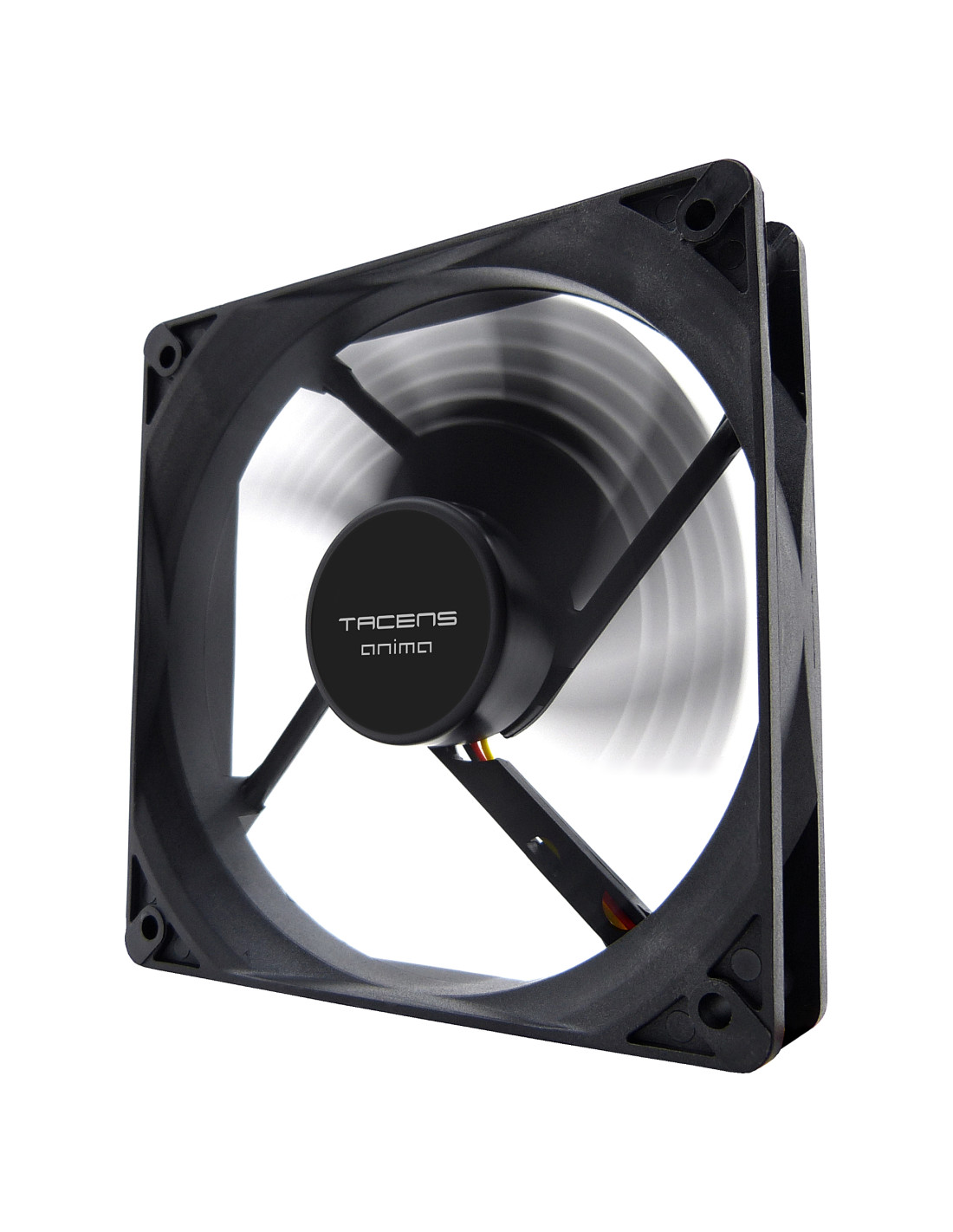
AF12
| Weight | 120g |
|---|---|
| Dimensions | 120x120x25mm |
| Speed | 1200 RPM +10% |
| Airflow | 48.12CFM |
| No. of blades | 9 |
| Noise | 14dBA |
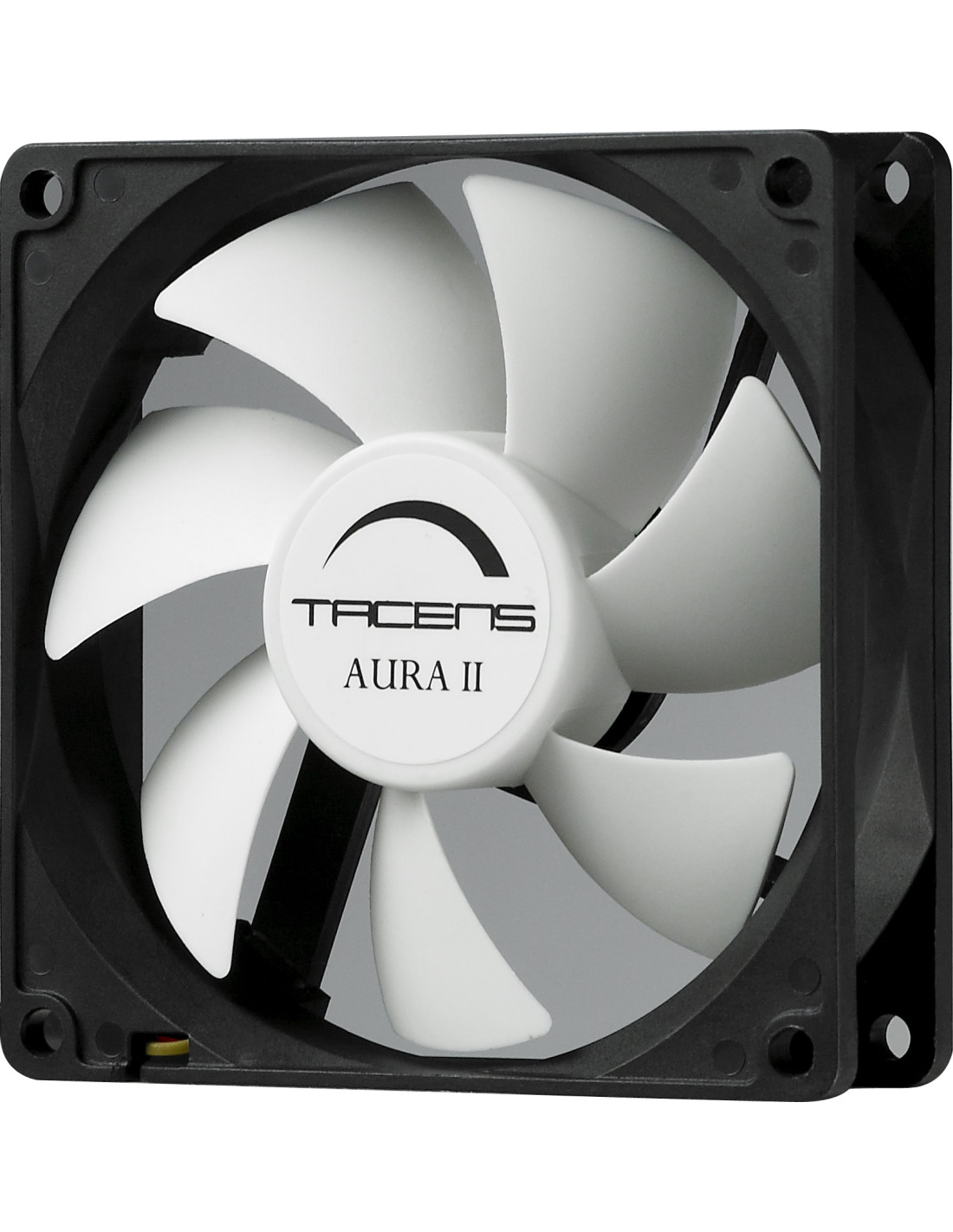
AURAII12
| Weight | 5g 98 |
|---|---|
| Dimensions | 120x120x25mm |
| Speed | 1200 RPM |
| Airflow | 50CFM |
| No. of blades | 7 |
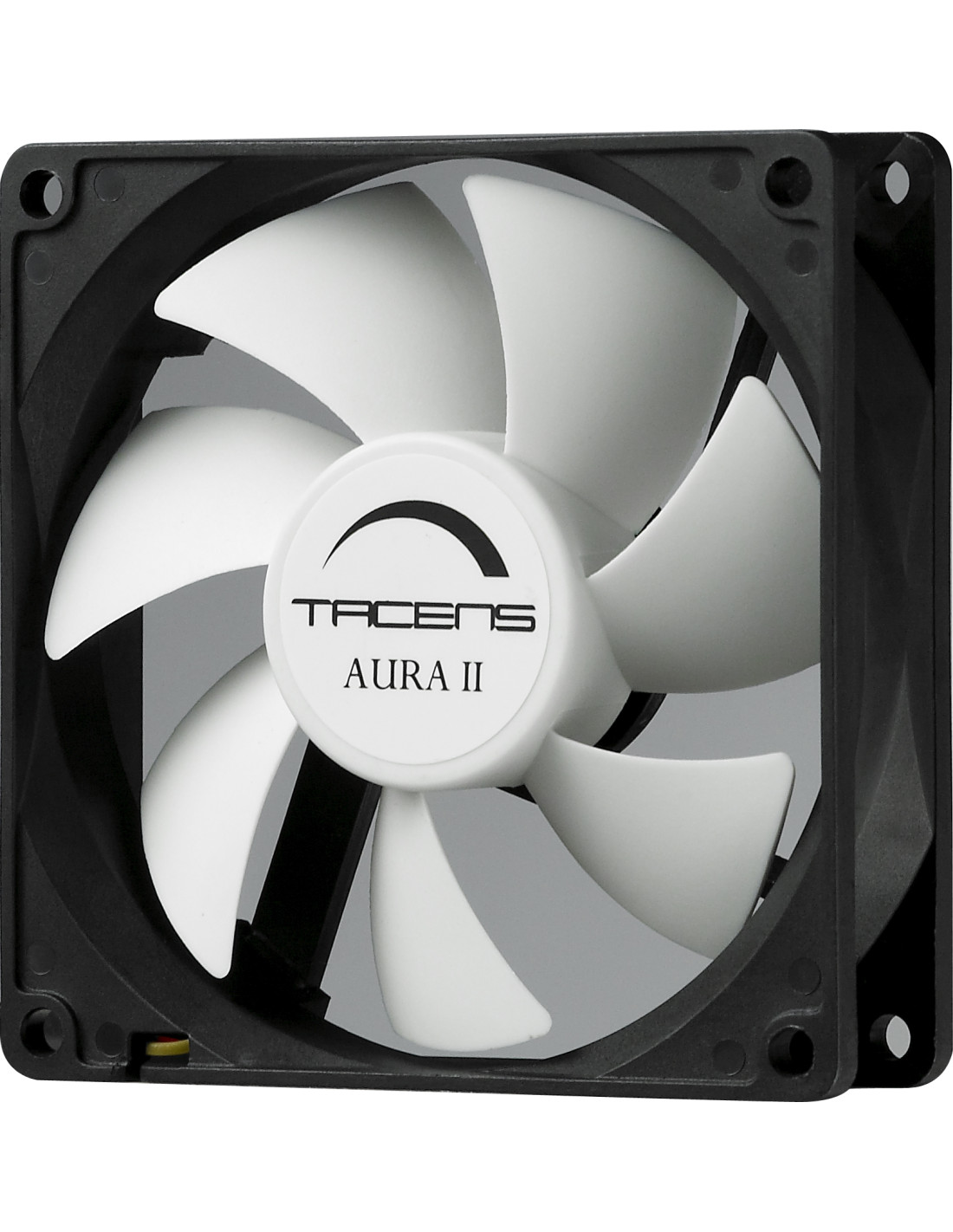
AURAII9
| Weight | 9g 89 |
|---|---|
| Dimensions | 90x90x25mm |
| Speed | 1350 RPM |
| Airflow | 33CFM |
| No. of blades | 7 |
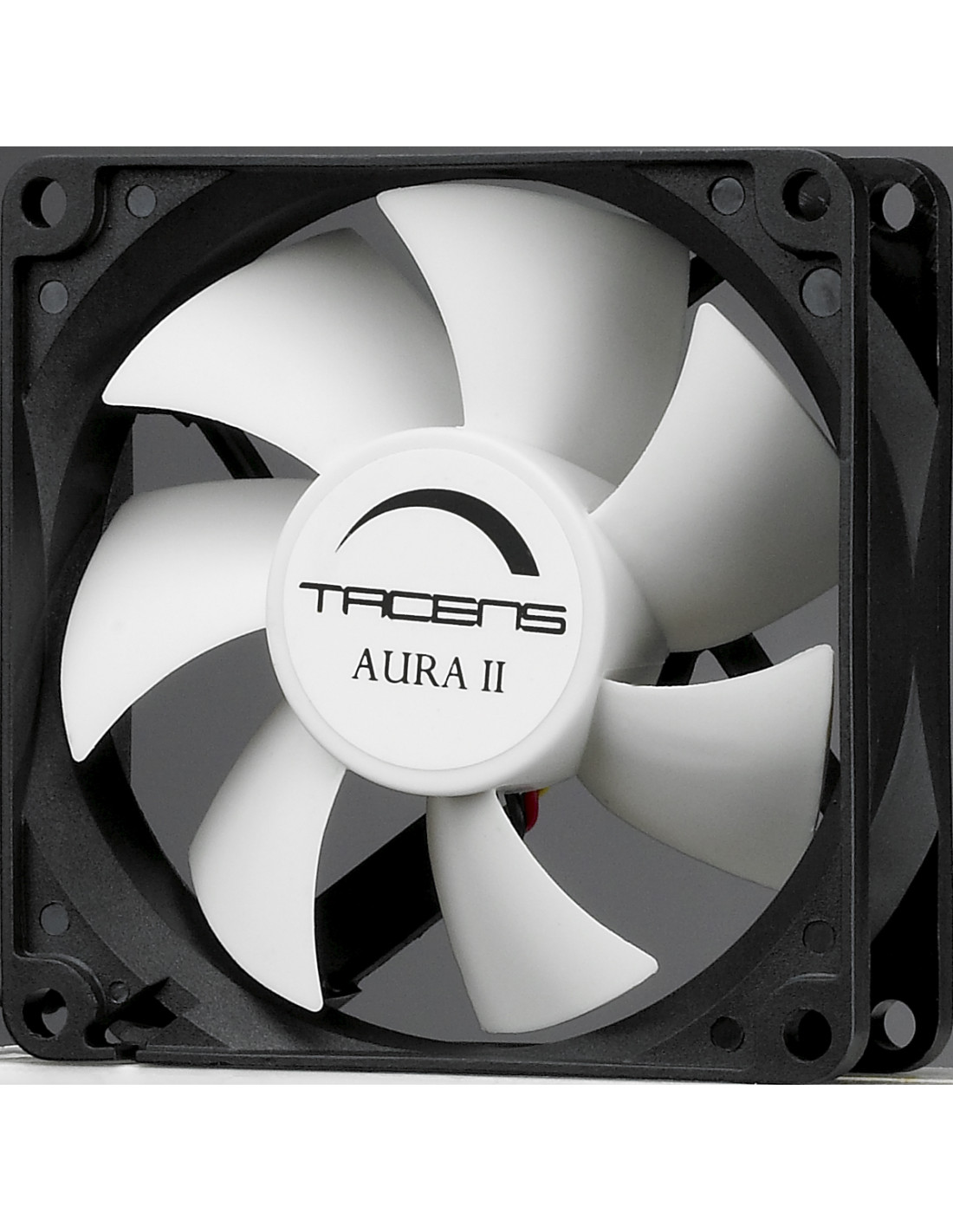
AURAII8
| Weight | 2g 64 |
|---|---|
| Dimensions | 80x80x25mm |
| Speed | 1500 RPM |
| Airflow | 25CFM |
| No. of blades | 7 |
Frequently asked questions about GPU and radiator compatibility
How much minimum safety clearance should there be between the graphics card and the radiator?
A free margin of at least 10 mm to 15 mm is recommended. This distance makes it easier to insert the card into the PCIe slot and prevents the hot air expelled by the front radiator from directly reheating the end of the GPU heatsink.
Can you gain space by fitting low-profile (slim) fans?
Yes, swapping standard 25 mm fans for 15 mm models frees up 10 mm directly for the graphics card. However, slim fans usually deliver lower static pressure in mmH2O, so coolant temperatures can rise by between 2 °C and 4 °C under sustained load.
Does a vertical GPU mount affect the front space?
A vertical mount keeps the same longitudinal distance to the radiator, but shifts the GPU towards the side panel. In narrow cases, this can reduce the space to less than 20 mm from the glass, restricting the airflow of the GPU fans.
The best: The straightforward subtraction formula (Case length − Radiator thickness − Fan thickness) eliminates the risk of incompatibility before buying the hardware.
The worst: It forces you to calculate manual margins of at least 10 mm because manufacturers' specification sheets do not standardise the exact front measuring point.
Buy it if: You are going to fit a GPU longer than 300 mm together with front liquid cooling in a mid-tower case.
Don't buy it if: Your case supports radiators on the top panel of 240 mm or 280 mm, where the mount does not reduce the free length available for the GPU.