
Shopping Cart
There are no more items in your cart
 Español
 English
 Português PT
 Français
 Italiano
 Deutsch
 اللغة العربية
In a nutshell: To find out whether a PC case has enough room behind the motherboard to hide cables, you need to check that the chassis's total external width exceeds 185 mm, or that the manufacturer certifies a cable routing margin of at least 15 mm to 25 mm between the rear tray and the side panel.
Table of contents
- How much clearance behind the motherboard is actually needed?
- Which factors determine whether cables will fit at the back?
- How to calculate cable thickness against chassis width?
- What problems arise from forcing the side panel against the cables?
- Technical comparison of chassis dimensions and internal capacity
- What are the common mistakes when choosing a case based on cabling?
- What technical questions arise when hiding rear cables?
- Final verdict
How much clearance behind the motherboard is actually needed?
Cable management clearance is the physical distance, measured in millimetres, between the metal plate where you screw the motherboard down and the metal or glass side panel.
Standard clearance ranges determine whether the build is viable:
- Less than 10 mm: Critical space. Only allows individual flat cables through (such as data SATA connectors with a 1.5 mm thickness).
- Between 12 mm and 18 mm: Standard margin in entry-level compact cases. Requires distributing the cable bundles without crossing them over each other.
- Between 20 mm and 30 mm: Optimal margin in mid-tower cases. Allows the 24-pin main ATX connector to be crossed with PCIe cables and fan hubs without putting pressure on the metal plate.
Which factors determine whether cables will fit at the back?
To assess whether a tower will house all the cabling without bulging the panel, you must consider four physical factors of the chassis and the components:
- External chassis width: A case with a width below 170 mm (such as 166 mm mini-tower models) usually leaves less than 10 mm at the rear. Cases wider than 185 mm guarantee clearances above 15 mm.
- Tie-down points: The presence of stamped metal bridges on the tray allows cables to be secured with 2.5 mm wide ties, keeping the bundle thickness below 15 mm.
- Rubber-grommeted cable pass-throughs and side bevels: The perimeter openings next to the motherboard must have at least 20 mm of clearance so as not to strangle the 12V cables.
- Power supply cable bundle thickness: PSUs with flat cables make for an easier 12 mm build, whereas PSUs with sleeved round cables require at least 20 mm of depth.
How to calculate cable thickness against chassis width?
The 24-pin main ATX connector has an average thickness of 10 mm to 12 mm with sleeved cables. If two power cables cross behind the motherboard, their thicknesses add up linearly.
For example, a 24-pin ATX cable with a 12 mm thickness added to an 8-pin PCIe cable with an 8 mm thickness results in 12 mm + 8 mm = 20 mm of total accumulated thickness at that crossing point.
If your chassis offers a usable depth of 15 mm behind the tray, a 20 mm crossing will create a mechanical interference of 20 mm - 15 mm = 5 mm against the side panel, preventing it from closing flush.
What problems arise from forcing the side panel against the cables?
Snapping a panel shut when more than 3 mm of space is lacking generates mechanical stress and thermal flow problems:
- Side panel deformation: Point pressure deforms steel panels with a 0.5 mm to 0.8 mm thickness, leaving visible gaps through which dust gets in.
- Hot spots from strangulation: Compressing cables against the metal plate blocks secondary ventilation openings, affecting configurations where 120 mm fans (with typical airflow of 45 CFM) or 140 mm fans need escape routes free of added turbulence that would push noise above 25 dBA.
- Strain on internal connectors: Forcing the panel pulls on the SATA cables connected to 2.5" and 3.5" bays, potentially snapping the plastic pins on the drives.
Technical comparison of chassis dimensions and internal capacity
The Tacens catalogue includes models with different widths and internal configurations that determine how easy routing and cooling are:
| Model | Size | Dimensions (mm) | Weight | Fan capacity | Internal bays | PSU compatibility | |
|---|---|---|---|---|---|---|---|
| NOVAX550BR | Mini-tower | 356 x 166 x 275 | 3437 g | Rear: 1x 80 mm | 2x 3.5" HDD + 2x 2.5" SSD | ATX | |
| FORTISII | Mini-tower | 384 x 185 x 320 | 2,73 kg | Front 1x 120 mm / Rear 1x 120 mm | No ext. bays listed | ATX | |
| 2AEROM | Small tower | 330 x 189 x 380 | 2,7 kg | Front 3x 120 mm / Rear 1x 120 mm | 1x 3.5" HDD / 3x 2.5" SSD | ATX | |
| IMPERATORII | Mid-tower | 378 x 428 x 193 | 2690 g | Up to 5x 120 mm | 2x 3.5" HDD + 2x 2.5" SSD | ATX PS/3 \ | ATX PS/2 |
| 2AERO | Semitransformador | 342 x 186 x 414 | 3,02 kg | Front 3x 120 mm / Rear 1x 120 mm | 1x 3.5" HDD / 4x 2.5" SSD | ATX | |
| 2SAGITTA20W | Mid-tower | 450 x 190 x 340 | 3,91 kg | Top 2x 120/140 mm / Bottom 2x 120 mm / Rear 1x 120 mm | 1x 3.5" HDD / 2x 2.5" SSD | ATX |
A greater overall width (such as the 190 mm of the 2SAGITTA20W or the 193 mm of the IMPERATORII) translates directly into greater build tolerance behind the tray compared with the 166 mm of the NOVAX550BR.
To optimise the interior space and noise (keeping dBA levels low with fans of 140 mm or 120 mm with high static pressure in mmH2O), it is advisable to combine cases wider than 185 mm with high-efficiency power supplies such as those in the Radix series (Gold certified), which reduce residual heat dissipation in the bottom compartment.
What are the common mistakes when choosing a case based on cabling?
- Assuming all mid-tower cases have the same rear depth: Two mid-tower chassis can measure 185 mm and 210 mm in external width; that 25 mm difference goes almost entirely to cable space or CPU cooler height.
- Fitting 2.5" SSD drives directly behind the motherboard without measuring: Mounting a 2.5" SSD (7 mm thick) on a tray with a 15 mm margin reduces the free space to 15 mm - 7 mm = 8 mm in that area, making it impossible to cross cables over the drive.
- Ignoring the PSU cable type: Non-modular power supplies with round cables require up to 40% more rear management volume than modular or flat ribbon-cabled units.
What technical questions arise when hiding rear cables?
How many millimetres of margin are considered enough for a hassle-free build?
A clearance of 20 mm or more between the tray and the side panel allows you to work comfortably, accommodating crossings of 24-pin ATX cables and 8-pin PCIe lines. With less than 15 mm, planning parallel routes with no overlaps is mandatory.
Does the rear fan size affect cable management?
120 mm or 140 mm fans do not interfere directly with the rear section, but their 3- or 4-pin cabling must be routed along the top edge. A 140 mm fan moves more airflow (CFM) at lower revolutions than a 120 mm one, reducing noise in dBA without changing the thickness of the cable you have to hide behind.
Can the rear space be improved in a narrow case of less than 180 mm?
In compact chassis less than 180 mm wide, the best solution is to use 10 mm velcro ties to flatten the bundles against the perimeter corners of the internal frame, avoiding concentrating cables in the middle of the motherboard.
Final verdict
The best: Chassis wider than 189 mm with dedicated tie-down points allow the panel to be closed without deformation or overheating.
The worst: In mini-tower cases less than 170 mm wide, the rear space is insufficient to cross 24-pin ATX cables without forcing the panel.
Buy it if: You are after a clean, quick build using PSUs with standard cabling and multiple 120 mm or 140 mm fans.
Don't buy it if: You use non-modular PSUs with thick cabling in ultra-narrow chassis; in that case, go for cases with an extended rear chamber or a dual compartment.
Products mentioned
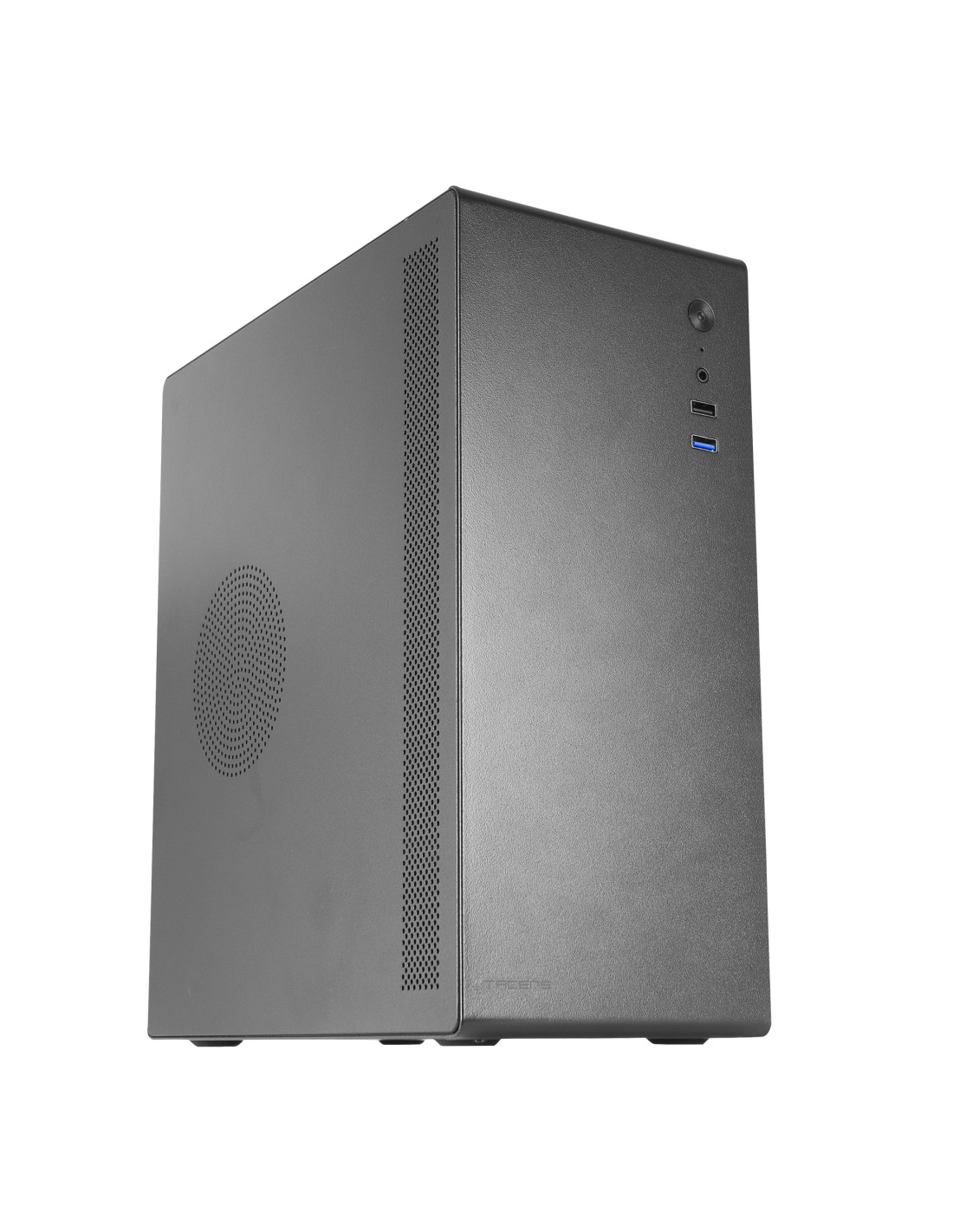
NOVAX550BR
| Weight | 3437g |
|---|---|
| Dimensions | 356x166x275mm |
| Size | Mini-tower |
| Fan capacity | Rear: 1x 80mm |
| Ports | USB3.0 x1 / USB2.0 x1 / HD Audio + Mic (mixed) |
| PSU support | ATX |
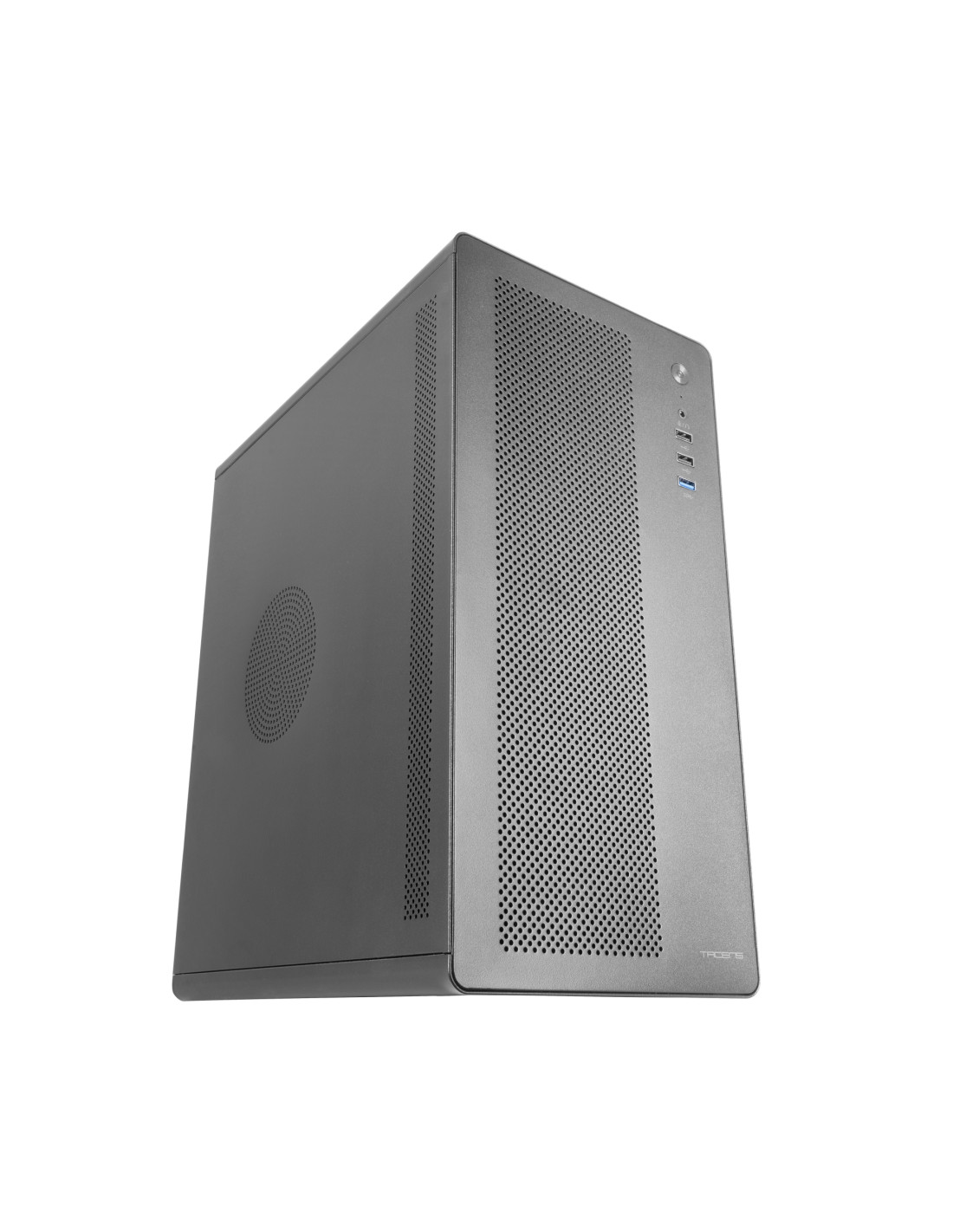
AEROM
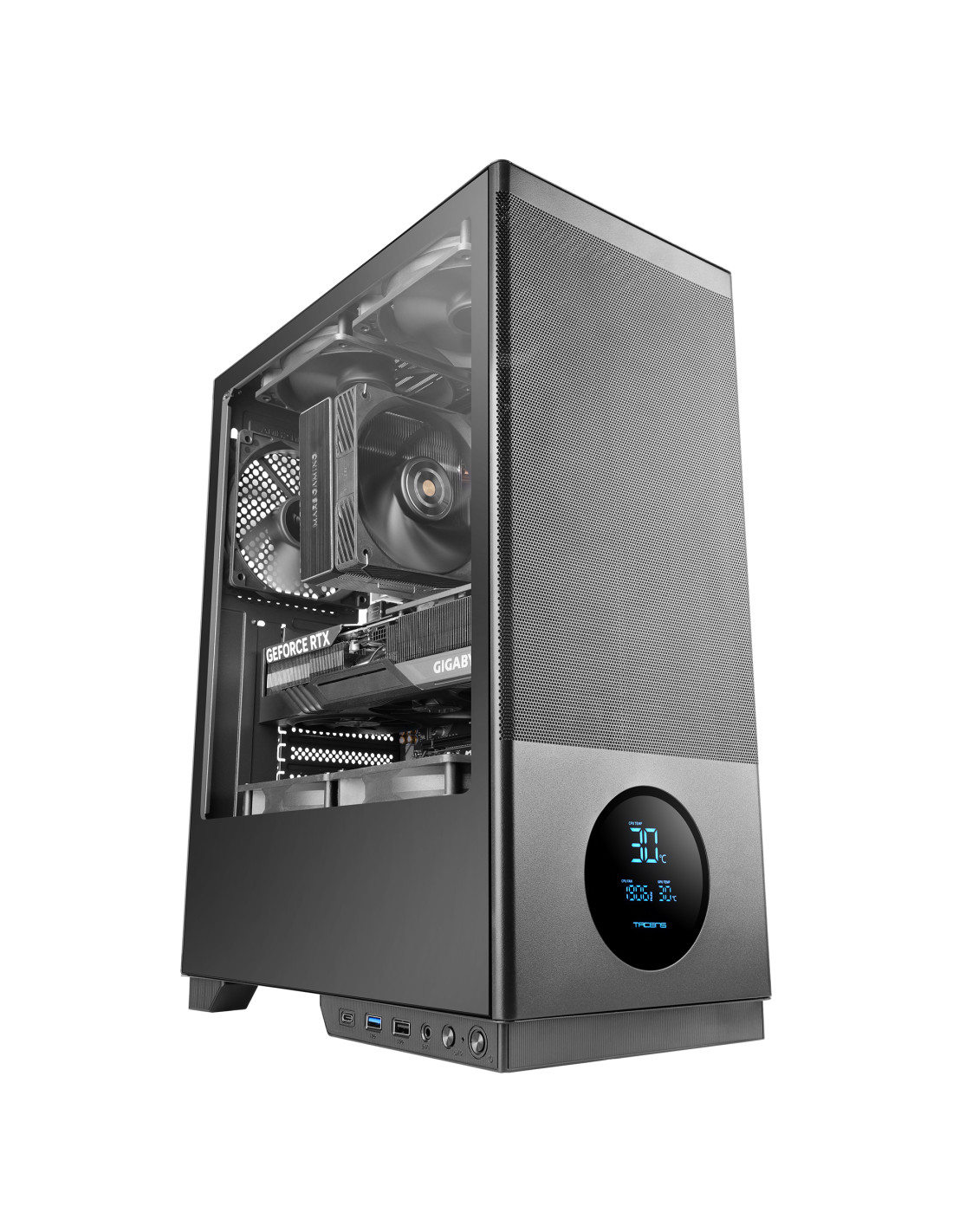
SAGITTA20
| Weight | 3.91Kg |
|---|---|
| Dimensions | 450x190x340mm |
| Size | Mid-tower |
| Fan capacity | Top 2x 120mm or 2x 140mm / Bottom 2x 120mm / Rear 1x 120mm |
| Ports | USB3.0 x1 / USB2.0 x1 / USB-C x1 (USB3.0 data transfer speed) / HD Audio + Mic (mixed) |
| PSU support | ATX |