
Shopping Cart
There are no more items in your cart
 Español
 English
 Português PT
 Français
 Italiano
 Deutsch
 اللغة العربية
In a nutshell: The choice between ATX, MicroATX and Mini-ITX depends on the space available and the expansion you need: ATX suits high-performance gaming rigs or heavy workloads, MicroATX offers the best balance between cost and a compact footprint, and ITX is the option for desks with minimal space where portability is the priority.
Table of contents
- What really distinguishes the ATX, MicroATX and ITX formats?
- Comparison table of case formats
- Which technical criteria should you check before buying?
- What fan size and airflow do you need?
- ATX versus MicroATX cases from our catalogue
- Common mistakes when choosing the case size
- Which format suits your use case?
- Frequently asked questions
- Technical verdict
What really distinguishes the ATX, MicroATX and ITX formats?
The size of the case determines the maximum motherboard dimensions, the cooling capacity and the number of storage bays:
- ATX (Mid-tower / Full tower): Boards of up to 305 mm × 244 mm. It allows up to 7 PCIe expansion slots, full ATX power supplies and mounting configurations with multiple 120 mm or 140 mm radiators.
- MicroATX (Small tower / Compact mid-tower): Boards of up to 244 mm × 244 mm. It offers a maximum of 4 PCIe slots, reducing the overall chassis height by between 50 mm and 100 mm compared with a standard ATX chassis.
- Mini-ITX (Compact chassis / SFF): Boards of 170 mm × 170 mm. It integrates a single PCIe x16 slot for a graphics card and demands meticulous cable management in volumes often below 20 L.
Comparison table of case formats
| Criterion | ATX (Mid-tower) | MicroATX (Small tower) |
|---|---|---|
| Motherboard dimensions | Up to 305 mm × 244 mm | Up to 244 mm × 244 mm |
| PCIe expansion slots | Up to 7 slots | Up to 4 slots |
| Standard fan support | Multiple 120 mm and 140 mm | 1 to 3 fans (80 mm / 120 mm) |
| Hard drive bays | 2x 3.5" HDD + up to 4x 2.5" SSD | 1x to 2x 3.5" HDD + 2x 2.5" SSD |
| Typical volume and weight | > 30 L / 3.0 kg to 4.5 kg | < 25 L / 2.5 kg to 3.5 kg |
| Typical noise level | Lower (supports 140 mm fans) | Variable (usually 120 mm or 80 mm) |
Which technical criteria should you check before buying?
- Desk space: An ATX mid-tower requires at least 400 mm to 500 mm of depth and 400 mm of height, whereas a MicroATX small tower is around 350 mm deep.
- Power supply format: Most mid-towers and small towers accept standard ATX PS/2 or ATX PS/3 power supplies. Checking compatibility avoids having to resort to the more expensive SFX formats.
- Front I/O panel connectivity: It is essential to have at least 1 USB 3.0 port (capable of transferring up to 5 Gbps), additional USB 2.0 ports and HD audio jacks.
- Internal storage capacity: For systems with mass storage you need at least 2 bays for 3.5" drives and 2 for 2.5" drives.
What fan size and airflow do you need?
The thermal performance of the chassis depends directly on the size and type of fan installed:
- 120 mm fans: These are the industry standard. They strike a balance between airflow in CFM (cubic feet per minute) and noise level measured in dBA.
- 140 mm fans: They move a greater airflow at lower revolutions per minute compared with a 120 mm unit, reducing noise by roughly 2 dBA to 4 dBA for the same effective flow.
- Static pressure (mmH2O) vs airflow (CFM): Static pressure in mmH2O is critical for pushing air through dense dust filters or radiators; a fan with high CFM but low static pressure loses up to 40% of its performance when faced with front-panel restrictions.
ATX versus MicroATX cases from our catalogue
At Tacens we offer options optimised for different motherboard formats and thermal requirements:
ATX options (Mid-tower)
- IMPERATORII: Mid-tower chassis measuring 378 mm × 428 mm × 193 mm and weighing 2,690 g. It supports up to 5 fans of 120 mm, ATX PS/2 and ATX PS/3 power supplies, plus 2 internal bays for 3.5" HDDs and 2 for 2.5" SSDs.
- 2AERO: Mid-tower of 342 mm × 186 mm × 414 mm weighing 3.02 kg. It offers front capacity for 3 fans of 120 mm and 1 rear fan of 120 mm, with room for 1 drive of 3.5" and 4 SSD drives of 2.5".
- 2SAGITTA20W: Mid-tower of 450 mm × 190 mm × 340 mm and 3.91 kg in weight. It allows you to install 2 top fans of 120 mm or 140 mm, 2 bottom fans of 120 mm and 1 rear fan of 120 mm, and includes a USB-C port and USB 3.0 connectivity.
MicroATX options (Small tower)
- NOVAX550BR: Compact small tower of 356 mm × 166 mm × 275 mm weighing 3,437 g. It integrates support for a rear fan of 80 mm, compatibility with ATX power supplies and capacity for 2 HDD drives of 3.5" and 2 SSD drives of 2.5".
- FORTISII: Small tower of 384 mm × 185 mm × 320 mm weighing 2.73 kg with an integrated carry handle. It supports 1 front fan of 120 mm and 1 rear fan of 120 mm.
Common mistakes when choosing the case size
- Buying a case without checking power supply support: Installing an ATX power supply 150 mm deep in a chassis designed for compact units without measuring the remaining cable routing space.
- Confusing airflow (CFM) with static pressure (mmH2O): Using open-blade fans designed for unrestricted flow on closed front panels or restrictive filters, which raises internal temperatures by between 5 °C and 8 °C.
- Not calculating power draw and heat dissipation: A system with a processor and graphics card drawing 350 W generates an equivalent amount of heat; if the power supply operates at 85% efficiency (such as one from the Radix range with Gold certification):
350 W / 0.85 = 411.7 W drawn from the wall. The difference of 61.7 W is dissipated as heat inside the chassis and must be expelled by the 120 mm or 140 mm fans.
Which format suits your use case?
- High-performance gaming or workstations: ATX format (such as 2SAGITTA20W or IMPERATORII). Recommended because it supports up to 5 fans of 120 mm or combinations of 140 mm, multiple storage drives and long graphics cards.
- Office work, productivity and casual gaming: MicroATX format (such as FORTISII). It provides a contained volume of under 390 mm in height with 120 mm cooling and easy transport thanks to its integrated handle, at 2.73 kg.
- Ultra-compact systems or basic terminals: Compact MicroATX / ITX format (such as NOVAX550BR), with a chassis 356 mm long and support for standard ATX components.
Products mentioned
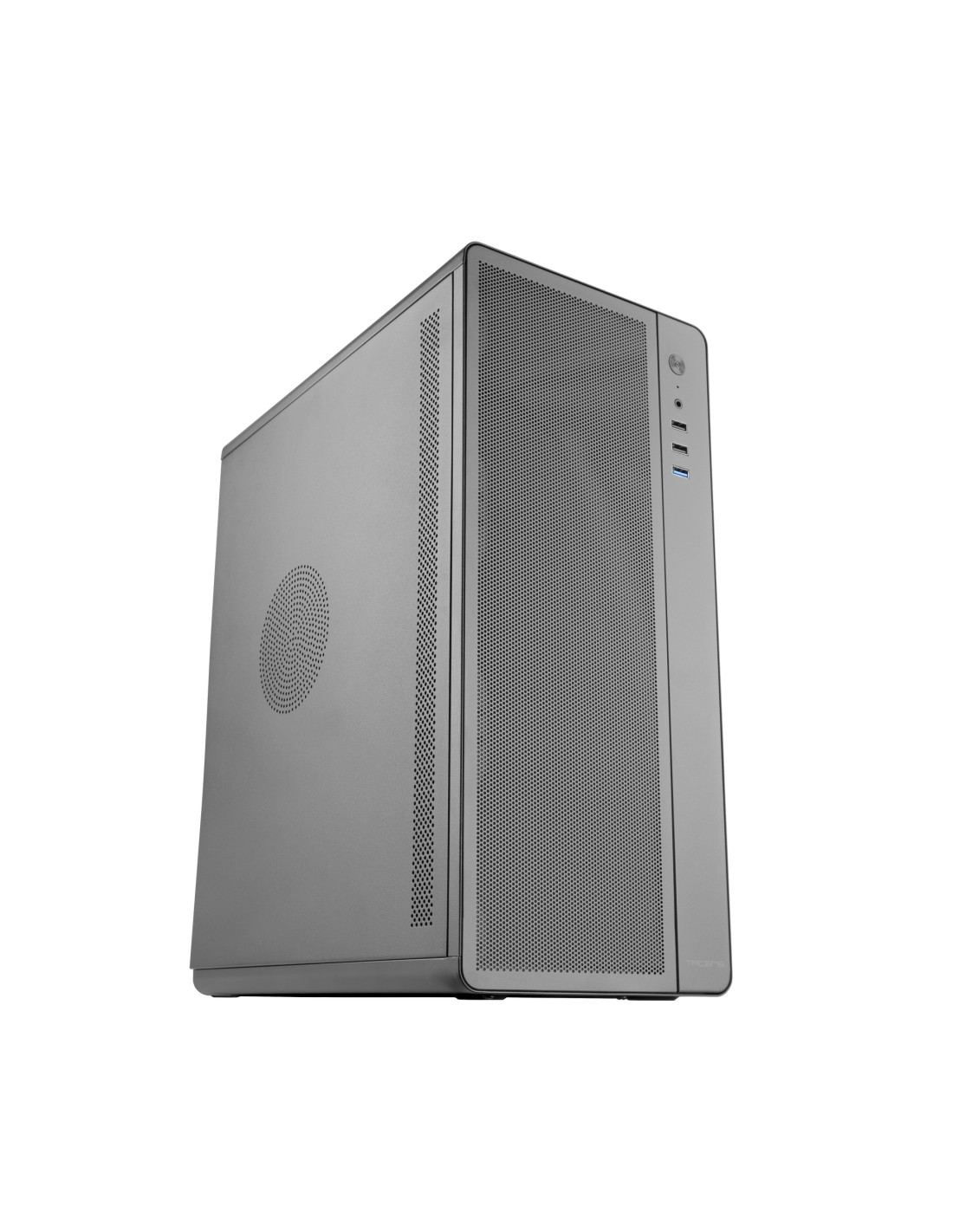
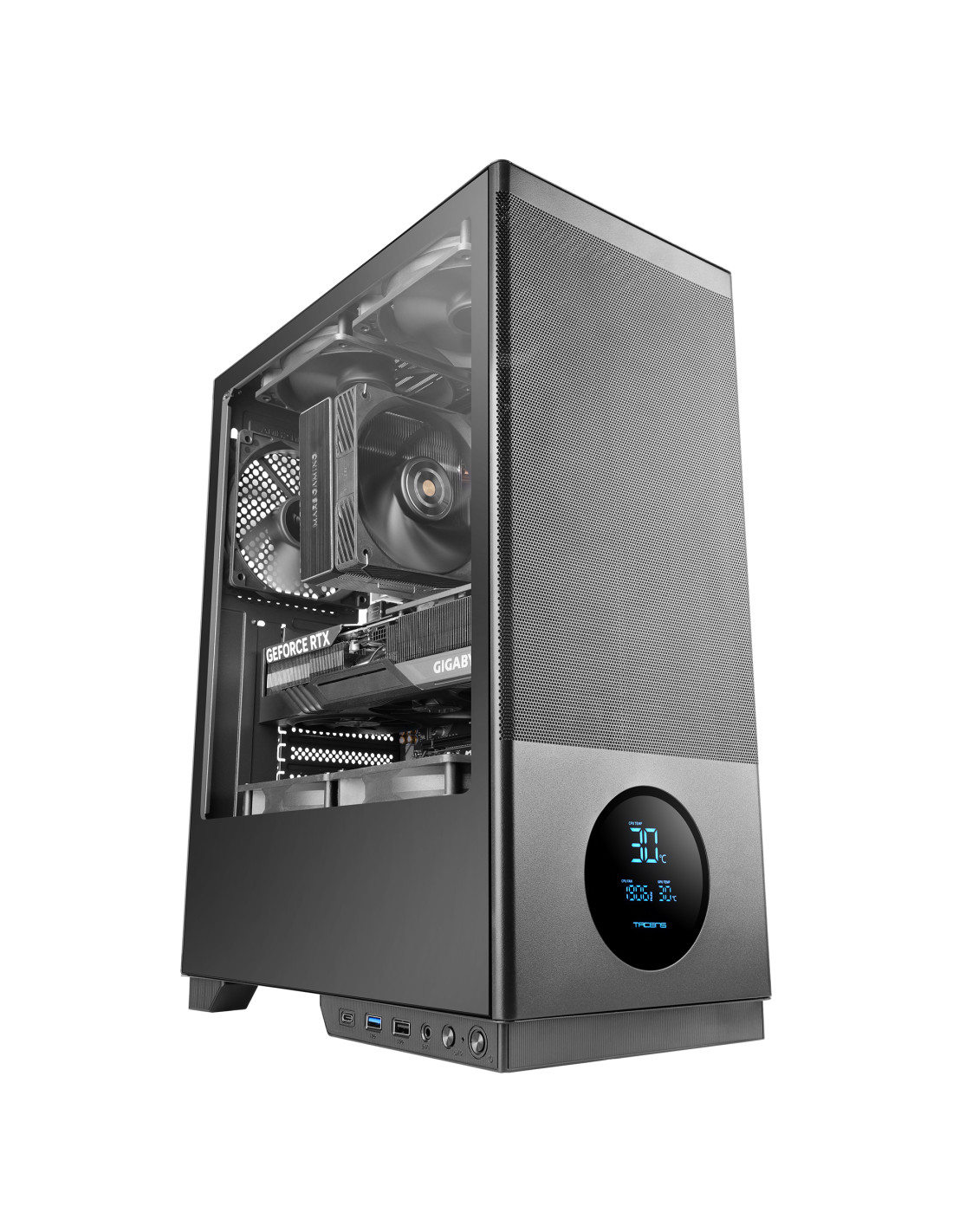
SAGITTA20
| Weight | 3.91Kg |
|---|---|
| Dimensions | 450x190x340mm |
| Size | Mid-tower |
| Fan capacity | Top 2x 120mm or 2x 140mm / Bottom 2x 120mm / Rear 1x 120mm |
| Ports | USB3.0 x1 / USB2.0 x1 / USB-C x1 (USB3.0 data transfer speed) / HD Audio + Mic (combined) |
| Power supply support | ATX |
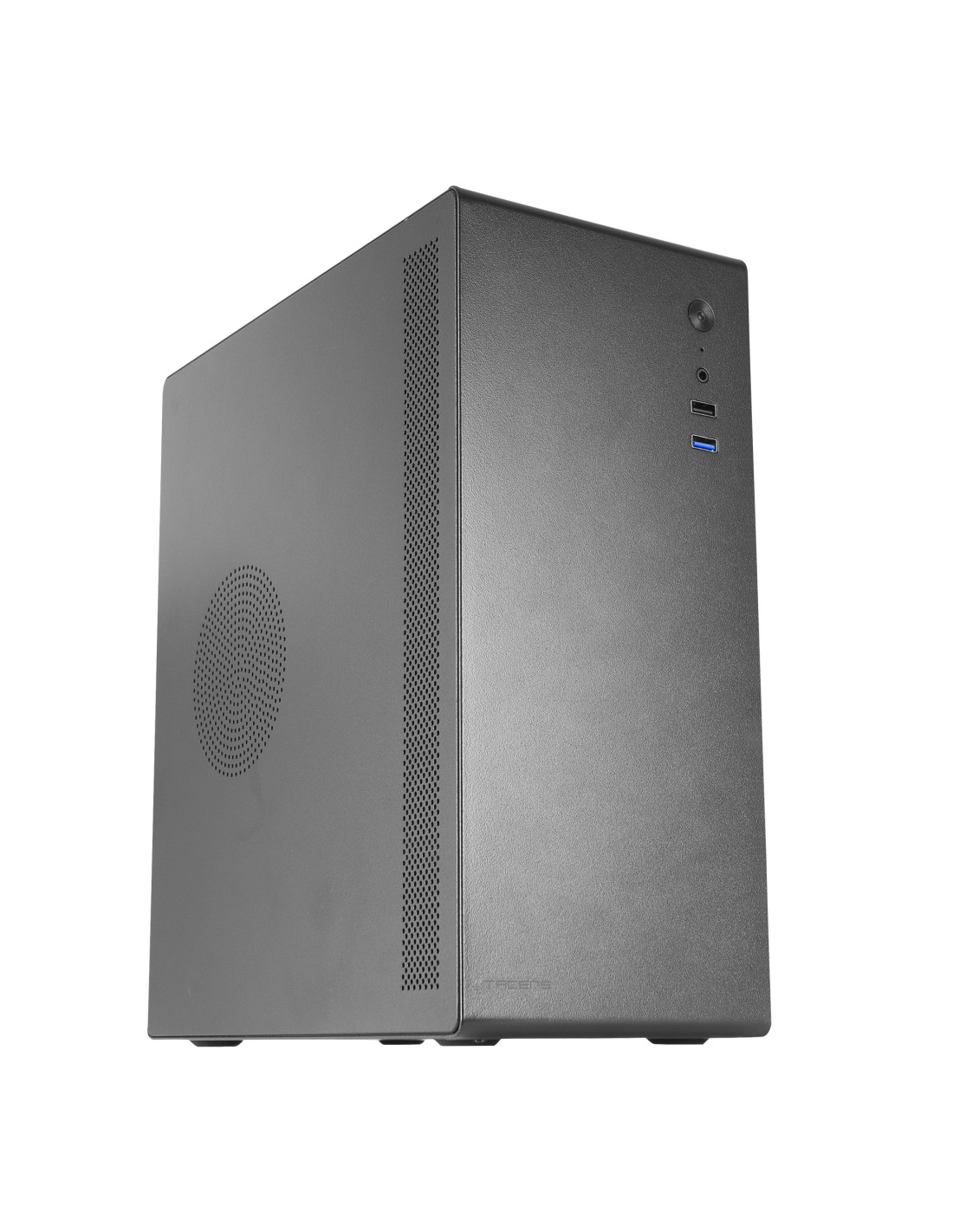
NOVAX550BR
| Weight | 3437g |
|---|---|
| Dimensions | 356x166x275mm |
| Size | Small tower |
| Fan capacity | Rear: 1x 80mm |
| Ports | USB3.0 x1 / USB2.0 x1 / HD Audio + Mic (combined) |
| Power supply support | ATX |
Frequently asked questions
Can I fit a MicroATX motherboard in an ATX case?
Yes, the ATX standard is backwards compatible and the mounting points of a MicroATX board line up with those of an ATX mid-tower such as IMPERATORII or 2AERO.
Does a 140 mm fan cool better than a 120 mm one?
Yes, a 140 mm fan moves a greater airflow in CFM while spinning at lower revolutions, which reduces noise emissions in dBA while maintaining the same cooling.
Does a small tower case need a special power supply?
Not necessarily. Small tower cases such as FORTISII or NOVAX550BR remain fully compatible with standard full-size ATX power supplies.
The best: ATX cases offer maximum cooling capacity (up to 5 fans of 120 mm or 140 mm) and space for multiple storage drives.
The worst: MicroATX and compact options limit expansion to 1 or 2 fans and reduce the space available for long graphics cards.
Buy it if: You are building a system with high heat-output components or you need to add PCIe cards and multiple hard drives.
Don't buy it if: You have a small desk with less than 400 mm of depth; in that case, opt for a MicroATX small tower such as FORTISII.