
Shopping Cart
There are no more items in your cart
 Español
 English
 Português PT
 Français
 Italiano
 Deutsch
 اللغة العربية
In short: A 240 mm radiator is the right choice for processors with a power draw of up to 150 W or for compact cases, whereas a 360 mm radiator is the necessary option for high-end processors exceeding 200 W under demanding workloads.
Table of contents
- What is the real difference between a 240 mm radiator and a 360 mm one?
- How do they perform in figures: 240 mm versus 360 mm?
- What technical criteria should you check before choosing a size?
- What radiator size does your processor need based on its power draw?
- How much do fans influence thermal performance?
- What are the most common mistakes when buying a radiator?
- When is it worth buying each option?
- Frequently asked questions about liquid cooling radiators
- Final verdict
What is the real difference between a 240 mm radiator and a 360 mm one?
The fundamental difference lies in the heat exchange surface area and the number of fans fitted to it:
- 240 mm radiator: It uses two 120 mm fans in a row, with a usable fin surface of 28,800 mm² (120 mm × 240 mm) and an overall physical length of around 275 mm including the inlet and outlet liquid chambers.
- 360 mm radiator: It houses three 120 mm fans in a row, offering a contact surface of 43,200 mm² (120 mm × 360 mm), which represents an exact 50 % increase in dissipative surface compared with the 240 mm model: 43,200 mm² − 28,800 mm² = 14,400 mm². Its overall external length is around 395 mm.
The standard thickness in both formats usually remains between 27 mm and 30 mm for commercial AIO (All-in-One) radiators, adding a further 25 mm once the fans are mounted, for a total assembled profile of 52 mm to 55 mm.
How do they perform in figures: 240 mm versus 360 mm?
| Criterion | 240 mm radiator | 360 mm radiator |
|---|---|---|
| Fans supported | 2 × 120 mm | 3 × 120 mm |
| Overall physical length | 275 mm to 280 mm | 395 mm to 400 mm |
| Active front surface | 28,800 mm² | 43,200 mm² |
| Typical thickness (with fan) | 52 mm to 55 mm | 52 mm to 55 mm |
| Recommended heat dissipation | Up to 150 W - 180 W | Up to 250 W - 300 W |
| Relative noise level at 1,200 RPM | 22 dBA to 28 dBA | 18 dBA to 24 dBA (lower speed required) |
| Compatibility with ATX cases | Above 90 % | Roughly 55 % |
What technical criteria should you check before choosing a size?
To select the right liquid cooling solution, you need to assess quantitative parameters before buying:
- TDP and sustained real power draw (W): The heat generated by the processor under 100 % loads determines the amount of dissipation required; Turbo spikes can exceed the nominal TDP by more than 60 W.
- Interior space in the case (mm): It is essential to check the maximum length available at the top or front panel, leaving at least 15 mm extra beyond the radiator length for fittings and tube bends.
- Clearance for RAM modules and motherboard (mm): In top-mounted installations, a total thickness above 52 mm can clash with motherboard heatsinks or high-profile RAM modules (over 40 mm).
- Fan static pressure (mm-H2O): A radiator has a fin density of between 16 and 22 FPI (fins per inch), so it needs purpose-built fans with values above 1.20 mm-H2O to overcome that physical resistance.
What radiator size does your processor need based on its power draw?
Thermal behaviour varies according to the power drawn by the CPU during stress cycles:
- Power draw up to 105 W: Six-core and entry-level processors run comfortably with a 240 mm radiator, keeping temperatures below 65 °C with the fans spinning at under 1,000 RPM.
- Power draw between 110 W and 180 W: Eight-core processors undertaking rendering tasks or gaming reach 72 °C to 78 °C on a 240 mm unit. A 360 mm radiator lowers these figures by 4 °C to 7 °C whilst running at a lower acoustic regime.
- Power draw above 200 W: Enthusiast-grade models (12 to 24 cores) with spikes of 250 W require a 360 mm radiator as a matter of course to avoid thermal throttling once the 85 °C or 90 °C limit is exceeded.
How much do fans influence thermal performance?
The fan determines both the volume of air and the force with which it passes through the radiator core:
- Airflow (CFM) versus pressure (mm-H2O): Airflow describes the gross volume of air moved in open space, whereas static pressure measures the air's ability to pass through enclosed obstacles. A fan with 60 CFM and only 0.80 mm-H2O will perform worse on a radiator than one with 48 CFM and 1.45 mm-H2O.
- Optimised 120 mm models: Tacens catalogue options such as the AF12 fan offer dimensions of 120 × 120 × 25 mm, a speed of 1,200 RPM, an airflow of 48.12 CFM and a static pressure of 1.47 mm-H2O with a power draw of 0.15 A and 14 dBA of noise — characteristics suited to the fin density of a radiator. As a direct-flow alternative, the AURAII12 model offers 120 × 120 × 25 mm at 1,200 RPM and 50 CFM with 7 blades.
What are the most common mistakes when buying a radiator?
- Overlooking the overall length of the chambers: A radiator for two 120 mm fans does not measure 240 mm; its overall structure usually reaches between 275 mm and 280 mm owing to the side chambers.
- Mistaking legal compliance for performance: The CE, RoHS and WEEE marks are mandatory legal regulations in the European Union governing the handling of substances and waste, but they do not represent a certification of thermal capability nor a guarantee of dissipative performance.
- Choosing fans on airflow alone: Fitting standard case fans without sufficient static pressure causes heat retention in the fins, pushing the liquid coolant temperature above 45 °C.
- Obstructing the graphics card's airflow: Fitting a 360 mm radiator at the front and drawing warm air into the case raises the internal ambient temperature by 3 °C to 6 °C, directly affecting GPU cooling.
When is it worth buying each option?
240 mm radiator
- Compact Micro-ATX cases or slim towers with top clearance limited to under 300 mm.
- Processors whose real thermal draw does not exceed 150 W at maximum load.
- Set-ups where priority is given to keeping the front bay clear for a direct intake of fresh air at 20 °C - 25 °C towards the graphics card.
360 mm radiator
- Large-volume ATX cases with front or top support for lengths of at least 400 mm.
- Processors drawing 200 W to 300 W subjected to continuous rendering, compilation or heavy computation.
- Systems where a contained acoustic level (below 22 dBA) is sought by spreading the dissipation across three fans running at lower speeds.
Products mentioned
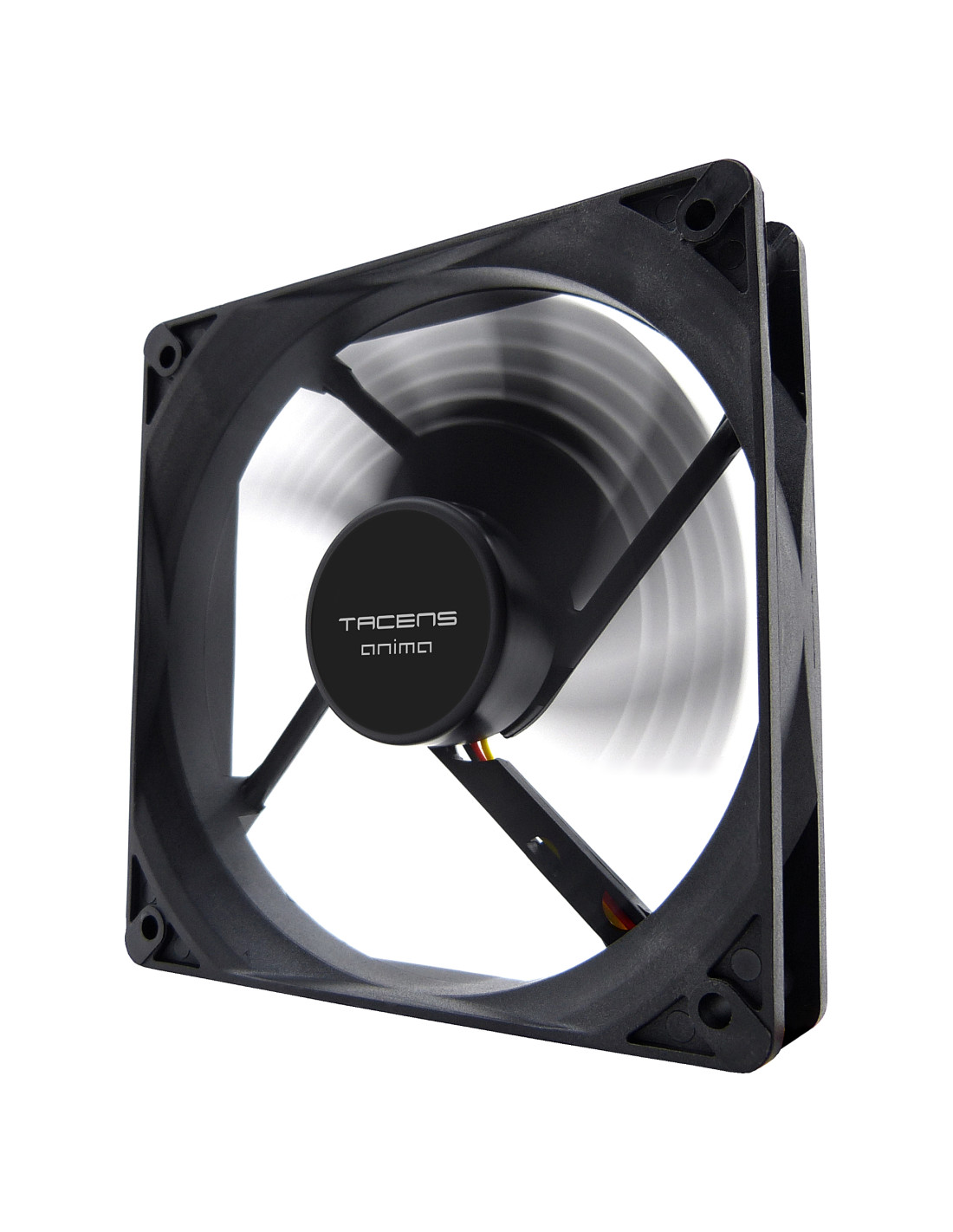
AF12
| Weight | 120g |
|---|---|
| Dimensions | 120x120x25mm |
| Speed | 1200 RPM +10% |
| Airflow | 48.12CFM |
| No. of blades | 9 |
| Noise | 14dBA |
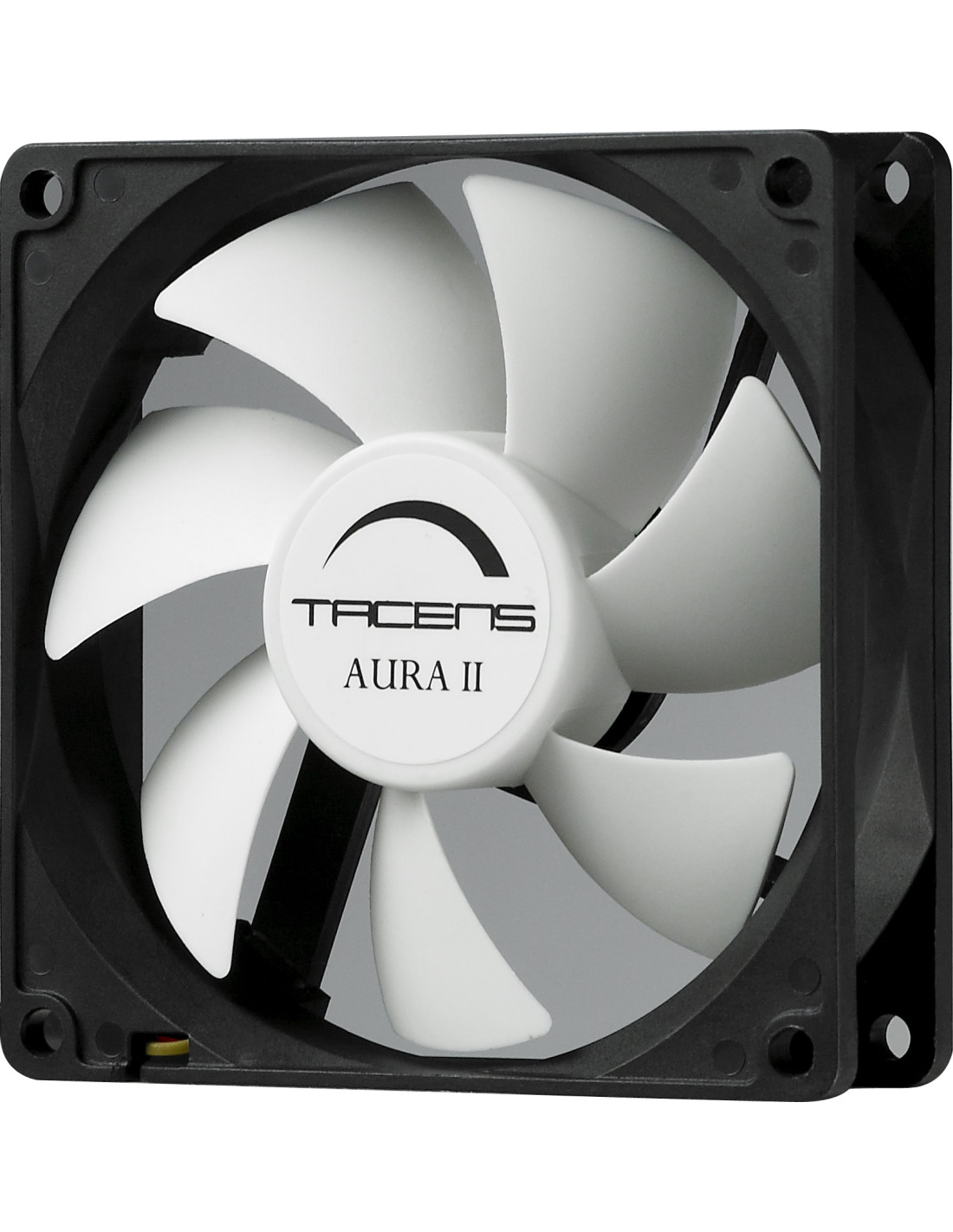
AURAII12
| Weight | 5g 98 |
|---|---|
| Dimensions | 120x120x25mm |
| Speed | 1200 RPM |
| Airflow | 50CFM |
| No. of blades | 7 |
Frequently asked questions about liquid cooling radiators
Does the temperature drop much when going from 240 mm to 360 mm?
The typical reduction lies between 4 °C and 8 °C in processors drawing more than 180 W. In mid-range processors with draws of 65 W to 100 W, the difference barely reaches 1 °C to 2 °C.
Can a 240 mm radiator be fitted with 140 mm fans?
No, the mounting holes of a 240 mm radiator are spaced 105 mm between screw centres for 120 mm fans. For 140 mm fans, a dedicated 280 mm (140 mm × 2) or 420 mm (140 mm × 3) radiator is required.
Is it better to mount the radiator at the top or at the front?
Mounting it at the top and exhausting air upwards is optimal for keeping the graphics card cool and avoiding air pockets in the pump of the CPU block. Front-mounted installation offers 2 °C to 3 °C less on the CPU, but it introduces pre-heated air into the case.
Final verdict
The best: A 360 mm radiator offers 50 % more active surface area, allowing up to 300 W to be dissipated at a lower noise level.
The worst: Its length of nearly 400 mm considerably reduces compatibility with standard cases and can block internal bays.
Buy it if: You use a high-performance processor exceeding 180 W of draw under prolonged load and your case accommodates a length of 400 mm.
Don't buy it if: Your processor draws 120 W or less; in that case, a 240 mm radiator or an air cooler delivers the same result whilst taking up less space.