
Shopping Cart
There are no more items in your cart
 Español
 English
 Português PT
 Français
 Italiano
 Deutsch
 اللغة العربية
In short: The 140 mm fan is the best choice for maximising airflow at a lower noise level if your case supports it, whereas the 120 mm fan is the way to go for universal compatibility with virtually any chassis, cooler or radiator on the market.
Table of contents
- 120 mm or 140 mm fan: which should you choose for your case?
- What technical criteria should you look at before buying?
- Technical comparison: 120 mm vs. 140 mm
- In which cases is a 120 mm fan better than a 140 mm one?
- What is the real difference between airflow and static pressure?
- What common mistakes should you avoid when buying fans?
- Catalogue options and technical specifications
- Which fan suits your usage profile?
- Frequently asked questions
- Final verdict
120 mm or 140 mm fan: which should you choose for your case?
Choosing between 120 mm and 140 mm fans depends on the available space in the chassis and the acoustic priority of the build. A 140 mm fan has a larger blade surface area, which allows it to move a greater volume of air while spinning at fewer revolutions per minute (RPM) compared with a 120 mm model. This translates into generally quieter operation while maintaining the same thermal airflow within the chassis.
On the other hand, the 120 mm format remains the industry's dominant standard. Its compact 120x120x25 mm size guarantees compatibility with most ATX cases, Micro-ATX and Mini-ITX, as well as with 120 mm, 240 mm and 360 mm liquid cooling radiators.
What technical criteria should you look at before buying?
Before choosing the diameter of your fans, you should evaluate specific technical parameters that determine thermal and acoustic performance inside the system:
- Airflow (CFM): Measures the volume of air the fan moves in cubic feet per minute. The higher the CFM value, the greater the air renewal in the chassis.
- Static pressure (mmH2O): The fan's ability to push air against physical resistance, such as liquid cooling radiators, dense coolers or tightly woven dust filters.
- Noise level (dBA): Sound emission with A-weighting. Values close to 14 dBA or lower offer virtually inaudible operation in quiet environments.
- Rotational speed (RPM): The number of rotations per minute. A fan spinning at 1200 RPM typically generates less turbulence than one at 1500 RPM or 1800 RPM.
- Power consumption (A and W): The rated current, usually between 0.12 A and 0.15 A at 12 V, determines the load placed on the motherboard connectors (usually limited to 1 A per header).
Technical comparison: 120 mm vs. 140 mm
| Criterion | 120 mm fan | 140 mm fan |
|---|---|---|
| Typical dimensions | 120x120x25 mm | 140x140x25 mm |
| Case compatibility | Universal (front, rear, top) | Limited to chassis that support 140 mm |
| Airflow at equal RPM | Medium (approx. 45 to 55 CFM) | High (approx. 60 to 80 CFM) |
| Typical static pressure | Higher blade concentration | Lower concentration without specific blades |
| Relative sound level | Louder at equal airflow | Quieter at equal airflow |
| Primary use | Radiators and compact cases | Air intake/exhaust in spacious chassis |
In which cases is a 120 mm fan better than a 140 mm one?
The 120 mm size is the right option in the following technical configurations:
- Micro-ATX or Mini-ITX cases where 140 mm mounts interfere with the motherboard or the power supply.
- Rear exhaust position of the chassis, where most towers only provide space for 120 mm.
- Mounts on 120 mm, 240 mm or 360 mm radiators, which require exactly this diameter to avoid losing pressure at the edges.
- Systems where concentrated static pressure is needed to overcome restrictive front filters.
In turn, 140 mm models should be installed on the front or top panels of mid-tower and full-tower cases that feature dedicated mounts, taking advantage of their ability to move large volumes of air without raising acoustic noise levels.
What is the real difference between airflow and static pressure?
Airflow and static pressure are not interchangeable quantities: a fan with high airflow (CFM) may perform poorly on a dense cooler if it lacks adequate pressure in mmH2O.
- Airflow (CFM): Determines the general ventilation of the case with no direct obstructions.
- Static pressure (mmH2O): Determines the force with which air passes through cooling fins or filters.
A design optimised to move 50 CFM in open space can see its performance drop noticeably if it has to overcome restrictive resistance. For this reason, radiators prioritise blades with static pressure of at least 1.47 mmH2O, whereas in unobstructed chassis intakes raw airflow takes precedence.
What common mistakes should you avoid when buying fans?
- Confusing conformity marks with quality: CE marking or RoHS compliance represent legal obligations within the EU and do not guarantee superior thermal performance or independent quality certification.
- Ignoring fan thickness: Although the standard is 25 mm, failing to check clearance against RAM modules or motherboard coolers can block top mounting.
- Mixing sizes without balancing pressure: Fitting two 140 mm fans as intake and only one 120 mm fan as exhaust can create imbalances if the RPM curves are not adjusted individually.
- Overloading motherboard connectors: Connecting several fans drawing more than 1.0 A to a single header via Y-splitters can damage the motherboard's power circuit.
Catalogue options and technical specifications
Within the Tacens catalogue and its cooling lines, there are various options depending on the format and the needs of the build:
120 mm fans
- AF12: Dimensions of 120x120x25 mm, weight of 120 g, speed of 1200 RPM (+10%), airflow of 48.12 CFM, static pressure of 1.47 mmH2O, noise level of 14 dBA, current draw of 0.15 A and a 9-blade design.
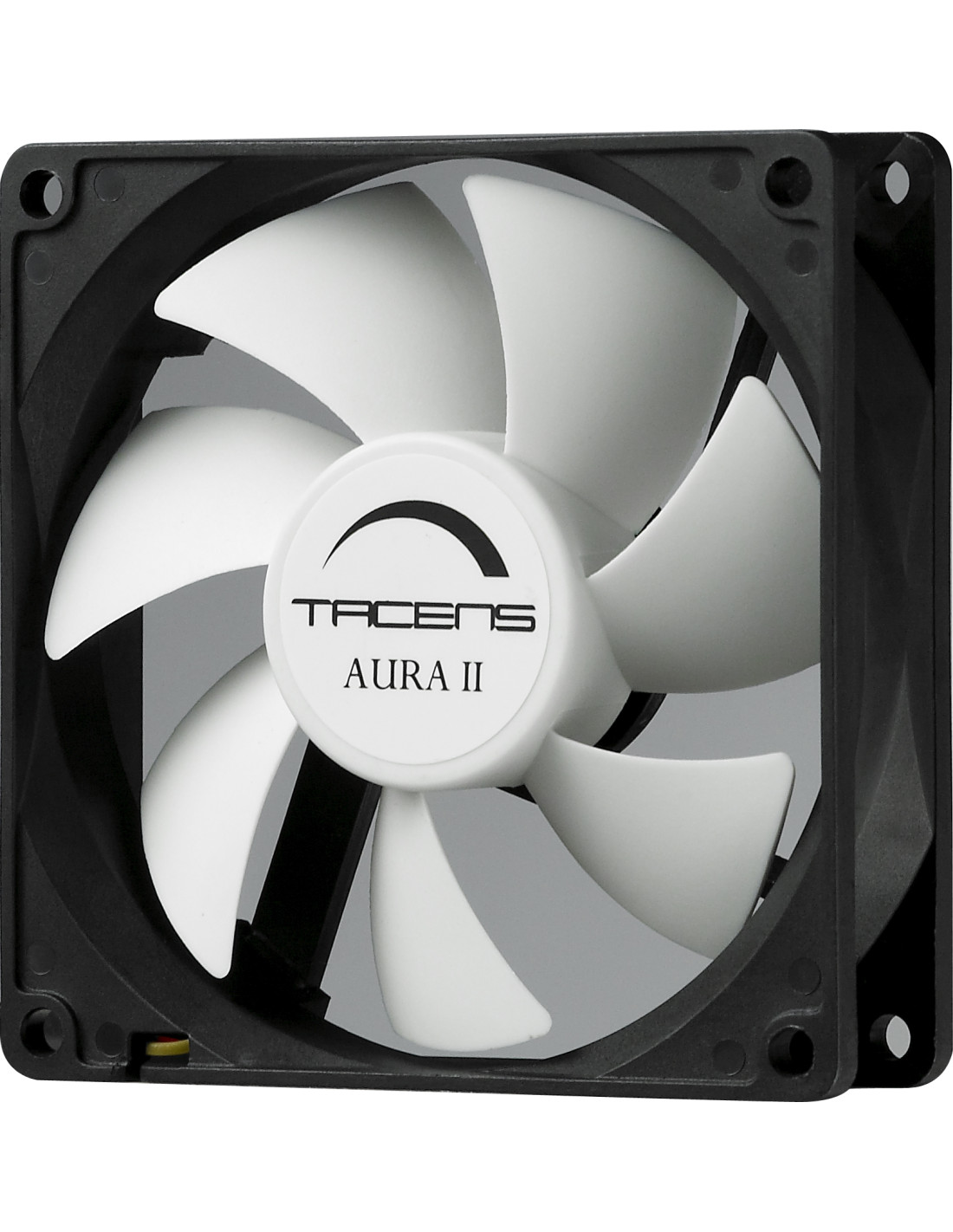
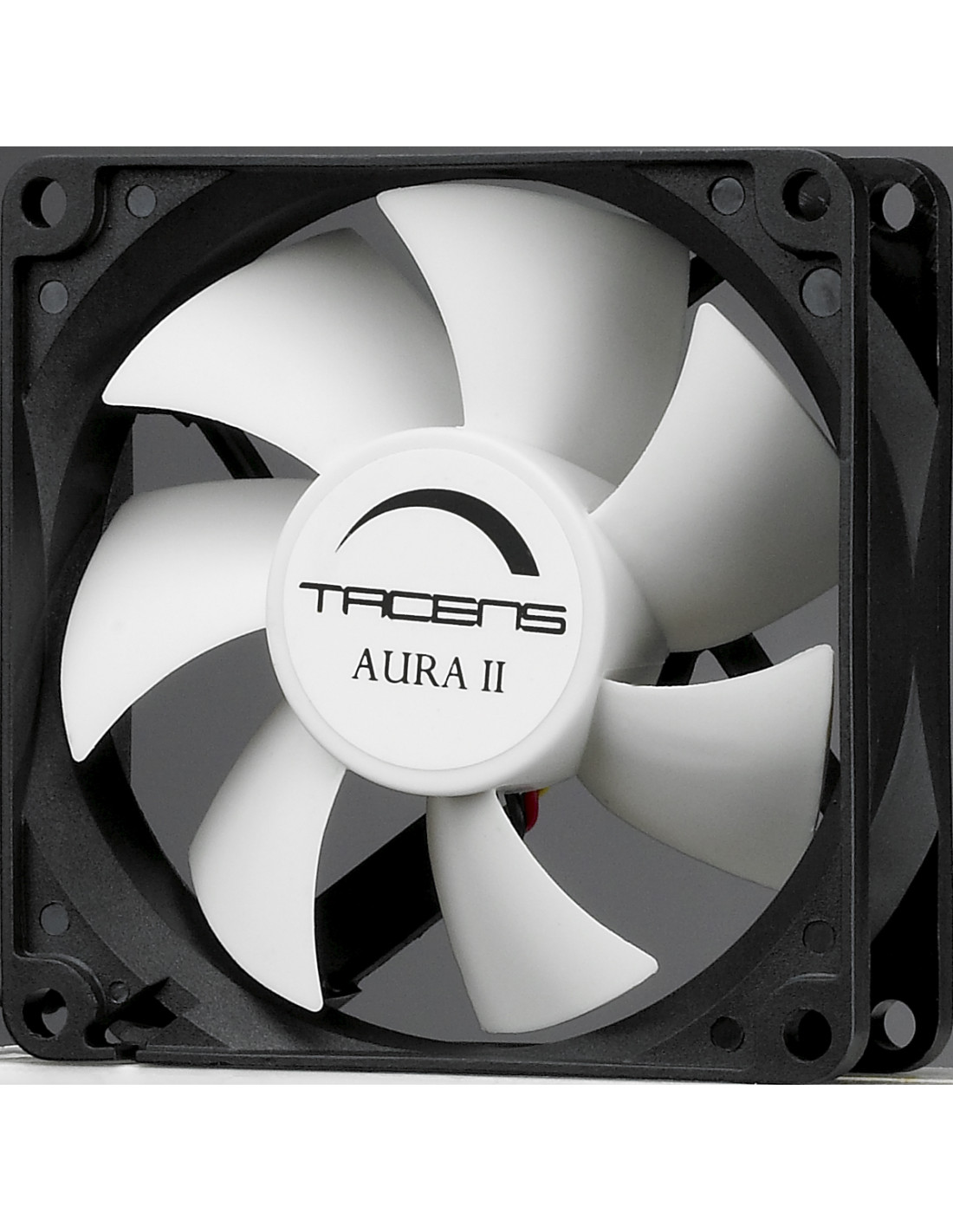
- AURAII12: Dimensions of 120x120x25 mm, speed of 1200 RPM, airflow of 50 CFM and a 7-blade design.
Compact fans for small chassis
- AURAII9: Dimensions of 90x90x25 mm, speed of 1350 RPM, airflow of 33 CFM and 7 blades.
- R3AURAII9: Dimensions of 90x90x25 mm, speed of 1350 RPM, airflow of 33 CFM and 7 blades.
- AF8: Dimensions of 80x80x25 mm, weight of 60 g, speed of 1800 RPM (+10%), airflow of 30.5 CFM, static pressure of 1.25 mmH2O, noise level of 14 dBA, current draw of 0.12 A and 7 blades.
- AURAII8: Dimensions of 80x80x25 mm, speed of 1500 RPM, airflow of 25 CFM and 7 blades.
For builds that require maximum energy efficiency and overall system stability, the Radix range offers PSUs with Gold certification focused on silence and residual heat reduction.
Which fan suits your usage profile?
- For standard ATX cases and liquid radiators: The 120 mm fan is the recommended choice thanks to its exact fit with liquid cooling frames and standard rear mounts.
- For users seeking minimum noise in compatible chassis: The 140 mm fan is ideal on the front and top of mid-tower cases to move higher airflow at under 1000 RPM.
- For compact cases or older formats: 80x80x25 mm options such as the AF8 or 90x90x25 mm options such as the AURAII9 keep airflow going in chassis without 120 mm support.
Products mentioned
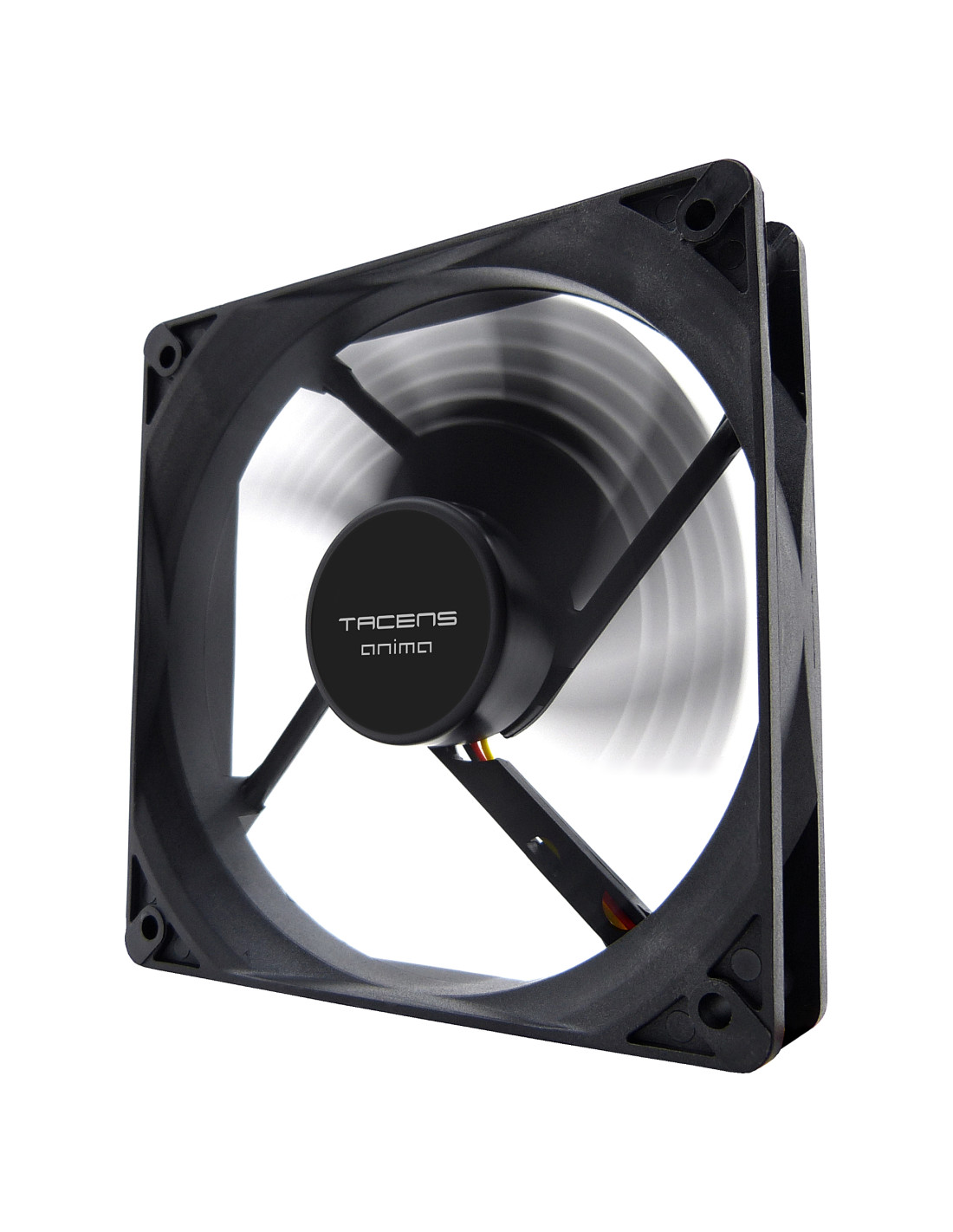
AF12
| Weight | 120g |
|---|---|
| Dimensions | 120x120x25mm |
| Speed | 1200 RPM +10% |
| Airflow | 48.12CFM |
| No. of blades | 9 |
| Noise | 14dBA |
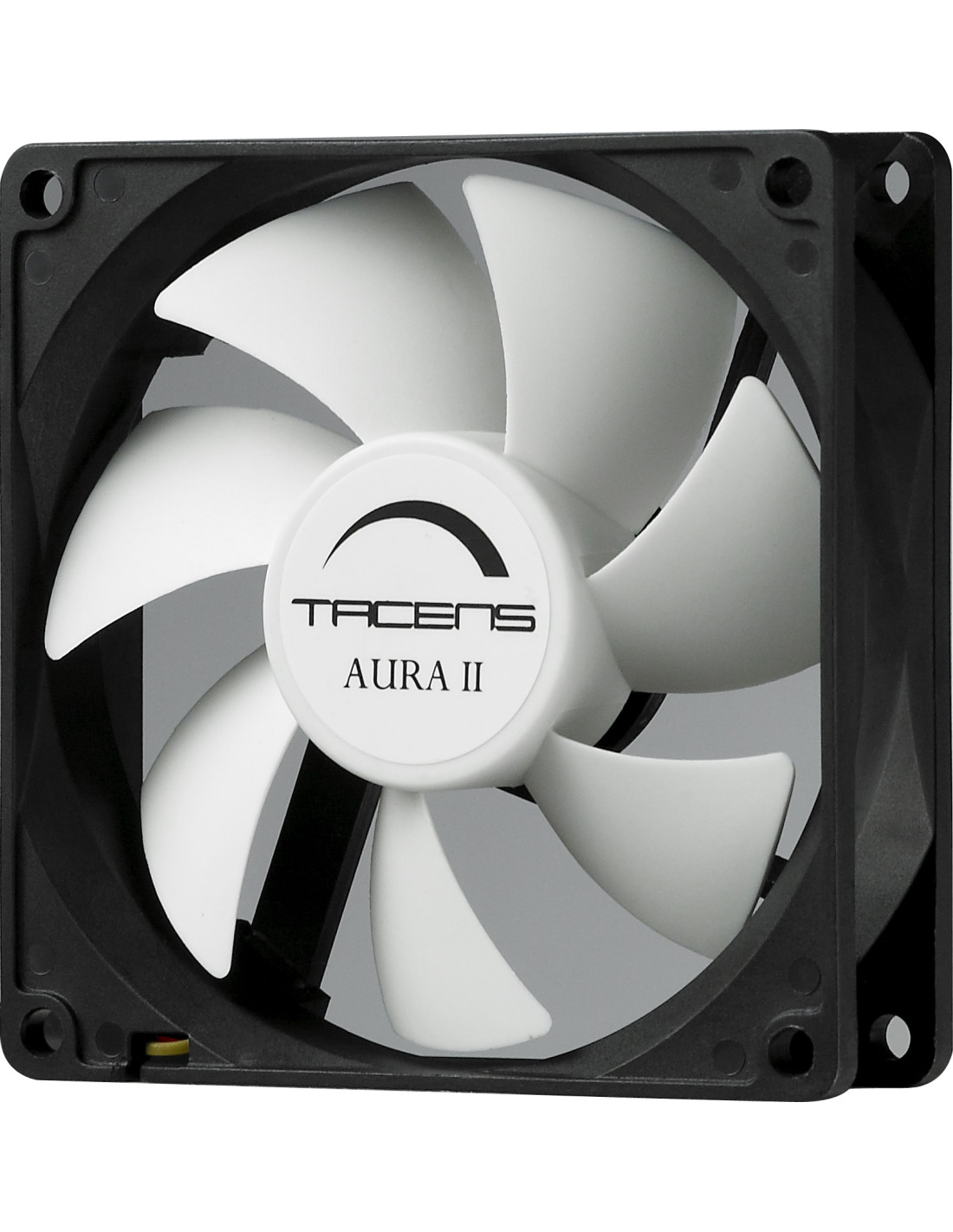
AURAII12
| Weight | 5g 98 |
|---|---|
| Dimensions | 120x120x25mm |
| Speed | 1200 RPM |
| Airflow | 50CFM |
| No. of blades | 7 |
Frequently asked questions
Can I fit a 140 mm fan in a 120 mm slot?
Not unless the chassis features factory dual mounting holes for both sizes. If the case only has separate holes spaced 105 mm apart (the 120 mm standard), you will not be able to screw in a 140 mm unit without adapters.
Is a 140 mm fan always quieter than a 120 mm one?
Not absolutely, as it depends on rotational speed and blade design. However, at equal airflow (CFM), the 140 mm model usually spins at fewer RPM, generating fewer dBA in most scenarios.
Does CE marking mean the fan has high cooling quality?
No, CE marking is a mandatory legal declaration by the manufacturer to sell products in the European Union. To assess performance and quality you should compare direct technical specifications such as CFM, mmH2O and dBA.
The best: 140 mm fans deliver greater airflow at fewer RPM, reducing the overall noise of the chassis.
The worst: Their physical compatibility is limited compared with the 120 mm standard, and they do not fit radiators or compact cases.
Buy it if: Your chassis supports 140 mm mounts at the front and top and you want to minimise airflow noise.
Don't buy it if: You plan to install it on a 120/240/360 mm radiator or in a narrow chassis; in that case, go for 120 mm fans such as the AF12.