
Shopping Cart
There are no more items in your cart
 Español
 English
 Português PT
 Français
 Italiano
 Deutsch
 اللغة العربية
In short: To prevent your CPU cooler from colliding with the side window of the case, you need the cooler's total height to be between 3 mm and 5 mm less than the maximum CPU cooler height clearance specified by the case manufacturer.
Table of contents
- What cooler height does your PC case support?
- How is the actual available space inside the chassis calculated?
- Which components reduce the usable height against the side window?
- Comparison of cooler and fan formats
- Which common mistakes cause the cooler to collide?
- How does the fitted fan affect the final height?
- Frequently asked questions about cooler height
- Technical verdict
What cooler height does your PC case support?
The critical dimension on any PC case specification sheet is called "CPU Cooler Clearance", always expressed in millimetres (mm). On standard mid-tower formats (ATX chassis), this figure typically ranges between 155 mm and 170 mm, whereas in compact Micro-ATX or Mini-ITX cases it usually sits below 140 mm, or even 75 mm in low-profile designs.
The thickness of the side panel directly determines this margin. A 4 mm tempered glass window mounted on interior rails reduces the space by between 2 mm and 4 mm compared with a classic stamped metal lid with an outward bulge. For this reason, choosing a cooler at the exact dimension stated by the case manufacturer without leaving any tolerance often results in direct mechanical contact with the panel.
How is the actual available space inside the chassis calculated?
Calculating the clearance requires measuring the perpendicular distance from the processor's integrated heat spreader (IHS) to the inner face of the side panel.
For example, if the chassis specification sheet states a total clearance of 165 mm and we subtract a 5 mm safety margin to avoid vibration against the tempered glass, the calculation yields 165 mm - 5 mm = 160 mm of effective maximum height for the cooler assembly.
Steps to verify the measurement before assembly:
- Locate the official cooler clearance in the chassis manual (for example, 160 mm).
- Subtract a precautionary margin of 5 mm for damping and possible assembly deviations.
- Check the cooler's height with its fans fitted in the standard factory position.
- Check whether your RAM modules exceed the standard 32 mm height, to avoid having to shift the front fan upwards.
Which components reduce the usable height against the side window?
Several components add unforeseen millimetres to the cooler's vertical dimension once it is mounted on the motherboard:
- High-profile RAM modules: RAM heat spreaders exceeding 40 mm force you to raise the position of the 120 mm fan on dual-tower coolers, increasing the total height of the assembly by between 5 mm and 15 mm.
- Heatpipe tips: The copper or nickel terminations usually protrude between 2 mm and 6 mm above the top aluminium fins.
- Screws and glass mounts: The internal fixing bolts of the 3 mm or 4 mm side glass steal space around the closing perimeter.
- Panel flexing: A thin metal side panel can bow 1 mm inwards under pressure, causing direct contact if the margin is zero.
Comparison of cooler and fan formats
Choosing the type of cooler depends on the width of the chassis and the diameter of the integrated fan. Standard 120 mm fans offer an optimal thermal balance, whereas 80 mm or 90 mm models allow compact designs for narrow chassis.
| Cooler format / Component | Typical total height | Fan diameter | Typical airflow | Noise level | Recommended chassis clearance |
|---|---|---|---|---|---|
| Standard single tower | 150 mm - 158 mm | 120 mm | 45 CFM - 55 CFM | 14 dBA - 25 dBA | >= 160 mm |
| High-performance dual tower | 160 mm - 168 mm | 120 mm / 140 mm | 50 CFM - 75 CFM | 18 dBA - 30 dBA | >= 170 mm |
| Low profile (Top Flow) | 35 mm - 75 mm | 80 mm / 90 mm / 120 mm | 25 CFM - 48 CFM | 14 dBA - 22 dBA | >= 80 mm |
| Tacens AF12 fan (120x120x25 mm) | 25 mm (thickness) | 120 mm | 48.12 CFM | 14 dBA | N/A (component) |
| AF8 fan (80x80x25 mm) | 25 mm (thickness) | 80 mm | 30.5 CFM | 14 dBA | N/A (component) |
| AURAII9 fan (90x90x25 mm) | 25 mm (thickness) | 90 mm | 33 CFM | N/D | N/A (component) |
Static pressure values are crucial in coolers with dense fins: the AF12 model generates 1.47 mm-H2O at 1200 RPM with a current draw of 0.15 A and a weight of 120 g, whereas the compact AF8 fan delivers 1.25 mm-H2O at 1800 RPM drawing 0.12 A with a weight of 60 g.
Which common mistakes cause the cooler to collide?
- Ignoring fan thickness: Replacing a 15 mm slim fan with a standard unit such as the 120x120x25 mm AURAII12 (50 CFM at 1200 RPM) adds an immediate 10 mm to the depth or height of the assembly.
- Confusing the case's external width with the internal space: A chassis with an external width of 200 mm usually only offers between 155 mm and 162 mm of free space for the cooler, owing to the 20 mm to 25 mm dedicated to cable management behind the motherboard.
- Not checking the lift caused by mounting hardware: Multi-socket retention systems add between 2 mm and 4 mm to the base relative to the plane of the printed circuit board.
- Assuming certifications guarantee dimensions: Marks such as CE, RoHS or WEEE certify mandatory legal compliance in the European Union regarding substances and waste, but they do not certify mechanical dimensions or mounting compatibility.
How does the fitted fan affect the final height?
The fan diameter sets the minimum physical height of any tower. A cooler built around a 120 mm fan will rarely measure less than 152 mm in height, since the cooling fins need to cover the sweep area of the blades.
For narrow chassis where the side window sits less than 140 mm from the socket, blocks with smaller-diameter fans are used, such as units based on the AURAII9 (90 mm, 1350 RPM, 33 CFM) or AURAII8 (80 mm, 1500 RPM, 25 CFM). Although a 140 mm fan moves more airflow at lower revolutions than a 120 mm one with a lower noise level, it forces the cooler to reach dimensions of 165 mm to 172 mm, incompatible with most entry-level cases.
In compact systems where overall energy efficiency and internal residual heat are critical, pairing modest coolers with high-efficiency PSUs, such as the Radix range with 80 PLUS Gold certification (administered by CLEAResult), reduces heat generation inside the case by minimising energy losses above 90 % efficiency.
Products mentioned
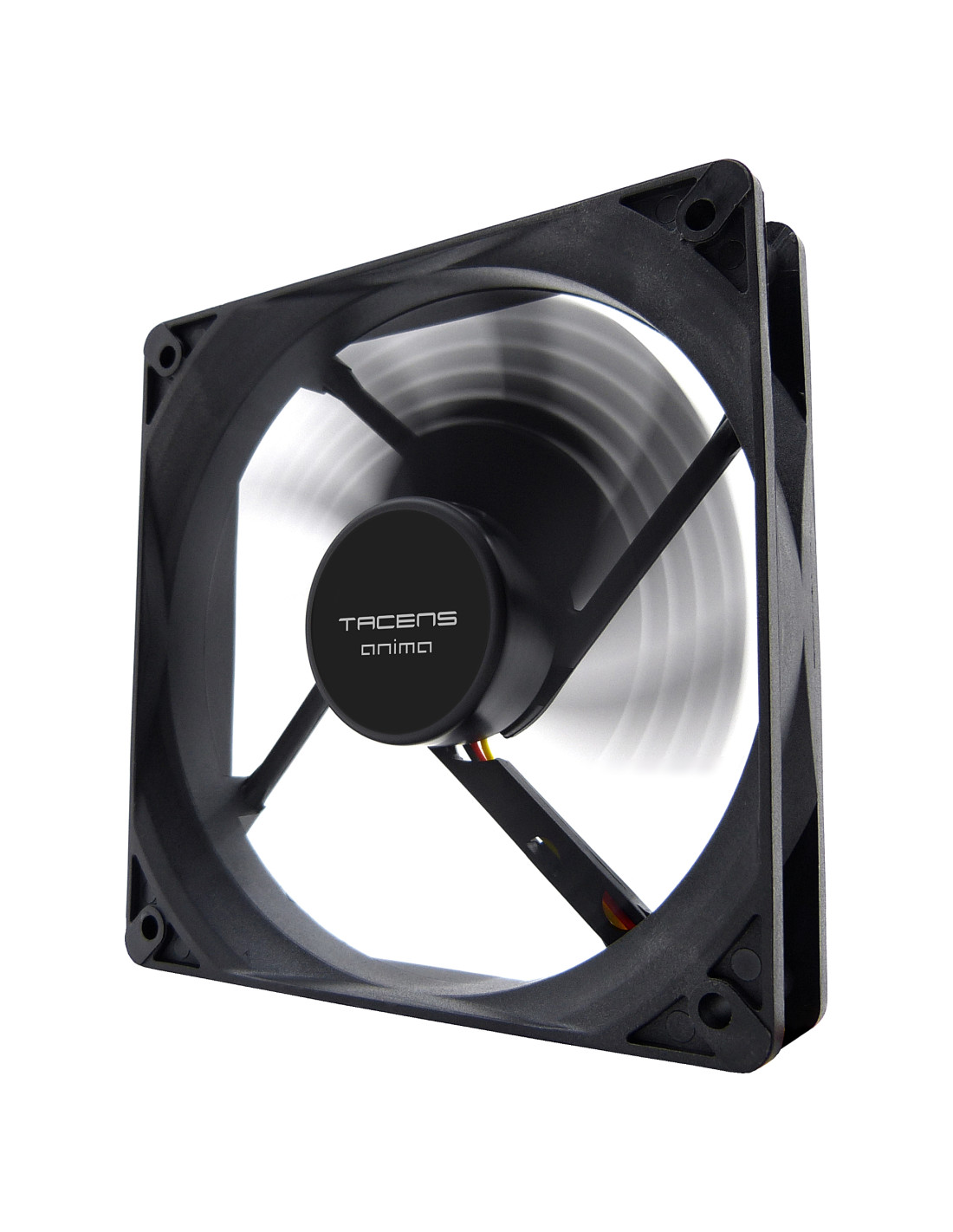
AF12
| Weight | 120g |
|---|---|
| Dimensions | 120x120x25mm |
| Speed | 1200 RPM +10% |
| Airflow | 48.12CFM |
| No. of blades | 9 |
| Noise | 14dBA |
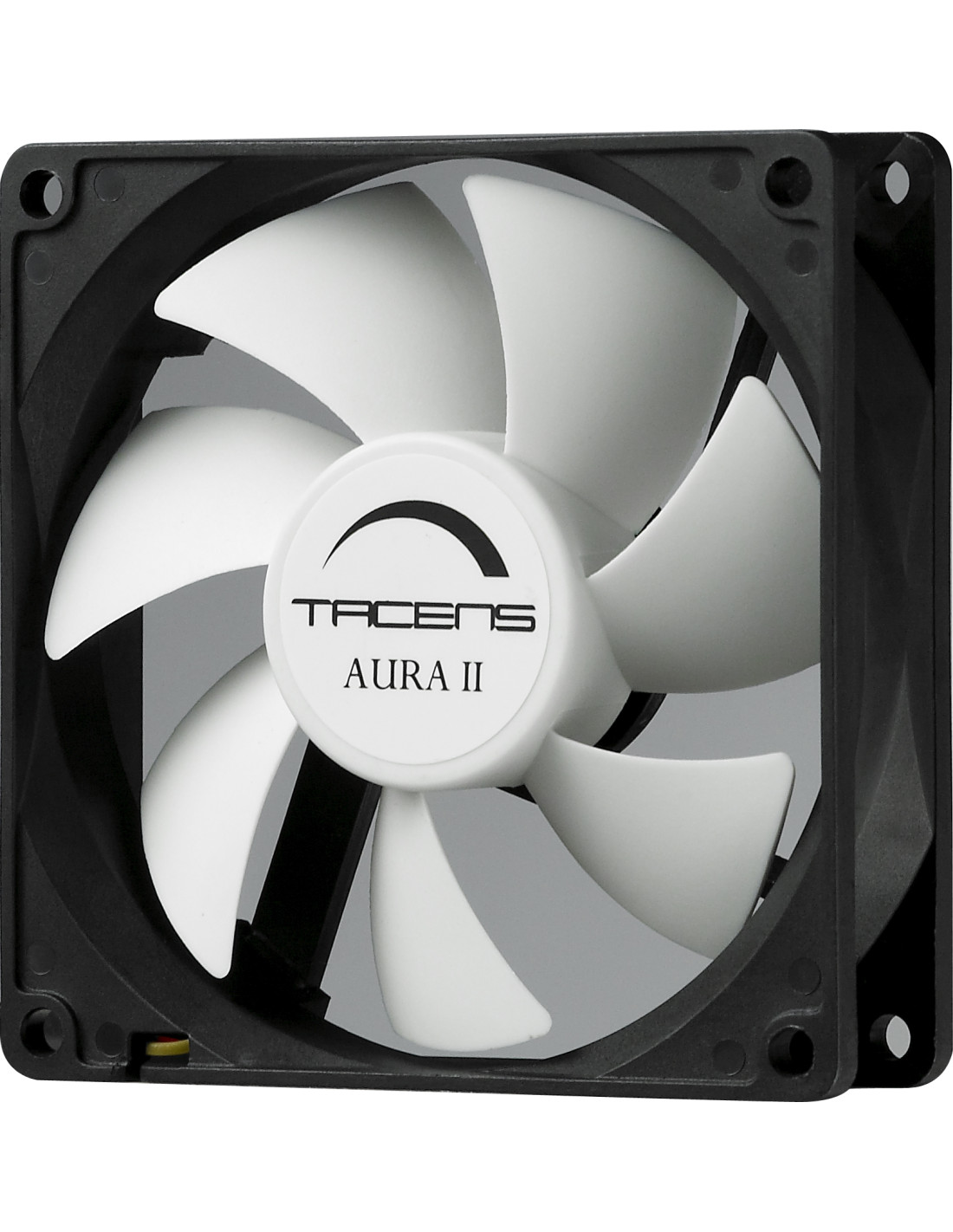
AURAII9
| Weight | 9g 89 |
|---|---|
| Dimensions | 90x90x25mm |
| Speed | 1350 RPM |
| Airflow | 33CFM |
| No. of blades | 7 |
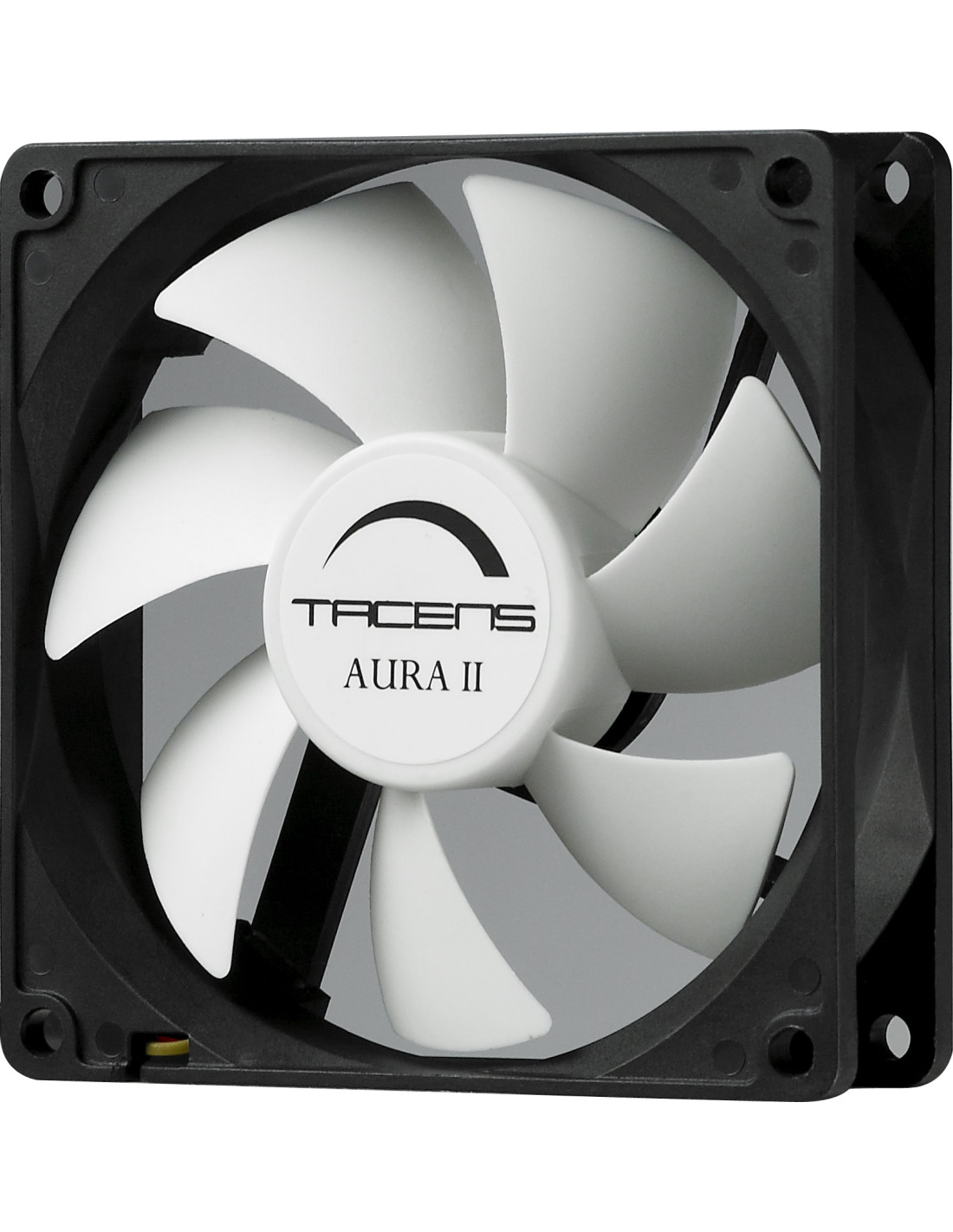
AURAII12
| Weight | 5g 98 |
|---|---|
| Dimensions | 120x120x25mm |
| Speed | 1200 RPM |
| Airflow | 50CFM |
| No. of blades | 7 |
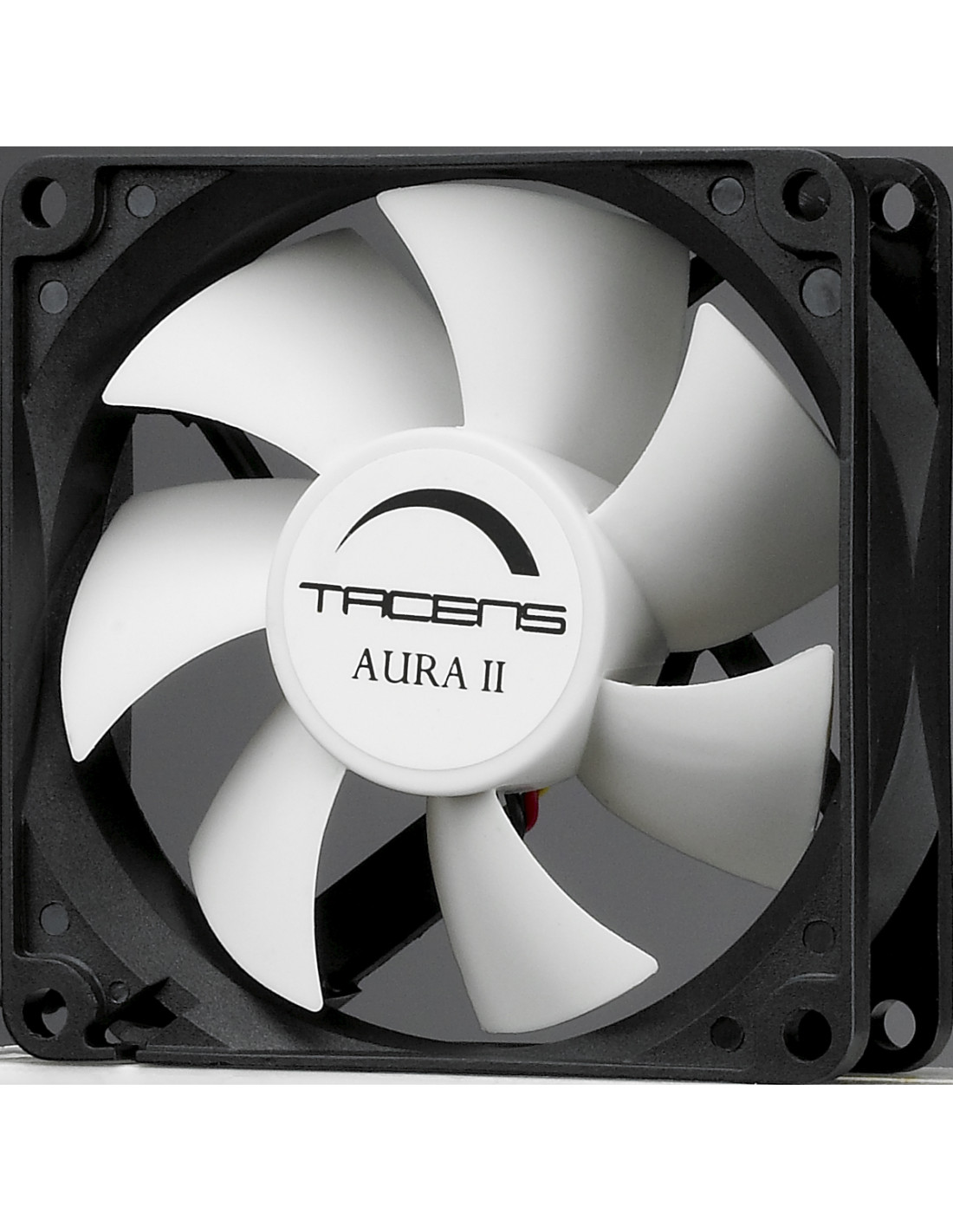
AURAII8
| Weight | 2g 64 |
|---|---|
| Dimensions | 80x80x25mm |
| Speed | 1500 RPM |
| Airflow | 25CFM |
| No. of blades | 7 |
Frequently asked questions about CPU cooler height
How many millimetres of safety margin should be left in front of the side glass?
A minimum margin of 3 mm to 5 mm is recommended between the top of the cooler and the window. This space absorbs the mechanical vibrations generated by the fans at 1200 RPM and prevents the heatpipe tips from scratching or exerting point pressure on the glass.
What happens if the cooler lightly touches the side window?
If the panel presses against the cooler, it will transmit high-frequency acoustic vibrations and increase the risk of fracture in tempered glass panels. In addition, sustained mechanical load can deform the socket or the motherboard over time.
Can the fan height be lowered if it collides with the side panel?
This is only possible if the RAM modules or the motherboard's VRM heatsinks do not block the fan from being lowered. If the RAM is taller than 35 mm, the fan will not be able to drop below the top line of the fin stack.
Technical verdict
The best: A 120 mm tower cooler offers the optimal balance between 48 CFM of airflow, low noise at 14 dBA and compatibility with standard 160 mm chassis.
The worst: In cases with less than 155 mm of free space, the collision with the window forces you to sacrifice thermal performance and fall back on 80 mm or 90 mm fans.
Buy it if: You have at least 165 mm of official clearance in the chassis and low-profile RAM modules (below 32 mm).
Don't buy it if: Your chassis has an external width of less than 185 mm; instead, use a low-profile (Top Flow) cooler with a horizontal fan.