
Shopping Cart
There are no more items in your cart
 Español
 English
 Português PT
 Français
 Italiano
 Deutsch
 اللغة العربية
In a nutshell: The graphics card length that fits in a PC case equals the net internal distance between the PCIe slot bracket and the nearest front obstacle (fan, radiator or drive bays), minus a recommended safety margin of between 10 mm and 15 mm.
Table of contents
- How do you find out the maximum graphics card length that fits in your case?
- Which components reduce the usable space inside the case?
- How to measure the available free space step by step
- Tacens case technical comparison
- What mistakes are made when calculating GPU space?
- What power supply does a large-format graphics card need?
- Frequently asked questions
How do you find out the maximum graphics card length that fits in your case?
The length of the graphics card (GPU, short for Graphics Processing Unit) is the linear measurement in millimetres (mm) from the rear metal mounting bracket to the opposite end of the heatsink. Entry-level graphics cards typically measure between 170 mm and 210 mm, dual-fan models range from 220 mm to 270 mm, and triple-fan assemblies reach between 280 mm and 340 mm in length.
The external depth dimension of a case does not equal the space available for the GPU. A mid-tower with an external depth of 378 mm, such as the Tacens IMPERATORII model, reserves part of that space for the thickness of the plastic front panel (usually between 20 mm and 40 mm) and the mounting structure of the rear PCIe expansion slots. The net mounting clearance is obtained by subtracting these fixed dimensions from the total depth of the chassis.
Which components reduce the usable space inside the case?
Front fans and cooling radiators
The front ventilation system directly reduces the longitudinal space available for the GPU:
- Standard 120 mm or 140 mm fans: They add 25 mm of thickness to the interior of the chassis.
- Liquid cooling radiators: They have a typical thickness of 27 mm to 30 mm, which, added to the 25 mm of the fans, subtracts between 52 mm and 55 mm of internal length.
- Thermal performance: A 140 mm fan moves a greater airflow in CFM (Cubic Feet per Minute) at lower revolutions per minute than a 120 mm one, generating less noise in dBA (A-weighted decibels). In builds with a front radiator, ventilation with high static pressure measured in mmH2O is required to overcome the resistance of the fins without reducing the useful flow.
Internal storage bays
The location of the storage drives affects the longitudinal path of the card:
- Bays for 3.5" HDD drives: When placed in a front column inside the main cavity, they block cards longer than 250 mm.
- Mounts for 2.5" SSD drives: In modern cases they are usually anchored behind the motherboard or in the bottom tunnel, freeing up the central PCIe area.
How to measure the available free space step by step
- Locate the first PCIe x16 slot: Identify on the motherboard the main slot where the graphics card will be connected.
- Measure from the rear bracket: Rest a tape measure against the inside of the case's rear PCIe slot bracket.
- Extend in a straight line towards the front: Run the tape to the first physical obstacle aligned with the height of the PCIe slot (internal metal chassis, 120 mm fan or storage bay).
- Subtract the clearance margin: Deduct 10 mm from the distance obtained to make it easier to insert the card at an angle and prevent the 8-pin PCIe power cables from being pinched against the panels.
For example, 378 mm - 25 mm - 30 mm = 323 mm, and 323 mm - 15 mm = 308 mm of maximum usable length for the graphics card.
Tacens case technical comparison
The following table summarises the specifications of mid-tower and mini-tower cases, their external dimensions in millimetres (mm), ventilation capacity and storage support:
| Model | Format | Dimensions (mm) | Weight (g / Kg) | Fan capacity | Internal bays |
|---|---|---|---|---|---|
| IMPERATORII | Mid-tower | 378 x 428 x 193 mm | 2.690 g | Up to 5x 120 mm | 2x 3.5" HDD + 2x 2.5" SSD |
| 2AERO | Mid-tower | 342 x 186 x 414 mm | 3,02 Kg | Front 3x 120 mm / Rear 1x 120 mm | 1x 3.5" HDD + 4x 2.5" SSD |
| 2SAGITTA20W | Mid-tower | 450 x 190 x 340 mm | 3,91 Kg | Top 2x 120/140 mm / Bottom 2x 120 mm / Rear 1x 120 mm | 1x 3.5" HDD + 2x 2.5" SSD |
| NOVAX550BR | Mini-tower | 356 x 166 x 275 mm | 3.437 g | Rear 1x 80 mm | 2x 3.5" HDD + 2x 2.5" SSD |
| FORTISII | Mini-tower | 384 x 185 x 320 mm | 2,73 Kg | Front 1x 120 mm / Rear 1x 120 mm | No external bays included |
What mistakes are made when calculating GPU space?
- Ignoring the thickness of pre-installed fans: Calculating the space using the factory dimension without considering that a 120 mm x 25 mm front fan already takes up usable space inside the compartment.
- Forgetting the width of the card and the power cables: Wide models of more than 135 mm require an additional 20 mm to 30 mm of side clearance up to the window to avoid bending the 12VHPWR or 8-pin PCIe connectors too much.
- Confusing airflow (CFM) with static pressure (mmH2O): Airflow and static pressure are not interchangeable; placing a high-flow but low-static-pressure fan against a radiator or a dense front filter raises the internal temperature by more than 8 °C.
- Not checking the height of the GPU heatsink: Heatsinks occupying 3 or 3.5 slots (60 mm to 70 mm thick) can collide with cables from the front panel on microATX motherboards installed in cases such as NOVAX550BR or FORTISII.
What power supply does a large-format graphics card need?
A high-performance graphics card requiring between 280 mm and 320 mm of length usually demands a power draw of between 220 W and 350 W. To power these components stably and keep the noise level below 25 dBA, you need a power supply with standard ATX form factor support.
The Tacens Radix range of power supplies offers 80 PLUS Gold certification, ideal for users who prioritise high energy efficiency above 90 % at 50 % loads, minimising residual heat dissipation inside the case and optimising the overall power consumption of the system.
Products mentioned
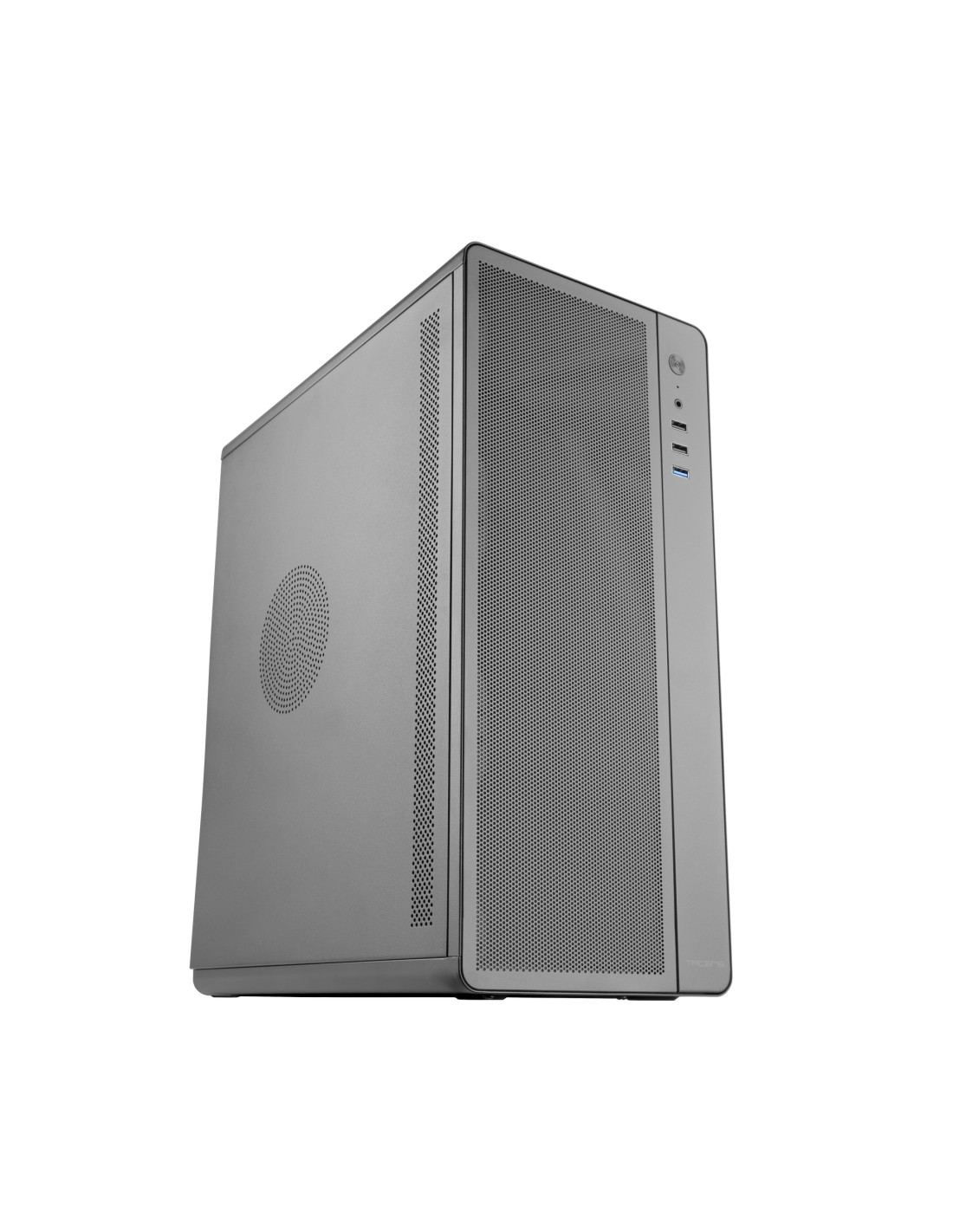
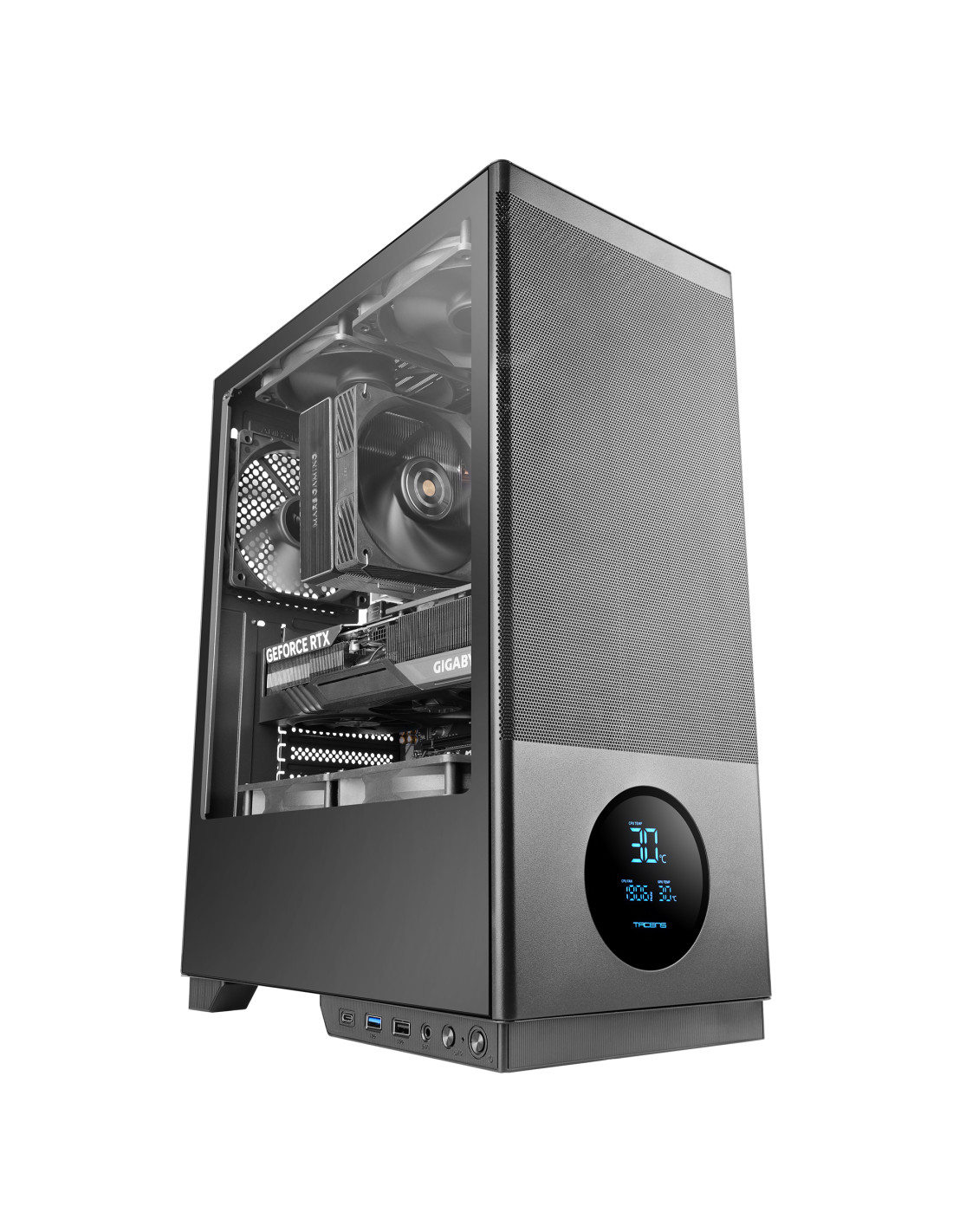
SAGITTA20
| Weight | 3.91Kg |
|---|---|
| Dimensions | 450x190x340mm |
| Size | Mid-tower |
| Fan capacity | Top 2x 120mm or 2x 140mm / Bottom 2x 120mm / Rear 1x 120mm |
| Ports | USB3.0 x1 / USB2.0 x1 / USB-C x1 (USB3.0 data transfer speed) / HD Audio + Mic (combined) |
| Power supply support | ATX |
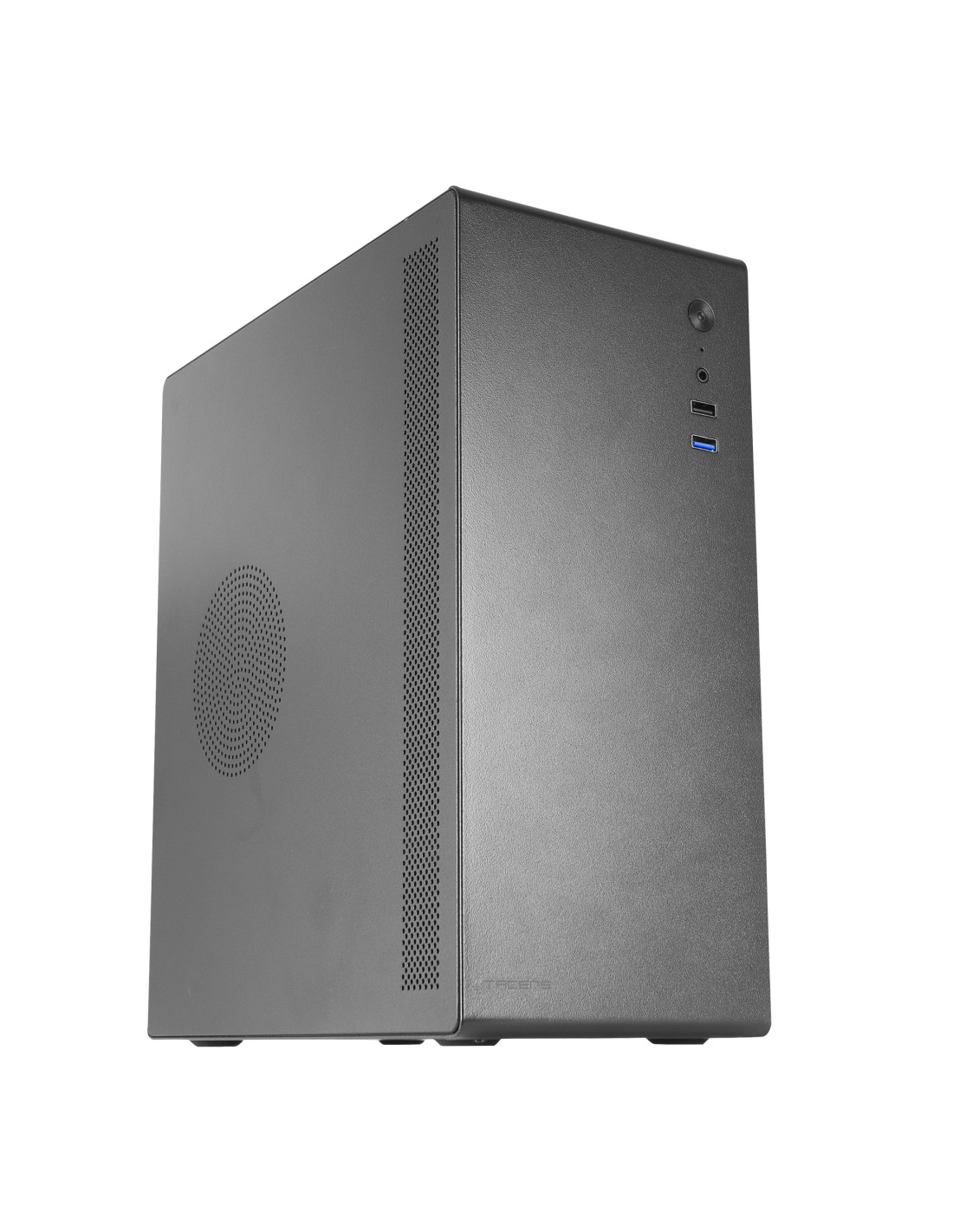
NOVAX550BR
| Weight | 3437g |
|---|---|
| Dimensions | 356x166x275mm |
| Size | Mini-tower |
| Fan capacity | Rear: 1x 80mm |
| Ports | USB3.0 x1 / USB2.0 x1 / HD Audio + Mic (combined) |
| Power supply support | ATX |
Frequently asked questions
How many millimetres of clearance should be left between the GPU and the front fan?
It is recommended to leave a minimum of 10 mm to 15 mm of free space between the end of the card's heatsink and the frame of the front fan. This space allows the card to be inserted into the PCIe slot without damaging components and ensures adequate airflow measured in CFM.
Can you gain space by removing a hard drive bay?
Yes, in cases where the internal 3.5" HDD bay is screwed to the front structure, removing it can free up an additional 50 mm to 120 mm of length. If the case uses fixed riveted bays, they cannot be modified without altering the rigidity of the system.
Does the size of the case affect the compatible power supply form factor?
Cases such as the IMPERATORII model accept power supplies in ATX PS/2 and ATX PS/3 standards, whereas compact cases such as 2SAGITTA20W or FORTISII require conventional ATX power supplies. It is essential to check the length of the power supply so as not to block the cable routing towards the GPU.
The best: Standardised dimensions in millimetres allow exact physical compatibility to be verified before assembly without relying on visual estimates.
The worst: Official length specifications often omit the thickness of the 27 mm to 30 mm front radiators, forcing the user to recalculate the actual space.
Buy it if: You are looking to install dual- or triple-fan graphics cards in mid-tower cases with 120 mm or 140 mm front ventilation support and independent bays.
Don't buy it if: You have a compact mini-tower case of less than 300 mm in depth and need to fit a triple-fan GPU longer than 300 mm; opt for a mid-tower of more than 400 mm in depth.