
Shopping Cart
There are no more items in your cart
 Español
 English
 Português PT
 Français
 Italiano
 Deutsch
 اللغة العربية
In summary: Mounting a Micro-ATX motherboard in a full ATX case is fully compatible at both a physical and electrical level, as they share the same mounting pattern and connection standard, although it leaves a visible gap at the bottom of the chassis.
Table of contents
- Is a Micro-ATX motherboard compatible with a full ATX case?
- What differences in dimensions and ports exist between Micro-ATX and ATX?
- How does the spare space affect cooling and airflow?
- Technical criteria before choosing a chassis and components
- Chassis compatibility comparison table
- Which chassis best suit each type of build?
- What are the most common mistakes when mounting Micro-ATX in ATX cases?
- FAQs about Micro-ATX motherboards in large cases
Is a Micro-ATX motherboard compatible with a full ATX case?
The ATX standard (Advanced Technology eXtended) defines unified screw positions that the Micro-ATX form factor inherits directly. A Micro-ATX board uses between 6 and 8 mounting points that match exactly with the brass standoffs built into the tray of any standard-sized ATX chassis.
The rear connection area (I/O Shield) shares fixed dimensions of 158.75 mm long by 44.45 mm high in both form factors, which guarantees that it fits into the rear cut-out of the case without misalignment. Likewise, the 24-pin main ATX power connector and the 8-pin 12 V EPS connector maintain the same electrical layout and voltage rails regardless of the size of the board.
What differences in dimensions and ports exist between Micro-ATX and ATX?
The main difference between the two form factors lies in the vertical length of the printed circuit board and the number of available PCIe expansion slots:
- Standard ATX board: Measures 305 mm high by 244 mm wide. It offers support for a maximum of 7 PCIe expansion slots.
- Micro-ATX board: Measures 244 mm high by 244 mm wide. It supports a maximum of 4 PCIe expansion slots.
- Remaining vertical space: When installing the smaller board in an ATX mid-tower, 61 mm are left free at the base of the chassis (305 mm - 244 mm = 61 mm).
This more compact form factor keeps the same width of 244 mm, so the distance from the rear panel to the SATA ports and the 24-pin connector does not change compared with a traditional ATX build.
How does the spare space affect cooling and airflow?
The cleared internal volume within a spacious case reduces the obstacles to direct airflow from the front fans towards the critical components. Static pressure (measured in mmH2O) measures the force with which air passes through filters or heatsinks, whilst airflow (measured in CFM, cubic feet per minute) quantifies the volume of air moved inside the case.
120 mm fans represent the most balanced standard between pressure and noise level. In turn, 140 mm models move more airflow at a lower rotational speed (RPM), reducing noise in weighted decibels (dBA) at equal thermal performance.
For example, a configuration with a 65 W processor and a 160 W graphics card consumes 65 W + 160 W = 225 W, and with a thermal efficiency margin of 30 % it requires 225 W × 1.30 = 292.5 W of active dissipation in the chassis.
Technical criteria before choosing a chassis and components
Before combining a Micro-ATX board with a mid-tower or mini-tower chassis, it is necessary to check the following points:
- PSU cable length: In large cases over 420 mm in height, the 8-pin EPS cable requires a minimum run of 550 mm to 600 mm to reach the top left corner of the board routed behind the tray.
- Standoff placement: The case must include the threaded holes for the Micro-ATX pattern. It is mandatory to remove any surplus standoff located in the 305 mm zone that does not line up with a hole in the board.
- Ventilation layout: It is recommended to fit at least one 120 mm front fan for fresh air intake and one 120 mm rear fan for hot air extraction.
- Storage capacity: Check the presence of dedicated internal bays for 2.5" SSD and 3.5" HDD drives according to your secondary storage needs.
Chassis compatibility comparison table
The following table details the dimensions, weight and fan support of various chassis where it is possible to mount Micro-ATX boards:
| Chassis model | Chassis form factor | Dimensions (mm) | Weight | Fan capacity | Internal bays |
|---|---|---|---|---|---|
| 2SAGITTA20W | Mid-tower | 450 × 190 × 340 mm | 3.91 kg | Top: 2× 120/140 mm, Bottom: 2× 120 mm, Rear: 1× 120 mm | 1× 3.5" HDD / 2× 2.5" SSD |
| IMPERATORII | Mid-tower | 378 × 428 × 193 mm | 2690 g | Up to 5× 120 mm | 2× 3.5" HDD + 2× 2.5" SSD |
| 2AERO | Semi-transformer | 342 × 186 × 414 mm | 3.02 kg | Front: 3× 120 mm, Rear: 1× 120 mm | 1× 3.5" HDD / 4× 2.5" SSD |
| 2AEROM | Small tower | 330 × 189 × 380 mm | 2.7 kg | Front: 3× 120 mm, Rear: 1× 120 mm | 1× 3.5" HDD / 3× 2.5" SSD |
| FORTISII | Mini-tower | 384 × 185 × 320 mm | 2.73 kg | Front: 1× 120 mm, Rear: 1× 120 mm | Standard ATX support |
| NOVAX550BR | Mini-tower | 356 × 166 × 275 mm | 3437 g | Rear: 1× 80 mm | 2× 3.5" HDD + 2× 2.5" SSD |
Which chassis best suit each type of build?
The Tacens catalogue offers differentiated options depending on the volume and cooling required for a Micro-ATX board:
Mid-tower format chassis for maximum cooling
Models such as the 2SAGITTA20W mid-tower (450 × 190 × 340 mm) allow you to install 140 mm or 120 mm top fans, as well as bottom and rear ventilation, making for an optimal thermal flow. Another spacious alternative is the IMPERATORII (weight of 2690 g), capable of housing up to 5 120 mm fans and PS/2 or PS/3 ATX format power supplies. In turn, the 2AERO (weight of 3.02 kg) provides space for 4 2.5" SSD drives and 3 120 mm front fans.
Compact chassis and dedicated mini-towers
If you are looking to optimise the physical volume occupied, the 2AEROM offers dimensions of 330 × 189 × 380 mm with support for ATX power supplies and 3 2.5" SSD drives. For office machines or frequent transport, the FORTISII (2.73 kg) integrates a top handle and 120 mm front and rear ventilation, whilst the NOVAX550BR (3437 g) is aimed at compact builds with an 80 mm rear fan.
To supply efficient and quiet power to these machines, the power supplies from the Radix range come with 80 PLUS Gold certification, ensuring energy efficiency above 90 % at half load.
What are the most common mistakes when mounting Micro-ATX in ATX cases?
- Leaving surplus metal standoffs in place: A standoff placed in the bottom position corresponding to an ATX board (at 305 mm) can make direct contact with the rear solder traces of the Micro-ATX board and cause a short circuit.
- Fitting high-airflow fans in restricted areas: Airflow (CFM) and static pressure (mmH2O) are not interchangeable; using a high-flow fan with insufficient pressure on a front panel with a dense filter drastically reduces air intake.
- Excessive strain on the front panel cables: The HD audio, USB 2.0 and USB 3.0 connectors are usually located on the bottom edge of the motherboard; in cases over 400 mm deep, forcing these cables can damage the connection pins.
Mentioned products
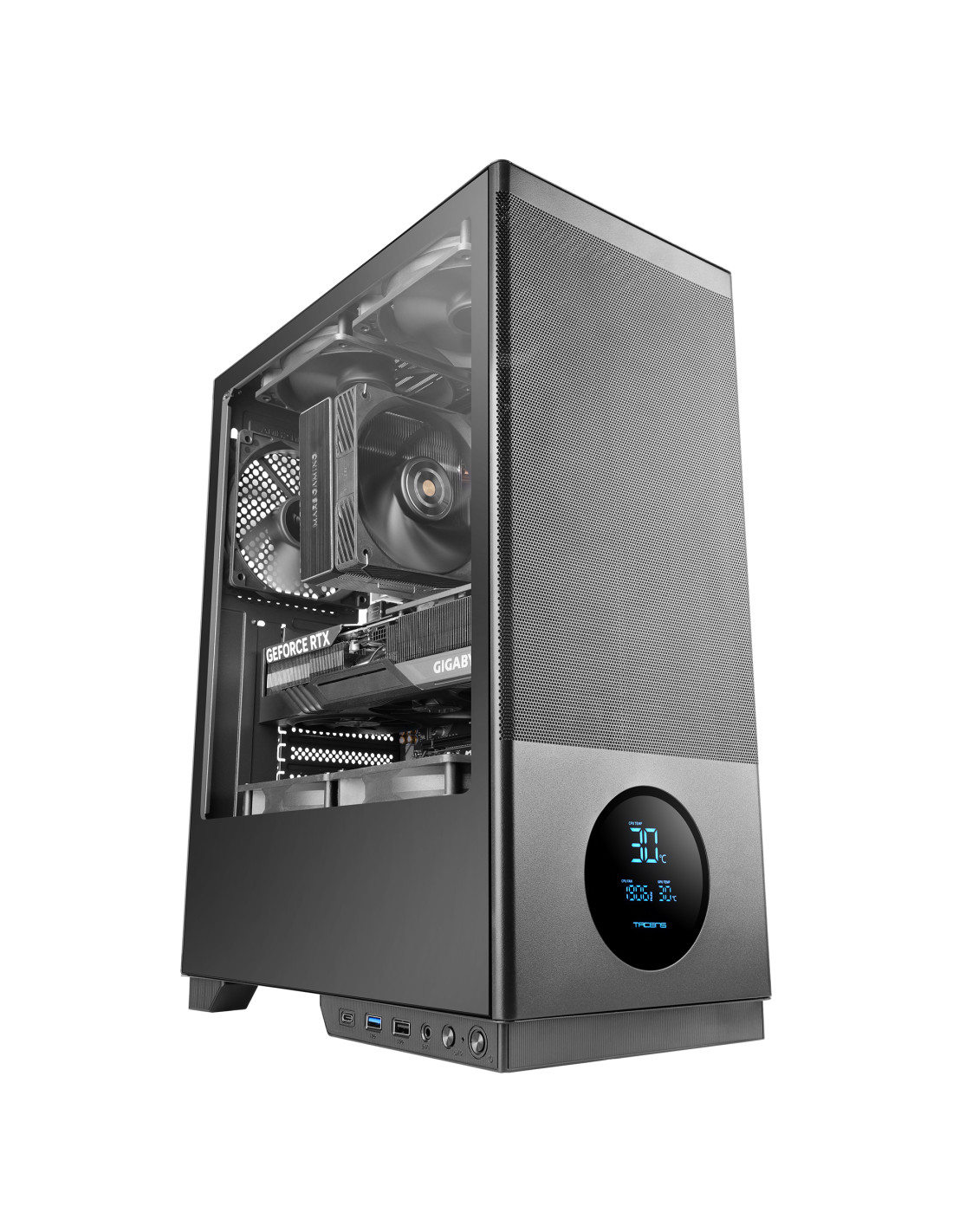
SAGITTA20
| Weight | 3.91Kg |
|---|---|
| Dimensions | 450x190x340mm |
| Size | Mid-tower |
| Fan capacity | Top 2x 120mm or 2x 140mm / Bottom 2x 120mm / Rear 1x 120mm |
| Ports | USB3.0 x1 / USB2.0 x1 / USB-C x1 (USB3.0 data transfer speed) / HD Audio + Mic (mixed) |
| Power supply support | ATX |
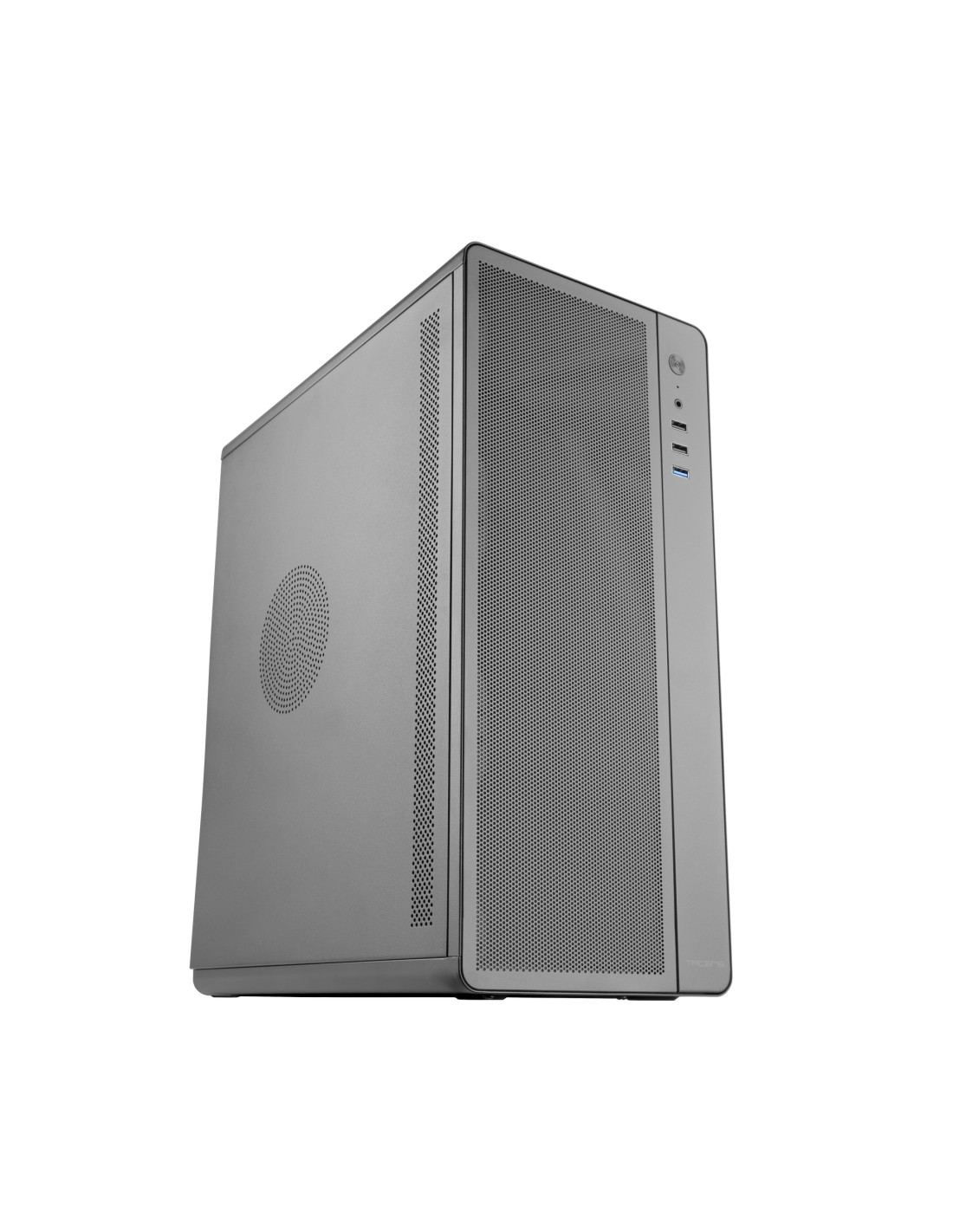
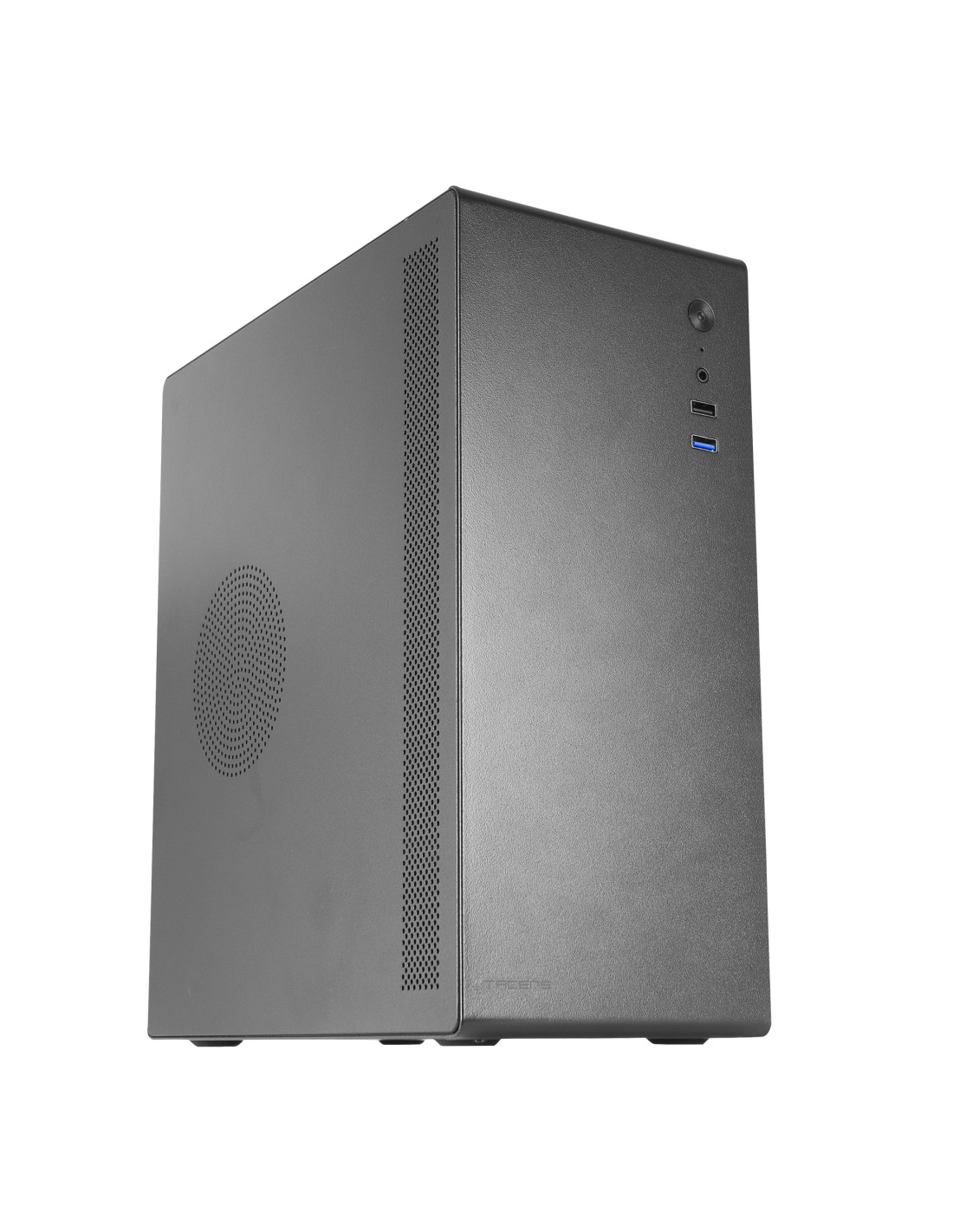
NOVAX550BR
| Weight | 3437g |
|---|---|
| Dimensions | 356x166x275mm |
| Size | Mini-tower |
| Fan capacity | Rear: 1x 80mm |
| Ports | USB3.0 x1 / USB2.0 x1 / HD Audio + Mic (mixed) |
| Power supply support | ATX |
FAQs about Micro-ATX motherboards in large cases
Can I use a standard ATX power supply with a Micro-ATX board?
Yes, the electrical standard is identical between both form factors. The 12 V EPS and 24-pin ATX power sockets deliver the same voltages with full compatibility.
Is component performance lost when using a smaller board?
No, the performance of the processor, RAM and graphics card depends on the chipset and the VRM circuitry of the motherboard, not on the physical size of the board. The only limitation lies in having fewer PCIe slots for additional cards.
Does the inside of the case look visually unbalanced?
Visually, there is a gap of approximately 6 cm between the bottom edge of the board and the cover of the power supply. This gap does not affect operation and makes it easier to route cables towards the lower connectors.
The best: Direct mechanical and electrical compatibility with greater ease for managing cabling and internal airflow.
The worst: Visual loss of compactness and a limitation to a maximum of 4 PCIe expansion slots compared with the 7 of the ATX form factor.
Buy it if: You have a Micro-ATX board and are looking for a spacious case to improve ventilation, add 120 mm or 140 mm fans and make future upgrades easier.
Don't buy it if: You are after a minimum-sized desktop machine; in that case opt for a compact mini-tower such as the 2AEROM or the FORTISII.