
Shopping Cart
There are no more items in your cart
 Español
 English
 Português PT
 Français
 Italiano
 Deutsch
 اللغة العربية
In summary: The fundamental difference is that a 4-pin PWM fan maintains a fixed continuous voltage of 12 V and adjusts its speed by means of a digital pulse signal on the fourth wire, allowing rotation ranges from 20 % to 100 % of its RPM, whereas the 3-pin fan regulates its speed by reducing the voltage between 5 V and 12 V; therefore, the PWM model is best suited to CPU coolers or radiators where the thermal load varies rapidly, while the 3-pin fan is suitable for constant airflow within the case.
Table of contents
- How does voltage-based regulation compare with PWM?
- What is the direct comparison between 3-pin and 4-pin?
- Which technical criteria should you check before buying?
- Performance and specifications of Tacens fans
- What are the common mistakes when choosing case fans?
- Frequently asked questions about 3-pin and 4-pin fans
- Technical verdict
How does voltage-based regulation compare with PWM?
Fan connectors supply power and monitoring information to the motherboard through different pin schemes:
- Pins 1 and 2 (Ground and Power): Present on both types. They supply electrical power to the fan motor.
- Pin 3 (Tachometer / Sense signal): Sends pulses to the motherboard (2 pulses per revolution) to measure the actual speed in RPM.
- Pin 4 (PWM / Pulse width modulation): Carries a high-frequency control signal (typically 25 kHz) that switches the internal power supply without altering the base voltage of 12 V.
Pin layout:
3 Pin (DC): [ Pin 1: Ground ] [ Pin 2: Variable voltage (5-12 V) ] [ Pin 3: Tachometer (RPM) ]
4 Pin (PWM): [ Pin 1: Ground ] [ Pin 2: Constant 12 V ] [ Pin 3: Tachometer (RPM) ] [ Pin 4: PWM signal ]
Why does the fourth pin allow speeds below 20 %?
On 3-pin fans (DC control), reducing the speed involves lowering the voltage from 12 V to values such as 7 V or 5 V. If the voltage drops below 5 V or 6 V, the motor cannot overcome the static friction of the bearing and stalls completely. By contrast, a PWM fan always receives 12 V on its circuit: the signal on the fourth pin switches the motor off and on thousands of times per second, which makes it possible to sustain stable speeds of 300 RPM to 500 RPM (around 20 % of its duty cycle) without the fan stalling or emitting electrical buzzing.
How does the fixed 12 V signal affect the motor?
PWM control avoids the loss of motor torque at low revolutions and keeps the brightness of any auxiliary LED lighting constant if it is integrated on the same line. A voltage-controlled fan at 6 V also reduces the power delivered to the auxiliary system by 50 %, whereas the PWM circuit manages the energy by means of an internal microcontroller without degrading the input voltage.
What is the direct comparison between 3-pin and 4-pin?
The following table summarises the electrical, operational and acoustic behaviour of both technologies:
| Criterion | Option A: PWM (4-pin) | Option B: DC / Voltage (3-pin) |
|---|---|---|
| Type of control signal | Digital pulses (Pin 4, 25 kHz) | Analogue, by voltage reduction |
| Supply voltage | Fixed at a constant 12 V | Variable between 5 V and 12 V |
| Useful regulation range | From 20 % to 100 % of RPM | From 50 % to 100 % of RPM |
| Risk of unintentional stalling | None above the minimum threshold | High if the voltage drops below 5 V |
| Acoustic behaviour at low RPM | Silent, with no coil whine | Possible electrical buzzing when reducing volts |
| Motherboard compatibility | 4-pin connector (accepts 3-pin) | 3-pin connector (fits a 4-pin header) |
| Recommended use | CPU cooler, liquid cooling | Air intake and exhaust in the case |
Which technical criteria should you check before buying?
Before selecting a fan model, you need to review the physical quantities that determine its thermal performance within the case or cooler.
Electrical power calculation:
Fan at 12 V and 0.15 A: 12 V × 0.15 A = 1.8 W
Consumption of 3 units in a case: 1.8 W × 3 = 5.4 W
When is static pressure in mmH2O needed, and when is airflow in CFM?
- Airflow (CFM): Measures the volume of air moved in cubic feet per minute. It is the priority value when the fan has no direct obstructions in front of it, such as at the rear or top exhausts of a case.
- Static pressure (mmH2O): Measures the force with which the fan pushes air against a resistance. It is the decisive factor when fitting fans over liquid cooling radiators, dense fin coolers or case front panels with tightly woven dust filters. An airflow of 50 CFM with less than 1.0 mmH2O of static pressure will lose more than 40 % of its effectiveness when passing through a radiator.
How does an 80 mm diameter compare with 120 mm?
- 120 mm format: This is the current mounting standard. It offers an optimal thermal balance, moving around 48 CFM to 50 CFM at moderate speeds of 1200 RPM with noise levels of 14 dBA.
- 140 mm format: Moves a greater volume of air whilst spinning at fewer revolutions per minute than a 120 mm fan, reducing acoustic noise for the same thermal flow.
- Reduced formats of 80 mm and 90 mm: These need to spin at higher speeds (from 1350 RPM to 1800 RPM) to generate between 25 CFM and 30.5 CFM, and are necessary in compact cases or low-profile servers.
Performance and specifications of Tacens fans
Below are the verified technical specifications of the models available in the Tacens catalogue, classified by dimensions, rotation speed and pressure:
- Tacens AF12:
- Dimensions: 120x120x25 mm | Weight: 120 g
- Speed: 1200 RPM (+10 %)
- Airflow: 48.12 CFM
- Static pressure: 1.47 mmH2O
- Noise level: 14 dBA
- Consumption and current: 0.15 A (12 V × 0.15 A = 1.8 W)
- Blades: 9
- Tacens AF8:
- Dimensions: 80x80x25 mm | Weight: 60 g
- Speed: 1800 RPM (+10 %)
- Airflow: 30.5 CFM
- Static pressure: 1.25 mmH2O
- Noise level: 14 dBA
- Consumption and current: 0.12 A (12 V × 0.12 A = 1.44 W)
- Blades: 7
- Tacens AURAII12:
- Dimensions: 120x120x25 mm | Weight: 5g 98
- Speed: 1200 RPM | Airflow: 50 CFM | Blades: 7
- Tacens AURAII9 / R3AURAII9:
- Dimensions: 90x90x25 mm | Weight: 9g 89
- Speed: 1350 RPM | Airflow: 33 CFM | Blades: 7
- Tacens AURAII8:
- Dimensions: 80x80x25 mm | Weight: 2g 64
- Speed: 1500 RPM | Airflow: 25 CFM | Blades: 7
For complete systems where the aim is to optimise efficiency and reduce internal residual heat, the Radix range of power supplies with Gold certification provides a stable electrical supply for both the motherboard and multiple ventilation lines.
What are the common mistakes when choosing case fans?
- Confusing mandatory marking with quality seals: CE marking and the RoHS directive are legal requirements for selling products within the European Union and do not constitute a certificate of performance or quietness. Voluntary quality or efficiency certifications are granted by external bodies such as TÜV Rheinland, Cybenetics (ETA for efficiency, LAMBDA for acoustic noise) or CLEAResult (80 PLUS).
- Prioritising CFM over mmH2O on coolers: Fitting a 50 CFM fan with low pressure onto a dense cooler causes the air to bounce off the fins instead of passing through them, worsening CPU temperatures by more than 5 °C.
- Trying to control 3-pin fans below 5 V: Setting fan curves below 40 % on DC headers causes the fan to stop owing to a lack of starting torque.
- Connecting too many fans to a single header: Most motherboard connectors support a maximum of 1.0 A. Connecting more than four 0.15 A fans (4 × 0.15 A = 0.60 A is safe, but 8 × 0.15 A = 1.20 A exceeds the limit) without a powered hub can damage the motherboard circuit.
Products mentioned
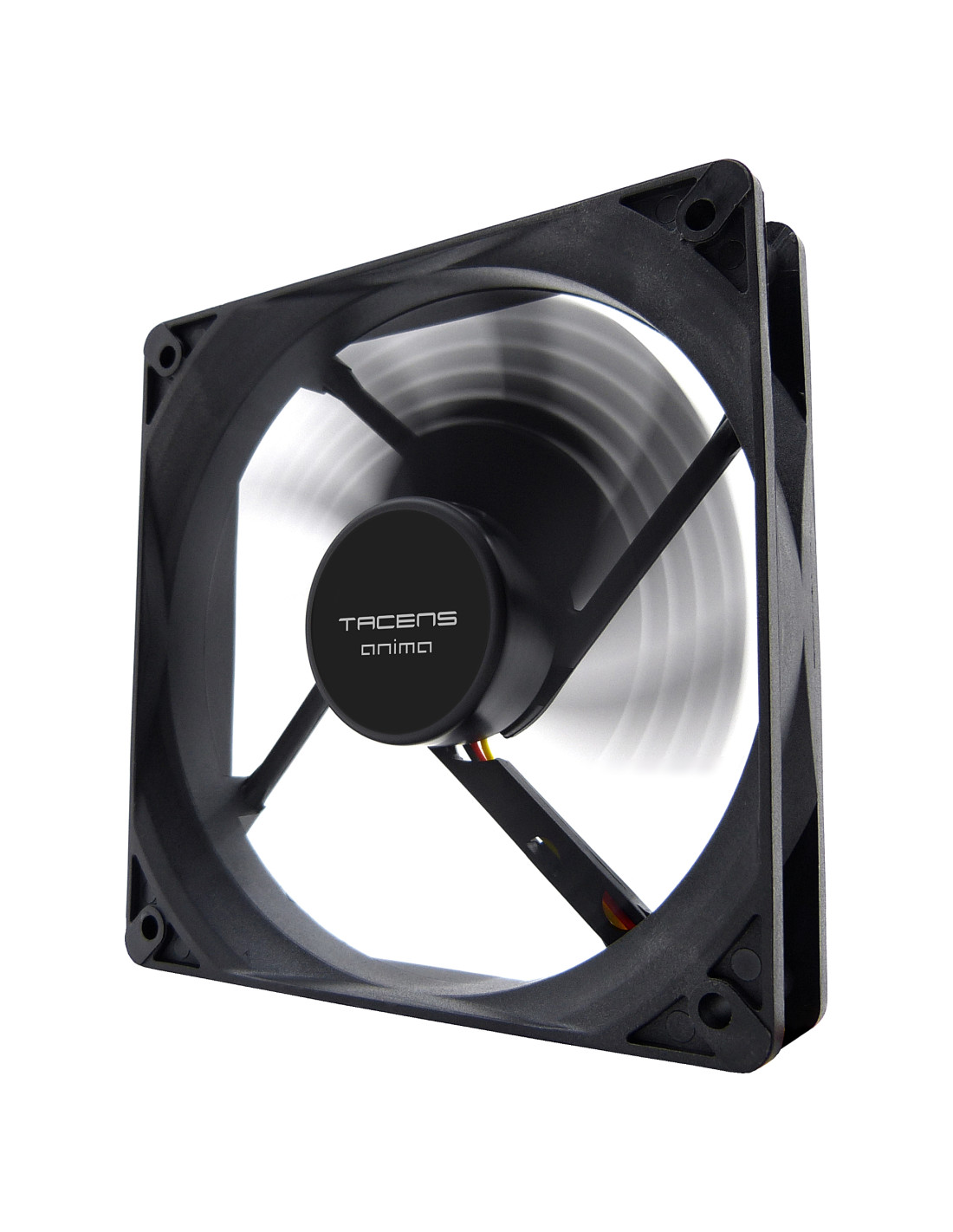
AF12
| Weight | 120g |
|---|---|
| Dimensions | 120x120x25mm |
| Speed | 1200 RPM +10% |
| Airflow | 48.12CFM |
| No. of blades | 9 |
| Noise | 14dBA |
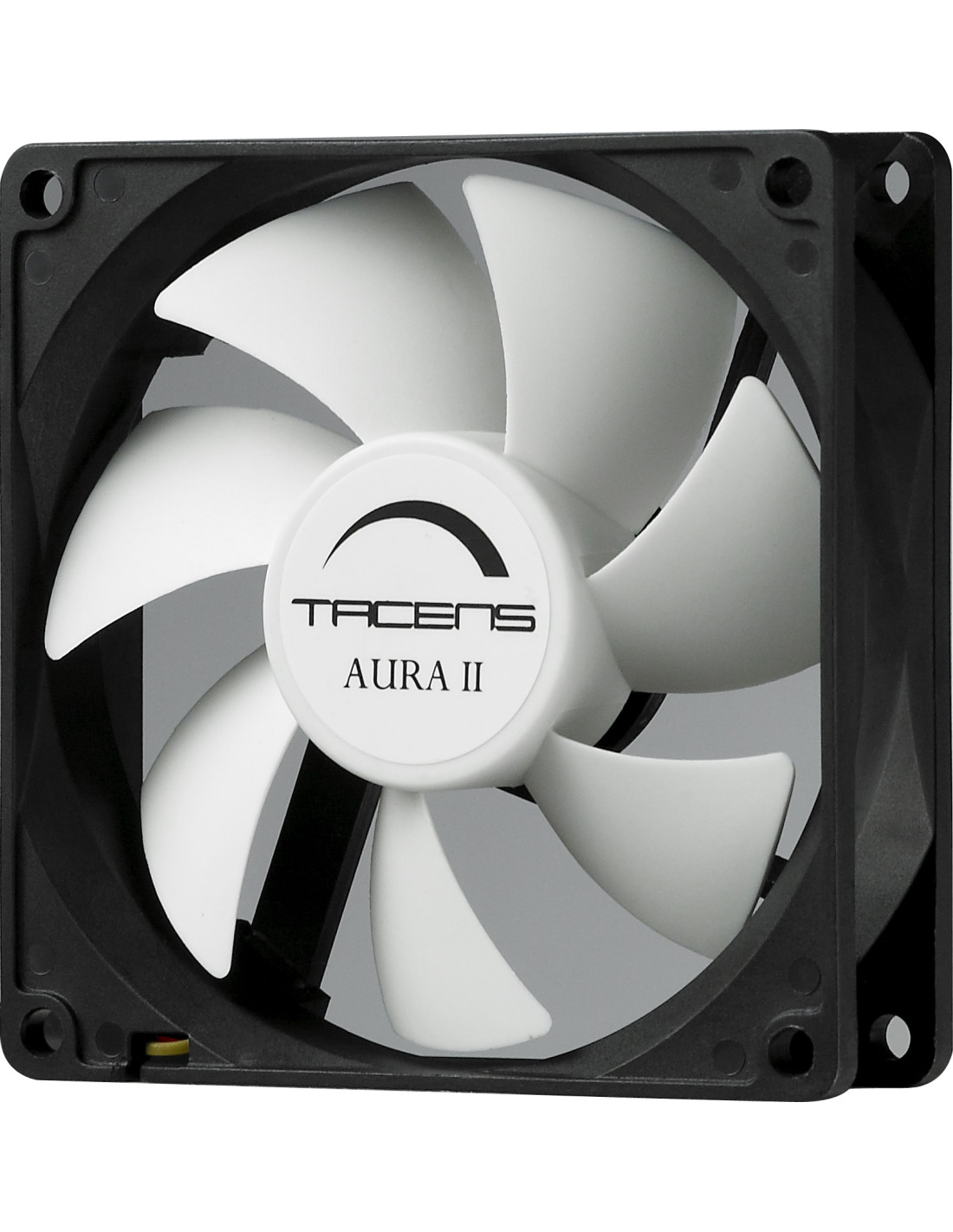
AURAII12
| Weight | 5g 98 |
|---|---|
| Dimensions | 120x120x25mm |
| Speed | 1200 RPM |
| Airflow | 50CFM |
| No. of blades | 7 |
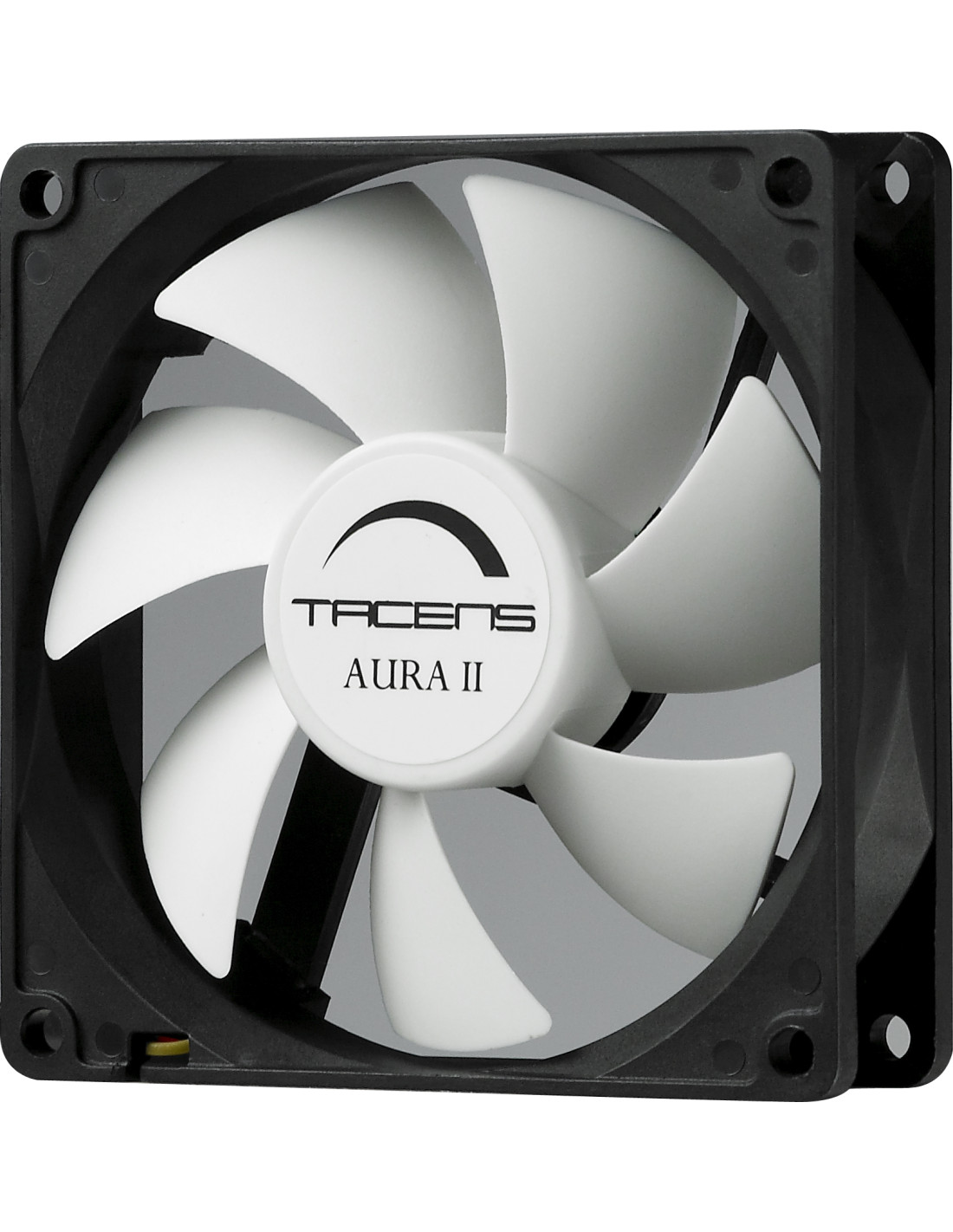
AURAII9
| Weight | 9g 89 |
|---|---|
| Dimensions | 90x90x25mm |
| Speed | 1350 RPM |
| Airflow | 33CFM |
| No. of blades | 7 |
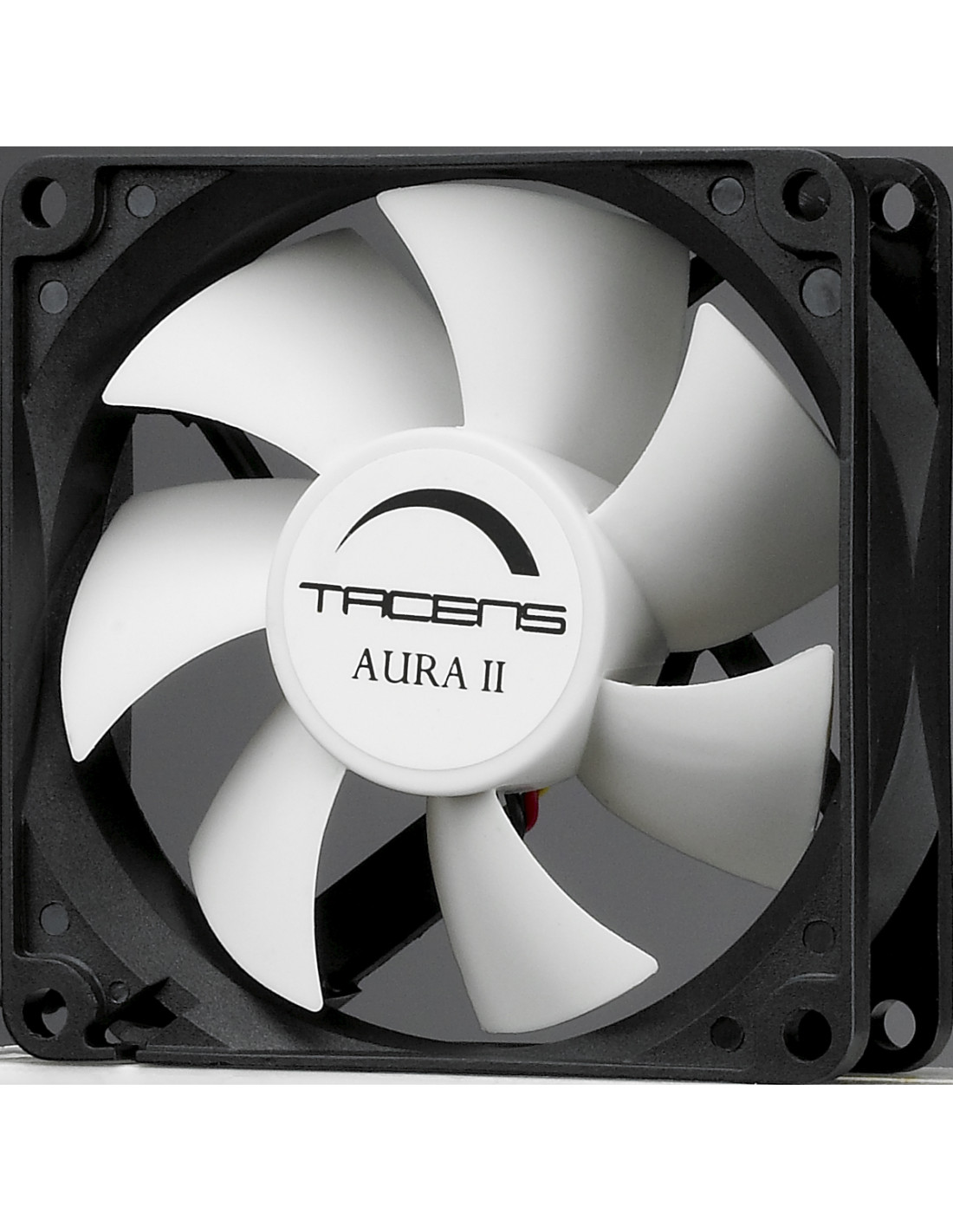
AURAII8
| Weight | 2g 64 |
|---|---|
| Dimensions | 80x80x25mm |
| Speed | 1500 RPM |
| Airflow | 25CFM |
| No. of blades | 7 |
Frequently asked questions about 3-pin and 4-pin fans
Can I connect a 3-pin fan to a 4-pin header on the motherboard?
Yes, the connectors feature a physical guide tab that allows the 3 pins to fit into the first three pins of the 4-pin header. The fan will run at 100 % speed (12 V) unless you manually set that header to "DC" mode in the motherboard's BIOS.
Can the speed of a 4-pin fan connected to a 3-pin port be controlled?
Yes, but it will lose PWM digital control and will instead be regulated by voltage variation between 5 V and 12 V as if it were a standard model. The minimum rotation range will be limited to the voltage start-up threshold (typically between 40 % and 50 % of its RPM).
How many dBA are considered quiet for a PC fan?
A noise level of 14 dBA, as recorded by the Tacens AF12 and AF8 models, sits below the ambient noise of a silent room (generally 20 dBA to 25 dBA). From 25 dBA to 30 dBA upwards, the airflow begins to be clearly audible whilst the computer is in use.
The best: 4-pin PWM modulation allows the speed to be controlled from 20 % with no risk of the motor stalling or electrical buzzing.
The worst: 3-pin fans cannot drop below 40 % of revolutions without the risk of the motor stopping owing to low voltage.
Buy it if: You need to cool CPU coolers or radiators where the speed must adapt precisely to temperature spikes.
Do not buy it if: You only want secondary case ventilation at moderate fixed revolutions; a 3-pin model at 1200 RPM will cover that function at a lower cost.