
Shopping Cart
There are no more items in your cart
 Español
 English
 Português PT
 Français
 Italiano
 Deutsch
 اللغة العربية
In summary: The minimum TDP a heatsink must have to keep the processor from overheating should be at least 25% to 30% above the CPU's advertised maximum TDP, also covering power spikes in turbo mode.
Table of contents
- What is TDP and how does it affect temperature?
- How do you calculate the actual TDP you need to avoid overheating?
- Which technical factors determine a heatsink's performance?
- What are the differences between airflow and static pressure?
- Comparison table of ventilation options for cases and thermal support
- What common mistakes are made when choosing a heatsink?
- Which regulations and certifications should you check?
- FAQs about TDP and CPU cooling
- Verdict
What is TDP and how does it affect temperature?
TDP (Thermal Design Power) represents the maximum amount of heat, measured in watts (W), that a processor generates under a sustained workload and which the cooling system must dissipate to avoid thermal throttling.
The electrical power consumed by the transistors is converted almost entirely into waste heat. If the heatsink has a thermal capacity of 65 W and the CPU dissipates 105 W of heat, the die temperature will exceed the safe operating limit (typically between 85 °C and 95 °C), automatically reducing the clock frequency.
How do you calculate the actual TDP you need to avoid overheating?
Modern processors feature turbo frequencies that push temporary power consumption well above the base TDP advertised by the manufacturer.
To size the cooling correctly, you need to apply a safety correction factor:
- Identify peak load consumption: A mid-range processor with a nominal specification of 65 W typically reaches peaks of 90 W to 115 W at turbo frequencies.
- Apply a thermal safety margin: Add an extra 25% to 30% to compensate for dust build-up, thermal paste degradation and ambient temperatures above 25 °C.
For example, 125 W + 55 W = 180 W of peak consumption, and 180 W × 1.30 = 234 W as the minimum recommended TDP for the heatsink.
Which technical factors determine a heatsink's performance?
Heat transfer depends on several mechanical and design elements:
- Heat pipes: Copper pipes that carry heat from the base to the fins. Four 6 mm pipes can typically handle loads of up to 150 W; six pipes allow powers of 200 W to 250 W to be dissipated.
- Dissipation surface: The total area of the aluminium fins determines how quickly heat passes into the surrounding air.
- Fan size: A 120 mm diameter offers an optimal balance between airflow and noise compared with 80 mm or 90 mm models. 140 mm units move more air at lower revolutions than a 120 mm one, making them quieter at the same airflow.
What are the differences between airflow and static pressure?
A heatsink's performance depends not only on the volume of air, but on the force with which it strikes the block:
- Airflow (CFM): Volume of air moved per minute. This is the key metric for case fans that exhaust air without obstructions.
- Static pressure (mmH2O): The fan's ability to push air through dense restrictions, such as radiators, dust filters or tightly packed fin stacks.
- Noise level (dBA): A-weighted noise measurement that quantifies the acoustic annoyance generated at maximum fan speed (RPM).
Technical note: Airflow and static pressure are not interchangeable. A fan with 60 CFM but low static pressure (below 1.0 mmH2O) will perform poorly when mounted on a dense fin stack.
Comparison table of ventilation options for cases and thermal support
The case's internal airflow directly determines the temperature at which the heatsink draws in fresh air. Tacens' catalogue includes several options for airflow and pressure management:
| Model | Dimensions (mm) | Speed (RPM) | Airflow (CFM) | Static pressure (mmH2O) | Noise (dBA) | Power draw / Current (A) | Weight (g) |
|---|---|---|---|---|---|---|---|
| AF12 | 120 × 120 × 25 mm | 1200 RPM (+10 %) | 48.12 CFM | 1.47 mmH2O | 14 dBA | 0.15 A | 120 g |
| AURAII12 | 120 × 120 × 25 mm | 1200 RPM | 50 CFM | — | — | — | 5.98 g |
| AURAII9 | 90 × 90 × 25 mm | 1350 RPM | 33 CFM | — | — | — | 9.89 g |
| R3AURAII9 | 90 × 90 × 25 mm | 1350 RPM | 33 CFM | — | — | — | 9.89 g |
| AF8 | 80 × 80 × 25 mm | 1800 RPM (+10 %) | 30.5 CFM | 1.25 mmH2O | 14 dBA | 0.12 A | 60 g |
| AURAII8 | 80 × 80 × 25 mm | 1500 RPM | 25 CFM | — | — | — | 2.64 g |
The AF12 model delivers 1.47 mmH2O of static pressure with just 14 dBA of noise, making it ideal for air paths with resistance, while the AURAII12 model provides 50 CFM of continuous airflow for general air renewal.
What common mistakes are made when choosing a heatsink?
- Sizing according to the base catalogue TDP: 65 W processors can dissipate 120 W during intensive tasks; fitting a heatsink sized exactly at 65 W will cause overheating.
- Ignoring RAM clearance: Heatsinks with wide 140 mm blocks can clash with memory modules that have tall heat spreaders (over 40 mm).
- Neglecting case ventilation: A 200 W heatsink inside a case without intake/exhaust fans will recycle hot air at over 45 °C, losing its transfer capacity.
- Prioritising CFM over mmH2O on heatsinks: Fitting fans designed purely for airflow onto dense fins causes a thermal bottleneck.
Which regulations and certifications should you check?
In a computer build, components carry various regulatory and efficiency marks:
- Mandatory markings in the European Union:
- CE: The manufacturer's declaration of compliance with European safety directives. It is not a third-party quality certification.
- RoHS: Restriction of hazardous substances in electronics; it is an indispensable legal requirement, not a performance claim.
- WEEE: Compliance with the directive on the recycling of waste electrical and electronic equipment.
- Independent voluntary certifications:
- 80 PLUS: Certifies electrical efficiency in power supplies (for example, Tacens' Radix range with Gold certification). It is administered by CLEAResult.
- TÜV Rheinland: Independent verification of electrical safety.
- Cybenetics ETA / LAMBDA: Tests of energy efficiency and noise level in power supplies.
Products mentioned
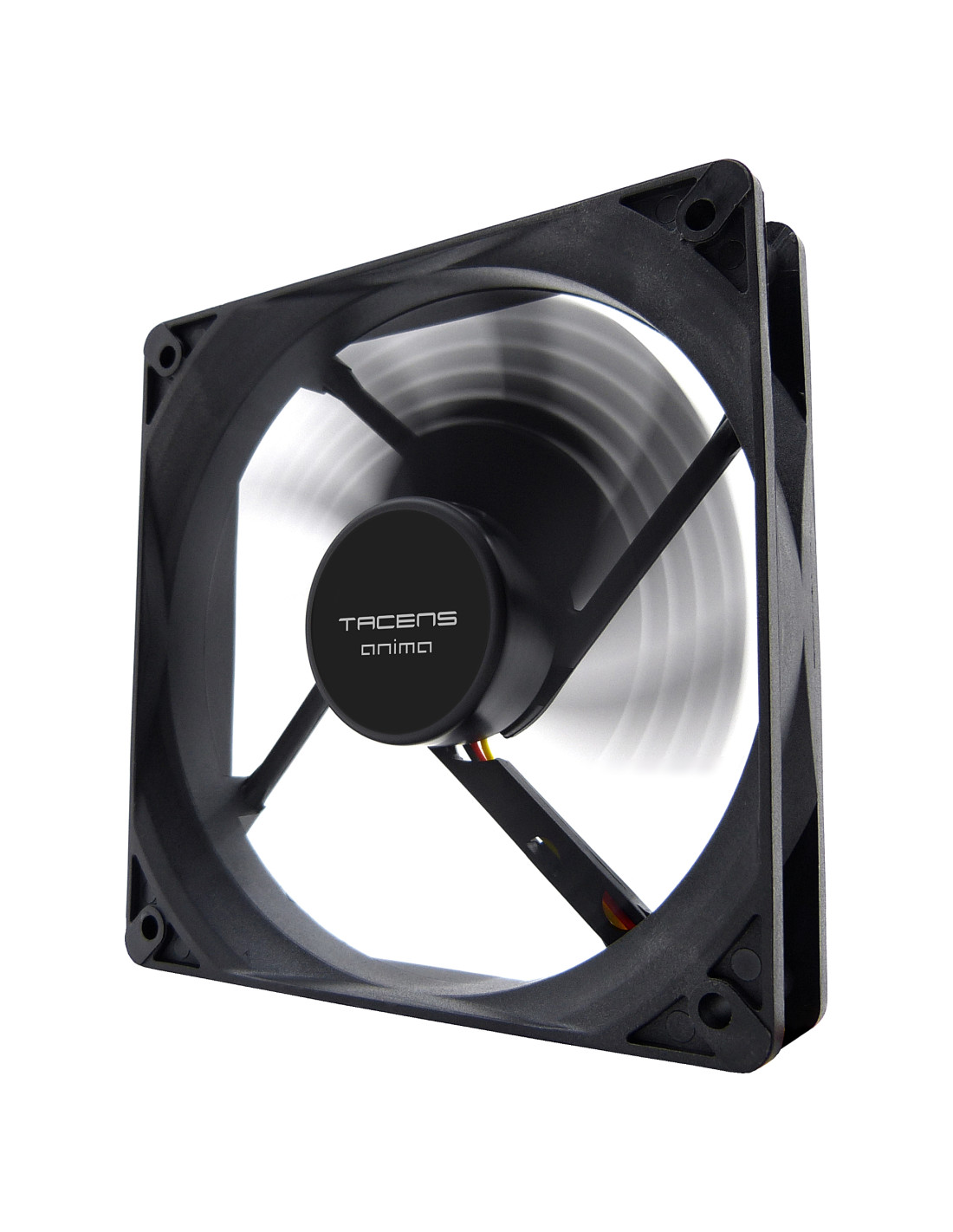
AF12
| Weight | 120g |
|---|---|
| Dimensions | 120x120x25mm |
| Speed | 1200 RPM +10% |
| Airflow | 48.12CFM |
| Number of blades | 9 |
| Noise | 14dBA |
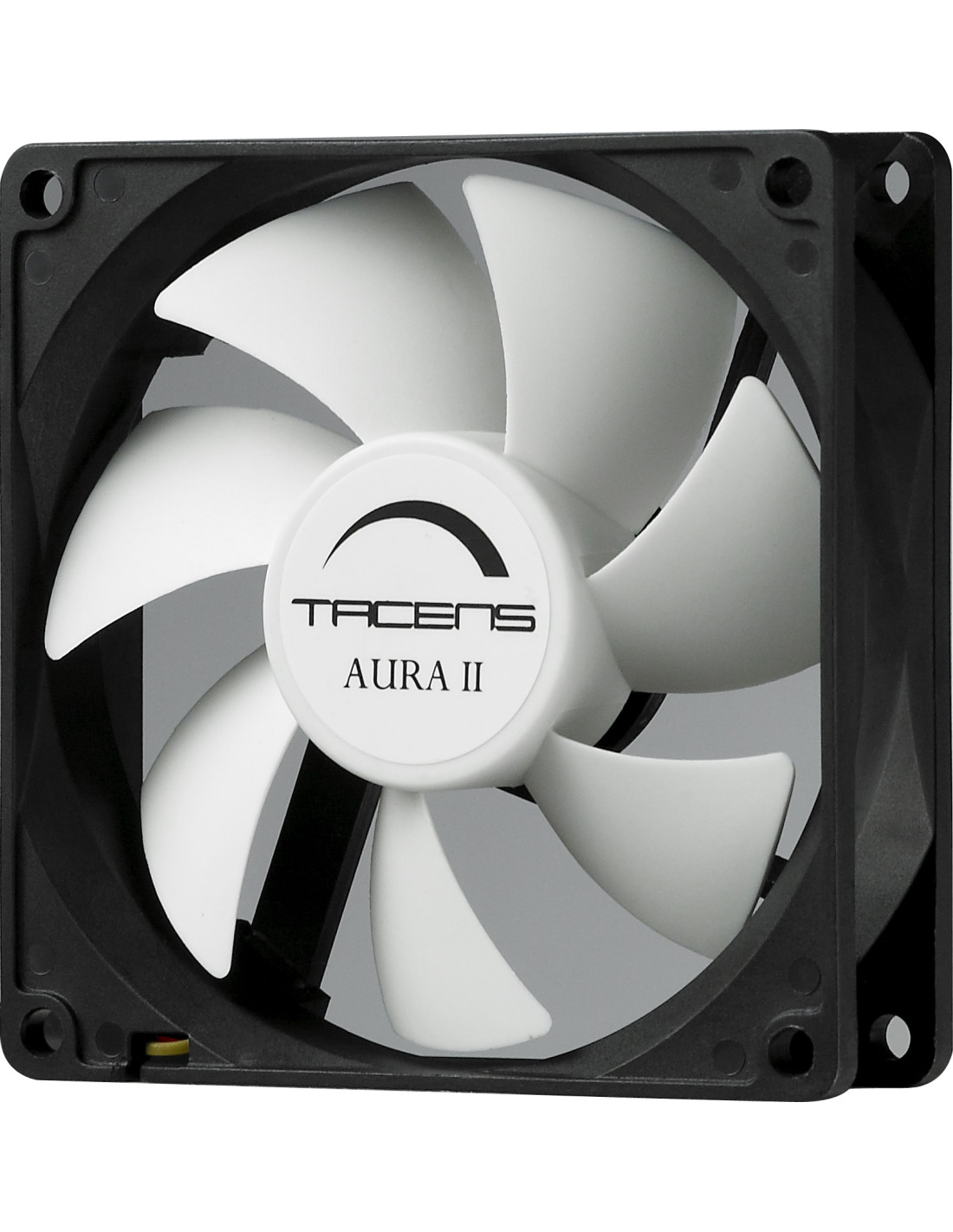
AURAII12
| Weight | 5g 98 |
|---|---|
| Dimensions | 120x120x25mm |
| Speed | 1200 RPM |
| Airflow | 50CFM |
| Number of blades | 7 |
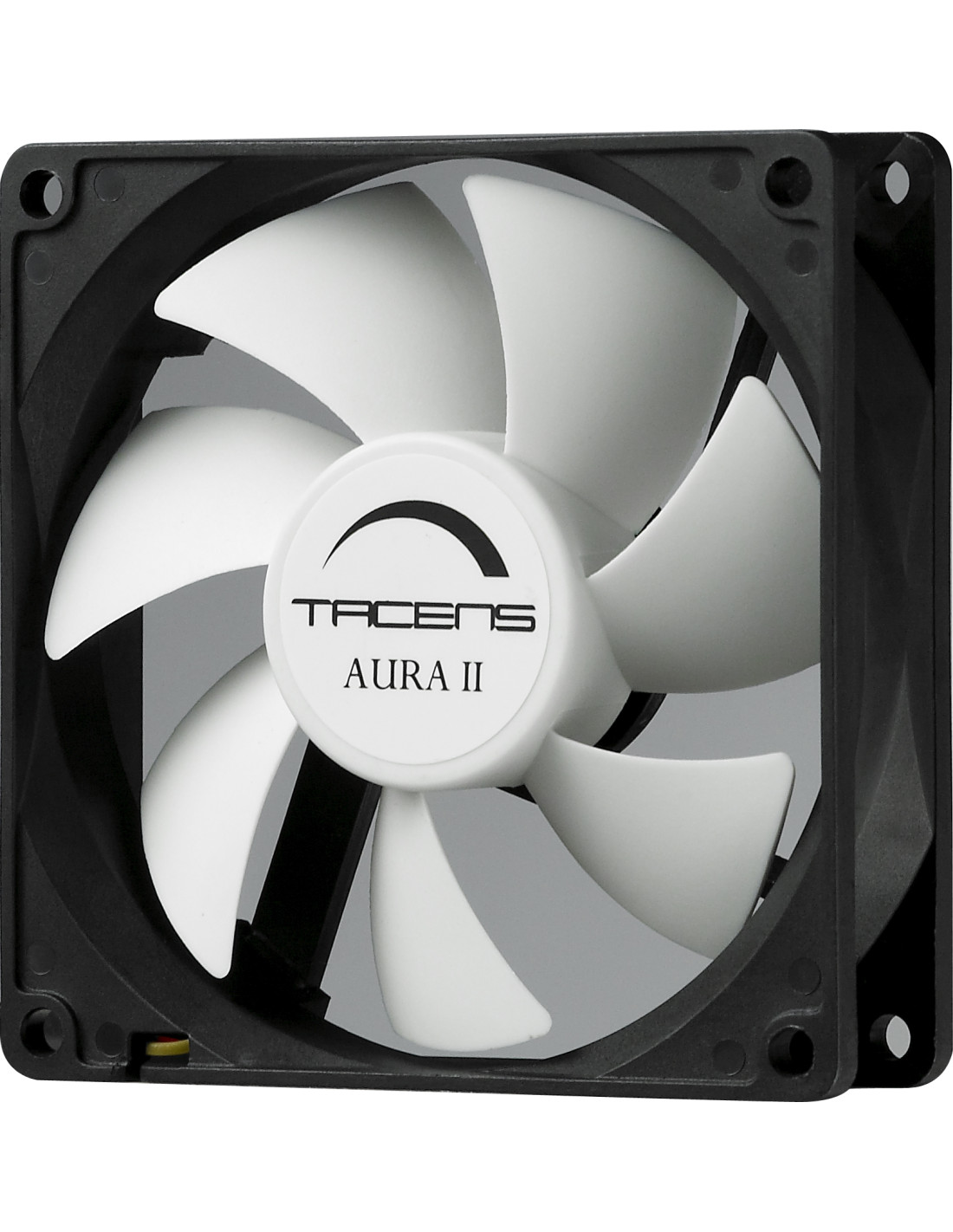
AURAII9
| Weight | 9g 89 |
|---|---|
| Dimensions | 90x90x25mm |
| Speed | 1350 RPM |
| Airflow | 33CFM |
| Number of blades | 7 |
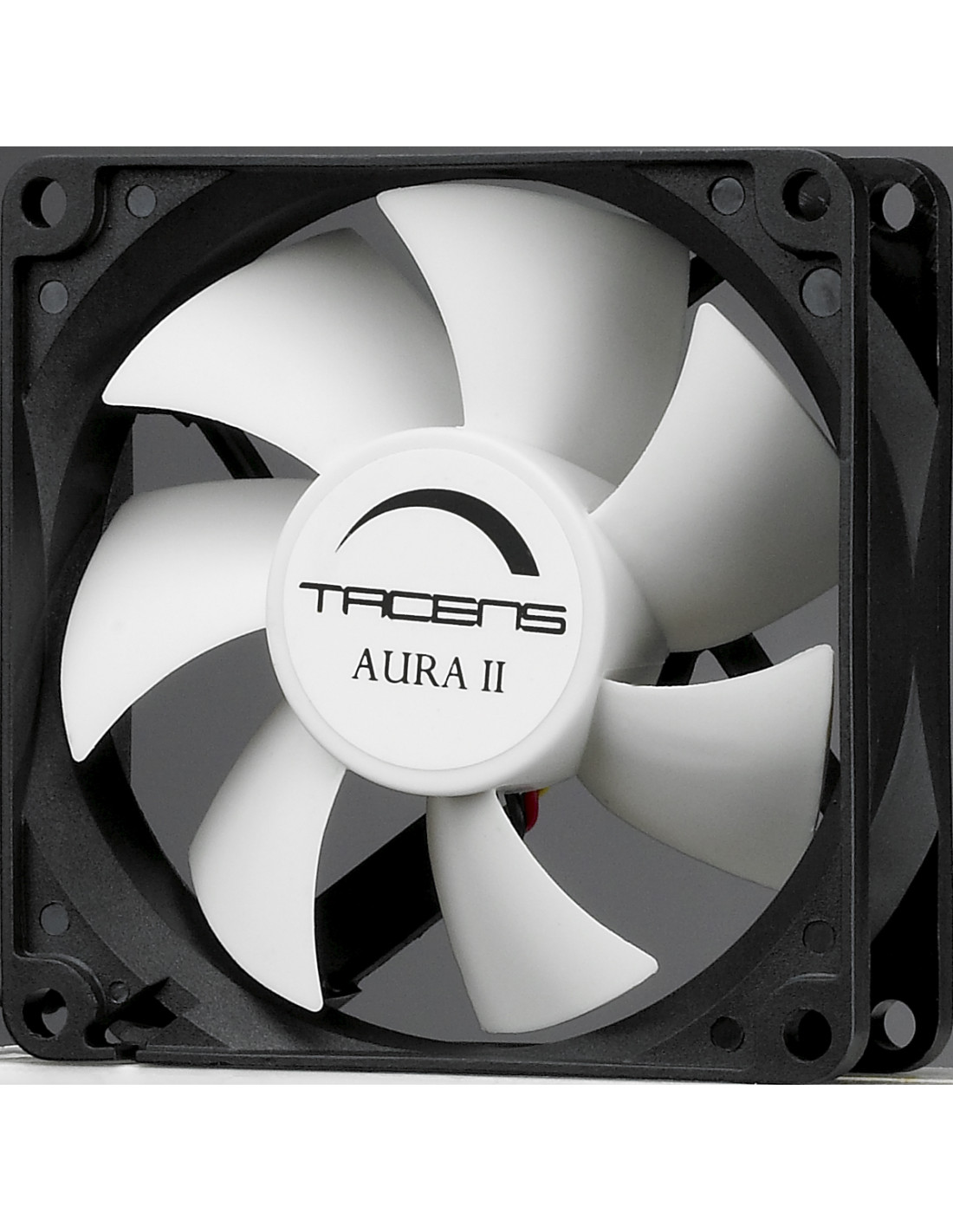
AURAII8
| Weight | 2g 64 |
|---|---|
| Dimensions | 80x80x25mm |
| Speed | 1500 RPM |
| Airflow | 25CFM |
| Number of blades | 7 |
FAQs about TDP and CPU cooling
What happens if the heatsink has exactly the same TDP as the processor?
The processor will operate within its thermal limits at idle or under light loads, but during intensive tasks it will reach high temperatures (over 80 °C) and reduce its operating frequencies. A minimum headroom of 25% in watts is recommended.
Does a heatsink with a much higher TDP than the CPU damage the processor?
No. A heatsink with ample thermal capacity (for example, 250 W for a 65 W processor) will keep the temperature lower and allow the fans to spin at under 1000 RPM, reducing acoustic noise with no risk whatsoever.
How does fan size affect heatsink noise?
A fan of 120 mm or 140 mm moves more airflow at a lower speed of rotation than an 80 mm fan at 1800 RPM. The lower the rotational speed, the considerably lower the turbulence and the dBA emitted.
The best: Applying a 30% margin over peak turbo-mode consumption guarantees that the CPU maintains its frequencies without overheating.
The worst: Heatsinks with greater thermal capacity require wide cases and can interfere with tall RAM modules.
Buy it if: You are looking for stable temperatures below 75 °C and low noise levels during prolonged high-load sessions.
Don't buy it if: You use a basic 35 W office processor and your compact case only accepts low-profile 65 W heatsinks.