
Shopping Cart
There are no more items in your cart
 Español
 English
 Português PT
 Français
 Italiano
 Deutsch
 اللغة العربية
In short: A processor's normal temperature whilst gaming ranges between 60 °C and 75 °C, with tolerable peaks of up to 80 °C in titles with a high physics or shader computation load.
Table of contents
- What temperature ranges are normal for a CPU when gaming?
- Why does the temperature rise when running video games?
- What is the difference between airflow and static pressure?
- Criteria for optimising case cooling
- Which fans and components help dissipate heat?
- Common mistakes when cooling a computer
- FAQs
- Verdict
What temperature ranges are normal for a CPU when gaming?
The thermal behaviour of the central processing unit (CPU) depends on power consumption, the heatsink design and the internal ventilation of the tower.
| Operating state | Temperature range | Risk level | Recommended action |
|---|---|---|---|
| Idle | 30 °C to 45 °C | Optimal | None; fans at 20 % or 30 % speed. |
| Moderate gaming | 55 °C to 68 °C | Normal | Maintain a constant airflow. |
| Demanding gaming (1440p / 4K) | 68 °C to 78 °C | Acceptable | Check that the fans ramp above 1000 RPM. |
| Critical load / Rendering | 80 °C to 88 °C | High | Check the thermal paste and increase air intake. |
| Thermal limit (Throttling) | 90 °C to 105 °C | Danger | Immediate cleaning; the CPU reduces its clock speed. |
Consistently exceeding 85 °C accelerates silicon degradation, whereas values below 70 °C guarantee frequency stability without drops in frames per second (thermal throttling).
Why does the temperature rise when running video games?
The processor converts the electrical energy it consumes into waste heat during logical operations and vector rendering.
For example, 65 W + 40 W = 105 W of dissipated power under combined load, and 105 W of power consumption equates to 105 W of heat that the heatsink must transfer and expel to the outside of the case.
Power consumption (TDP or Thermal Design Power) determines how many thermal watts the system needs to dissipate. If the power supply generates excessive heat inside the case, the circulating air will enter at over 35 °C, worsening the CPU heatsink's thermal exchange.
What is the difference between airflow and static pressure?
To keep temperatures under control, it is essential to distinguish between two physical magnitudes of fans:
- Airflow (CFM): Measures the cubic feet per minute of air displaced. It is the key metric for case fans with no obstructions at the front or rear.
- Static pressure (mmH2O): Measures the force with which the fan pushes air against a physical resistance, such as dense radiator fins or dust filters.
- Sound pressure (dBA): Quantifies the noise perceived by the human ear with A-weighting; values below 16 dBA are considered practically inaudible in domestic environments.
A fan with a high CFM but low static pressure (below 1.0 mmH2O) loses up to 40 % of its effectiveness if placed in front of a dense grille or a liquid cooling radiator.
Criteria for optimising case cooling
Before replacing heatsinks or fans, the following thermal principles should be applied:
- Fan size: A 140 mm model moves more airflow at lower revolutions than a 120 mm one, generating a lower noise level in decibels (dBA).
- Positive pressure: Drawing in more airflow (CFM) than is extracted prevents dust from entering through the unfiltered gaps in the case.
- Power supply efficiency: A PSU with 80 PLUS Gold certification wastes less energy as waste heat inside the case compared with standard uncertified models.
- Cable management: Clearing the front channel reduces resistance to airflow by a margin of 2 °C to 4 °C.
Which fans and components help dissipate heat?
Adding auxiliary fans with the right specifications can reduce the processor's temperature by between 5 °C and 8 °C whilst gaming.
| Model / Series | Dimensions | Speed | Airflow | Static pressure | Noise level |
|---|---|---|---|---|---|
| Tacens AF12 | 120 × 120 × 25 mm | 1200 RPM | 48.12 CFM | 1.47 mm-H2O | 14 dBA |
| Tacens AF8 | 80 × 80 × 25 mm | 1800 RPM | 30.5 CFM | 1.25 mm-H2O | 14 dBA |
| AURAII12 | 120 × 120 × 25 mm | 1200 RPM | 50.0 CFM | — | — |
| AURAII9 | 90 × 90 × 25 mm | 1350 RPM | 33.0 CFM | — | — |
| AURAII8 | 80 × 80 × 25 mm | 1500 RPM | 25.0 CFM | — | — |
| R3AURAII9 | 90 × 90 × 25 mm | 1350 RPM | 33.0 CFM | — | — |
To complement the case's heat extraction without injecting additional hot air, the Radix Range offers power supplies with 80 PLUS Gold certification aimed at users who prioritise energy efficiency and quiet operation through low thermal emission components.
Common mistakes when cooling a computer
- Confusing legal marking with a quality seal: CE, RoHS and WEEE marks are mandatory regulations for sale in the European Union. They do not guarantee superior thermal performance and are no substitute for independent voluntary certifications such as 80 PLUS (administered by CLEAResult), TÜV Rheinland (electrical safety) or Cybenetics ETA/LAMBDA (efficiency and noise).
- Fitting airflow fans to radiators: Using fans optimised exclusively for CFM on dense heatsinks reduces heat transfer because they cannot overcome the resistance of the metal.
- Applying too much thermal paste: A layer more than 0.5 mm thick acts as a thermal insulator rather than a conductive bridge, raising the temperature by more than 6 °C.
- Reversed fan orientation: Fitting front fans to extract air generates excessive negative pressure and pockets of stagnant hot air over the CPU.
Products mentioned
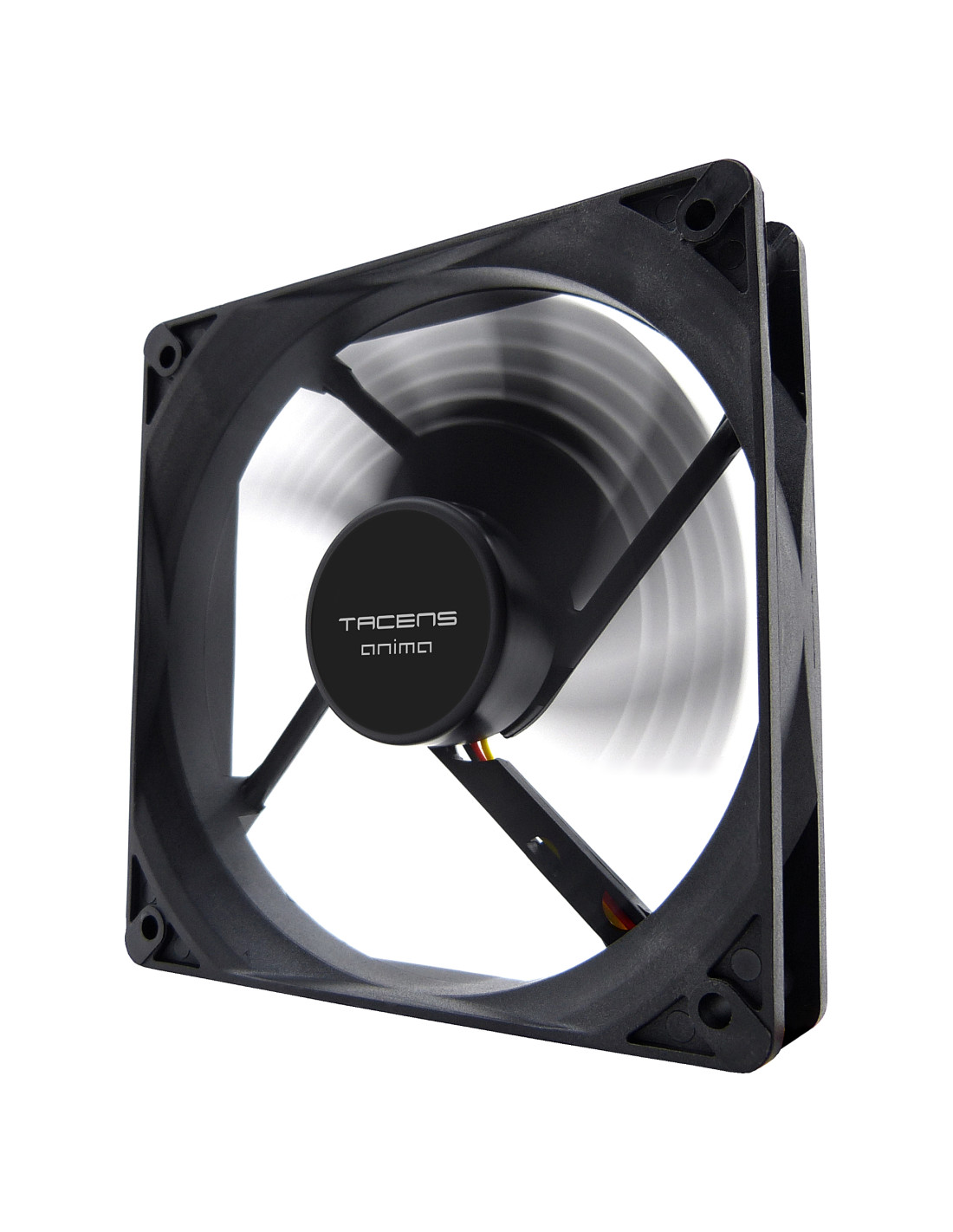
AF12
| Weight | 120g |
|---|---|
| Dimensions | 120x120x25mm |
| Speed | 1200 RPM +10% |
| Airflow | 48.12CFM |
| No. of blades | 9 |
| Noise | 14dBA |
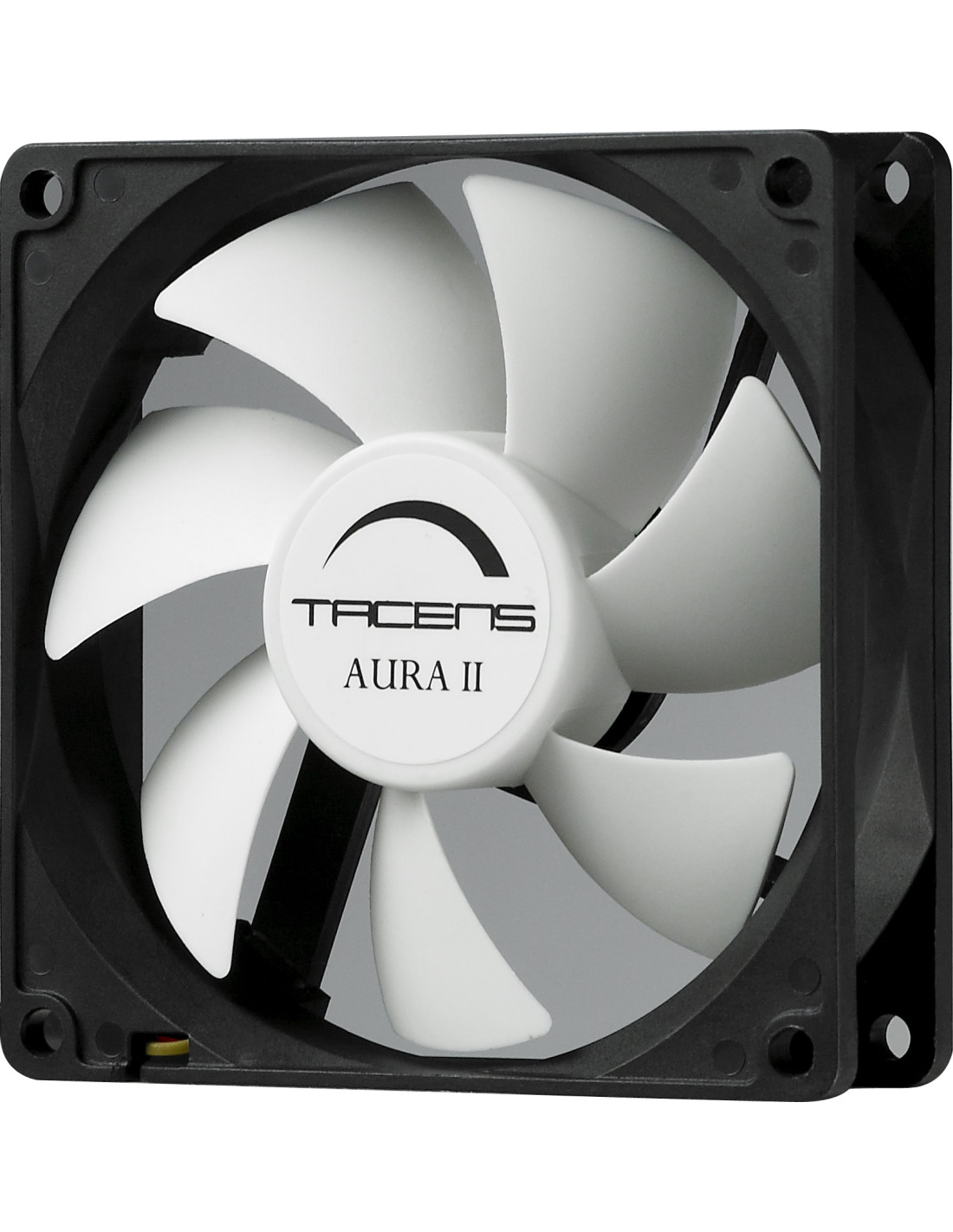
AURAII12
| Weight | 5g 98 |
|---|---|
| Dimensions | 120x120x25mm |
| Speed | 1200 RPM |
| Airflow | 50CFM |
| No. of blades | 7 |
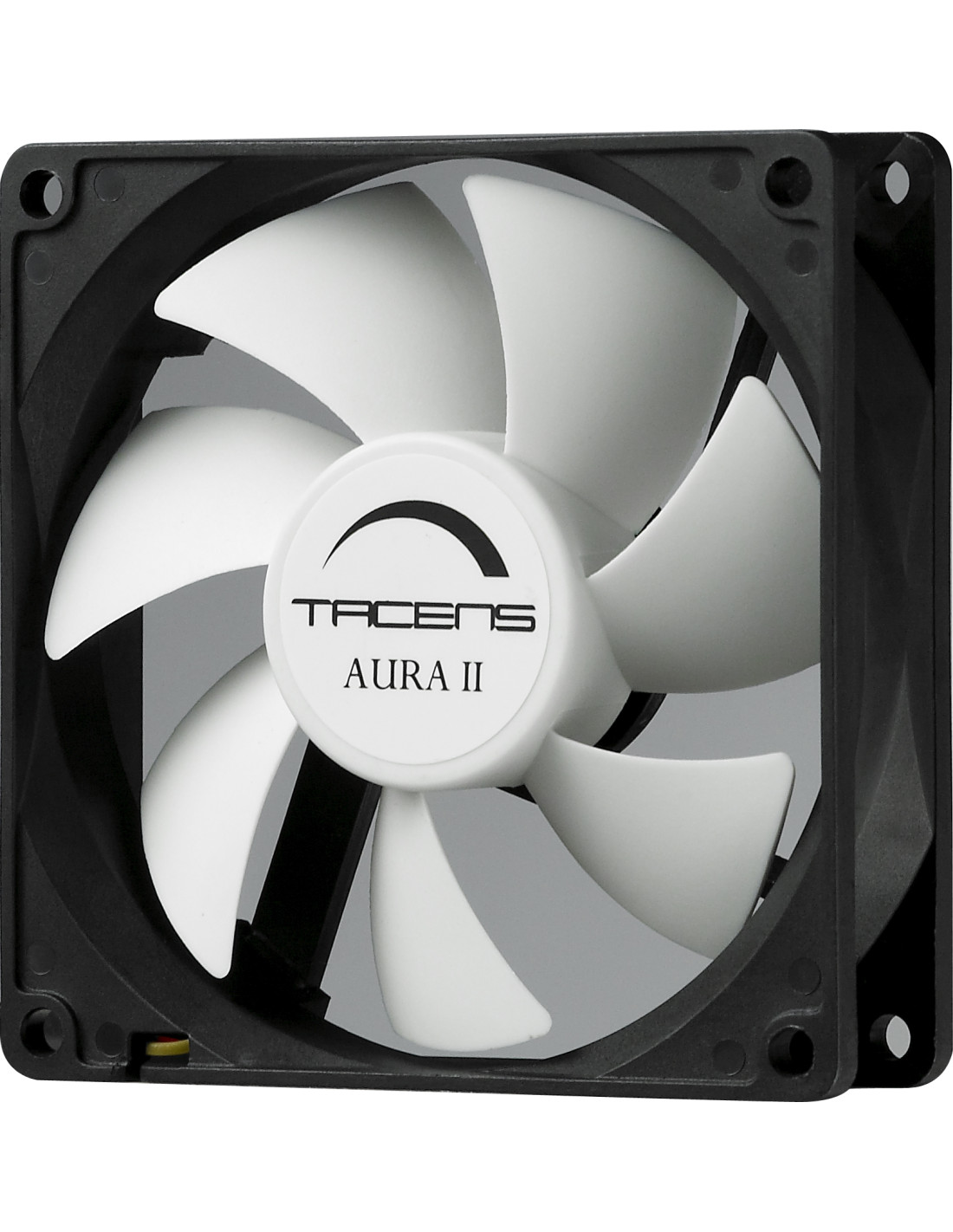
AURAII9
| Weight | 9g 89 |
|---|---|
| Dimensions | 90x90x25mm |
| Speed | 1350 RPM |
| Airflow | 33CFM |
| No. of blades | 7 |
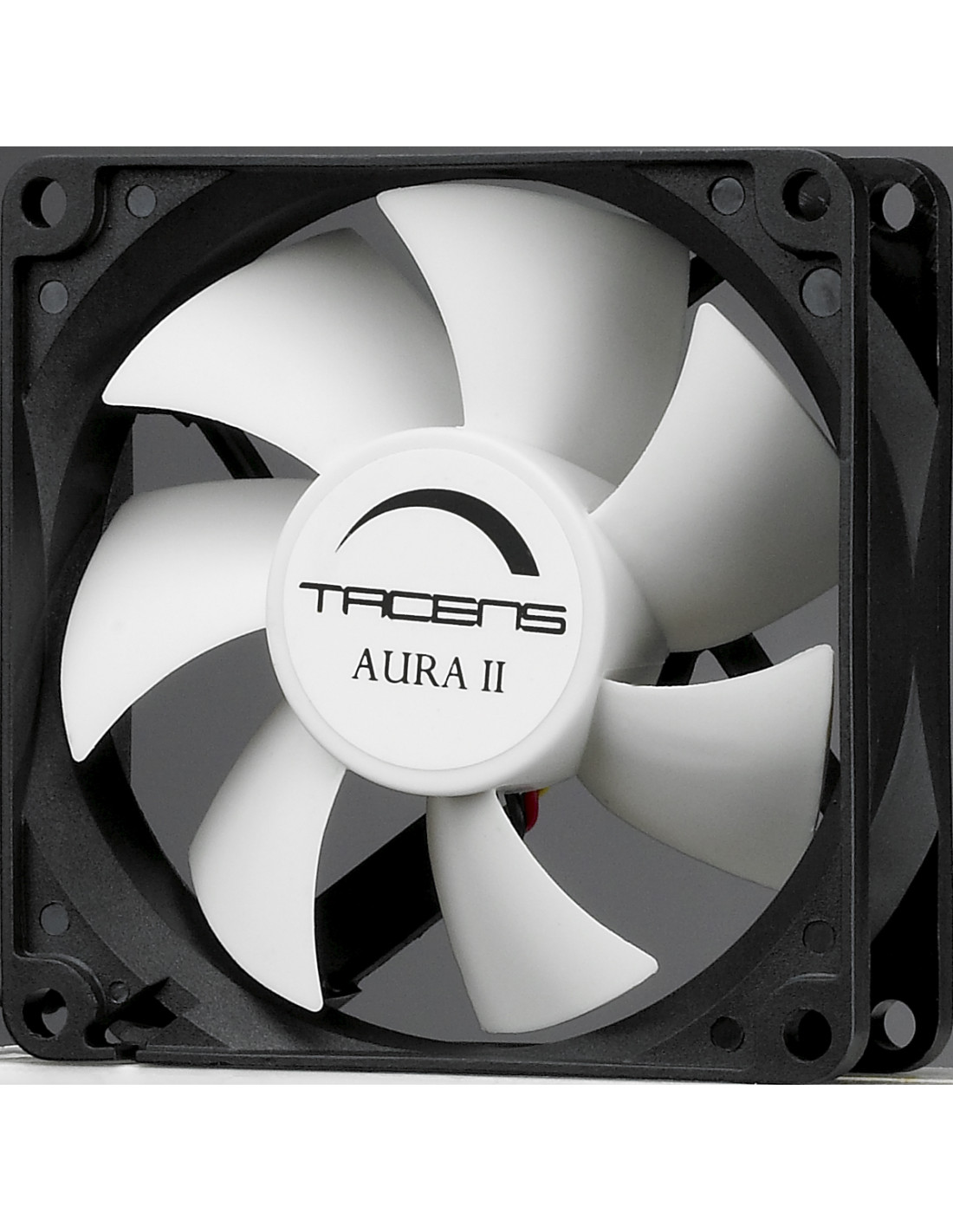
AURAII8
| Weight | 2g 64 |
|---|---|
| Dimensions | 80x80x25mm |
| Speed | 1500 RPM |
| Airflow | 25CFM |
| No. of blades | 7 |
FAQs
At what temperature does a processor shut down for safety?
Modern processors incorporate a thermal protection system (Tjunction max) set between 100 °C and 105 °C. When that threshold is reached, the motherboard cuts the power supply instantly to prevent permanent damage to the silicon.
Is it normal for the CPU to reach 80 °C in summer?
Yes. When ambient temperature rises from 20 °C to 30 °C, the processor's temperature increases in an almost directly proportional manner by 8 °C to 10 °C. As long as it does not exceed sustained 85 °C, the system is operating within safe margins.
How often should the thermal paste be changed?
It is recommended to renew the thermal compound every 2 or 3 years, the period over which the solvents dry out and lose conductivity. In systems subjected to daily continuous gaming sessions at over 75 °C, preventive replacement every 18 months keeps temperatures stable.
The best: Keeping the CPU between 60 °C and 75 °C guarantees maximum clock performance without frame drops or premature degradation.
The worst: In compact cases or those with solid front panels, the temperature will easily rise above 82 °C if fans with sufficient static pressure are not used.
Buy it if: You want to keep your processor within safe thermal ranges by optimising internal airflow with quiet 120 mm fans and high-efficiency power supplies.
Don't buy it if: Your current system already runs below 70 °C whilst gaming; in that case, adding more ventilation will not deliver any perceptible performance improvements.