
Shopping Cart
There are no more items in your cart
 Español
 English
 Português PT
 Français
 Italiano
 Deutsch
 اللغة العربية
In summary: The most common useful extras in a gaming PC case chassis are high-speed and Type-C USB ports on the front panel, removable dust filters, integrated carry handles, support for multiple 120 mm or 140 mm fans and optimised bay layout for 2.5" and 3.5" drives.
Table of contents
- What are the most useful extras in a gaming case chassis?
- Which connectors and ports should the front panel include?
- Why do cooling supports and sizes matter?
- How do drive bays and PSU mounting affect a build?
- Comparison of chassis and their built-in extras
- What common mistakes are made when assessing a case's extras?
- Frequently asked questions about chassis extras
What are the most useful extras in a gaming case chassis?
A gaming PC chassis does not merely protect the components; it also determines day-to-day usability and the system's thermal airflow. Functional extras make the difference between a restrictive build and an efficient one:
- Integrated carrying systems: Physical features such as top handles make it easier to move compact rigs under 3.00 Kg without straining the structural panels.
- Direct connectivity panels: Front or top placement with 5 Gbps USB 3.0 ports for peripherals and fast storage.
- Decoupled hybrid bays: Dedicated spaces for 2.5" SSD drives and 3.5" mechanical HDDs without interfering with graphics cards longer than 300 mm.
- Modular ventilation capability: Grilles and mounts supporting 120 mm and 140 mm fans to balance airflow (CFM) and static pressure (mmH2O).
Tacens designs structures aimed at optimising internal space and reducing chassis weight without compromising the technical compatibility of essential components.
Which connectors and ports should the front panel include?
The front I/O (Input/Output) panel saves you from having to reach the rear of the motherboard to connect everyday accessories.
- USB 3.0 (Type A): Offers transfer rates of up to 5 Gbps (625 MB/s), ideal for flash drives and external disks.
- USB-C: Allows modern devices to be connected via a reversible port, operating at standard USB 3.0 speeds.
- USB 2.0: Designed for low-demand peripherals (mice, keyboards or wireless receivers) at 480 Mbps.
- HD audio connectors: Combined or separate 3.5 mm jack for headphones and microphone, with shielding against electromagnetic interference.
Why do cooling supports and sizes matter?
Thermal performance depends on the number, size and orientation of the fans the chassis can accommodate.
- CFM (Cubic feet per minute): A measure of the volume of air the fan moves. A value above 40 CFM per unit ensures a constant renewal of fresh air.
- mmH2O (Static pressure): The ability to push air through restrictions such as dust filters or dense radiators.
- dBA (A-weighted decibels): The noise level perceived by the human ear; values below 25 dBA are considered quiet at idle.
Technical note: Airflow (CFM) and static pressure (mmH2O) are not interchangeable; a fan with high airflow can lose more than 50 % of its effectiveness if placed behind a restrictive grille without sufficient static pressure.
Differences between 120 mm and 140 mm fans
- 120 mm: The most widespread standard on the market. It offers a good balance between chassis compatibility, airflow and noise level.
- 140 mm: Moves a greater volume of air (CFM) while spinning at fewer revolutions per minute (RPM) than a 120 mm fan, resulting in quieter operation at the same thermal airflow.
For example, if a case fits 3 front 120 mm fans at 45 CFM each and 1 rear 120 mm fan at 45 CFM, the intake airflow is 3 × 45 CFM = 135 CFM and the extraction is 1 × 45 CFM = 45 CFM, achieving positive pressure with a net balance of 135 CFM - 45 CFM = 90 CFM to minimise passive dust ingress.
How do drive bays and PSU mounting affect a build?
The internal layout determines which storage and power delivery components can be installed without causing a physical conflict inside the enclosure:
- 2.5" bays (SATA SSD): These occupy a standard thickness of 7 mm or 9.5 mm and are mounted behind the motherboard or in dedicated trays to free up the front airflow.
- 3.5" bays (HDD): These require rigid cages to absorb the mechanical vibrations generated by 7,200 RPM motors.
- ATX PSU compatibility: The ATX standard ensures compatibility with high-efficiency models, such as the Radix range with Gold certification, optimising power draw and residual heat.
Comparison of chassis and their built-in extras
| Model | Form factor | Dimensions (mm) | Weight | Front ports | Fan support | Internal bays | Standout extras |
|---|---|---|---|---|---|---|---|
| FORTISII | Mini tower | 384x185x320 mm | 2.73 Kg | USB 3.0 x1, USB 2.0 x1, HD Audio + Mic | Front 1x 120mm, Rear 1x 120mm | Compact compatibility | Rigid carry handle |
| 2SAGITTA20W | Mid tower | 450x190x340 mm | 3.91 Kg | USB 3.0 x1, USB 2.0 x1, USB-C x1, HD Audio | Top 2x 120/140mm, Bottom 2x 120mm, Rear 1x 120mm | 1x 3.5" HDD, 2x 2.5" SSD | Front USB-C port |
| IMPERATORII | Mid tower | 378x428x193 mm | 2690 g | USB 3.0 x1, USB 2.0 x2, HD Audio + Mic | Up to 5x 120mm | 2x 3.5" HDD, 2x 2.5" SSD | ATX PS/3 and PS/2 support |
| 2AERO | Semitransformer | 342x186x414 mm | 3.02 Kg | USB 3.0 x1, USB 2.0 x2, HD Audio + Mic | Front 3x 120mm, Rear 1x 120mm | 1x 3.5" HDD, 4x 2.5" SSD | 4 dedicated SSD bays |
| 2AEROM | Small tower | 330x189x380 mm | 2.7 Kg | USB 3.0 x1, USB 2.0 x2, HD Audio + Mic | Front 3x 120mm, Rear 1x 120mm | 1x 3.5" HDD, 3x 2.5" SSD | Lightweight sub-3 Kg chassis |
| NOVAX550BR | Mini tower | 356x166x275 mm | 3437 g | USB 3.0 x1, USB 2.0 x1, HD Audio + Mic | Rear 1x 80mm | 2x 3.5" HDD, 2x 2.5" SSD | Slim 166 mm profile |
What common mistakes are made when assessing a case's extras?
- Ignoring the top ventilation diameter: Buying 140 mm fans for cases that only accept 120 mm mounts causes mounting incompatibilities.
- Confusing combined audio connectors with separate ones: Plugging gaming headsets with dual 3.5 mm jacks into combined ports requires a 4-pole to 3-pole splitter adapter.
- Not checking ATX PSU depth: Modular PSUs longer than 160 mm can collide with the 3.5" hard drive cage in compact models.
- Prioritising looks over front connectivity: Choosing a case without USB 3.0 limits the speed of fast peripherals to the 480 Mbps of the USB 2.0 standard.
Products mentioned
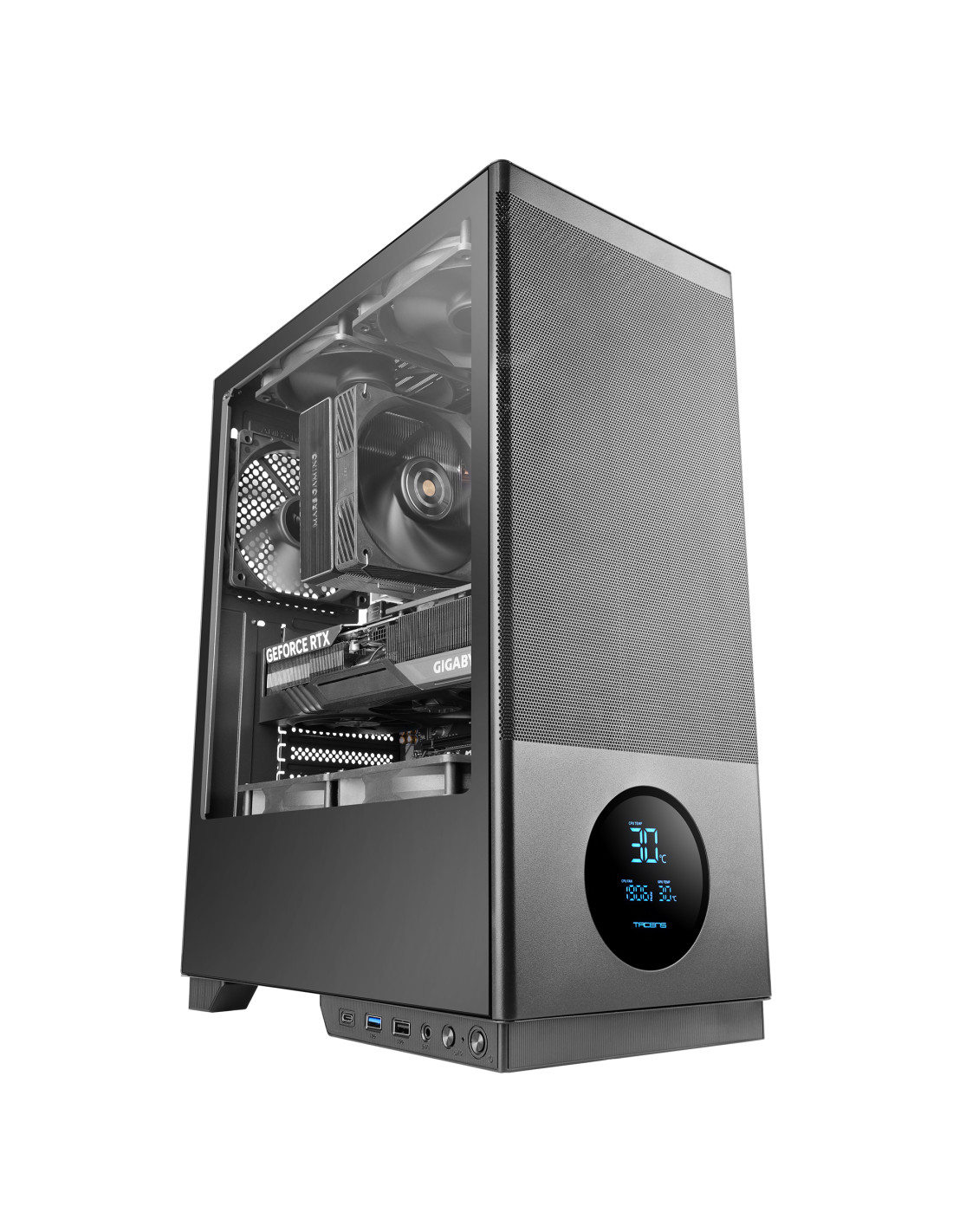
SAGITTA20
| Weight | 3.91Kg |
|---|---|
| Dimensions | 450x190x340mm |
| Size | Mid tower |
| Fan capacity | Top 2x 120mm or 2x 140mm / Bottom 2x 120mm / Rear 1x 120mm |
| Ports | USB3.0 x1 / USB2.0 x1 / USB-C x1 (USB3.0 data transfer speed) / HD Audio + Mic (combined) |
| PSU support | ATX |
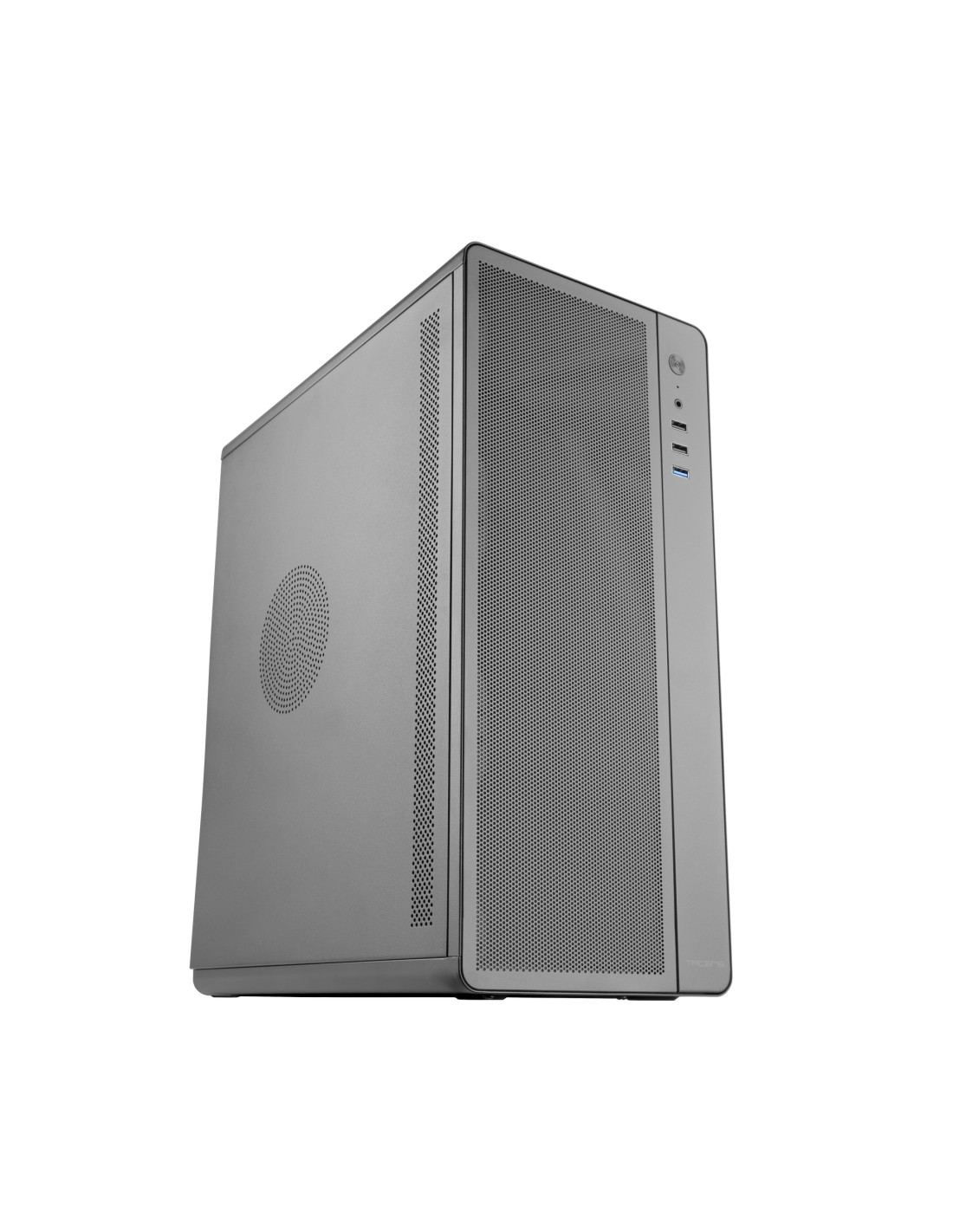
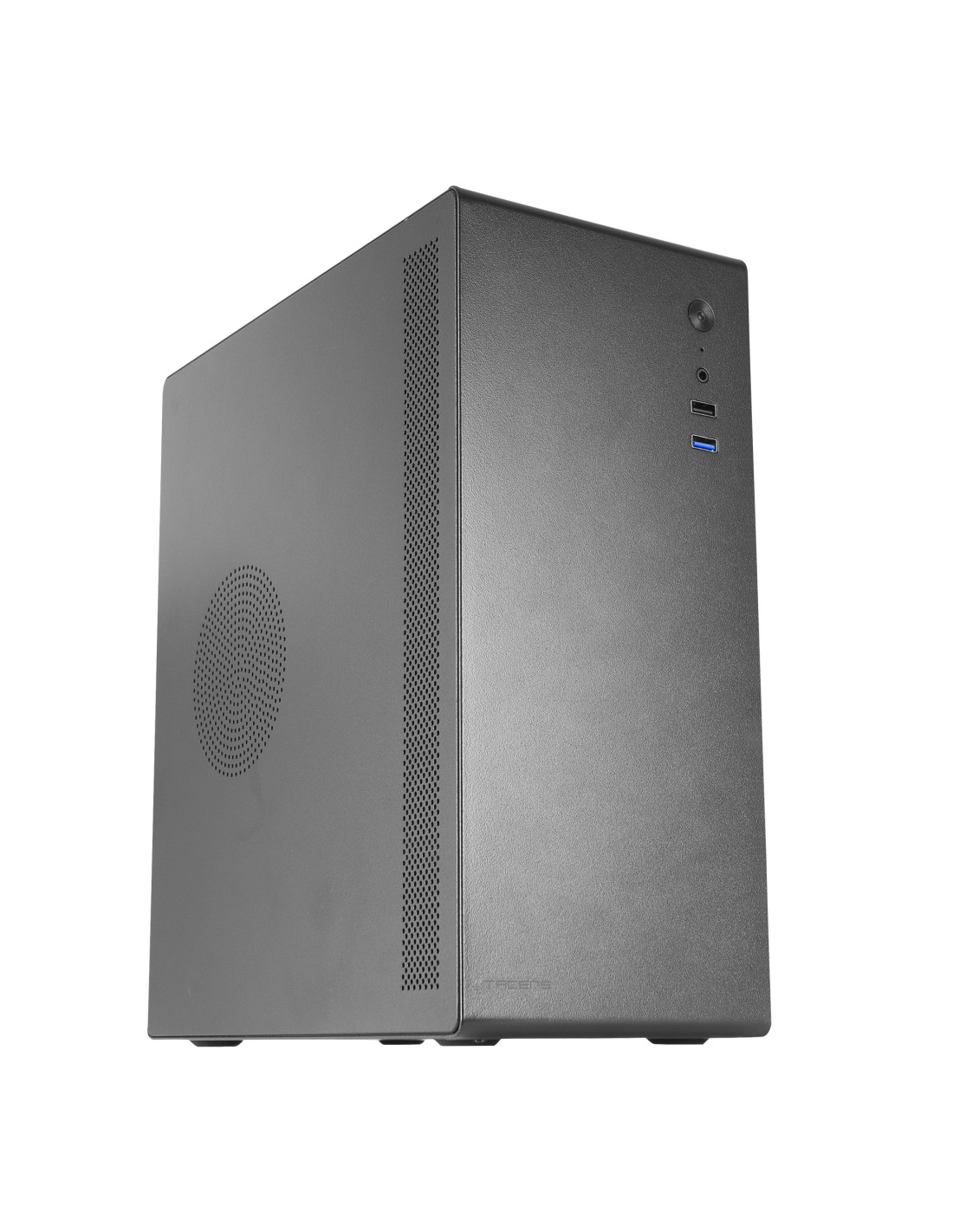
NOVAX550BR
| Weight | 3437g |
|---|---|
| Dimensions | 356x166x275mm |
| Size | Mini tower |
| Fan capacity | Rear: 1x 80mm |
| Ports | USB3.0 x1 / USB2.0 x1 / HD Audio + Mic (combined) |
| PSU support | ATX |
Frequently asked questions about chassis extras
What advantage does an integrated carry handle offer in a chassis?
A handle fixed directly to the chassis, such as the one on the FORTISII model, allows a 2.73 Kg tower to be transported safely without straining decorative plastics or side panels. It makes frequent trips to events or periodic cleaning of the system easier.
Can a 140 mm fan be fitted to any 120 mm mount?
No, because the distance between the mounting holes increases from 105 mm on 120 mm fans to 125 mm on 140 mm ones. Only cases with dual perforations, such as the 2SAGITTA20W, allow both formats to be alternated on their top panel.
How many storage bays does a modern gaming rig need?
A standard system usually requires support for at least 1 onboard NVMe SSD, plus 2 2.5" bays for high-speed secondary storage. Cases with up to 4 2.5" bays, such as the 2AERO, guarantee expansion headroom for extensive game libraries.
The best: Having front USB 3.0/USB-C connectivity and support for multiple 120 mm or 140 mm fans maximises the lifespan and ventilation of the build.
The worst: Ultra-compact cases limit the space for rear fans to 80 mm units and reduce the room for deep ATX PSUs.
Buy it if: You are looking for a lightweight chassis with a functional SSD/HDD storage layout and direct front connectors for gaming or multimedia use.
Don't buy it if: You need to fit 360 mm liquid cooling radiators or multiple external 5.25" optical drives, which require a large high-end tower.