
Shopping Cart
There are no more items in your cart
 Español
 English
 Português PT
 Français
 Italiano
 Deutsch
 اللغة العربية
In a nutshell: To prevent dust from building up in a PC case with an open or mesh front panel, you need to set up positive pressure inside the chassis by installing more filtered intake fans than exhaust fans.
Table of contents
- How does positive pressure keep dust at bay?
- What is the difference between airflow (CFM) and static pressure (mmH2O)?
- Key criteria before choosing a case with an open front panel
- 120 mm or 140 mm front fans?
- What maintenance does a micro-perforated front panel require?
- How do you calculate airflow to repel dirt?
- Which case should you choose for your components and needs?
- Which common mistakes ruin anti-dust airflow?
- FAQs
- Verdict
How does positive pressure keep dust at bay?
Positive pressure occurs when the volume of air entering the chassis, driven by the front fans, exceeds the volume of air being extracted. By drawing in more air, the inside of the tower builds up a force that pushes air outwards through every slot, seam and free opening in the 0.5 mm steel frame or the connector panels.
When pressure is negative (more fans exhausting air than bringing it in), the case compensates for the vacuum by sucking in outside air through any unprotected gap. This turns rear openings, PCIe expansion slot covers and empty drive bays into entry points for lint, reducing component thermal performance after as little as 6 months of continuous use.
Positive Pressure: Intake > Exhaust ---> Air escapes through the gaps (repels dust)
Negative Pressure: Exhaust > Intake ---> Air enters through the gaps (draws in dust)
What is the difference between airflow (CFM) and static pressure (mmH2O)?
To control dust on open front panels, it is essential to distinguish between the two performance parameters of a fan:
- Airflow (measured in CFM, cubic feet per minute): Represents the volume of air the fan moves in open space with no restrictions.
- Static pressure (measured in mmH2O): Expresses the force with which the fan pushes air against a physical obstruction, such as a fine mesh filter or a perforated plate.
- Noise level (measured in dBA): The level of noise produced by the spinning motor and air friction, where values below 25 dBA are considered quiet in home environments.
Technical note: Airflow and static pressure are not interchangeable. A fan with 65 CFM of airflow but only 0.8 mmH2O of static pressure will lose up to 50% of its useful flow when it hits a dense dust filter. For front panels with an integrated filter, units delivering at least 1.5 mmH2O are recommended.
Key criteria before choosing a case with an open front panel
Before selecting the chassis, you must check the ventilation capabilities and dimensions to ensure an efficient airflow scheme.
[Airflow]
                                         │
                    ┌────────────────────┴────────────────────┐
▼ ▼
Intake (Front) Exhaust (Rear/Top)
• 2x or 3x 120 mm / 140 mm • 1x 120 mm
• High pressure (mmH2O) • Maintains positive overpressure
120 mm or 140 mm front fans?
- 120 mm fans: These are the most widespread standard. They offer direct thermal balance and allow triple configurations in compact front panels, as in the 2AEROM chassis (330x189x380 mm) or the 2AERO mid-tower (342x186x414 mm).
- 140 mm fans: They move a greater volume of air (CFM) while spinning at fewer revolutions per minute (RPM) than a 120 mm unit. For this reason, they deliver an equivalent airflow with a noise reduction of between 2 dBA and 4 dBA. Models such as the 2SAGITTA20W mid-tower support superior configurations of 2x 120 mm or 2x 140 mm to suit different thermal demands.
What maintenance does a micro-perforated front panel require?
An open front panel requires preventive maintenance every 3 months to remove the particles trapped on the outer surface. If the mesh traps 80% of airborne dust, the build-up will reduce the intake of fresh air, raising the temperature of a 550 W or 650 W ATX PSU by between 3 °C and 6 °C if it is not vacuumed regularly.
How do you calculate airflow to repel dirt?
To ensure positive pressure, the total intake airflow at the front must exceed the rear and top extraction by a margin of at least 15% to 25%.
For example, 3 × 45 CFM = 135 CFM of front intake with 120 mm fans versus 1 × 45 CFM = 45 CFM of rear exhaust from a 120 mm fan, which produces a net balance of 135 CFM - 45 CFM = 90 CFM of continuous positive overpressure towards the outside of the chassis.
If you add a top radiator with 2 x 120 mm fans extracting 40 CFM each, the calculation becomes 135 CFM of intake versus 45 CFM + 80 CFM = 125 CFM of exhaust, still maintaining a tight positive pressure of 135 CFM - 125 CFM = 10 CFM in favour of the filtered intake.
Which case should you choose for your components and needs?
The Tacens brand offers chassis with different ventilation capabilities to suit your motherboard size and the level of filtering required:
| Model | Size and Weight | Fan capacity | Internal storage | When it is the right choice |
|---|---|---|---|---|
| 2AEROM | Mini-tower<br>2.7Kg (330x189x380 mm) | Front: 3x 120 mm<br>Rear: 1x 120 mm | 1x 3.5" HDD<br>3x 2.5" SSD | Compact Micro-ATX builds seeking maximum front positive pressure in a small footprint. |
| 2AERO | Mid-tower<br>3.02Kg (342x186x414 mm) | Front: 3x 120 mm<br>Rear: 1x 120 mm | 1x 3.5" HDD<br>4x 2.5" SSD | Standard ATX builds with a high density of SSDs and a triple front air intake. |
| IMPERATORII | Mid-tower<br>2690g (378x428x193 mm) | Up to 5x 120 mm in total | 2x 3.5" HDD<br>2x 2.5" SSD | Balanced configurations that require the flexibility to distribute up to 5 x 120 mm fans. |
| 2SAGITTA20W | Mid-tower<br>3.91Kg (450x190x340 mm) | Top: 2x 120/140 mm<br>Bottom: 2x 120 mm<br>Rear: 1x 120 mm | 1x 3.5" HDD<br>2x 2.5" SSD | Users looking for front USB-C connectivity and support for wide 140 mm fans. |
| FORTISII | Mini-tower<br>2.73Kg (384x185x320 mm) | Front: 1x 120 mm<br>Rear: 1x 120 mm | Compact chassis with carry handle | Portable workstations where frequent transport matters more than massive airflow. |
| NOVAX550BR | Mini-tower<br>3437g (356x166x275 mm) | Rear: 1x 80 mm | 2x 3.5" HDD<br>2x 2.5" SSD | Basic office use with no dedicated graphics cards of high thermal consumption. |
Which common mistakes ruin anti-dust airflow?
- Installing more exhaust than intake: Fitting 2 top 120 mm fans and 1 rear 120 mm fan with only 1 front fan generates immediate negative pressure, drawing dirt in through the rear PCIe slots.
- Ignoring static pressure when adding filters: Fitting overly dense dust meshes on low-mmH2O fans reduces effective airflow by more than 40%, nullifying the calculated intake.
- Placing the tower flush with the floor: Positioning the chassis less than 100 mm from the floor triples the number of particles sucked in by the bottom and front intake, saturating the filters in under 30 days.
- Choosing PSUs not optimised for heat dissipation: Pairing a compact chassis with low-efficiency PSUs raises internal heat. Efficient models, such as the Radix range units with Gold certification, reduce thermal waste in watts (W), allowing lower and quieter fan curves to be maintained (below 20 dBA).
Products mentioned
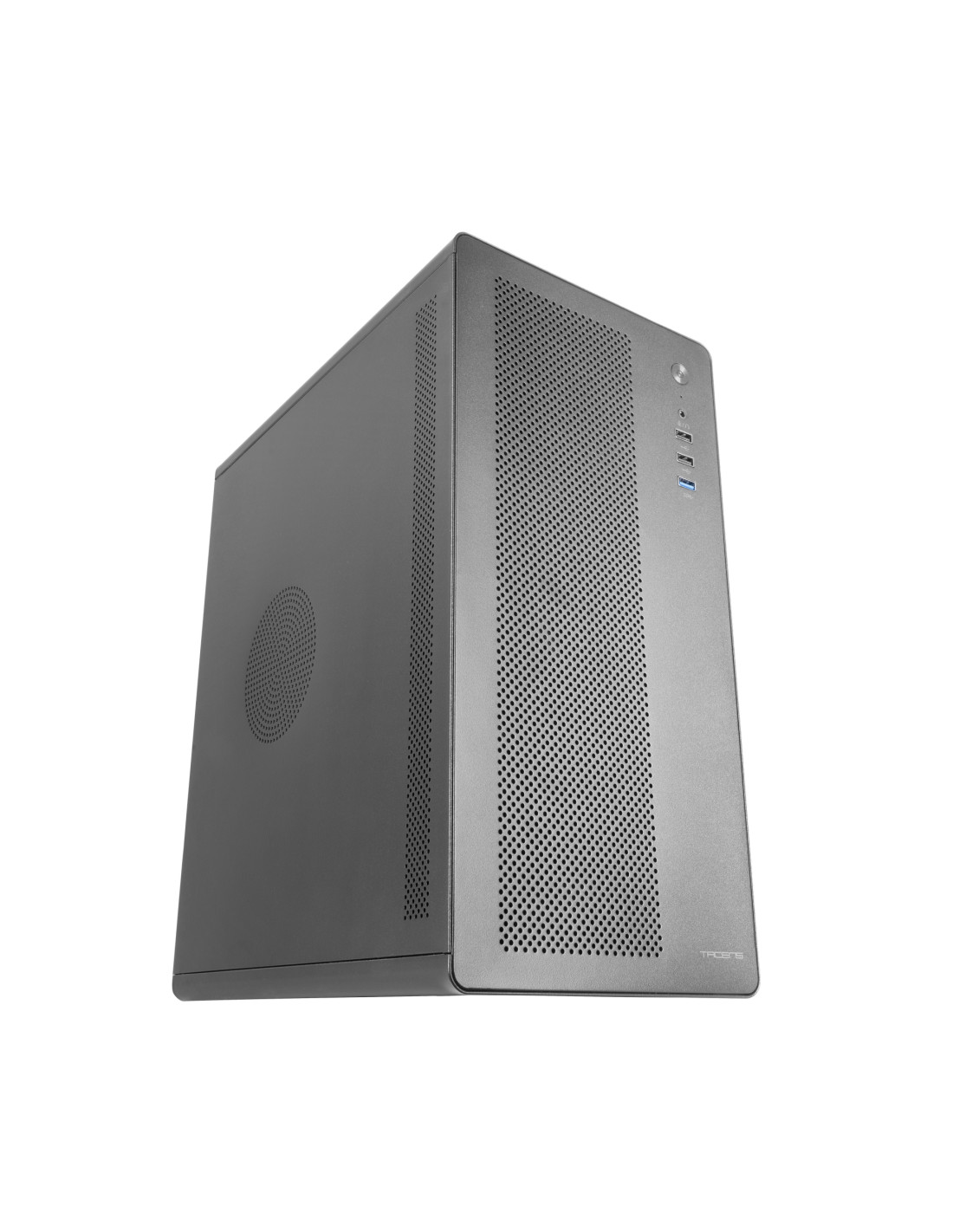
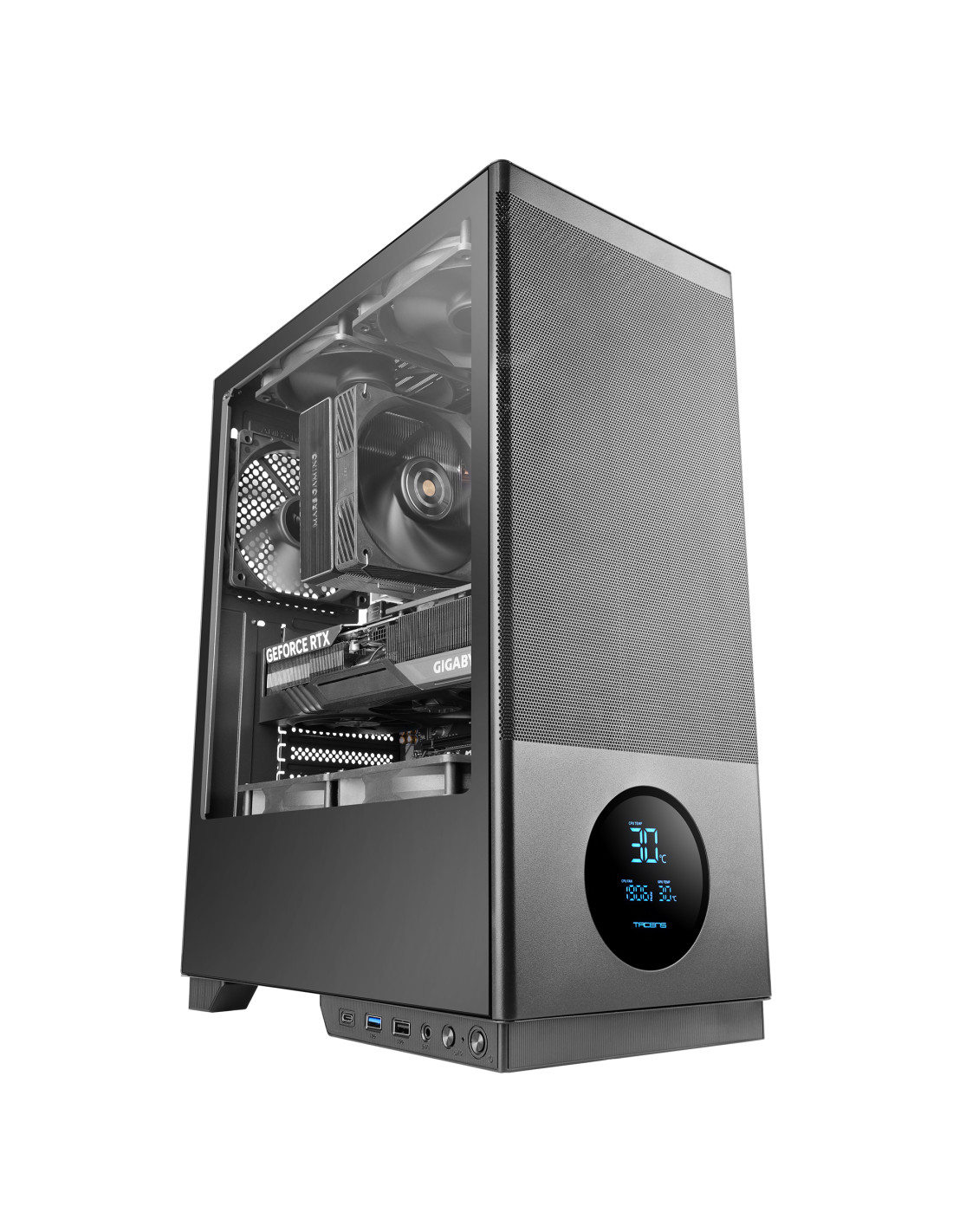
SAGITTA20
| Weight | 3.91Kg |
|---|---|
| Dimensions | 450x190x340mm |
| Size | Mid-tower |
| Fan capacity | Top 2x 120mm or 2x 140mm / Bottom 2x 120mm / Rear 1x 120mm |
| Ports | USB3.0 x1 / USB2.0 x1 / USB-C x1 (USB3.0 data transfer speed) / HD Audio + Mic (combined) |
| Power supply support | ATX |
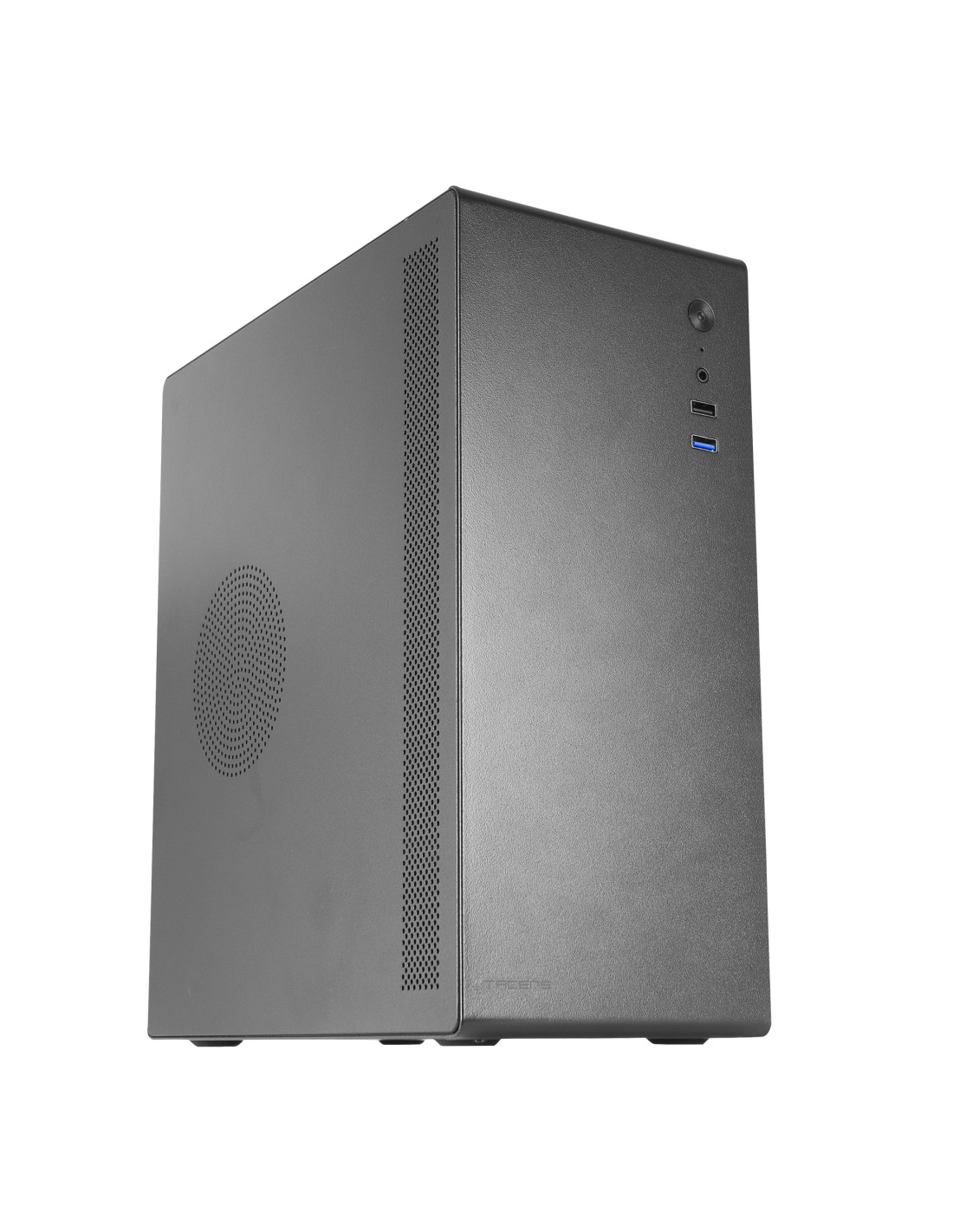
NOVAX550BR
| Weight | 3437g |
|---|---|
| Dimensions | 356x166x275mm |
| Size | Mini-tower |
| Fan capacity | Rear: 1x 80mm |
| Ports | USB3.0 x1 / USB2.0 x1 / HD Audio + Mic (combined) |
| Power supply support | ATX |
FAQs
Is a tempered glass or mesh front panel better against dust?
A mesh front panel allows greater airflow but requires filters and constant positive pressure to avoid dirt build-up. Tempered glass blocks direct entry from the front, but forces the fans to draw air through narrow side intakes that tend to clog sooner if not cleaned every 2 months.
How many front fans do I need to achieve positive pressure?
In standard mid-tower cases with 1 rear 120 mm fan exhausting air, you need at least 2 or 3 x 120 mm fans at the front running at the same revolutions per minute. This difference in volume ensures the excess airflow is expelled through the chassis slots.
Can an open front panel be cleaned with compressed air?
Yes, applying short bursts of compressed air from a minimum distance of 150 mm and always from the inside outwards to blow the particles away. It is essential to hold the fan blades by hand during the process to prevent them from spinning too fast and damaging the bearings.
Verdict
The best: The combination of open 3x 120 mm front panels with intake filters creates a positive pressure that continuously expels dust through the seams.
The worst: The outer front mesh must be cleaned every 2 or 3 months to prevent lint build-up from reducing the intake airflow.
Buy it if: You are after low CPU and GPU temperatures and are willing to set up more intake fans than exhaust fans.
Don't buy it if: You are going to place the computer directly on the floor without regular maintenance; in that case, opt for closed front panels with channelled intakes.